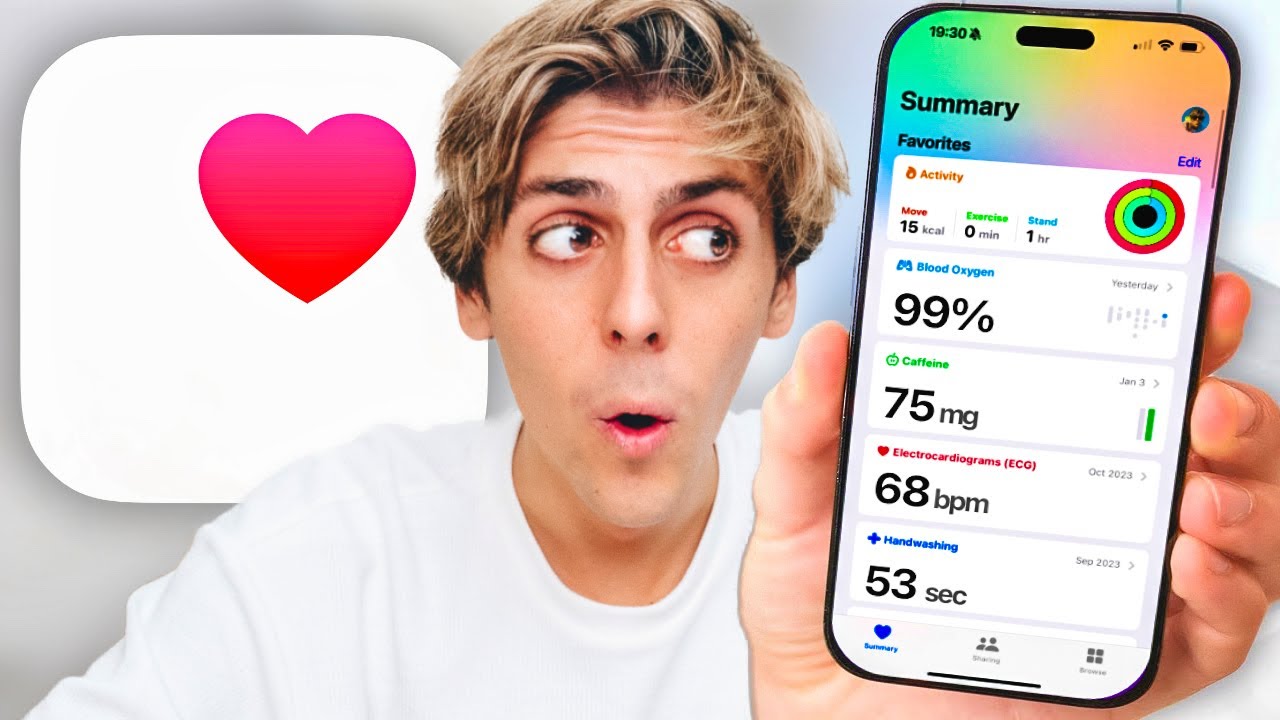
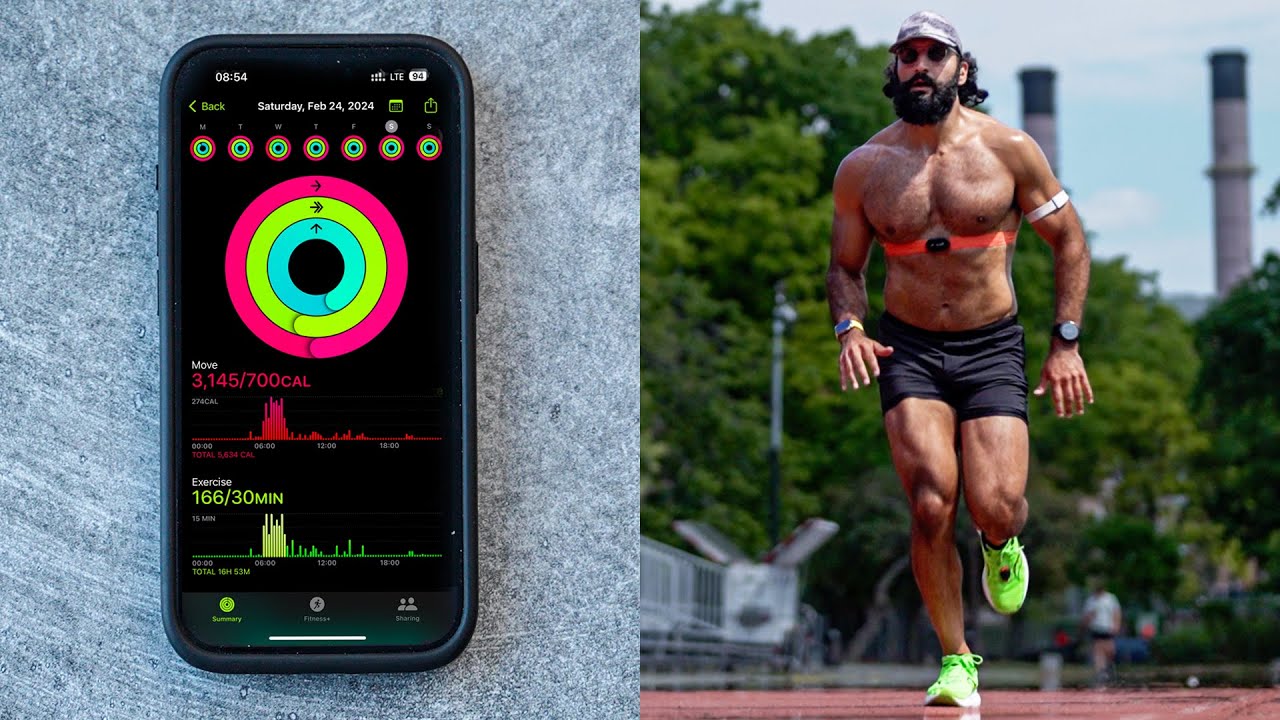
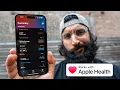
Apple provides a plethora of hardware and software to stay extremely healthy in today's video I'm going to go through all the features that I love using and how they positively impact my life so that way I can stay healthy for as long as possible now most of us probably love using Apple devices for tracking our steps maybe your sleep but there's a ton more features that I'm going to show you and they're all going to be inside of the Apple Health app so the first thing I would do is find the Apple Health app it's
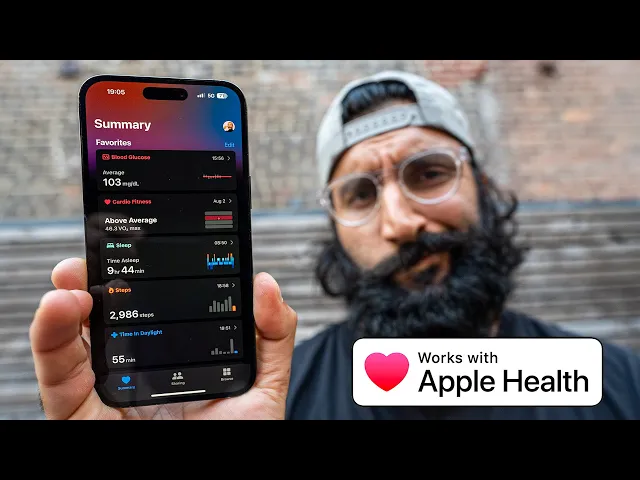
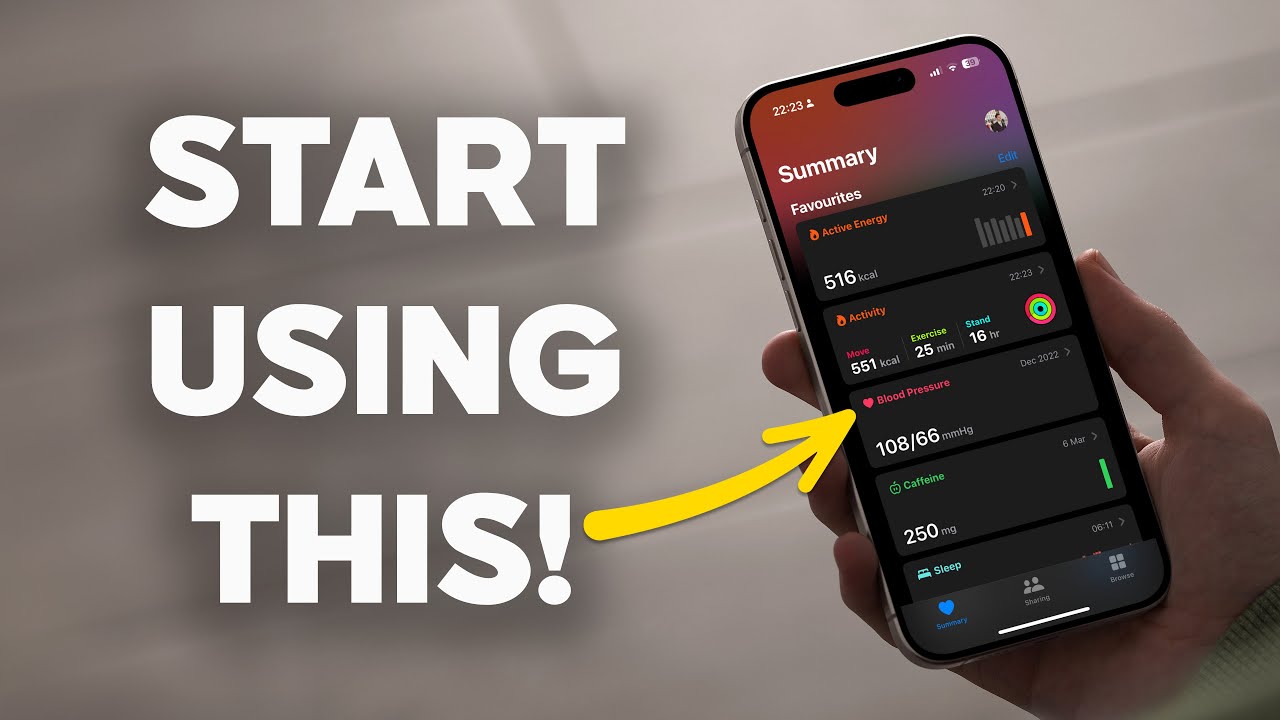
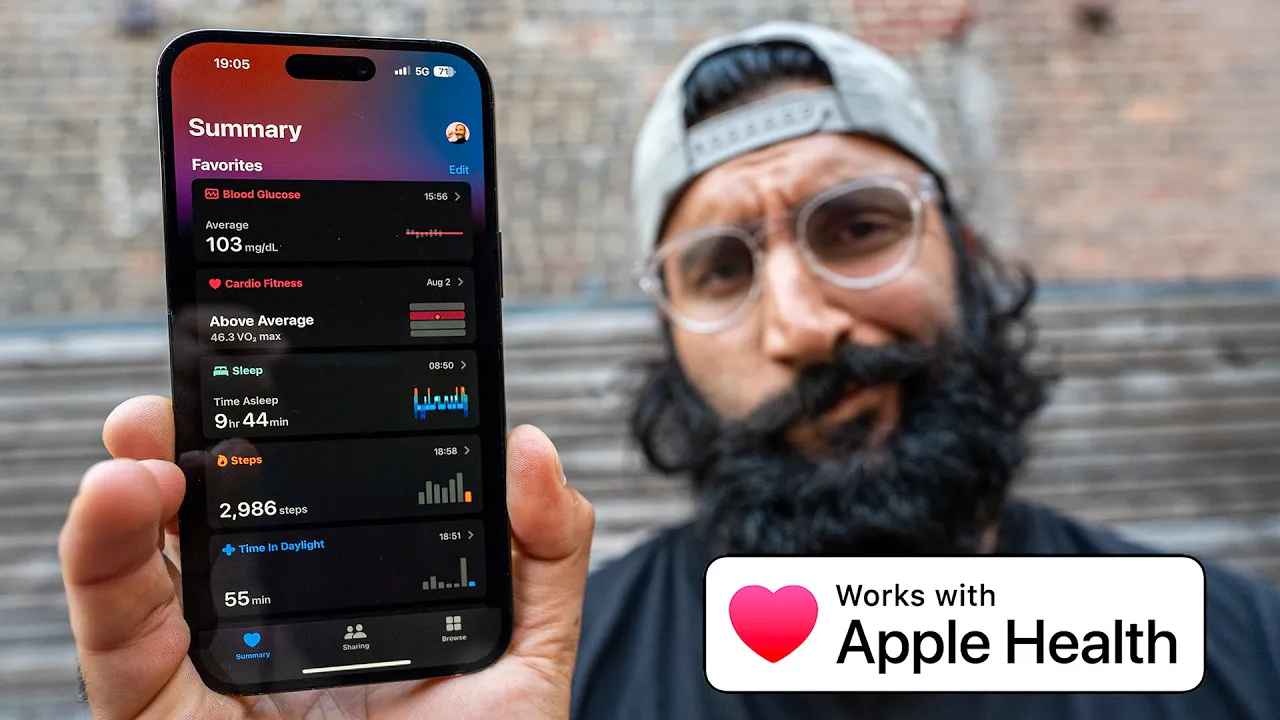
the white app with the heart logo and inside the first thing I like to do is set up my favorite so what are the metrics that I'm trying to measure optimize for and keep in a certain range if you already have a list you can go ahead and tap edit to see a larger list of other options and the lists are endless so hey it's going to show you a ton of data that you've already captured or that you can capture and if you want to select it go ahead and tap star and tap done
and it's going to add that to your favorites list so I just added iron intake from nutrition now here's a list of my current favorites the first one is blood glucose so you can see these are all the data sources that I can actually write that data typically I'll be using these top four apps and I'll write my glucose data next is blood pressure I have a blood pressure monitor that I use very rarely but I like to just have that information there just in case then cardio Fitness which is my VO2 max number I'm
currently down trending but ever since I started running and realizing the importance of VO2 max I love seeing this update over time so that's kind of a reminder that I need to start running again currently injured right now but I'll get back into it soon heart rate variability a metric that's been made famous with a lot of new fitness wearables I love tracking this number and seeing the trend overall if it drastically changes then I will look into it more if it doesn't I just leave it as is resting heart rate if it's trending in
the wrong direction like it is right now I probably need to do more cardiovascular exercise sleep I just like to see the total time I've slept I sleep a lot I need a lot of sleep steps this is not normal y'all I don't average around 2000 steps it's more like in the 50 15 to 20 000 we just lost the foot but I like to see am I hitting my typical 15 to 18 000 steps per day range time in daylight this is a new feature on the beta right now but I can see how
much time am I spending outside I think they recommend that you get 80 to 120 minutes outside so that's been my current goal I want to avoid ruining my eyes even more wait I prefer to import this from a smart scale and it's just nice to see the trends like I am gaining weight that was the intention but I think now it's time to start losing weight again but if you're trying to gain muscle mass you want to see that your weight's up trending if you're trying to lose body fat are you down trending so
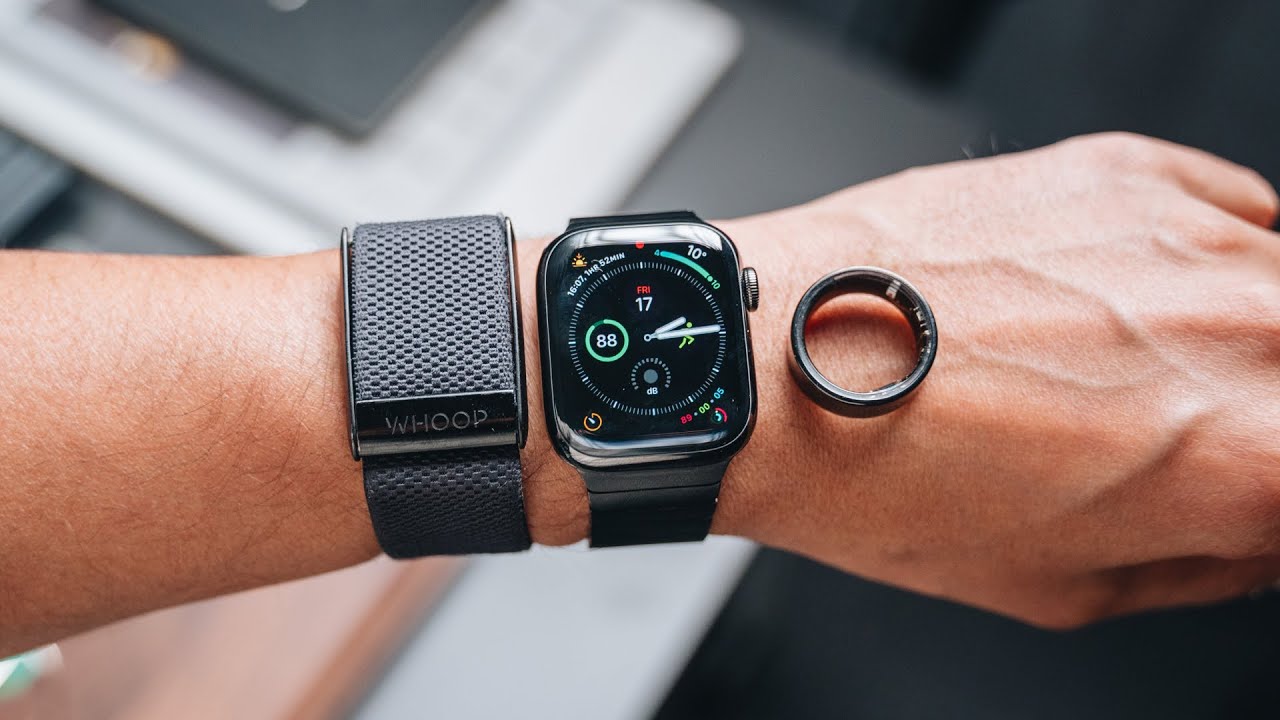
I like to have a smart scale that will automatically input that data for me and lastly wrist temperature just being able to see hey am I sick I know there's one day where I had a little bit of a minor fever here and seeing that on my watch my aura ring and my whoop strap is really valuable to be like all right if all the devices are saying it something might be wrong those are my current vivids that I'll look at on a kind of daily basis and if you have the new iPad OS check
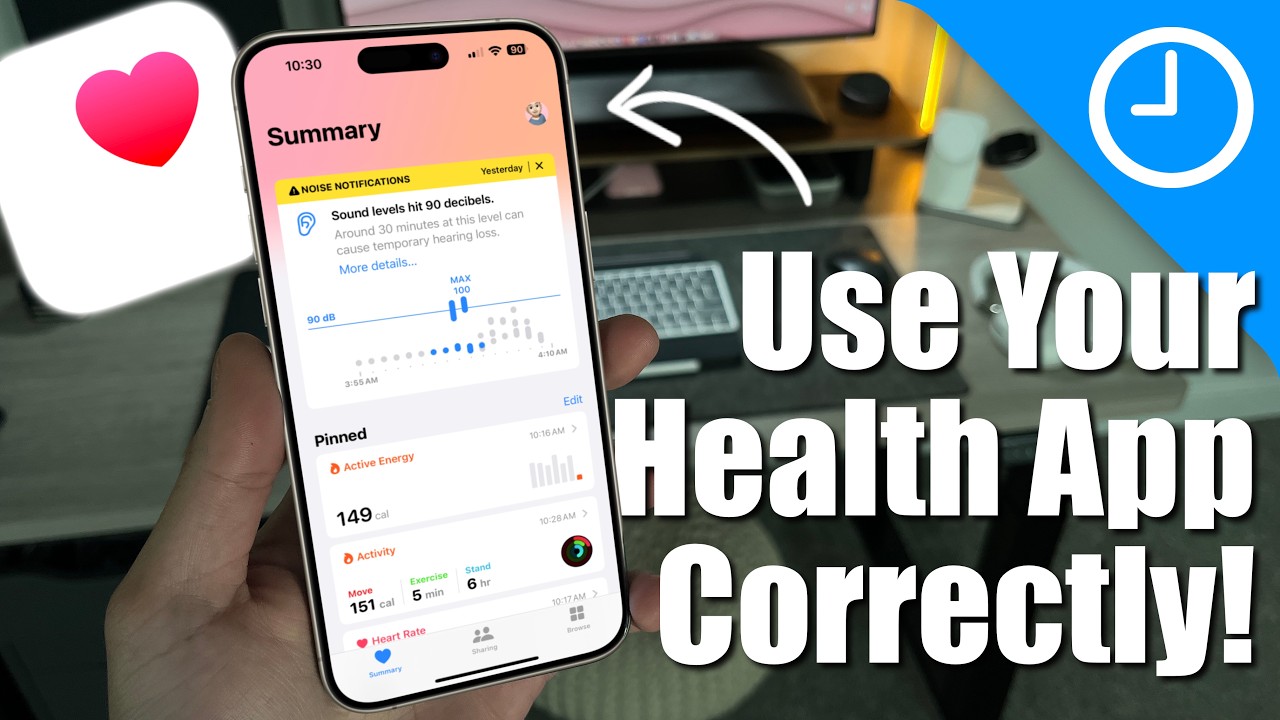
that out you can get all of your favorites right here it looks so clean pristine and I love this because then I can also see like trends like I'm injured so right now my active energy exercise minutes and steps flights climbed are going down I can't allow this to impact my mental state but it's a recognition that I am not moving as much as I used to I love seeing kind of my highlights right post-workout is my heart rate lowering faster than it used to that's a good sign sleep am I getting the total amount
of sleep that I prefer overall activity am I trending in a good direction stand hours overall steps I love having these kind of like Trends and notifications inside of the Apple Health app and if I'm wearing other brands of devices like my Garmin watch koros watch or a Fitbit I can actually pull most of that data into Apple health and then anytime I need to access that data I can actually read the same Apple Health Data from a variety of other apps too one thing that is really neat for example like nutrition if using like
MyFitnessPal or chronometer you can actually write your nutrition data you know kind of like an average of what you're eating in the app and then different Services can read it and what's really cool is if woob reads that data that it can give me insights into hey if my fiber intake is decreasing and now it's noticing my recovery score also decreasing that could be a correlation and maybe if I increase my fiber intake there's a potential that my recovery score could also help increase as well so just having all these apps integrated together is so
powerful these are all the categories in terms of importing data from kind of smart trackers your phone right we've got your typical activity stuff you've got body measurements like I can use the smart suit to measure my body fat and different parts of my body hearing which is like noise we'll go into that later my heart typical heart rate resting heart rate walking afib medications we'll talk about that too mental well-being which is a new feature so you can also Journal about how you're feeling Mobility this will use my Apple watch to measure my mobility
and walking this is really great for folks who maybe have higher probabilities of falling this can actually potentially predict hey your walking form has changed your walking steadiness is lowering let's be mindful nutrition right we've got a whole bunch of nutrition stuff caffeine tracking you know I love caffeine tracking respiratory rate blood oxygen like all that information is here I have asthma and whenever I use my inhaler well it's been over a year sleep making sure to activate the sleep tracking feature on the Apple watch right you can also manually do it by going into
Focus mode and turning on sleep right here and seeing those Trends over time so here's my schedule you can change your schedule but this is your typical sleep schedule and sleep mode will activate and turn off at those times I am living a very luxurious life and I don't use alarms it's a big privilege but you can also turn that on and have it set for certain days of the week you can change your schedule as needed whatever that might be I try to aim for nine hours of sleep make sure to turn on sleep
schedule so that you get sleep tracking data symptoms so every time you do an EKG ECG on your Apple watch you can insert any symptoms I think at one point I had a chest tightness so I put that in but that information will be available here vitals this is all the Vital Information that's been measured from Smart devices like mostly consumer devices I used to have a smart thermometer that would measure my body temperature your generic vitals that you might see at your doctor are here and then kind of your other data I do have
a smart blood alcohol content tracker that I try to use anytime I indulge in adult beverages and this way I know what days I have consumed it what numbers I was at just to kind of get a vague idea it's good to know if I went into a body of water it will measure the water temperature that's kind of cool and when I do hand washing you know wash your hands for more than three seconds okay and there are a ton of other features and data that can be tracked whether it's manually in the health
app or there are other apps that will integrate and automatically write that for you but that is not the only interesting part there's one thing that I love that most people don't use and that is inputting your clinical Health Data like from your doctor from hospitals like blood work that you do whether it's like from Crest Diagnostics or LabCorp or other places into Apple health and then you can even read that information in other apps super cool so that's where the health records section comes in I can go ahead and tap all records I can
see my last blood panel that was done at Quest Diagnostics I can see what's in range if there are certain things out of range like my white blood cell count is out of range that number will show up here if like my testosterone is too high it's at a range I can see that right here yep I stopped taking tonkad Ali and it's still high what's going good I watched my testosterone video maybe it's just all the working out it's not the supplements stop taking supplements don't buy it code serving below don't buy it allergies
no known allergies clinical visits this will be data actually from my doctor's office so from Kaiser Permanente they would integrate and all my data body temperature height weight all of the same information across all the visits that I've been over there conditions I have ADHD and Asthma I guess now you know immunizations other vaccines that I've taken yes I've done the covid-19 vaccine Sumi you can see all the vaccines that I've had since childhood get your vaccinations blood work results and finally medication records there's even spots for procedures and clinical notes which I have no
data for now you're like shervin how do I get that information in my app what do I need to do so as you can see here I've logged in a couple of places where I'm able to download that information you just need to scroll to the bottom of the browse page on Apple Health right tap Add accounts and then search for whatever it might be Quest Diagnostics Lab Corp they're Nationwide so you can just log in once and anytime you go there the data is imported Kaiser Permanente I think there's like multiple locations you need
add from depending on where you are but for the most part you can just find your doctor's office the hospital whatever it is you log in here and that information will automatically get downloaded to Apple Health let's say your hospital isn't listed here but you've been to a medical facility that maybe has some of your information you can still log in there so Kaiser Permanente I haven't been there for like four or five years but I was able to download all of my info from there the offices that I visit in New York City I
they don't have it on this app Mount Sinai now works maybe they do you can go ahead and select the medical facility that you typically go to You'll log in and then it will add that account and download it for you and what's super neat is when I go get blood work done at Quest Diagnostics Apple health will notify me as soon as the results are ready so I don't have to wait for the email sometimes their systems take longer but as soon as it's in quest boom Apple Health knows and Bam I have that
information on my phone I don't need to wait for the PDF I don't need to wait for the doctor and I love that it's even faster than the medical facility sometimes right see even Brian thinks it's cool eh contagious you got that set up huh exactly this is pretty cool right there's still more to come send this video to a friend that you think could find a lot of value in this and might want to connect all the data to their iPhone one thing to keep in mind is sometimes these things sign out so you
have to kind of go back and sign back in sometimes this happens like every couple months I'm like oh but if you want to keep the most up-to-date information you'll have to log back in I'm not sure what the regulations are there Health checklist this is really important I highly recommend you go to this house checklist I love activating my medical ID so if anything happens to me and I'm wearing my Apple watch people can go ahead and activate my medical ID right here just in case anything happens like all that information is here so
that way the EMS or the hospital that I'm at if I'm not conscious they can extract that information and know who I am if my phone is with me they can also activate it here they just slide medical ID and it's going to lock your phone so just know that they can't access your phone they're just getting your basic medical data or stealing your personal information let's hope not but make sure all of that is up to date that is emergency SOS you can also do this in settings and you can search for each of
these as well but I like to keep on the whole call with hold and release just in case something goes wrong there are some other options here that you can activate like call quietly if you're someone who doesn't want to create loud noises with it and knowing that with the Apple watch you can also activate that when you do activate that it will contact your emergency contacts and it will call 9-1-1 and it will send your location to your emergency contacts if something goes wrong there is the emergency SOS with satellite on the newest iPhone
which is really cool you can kind of demo that if you need to I hope I never have to use these features but I just try to make them active for a little bit of peace of mind and insurance in the back of my head crash detection fall detection I keep these on I did recently fall and if for some reason no one was there and I was unable to get up it would have called someone for help right really important it could save your life I like to keep that on luckily I was able
to get myself back up so I didn't call anybody low heart rate high heart rate notifications extremely athletes you're gonna get those low heart rate notifications just know that like it can be appropriate but for the most part these are helpful ECG app I got set up afib I turned on for certain reasons in another video go watch that but oxygen is on walking steadiness is on headphone notifications is on protect your hearing we'll talk about that noise notifications as well right especially for walking steadiness if you're someone who has a potential risk of falling
this is going to help notify you if you're increasing your likelihood of falling cycle tracking this only applies to a certain part of the population I wish I could test it out but I cannot but you can go ahead and track your cycle within the Apple Health app if you're using an Apple Watch I think you can use the wrist temperature as well you can use this to track your Cycles I think you have to manually input it right now but I would I would love to see a world where we're using the wrist temperature
sensor on the watch as well tell me if I'm wrong but there is like the aura ring plus natural cycles and those could be like plan or prevent pregnancy options really interesting really fascinating technology is coming out but also be mindful that you really want to protect any of your health information right this is encrypted cannot be read by anyone including apple and make sure anytime you have health information it is protected and not used by the wrong contenders you don't want Facebook targeting with ads when they know you haven't slept well and thus your
likelihood to buy products is higher so keep all that information away sharing this is a new feature where you can actually share your health data with a friend luckily my guy Scott was like hey man I'll share My Health Data with you I haven't shared it back I don't know there's a bug but he's shared his workouts with me I know that his cardio Fitness is higher than mine his resting heart rate is typically way better than me I think he's in like the 50s or 40s but he doesn't get as much sleep as I
do so this is cool you can share this information with your parents I can see his health trends like he's kind of like pretty stable overall in most of his Trends pretty good not improving not declining keeping it steady so if you want to share it with like a family member keep them accountable partner it's a great way to do that you can tap so here's how I would share I'd tap their name set up manually I can say which one ones I want to turn on we're actually going I can even share my blood
work so I could go into my lab results maybe all we want to do is share testosterone because we're such Bros I'd find testosterone I say on I say next it's all I'm sharing with him share so now he's going to see my testosterone numbers whenever they get updated at Quest Diagnostics he'll also get notified uh it's just a fun little way I guess you could share more stuff with other friends so sleep tracking if you want to activate sleep tracking go to the clock app go to alarms and inside you're going to see sleep
wake just gonna say no alarm tomorrow morning you want to create and app turn that on and here is where you can say all right when my bedtime is wake up time these are approximate to help activate and deactivate sleep mode and then you can turn your alarm on and off and if you need to change the sleep schedule you say edit and sleep Health it brings you here make sure your sleep schedule is on I like using schedule for Sleep Focus as well I turn a wine down on 45 minutes before I set a
sleep goal it's going to track my time in bed with my iPhone as well sleep reminder sleep results so turn all of these on you can edit your schedule if you have different schedule for weekday weekends you can set that up by adding a new schedule and I can also go ahead and activate this in the Apple watch out track sleep with Apple watch make sure that is on charging your reminders make sure that is on so you can hop through all these apps it's gonna be the clock app and then it's going to take
you to the health app and then finally the Apple Watch app to make sure all these settings are turned on noise now if you've ever been to a concert and there's loud music you know it's a lot of fun energy you feel great but then when it's over and you're walking home your ears are ringing no bueno not good so one thing that I've been mindful of is noise levels whether that's headphones or the ambient noise levels around me one thing that is in the settings app is headphone safety you go to open settings search
headphone safety tap that it's going to open this up you can reduce loud sounds and then you can also set a kind of max level for your headphones mine's at 90 decibels which is about as loud as a motorcycle I don't want to allow my phone to get any louder because I don't want to damage my ears like maybe accidentally hold the volume button it goes way too high these are kind of limits that I've set headphone notifications because I set it to that level I never go past it but you can see if maybe
you've gone too high too many times the next piece is noise so this is external noise and what I use is the Apple watch open the noise app this will give me the decibels of noise going on but yeah really loud It's Gonna Show really high sounds and you can see right here it's going to tell me which sounds are appropriate level which ones might be too loud which ones how long so 90 decibels 30 minutes a day can actually cause temporary hearing loss there's a weekly limit a hundred decibels even a few minutes a
day at this level can cause temporary hearing loss the weekly limit is 20 minutes note that water and wind can affect these so just keep in mind if you're showering or if it's windy outside it might think that it's way too loud I love to have that data on my iPhone and tracked because then I can see what days I might have been exposed to really high audio levels so for example right here you can even see 149 in the morning I was probably at a location with very high loud volumes like a bar a
concert so if you are in these settings what I like to do now is I bought these super cheap earplugs they will modify the sound to protect your ears a little bit more so that's the one thing that I've been really mindful of yeah it does give me a little bit of anxiety when I go to a place and it's loud and I forget my earplugs but to protect your hearing one thing I do want to do is go test noise levels at like group fitness classes bars clubs and concerts if you're curious let me
know in the comments I'll make that video now back to the medications that we just talked about so if you go to the Apple Health app you tap browse you can find medications if you scroll down boom now you can add medications you can track your medication intake you can make sure and get reminders that you're taking your medications at the time of day when you need to and this is all encrypted protected and not readable by anyone other than Apple or people who have access to your phone so I can go ahead and tap
my medication you can scan it or type it in so I can find some of my favorites inhalation it's going to show oh what kind is it in next I think I use that one next and every day I need to use it these times tap next choose the shape it's an inhaler but I'm just going to go with that I can choose a color boom next medical interactions I can input those as well boom done and now I can get follow-up reminders if I need to I just need to activate that in settings but
my medications will now be listed here it has the time of day and I can tap and submit that I actually took that medication this is really valuable if you need to be taking certain medications every day I'm fortunate enough where I've kind of like weaned off of it and I only do when I need to but this is available love this feature then the last piece is your mental well-being so this is really cool because it actually gathers a lot of things like mindful minutes if you do any kind of meditation your overall sleep
if you exercise like those are all important to your mental well-being as well as time and daylight that we talked about Hebrew man is saying get your sunlight in the morning and then here you can start to log your emotions and mood so I can get started I can see what the benefits are and now I can set a time that I want to log and how I feel I can drag this in terms of oh I feel very pleasant or very unpleasant we're going to put very pleasant because we're filming a video I Feel
excited surprised passionate and happy next what's having the biggest impact health and self-care because I can't do anything this right now it is logged it is now in my daily mood tracker and I can use this it is encrypted protected just like everything else they have a whole bunch of great articles that you can also read through this is applicable to all of these sections available on Apple health and lastly you can go ahead and see all of your data and the trends over time like I said my favorite features in apple Health are creating
some favorites right here right I want everything to automatically be inputted to signing up for any clinical accounts that I can import into my Apple Health app so getting all my blood work vaccines and other data and three making sure that my headphone safety and noise level apps are activated and I stay mindful about my hearing since you enjoyed this video go watch my video where I talk about how to make the Apple watch as accurate as possible we go through all the settings what you need to do is set it up follow me on
Instagram Twitter and Strava at shervin shares we'll see you in the next one peace