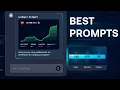
Hey traders, big news. Our AI platform just got a major upgrade. Not only did we add a ton of new strategies, but we also enhanced the AI engine itself.
Now you can expect smarter, sharper, more insightful feedback on strategies that actually help you trade better. Today, we'll walk you through how to prompt the AI in a way that doesn't just give you good strategies, but helps you extract the best possible performance from them. Let's dive in.
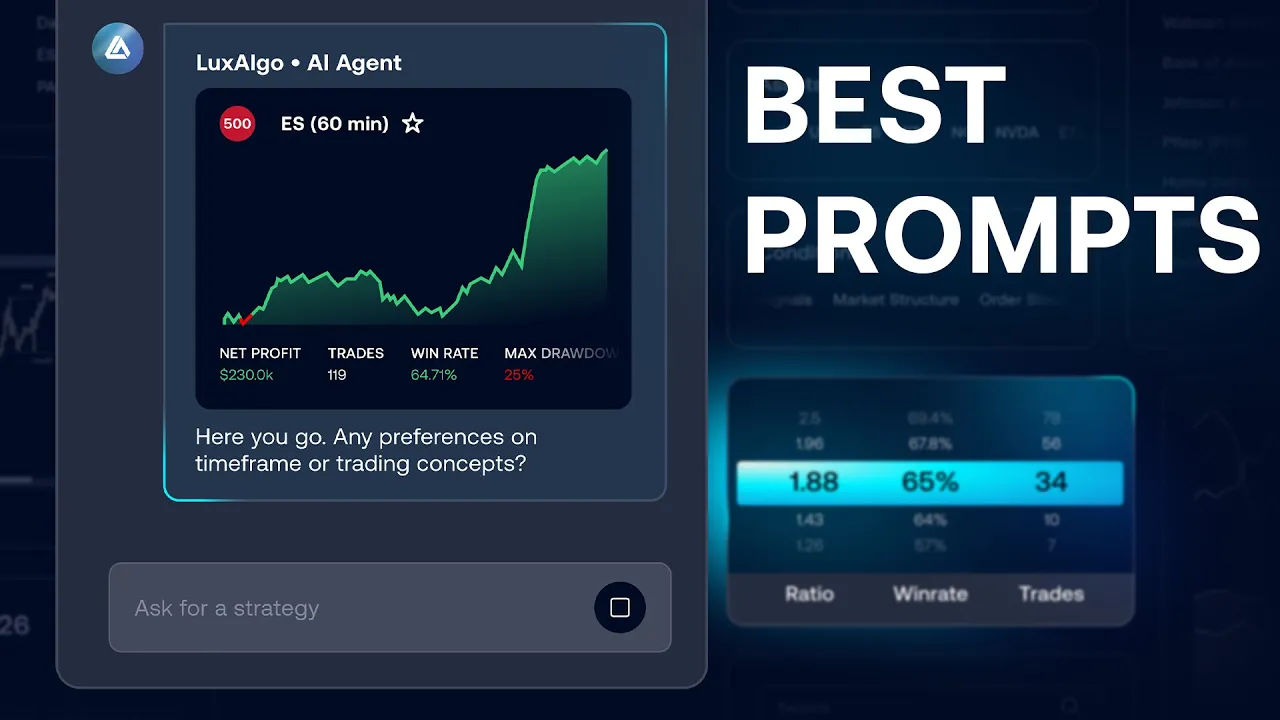
So, when most users log into the AI, they'll type something like, "Give me the best Tesla strategy on the 5-minute time frame. " You'll get a strategy back, and sure, it's decent. But here's the thing.
The word best is subjective. What's best to one trader may be totally wrong for another. That's why it's better to be specific.
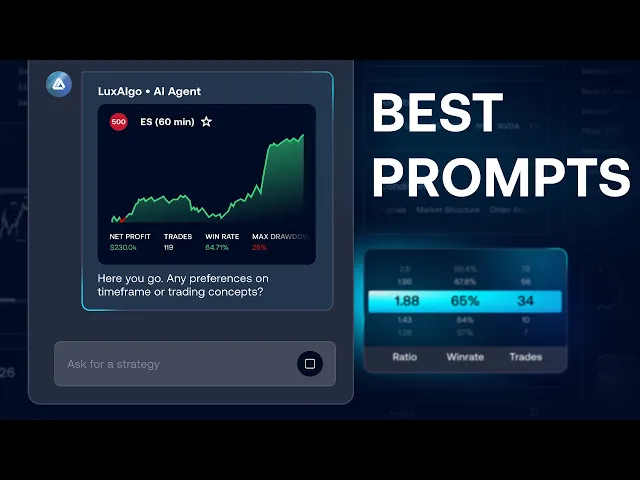
Instead of chasing the best Tesla strategy, try asking for what matters to you. For example, give me a strategy on any stock and time frame with a profit factor above 3. 5, a draw down below 20%, and at least 70 trades.
See the difference? Now you're getting a strategy tailored to your risk tolerance, expectations, and trade volume. And that's when the magic starts.
To dial in better prompts, focus on the metrics that actually matter, like net profit, draw down, profit factor, average win, average loss, number of trades. These are the metrics that give you real insight into performance. Once you've got something you like, click the star icon to save it.
But here's a pro tip. Hover over the strategy name and grab the strategy ID. That's the unique fingerprint of that strategy.
Even if you refresh or lose the page, you can pull it back up instantly or share it with a friend. Super handy, especially since the AI has over 10 million strategies in its database. Now, here's where things get spicy.
Once you found a strategy you like, don't stop there. The AI can now access detailed trade history. That means you can ask, "What's been the performance of this strategy over the last 30 trades?
" Here, instead of looking at the entire trade history, we're just looking at the last 30 trades at recent performance. This allows us to see if the strategy has been working well in recent times since some of these strategies could have been running for years. You can also ask what was the longest winning or losing streak.
This can be helpful because it helps us understand how the strategy behaves during draw down and what to expect from it. And actually even better, we can ask what's the probability that a win is followed by another win or a loss by another loss. Why does that matter?
Because if the AI tells you that there is a high probability that a win will be followed by another win or a loss by another loss, this tells us that we might decide to pause trading after two back-to-back losses until another win occurs. With all this insight, you'll be adapting strategically. Also, don't be surprised if the AI asks clarifying questions.
It's designed to make sure it fully understands what you're asking before it replies. That's how you know it's giving you precise answers. Once you found your strategy and you're confident in its performance, click the alert button.
From there, you can set up alerts via email, in-app notifications, or take it a step further and fully automate the strategy using our new web hooks feature. That means you can trade directly on your favorite platforms automatically. And in our next video, we'll show you exactly how to automate any AI generated strategy on any platform in just a few minutes.
So stay tuned. You can try the AI completely free at luxalgo. com.
And if you subscribe to our ultimate package, you'll unlock our three exclusive Trading View toolkits, each packed with screeners and advanced back testers to help you replicate, test, and refine your strategies even more. Thanks for watching, and we'll see you in the next video.






![This Trading Strategy Is Boring But I Make A Living From It [€55,181.82/month]](https://img.youtube.com/vi/l90QtxULIkE/mqdefault.jpg)