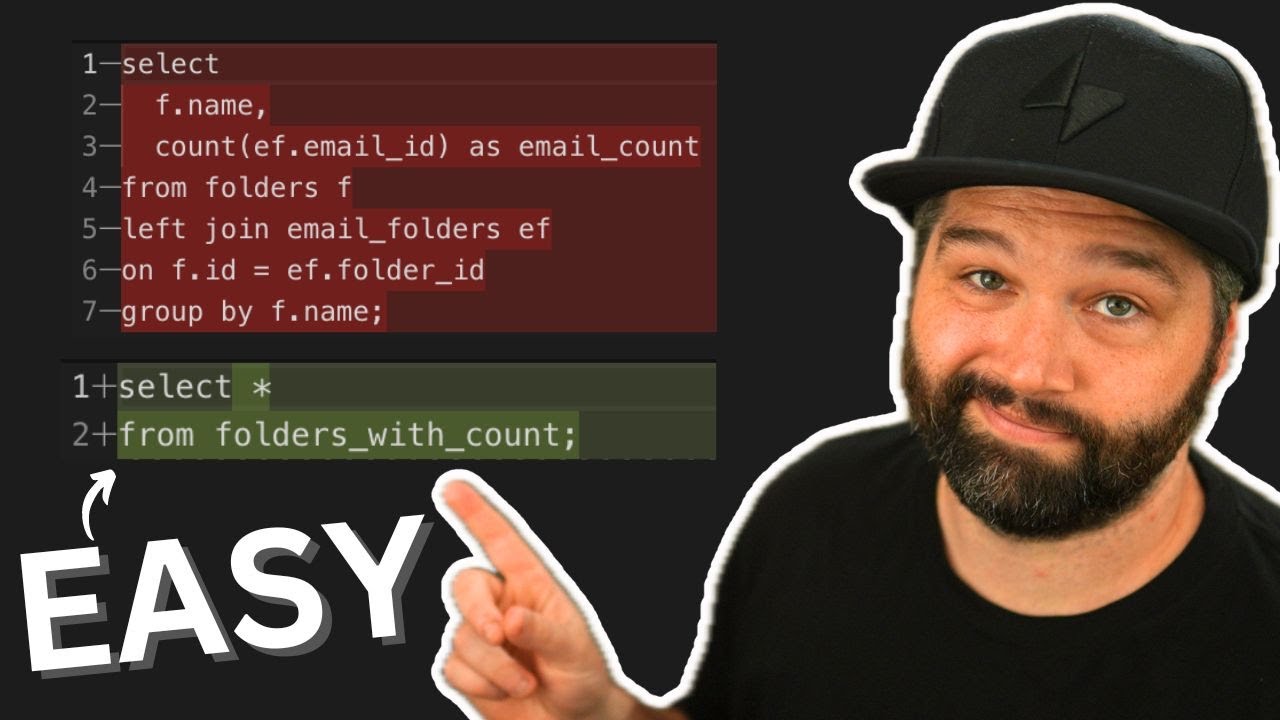
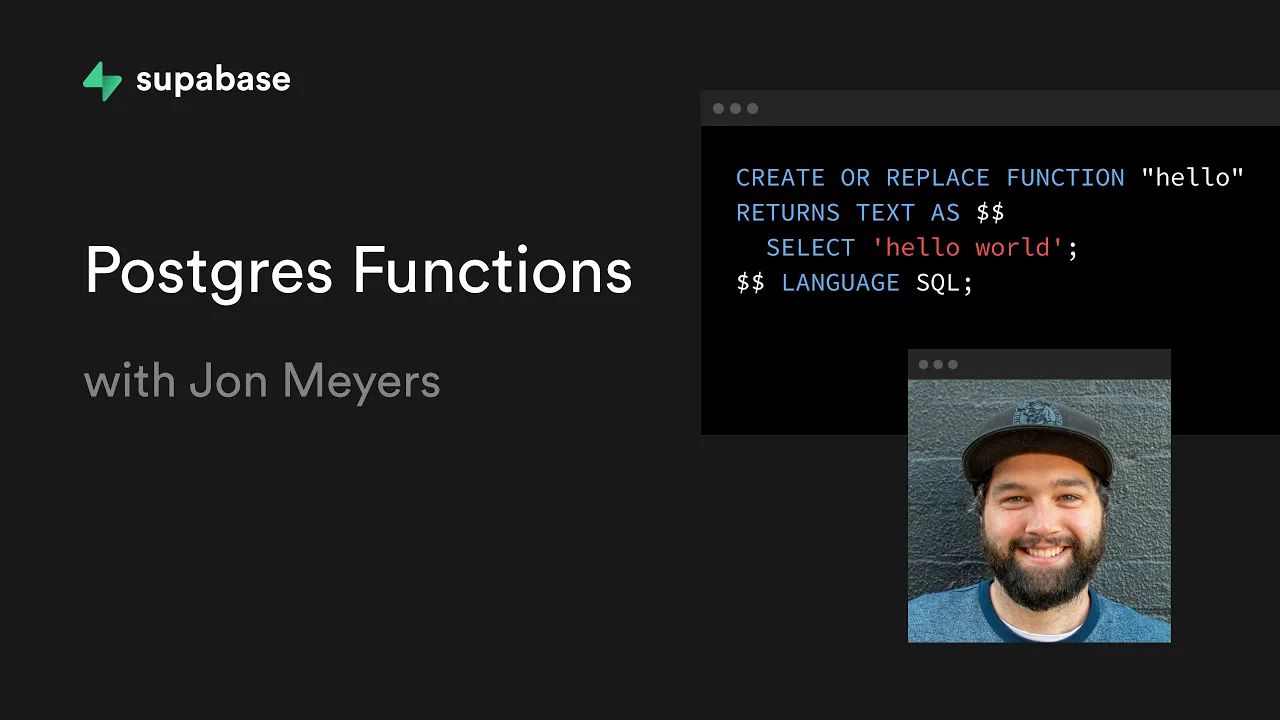
[Music] hey john from Supabase here and in this video we're going to learn all about postgres functions now functions in postgres are just like functions in any programming language they allow us to take a collection of statements and bundle them together and then abstract them away so we don't need to think about them anymore then anywhere in our code we can call that function rather than copying and pasting that potentially complex logic everywhere throughout our code base this obviously makes our code a little bit more maintainable as if we want to add additional statements to
our function we only need to do it in one place and then that will flow throughout our application but this can also give us some performance benefits because these functions are stored in the database itself it means that if we need to transform the data to display it in the client we don't need an api to over fetch a whole bunch of results do that data transformation and then just kind of throw away the bits that it's not using the database can just extract and transform the data into the exact state that the client needs
and just send it back so let's have a look at how we can create postgres functions with Supabase here i have a Supabase project called neighborhoods and so this is just a system i'm building to get to know my neighbors we have two tables in this project so a resident and a street a resident has a name they have which number on the street they live on and then they have an id for the street table which we can use to look up the name and so in our street table we have billionaire lane and
we have mcmansion avenue so back in our resident table we have kanye west who's living at number 36 billionaire lane and then jay-z and beyonce are living together i guess they have 99 problems and most of them are probably kanye west and then dj khaled is living all by himself on mcmansion avenue he did have some neighbors but then one left and then another one and then another one and then he looked up and was like okay so let's have a look at how we could use postgres functions to manage some of the data in
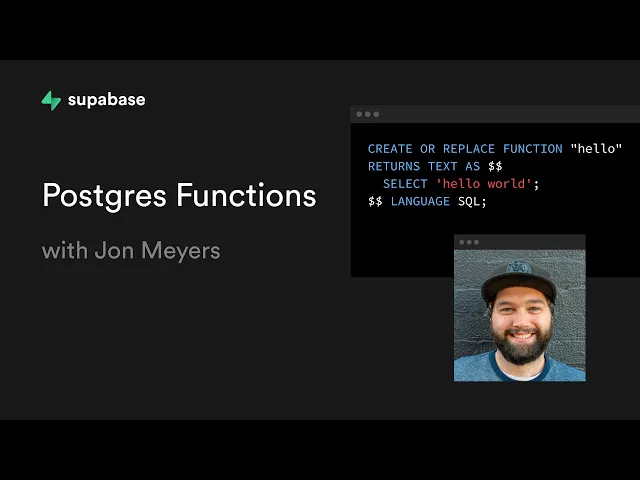
our project so if we come over to the sql editor here and we go to query one we can create a function by saying create or replace and then we use the function keyword and then we can give our function a name so here we can say hello and we declare uh any parameters that we're going to pass into our function so the reason we're using create or replace here is because this makes this statement what's called item potent and so that just means that we can run it over and over and over again and
we'll get the same outcome and so no matter how many times we run this statement we could run it 20 times and we'll still just have one function called hello now we need to declare what data type our function is going to return so we can say returns text because we're just building a simple function here to return the text hello world and then we say as we do two dollar signs and then we leave us some lines and do another two dollar signs and then we need to tell it which language we're using so
here we're going to say language sql so there are a whole bunch of languages that you can use to declare functions in postgres we're using sql here and then later in the video we'll be looking at a procedural language in postgres but if you're more comfortable with javascript or c or java or anything like that there are a range of different languages that you can use to write these functions so now anything between these dollar signs and these dollar signs is going to be the body of our function and so this is what's actually going
to execute when we call or invoke this function so if i want to return the text hello world from here i can do that by using a select statement and then say select the string hello world and so now if we want to run this statement which is going to create our function we can click the run button down in the bottom right here and so we get the message success no rows returned and so this is good anytime you don't get an error in sql that means everything is all good so now if we
wanted to call our hello function we can create a new query and we can again use a select statement and then the name of our function so in this case hello open close brackets and we can give it a semicolon and then we can click run again and that's going to call our hello function uh which returns us the text hello world okay cool so in the body of our function we can run any kind of sql that we wanted and so what if we wanted to create another function that could just select all of
our residents for us so the first thing we would do is rename our function so this one's going to be called get residence and then rather than returning just one text value we probably want to return a collection of our residents so each of our resident rows and so for this we can say we want a set of resident okay so now we can replace our select statement here with a select star from resident and now we can click run to create our function and so again if we wanted to call our function we just
come over here and change hello to get residence and if we run that statement we will get back a list of all of our residents but now the cool thing here is because we're actually getting back a set we can treat this just like any table in sql so we could say select star from this function and then we can get back each of those columns so we have id name street number and street id and so then if we just wanted to get back the name and so now our result set only contains that
name column and so we can even chain on more things to our select statement so we could say select name from get residence where their street id is equal to one and so now when we run this query we'll only be getting our results from the people who live on billionaire lane and dj khaled has dropped off that list and so this is cool but what if we wanted to group together some more complex logic what if we wanted to create a new function called add resident and this function could take in the name of
our new resident it could take in their street number and it could take in their street name and so this might just look like a simple insert statement but name and street number exist on our resident whereas our street name exists in our street table and so we're going to have to do a lookup for the id that's associated with this street name and then create a new resident with our name street number and street id and it would be super convenient if every time we add a new resident we could give them back a
list of all of their other neighbors so anyone else who lives on their street uh with their names and street numbers so they can go knock on some doors and introduce themselves so let's start building our function so the first thing here is we're going to replace the name with add resident and this is going to take in our parameters and so we had a name i'm just going to append each of our parameters with the word input just so that we can help distinguish between those and the columns in our statements and our name
input was of type text our street number input was of type int and our street name is of type text and this is still going to return us a set of resident so that is all good but the language here because this is going to be a little bit more complex we are going to use the procedural language that we get with postgres which is called pl for procedural language and then pg for postgres and then sql so plpg sql and so this is basically going to give our sql superpowers and so we will have
the ability to declare variables and write if statements and while loops and things like that and so the body of our function will still be between the two dollar signs um the only difference is when we're using plpg sql uh is we need to wrap our body in a begin and end so the first thing we want to do is look up the id that's associated with our street name input we then want to insert a new row into the resident table with those values and lastly we want to return our new resident a list
of all of their neighbors and so we want to select all of the residents that live on the street except for our new resident obviously okay so let's start by selecting the id column from our street table where the street name is equal to our street name input great so now we have our street id but we need a way to pass it into our insert statement and so each of each of these statements is going to execute sequentially but they they each have their own scope and so this insert statement can't reach in and
grab the id from this statement because they exist in different scopes at different times so the only way that we can provide access to this value is by storing it in a variable that's in scope for all of these statements and so this is something special that pl pgsql gives us where we can actually declare variables so we do that by adding a declare section above begin and then in here we can have a list of all of the variables that we want to create and so in this case i'm going to have an s
underscore id which is of type integer and so then we can use that variable in our select statement by saying select id into s underscore id and so then that's going to take that street id and store it in a variable that's available to us in our next insert statement so let's insert a new resident record and then our values are going to be name input for our name column street number input for our street number column and then our variable s underscore id for our street id awesome and so now for the last part
of our function we just want to select all of the other neighbors and so we could use our get residence function here and so that's going to get us all of the residents and then we can add a where clause for where the street id is equal to our s underscore id variable and we also want to exclude our new resident and so we can say and not name equals name input awesome and so now we just want to return this result set from our function and so here we can say return and then we
just need to add the keyword query to say we want to return this select query okay there was a lot that we just went through there so maybe let's just review our function here we're creating a new function called add resident which takes a collection of parameters we then declared a new variable which we can use to store a valuable that's available to all of our different statements we looked up the id for the street based on the street name input that we were given and then we stored that value in our variable and then
we used our name input and street number input along with our variable to create a new resident we're then returning all of the people who live on that street except for our new resident so let's click run and hope we haven't messed anything up awesome so that was successful now let's go and actually call our function to create a new resident so cardi b is going to move in and she's moving into number 11 billionaire lane and then we want to get back all of the columns from our add resident function and now when we
run that function we get back kanye west beyonce and jay-z our wonderful new neighbors and if we go over and look at the table editor we can see that cardi b has been added to our resident table and so we can combine all of these little bits of separate logic into this quite complex function and then all that the client actually needs to provide us is just these three values and that's how easy it is to create postgres functions using Supabase now we're going to release a couple of related videos to really show you the
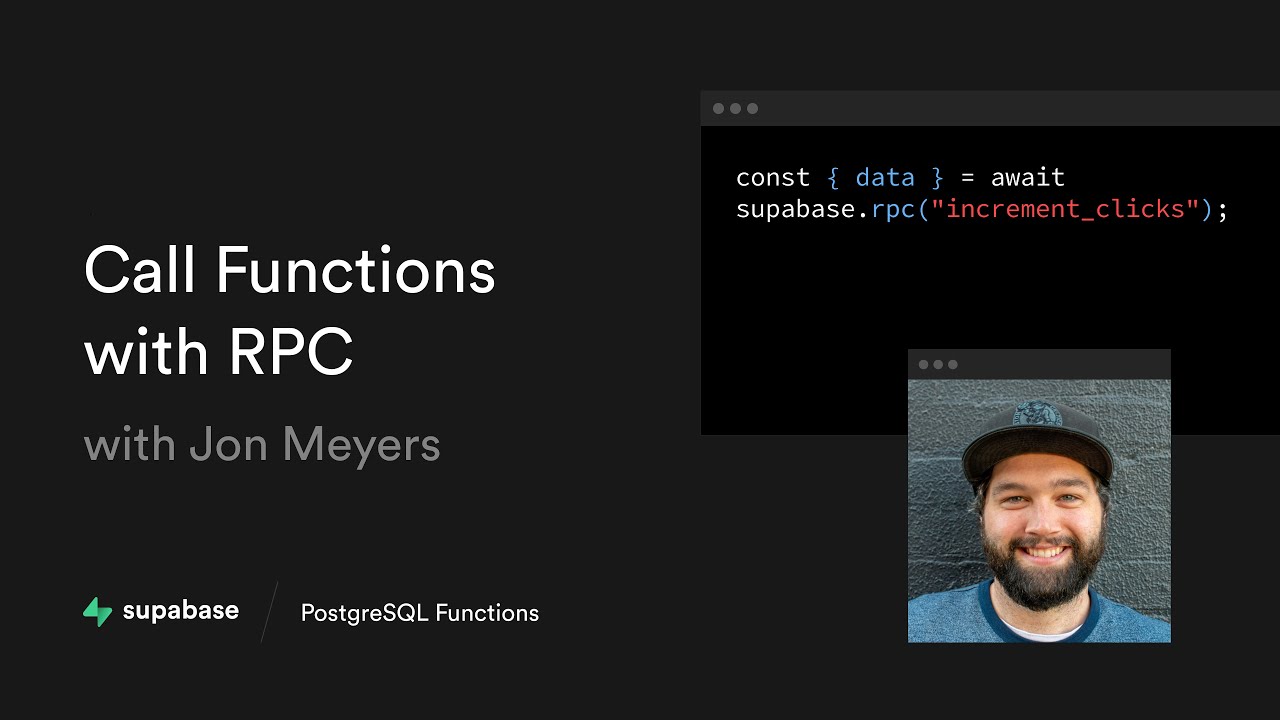
power of postgres functions the first one is going to show you how you can call postgres functions from your client using javascript then we want to show you how you can set up postgres triggers to automatically call your functions anytime data in the database changes so we'll update the description with links to those videos once they're ready but in the meantime why not check out our channel on youtube for more awesome videos just like this one give us a follow on twitter and check out our discord we'd love to hear what you're building with Supabase
thanks for watching [Music]