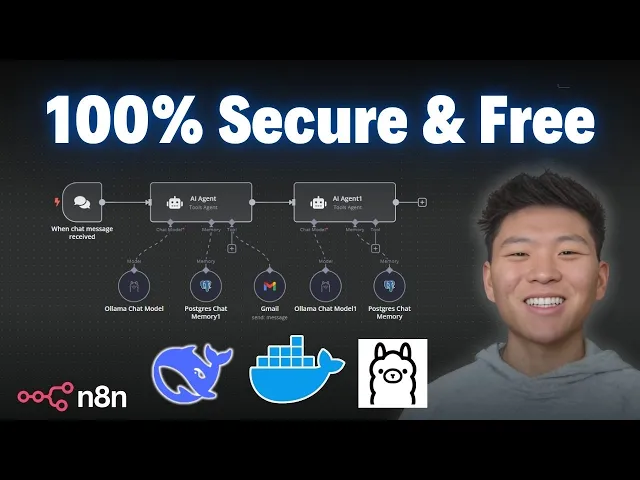
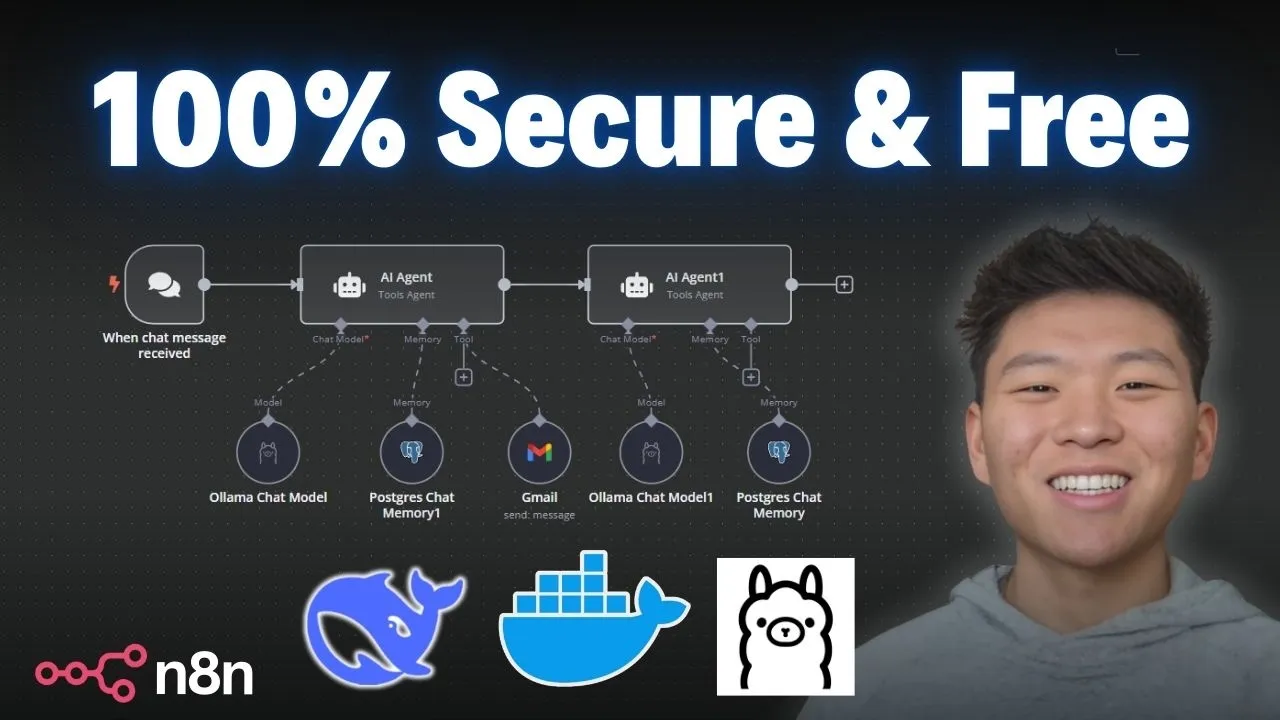
today I'm going to show you guys the quickest and easiest way to get deep seek set up locally so you can use it within NN so why do you want to run a model locally well traditionally the main reason is because it's going to be free because you're not using API calls in order to hit that model deep seek is super cheap so that's why a lot of people have been using it but because it's open source we can also run it locally for completely free but really the more important reason is because if we're hosting it locally we have full control over the data that we're sending over as far as data security and privacy we know that it's not leaving our server so here's a look at Deep seeks privacy policy I'll put the link for this in the deson if you want to take a look at it for yourself but they basically tell us that they are collecting information and if we scroll down to the bottom we can see that they're storing it in Secure service located in the People's Republic of China so if you want to use the native nadn deep seek node that just came out and you'll be hitting deep seeks API just be aware that you probably don't want to put your really sensitive information through that model today I'm going to show you guys how we can really quickly and easy get a llama set up so that we can run deep seek locally on our machine and we can feel safe about the data that we're sending through so step one is that we have to have our na self-hosted and the easiest way to do this is to go over to the nadn self-hosted AI starter kit the link for this again will be down in the description so the first thing you want to do is go to doer. and download the desktop app if you choose to do Docker we're going to be using the NN self-hosted AI starter kit so we're going to do Docker here but you're going to download the docker desktop for your system and then you're going to go over to the GitHub self-hosted AI starter kit once again all these links will be in the description and this is going to pretty much walk you through how to do it it's really simple you're going to get quadrant postgress AMA and then your self-hosted nadm and all you're going to have to do is copy a few commands into your terminal and run them so to do this with Docker if you're an Nvidia GPU user you'll copy these commands if you're a Mac User you'll copy these commands it's really simple you're pretty much just going to clone a repository change your directory into that repository and then set everything up and then it's going to load everything in and pull everything in now if you start running into issues when you're trying to get this set up in your terminal just take a screenshot of it paste it into chat gbt explain what you're trying to do and it will help you get there for sure especially if you provide it some of this documentation um it's it's going to be a huge help anyways from there when you open up your Docker desktop you'll see the four Images which were postgress quadrant Alama and then your nadn all you need to do from there is hop into your containers and we can see what's going on just keep in mind that when you want to access your local host of nadn you're going to have to make sure that this is this is on that the container is running otherwise it just won't work anyways now the fun stuff we've set up our account we're in our locally hosted nadn and now all we need to do is create an AI agent and then if we click on chat model we'll be able to um look at these locally hosted AI models first thing I wanted to point out is with the new update of 1. 77 you've got the Deep seek chat model which is you know the native integration now where we can create a new credential connect an API key from um deep seeks API and once again this is not going to be the locally hosted one this is the one where we're actually hitting deep seeks API and then in this update we also got an open router chat model which is going to help us connect to a ton of different models if we want to previously we had to go into open ai's model and change the base URL to get into open router but now and it ends pushed out an actual native node for it so that's super helpful once again this one is not going to be locally hosted though but in order to access these two new native Integrations make sure that you have your Ed end version updated to the latest which is 1.
77 if you're self hosted you can go in there and update it to the latest um or if you're doing the Cloud make sure you hop into your admin workspace so you can actually change it to uh 1. 77 hey guys just wanted to say real quick if you're new to nadn and you're looking for a community of people that are also learning nadn and AI automation go ahead and check out my free school community link for that will be down in the description got great YouTube resources in here every video I make the template will be put in here for free we've also got the ultimate nadn starter kit which will be a great resource for you like I said if you're new to naden and you're looking for some guidance and then if you're looking to take your skills with naden a little bit farther and You' like a more Hands-On approach please feel free to check out my paid Community the link for that will also be down in the description we've got a great community of people that are very dedicated to learning naden always sharing resources and different challenges that they're approaching um as as well as a great classroom section with different Deep dive topics then we've got a calendar section with five live calls per week three Tech supports one Q&A and one networking session to make sure that you're building connections looking for collaboration opportunities and also making sure you're always getting your questions answered so you can get unstuck in your workflows if this kind of stuff interests you please check the communities out with the links in the description but anyways let's get back to the video okay now to access locally hosted models we're going to add an AMA chat model and if we click into here it's going to be set up already because we ran that self-hosted starter kit if we look at this credential it already has our base URL configured um we're good the connection is tested successfully and if we were to chat with this guy and just say hello this is going to access the local AMA model that's installed on our machine right now and we're not using any API calls so all of this happening right now is going to be completely free so as you can see we just got our response back it took 41 tokens and it said hello how can I assist you today so if we click into this model we will be able to see the different options of locally hosted models we have which right now is just llama 3. 2 so how do we actually expand this list and get access to a ton of different models for free it's going to be pretty cool we go to ama.
com and you don't even have to download it all we have to do is click on models and basically these are all the ones that we can choose from as you can see there's a ton um the Quin 2. 5 so we'll definitely play with that one because that's another one that China just released that's really really good but anyways in this video what we're going to be talking about is deep seek R1 of course so we're going to click into deep seek R1 right here and the first thing you're going to notice is that you have different options as far as how many parameters you want the model to have that you're going to download So as you can see there's one that's 67 one billion parameters since going to be 400 GB you don't want that one you probably don't want any of these higher ones um for most machines I would say you're probably just going to go with a 7 billion or 1. 5 billion parameters um for the sake of this video I'm just going to download the 1.
5 billion parameter one as you can see it's only 1 gab so we'll see how this is going to work what we need to do is copy the actual name of the model right here so we'll copy this and then we're going to open back our Docker desktop app and we're going to go to The Container section So within the container section once again we have our nadn we have our quadrant AMA and postgress all inside of the self-hosted starter kit basically container so we're going to click into AMA and um this is going to be intimidating don't mess with the logs we're going to go to the execution side which is just called exec and as you can see I was playing around with this stuff earlier but all we're going to do here is this is where we can download the model and then I'll show you guys how you can like view the models you have and delete them if you want but all we're going to do is type in ama pull and then we can copy in that deep seek model that we want as you can see it's the 1. 5 billion parameter one and now it's going to go through the process of actually pulling that in and right now it's installing it locally on your machine okay as you can see we just got a success message so you can see that that finished up we're going to click back into our ended end and now if we get out of this node and we should just be able to Fresh in here now we have deep seek R1 1. 5 billion parameters so we can go ahead and test this guy out let's give it um sort of a riddle to reason through so the riddle we're giving it is I speak without a mouth and Here Without Ears I have no body but I come alive with the wind what am I um so keep in mind here this model is running locally on your machine it's going to take a little bit longer than if you were to use the API version and also um it depends on the parameters of the model that you download but just keep in mind that it may take a little longer that actually didn't take too long but let's see so because it's a reising model it's going to break down what it thought through so let me just expand this up a little bit so it thought okay I need to figure out what this person is referring to in their riddle I speak with without a mouth blah blah blah um let's break it down so they go through the steps that they took to actually get to it and they said here the answer is fire it can be heard through smoke from burning objects and has a whisper like quality additionally wind contributes to Fires at night especially in powerless conditions therefore the Riddle's element points towards fire being the correct interpretation and honestly what I did is I asked chat gbt for riddle and they gave me this riddle and said the answer was Echo so I don't really know which model is right but anyways if we come to the consensus that R1 here was wrong at least we can see the steps that it took and maybe give it some points for um showing your work like in high school math but now you have an understanding of how to get a different model into your AMA environments you can go ahead and do the exact same thing with like mistl for example you would copy this mistl code into your Docker desktop and you would basically just say AMA pull mistl but now what happens if you want to see what models you have besides looking in NN you can go to AMA list and you could go ahead and see now we have deep seek and llama and if we wanted to get rid of one let's say we want to get rid of deep seek we can say oh llama RM for remove and then we would just type in deep seek D R1 colon 1.