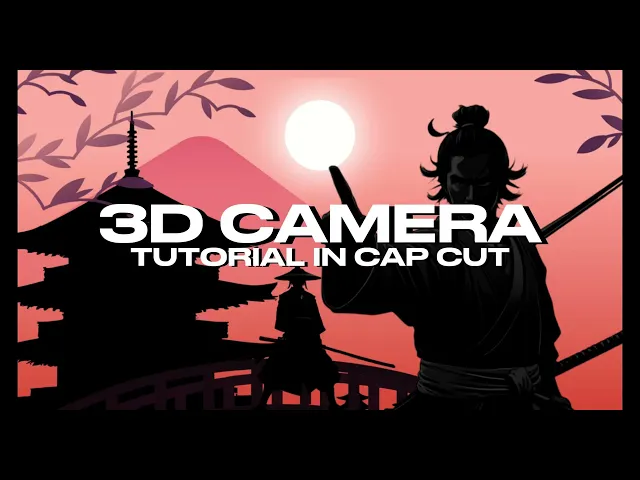
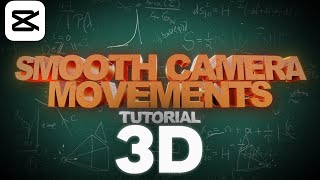
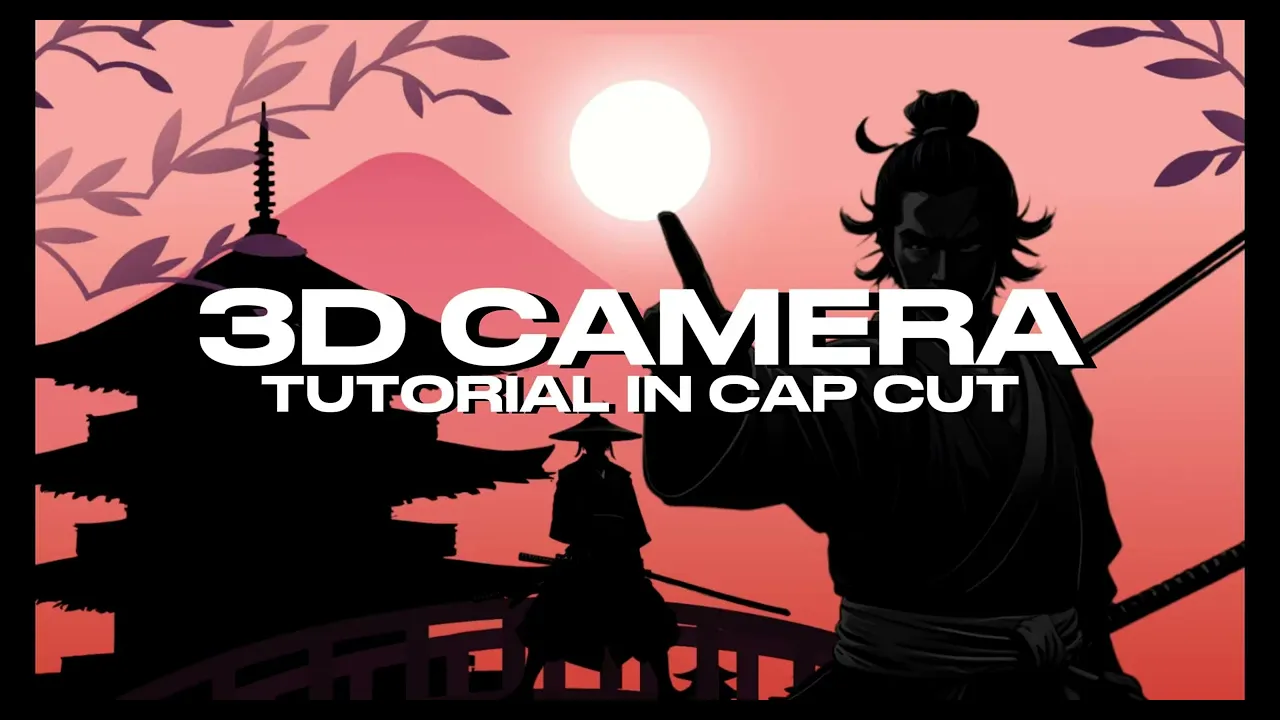
[Music] Hello everybody welcome to this new tutorial today we're going to learn how to do this 3D camera movement in cap cut so first step is to arrange the assets and basically create a composition you can use any assets you want I will provide you with the assets I'm using right now but yeah you can basically just get them from AI or just from some pack around the idea is here is to have as many layers as possible to make it better but at the same time if if your computer cannot get too many layers
you can just use three or four and the idea is that you take inspiration from this and use it as you can with the capabilities you have we will also be talking about key frames in this tutorial so if you want to go more in depth you can check the first tutorial on my channel so now I'm just making it a little bit longer and now we go to step two step two is to create the key frames so I will start by adjusting at the beginning of each asset I will just create a full
key frame so before I start with the key frames what I will do is I will create a compound clip of everything so I just duplicate everything I create a compound clip and in this compound clip I will just preview basically what I will do so I can have an idea how the thing will look like right so I will just create this preview [Music] okay so that now we go back with the key frames so so I already put the keyint at the beginning of each clip and now we're going to scene one so
scene one we just adjust our first character and we start to move all of the assets accordingly okay so it doesn't necessarily has to be exact so we can just sort of move them around uh if we're making some things bigger so we should make the other ones as well bigger um but also like the fact that it's not perfect it also gives this movement that I don't know for me it looks good so so now we just create second scene here we do the same we adjust all of the assets to this same size
needed so it looks more realistic it's important to leave the bar in the same place every time we're doing this of course so it's also important to always move the the assets doesn't matter if they you cannot see them in the scene and you have to like move them and sort of guess where they should be it doesn't have to be exact so next scene we're going to go to the moon right or to the Sun that is above the character so for that we just basically move everything down because we're simulating a 3D camera
that capc doesn't actually have right so we got to get a little creative here so yeah so this is basically okay so here I got confused with the moon the Sun so just fix that and and this is how it looks okay and for the end of the clip what we will do to make it faster if we just copy the first key frame and just paste it at the end so we can return to the beginning [Music] basically and now this will look like this so this is not finished is still a little bit
uh so we now have to smooth the key frame right so for that we will open key frame animation and uh yeah basically just smooth all of them so inside each one we have to smooth the scale the X and the Y uh now this takes like maybe 3 to 5 minutes depending on how many assets are you doing so yeah it takes a little bit of time but in total like the whole animation shouldn't take more than 15 minutes so I think it's worth it you get a nice scene so look how it looks
now is way more smooth every time that the camera stops now I got here something wrong because the leaves they shouldn't be seen in that part right so you just we just arrange that now to finish we just make the last details we create now another compound clip from everything so we can like edit without having to move everything so it just can make it faster and the final touch I like to do is to put a pendulum effect and very low everything and it just gives like this a little bit motion to the to
the animation so yeah this is it thank you so much for watching I hope you find this valuable and please feel free to let me know in the comments and what else would you like me to cover here in this Channel and I will make sure to to check that out