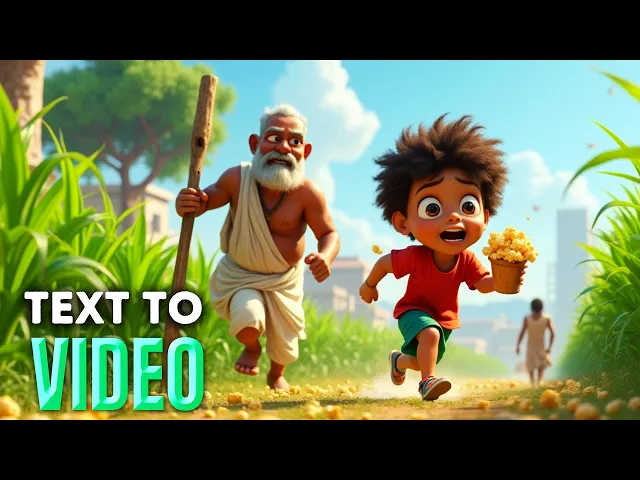
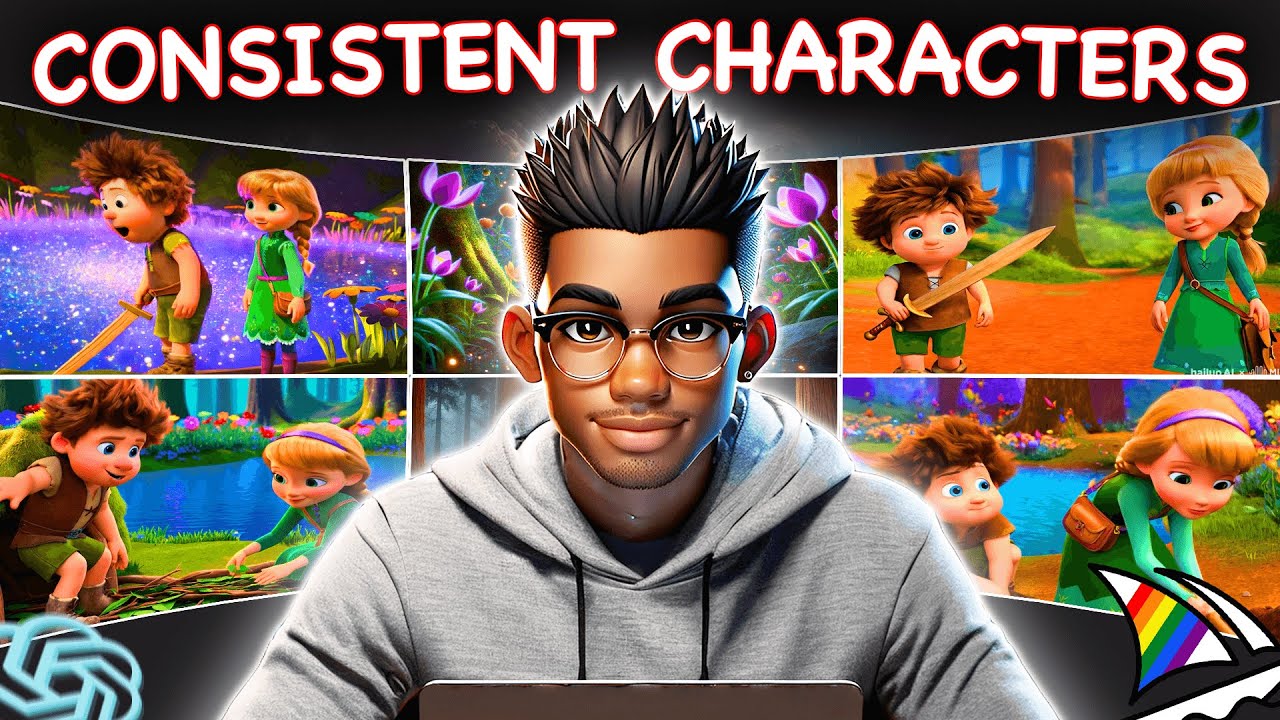
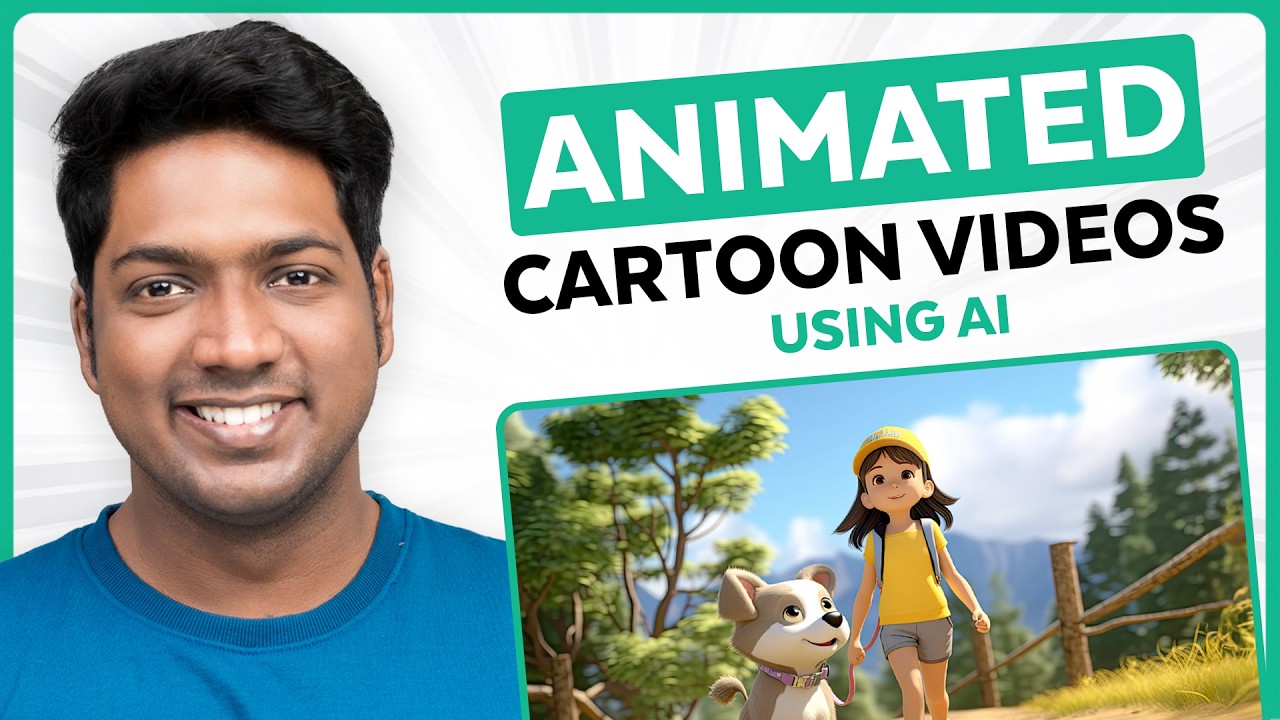
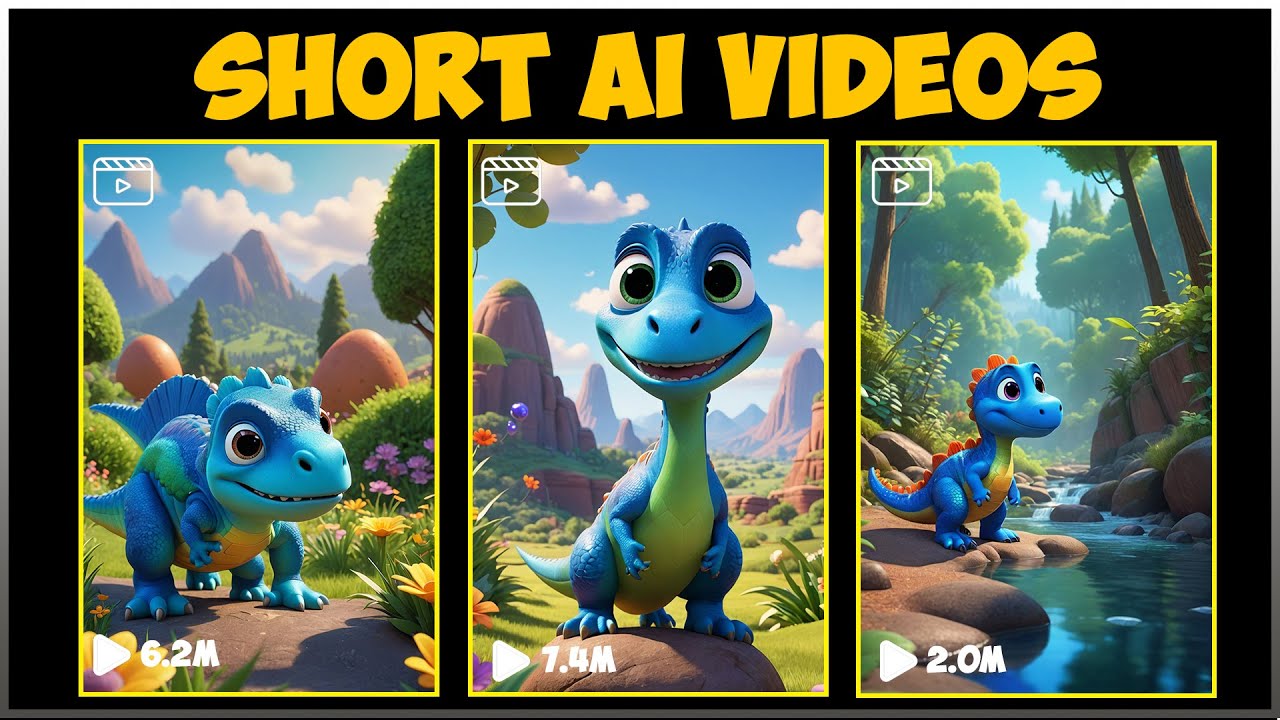
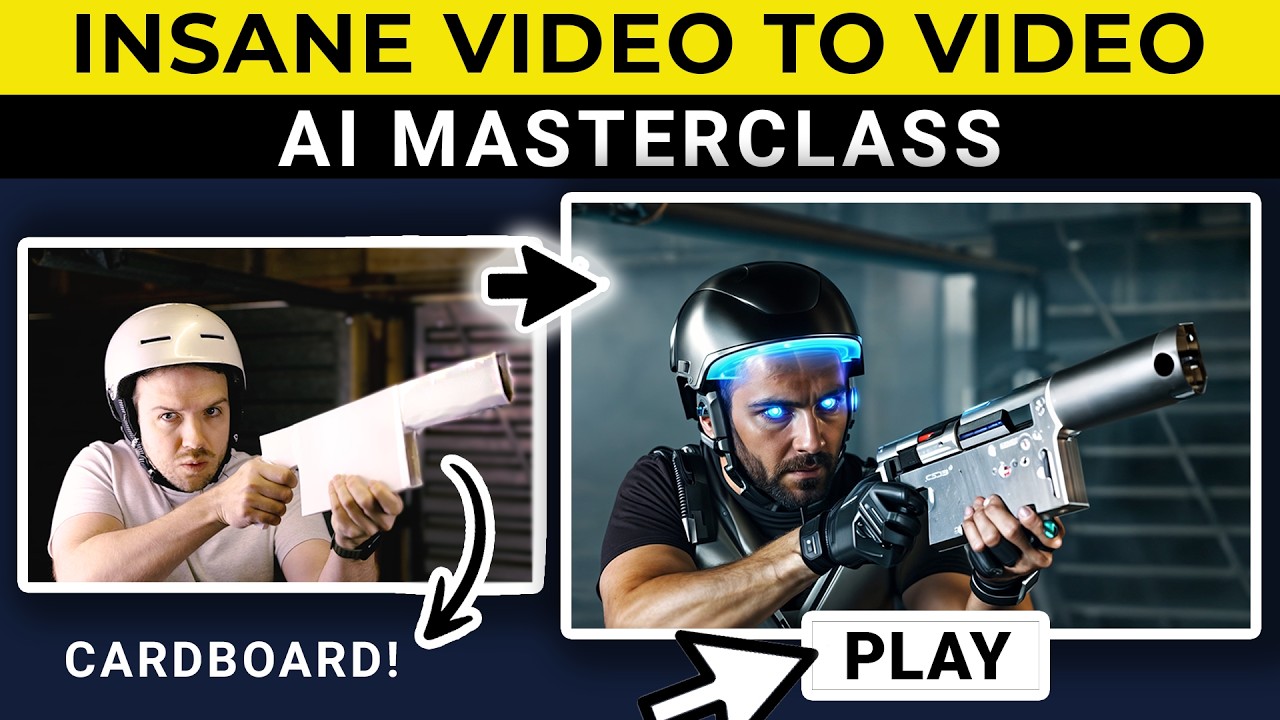
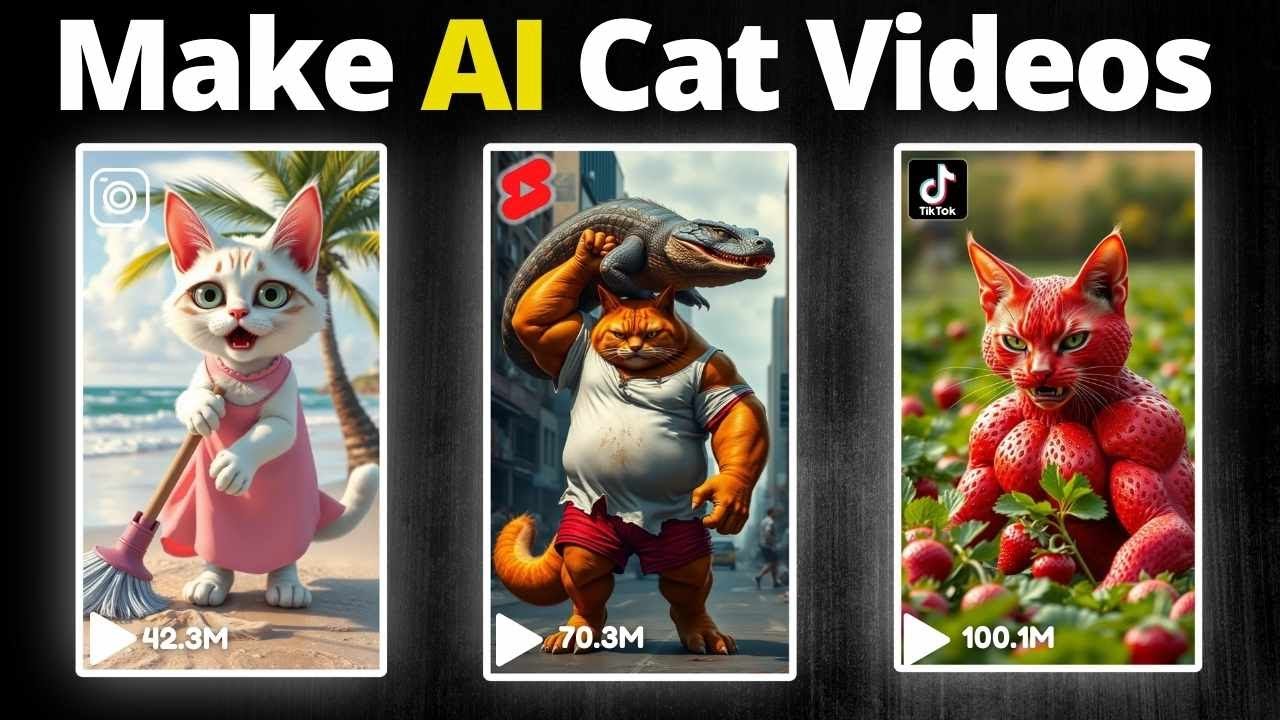
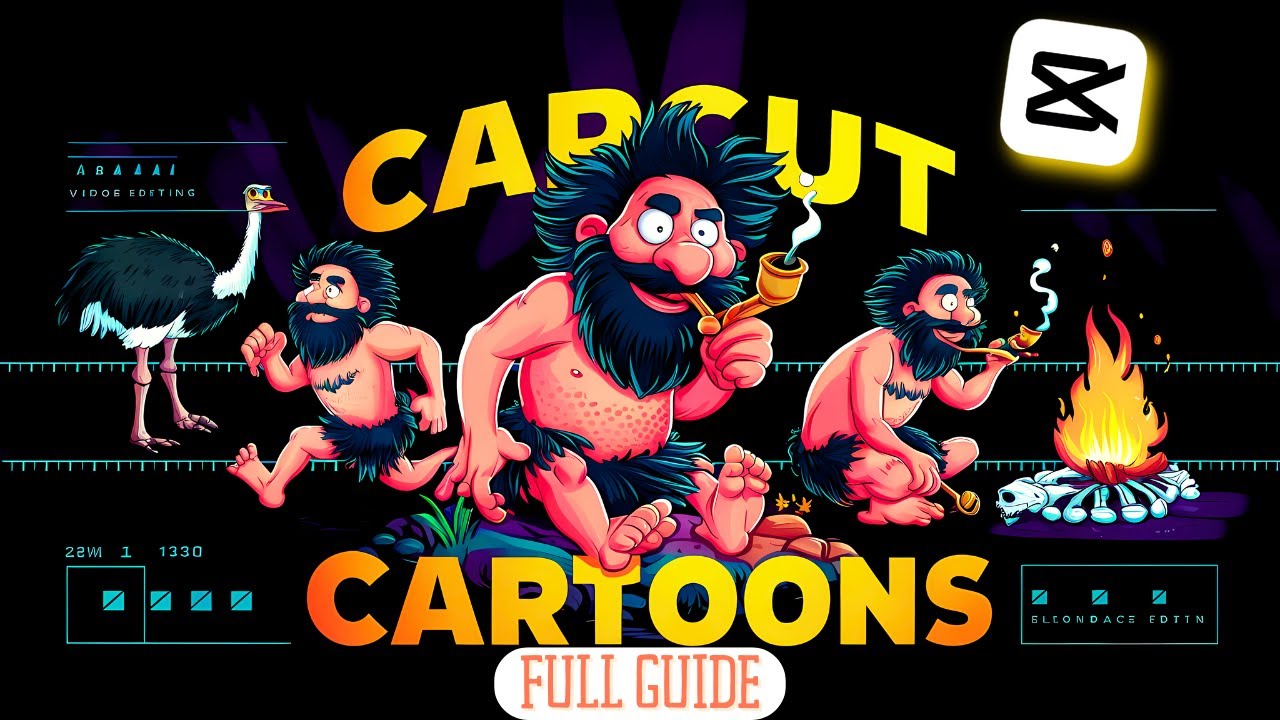
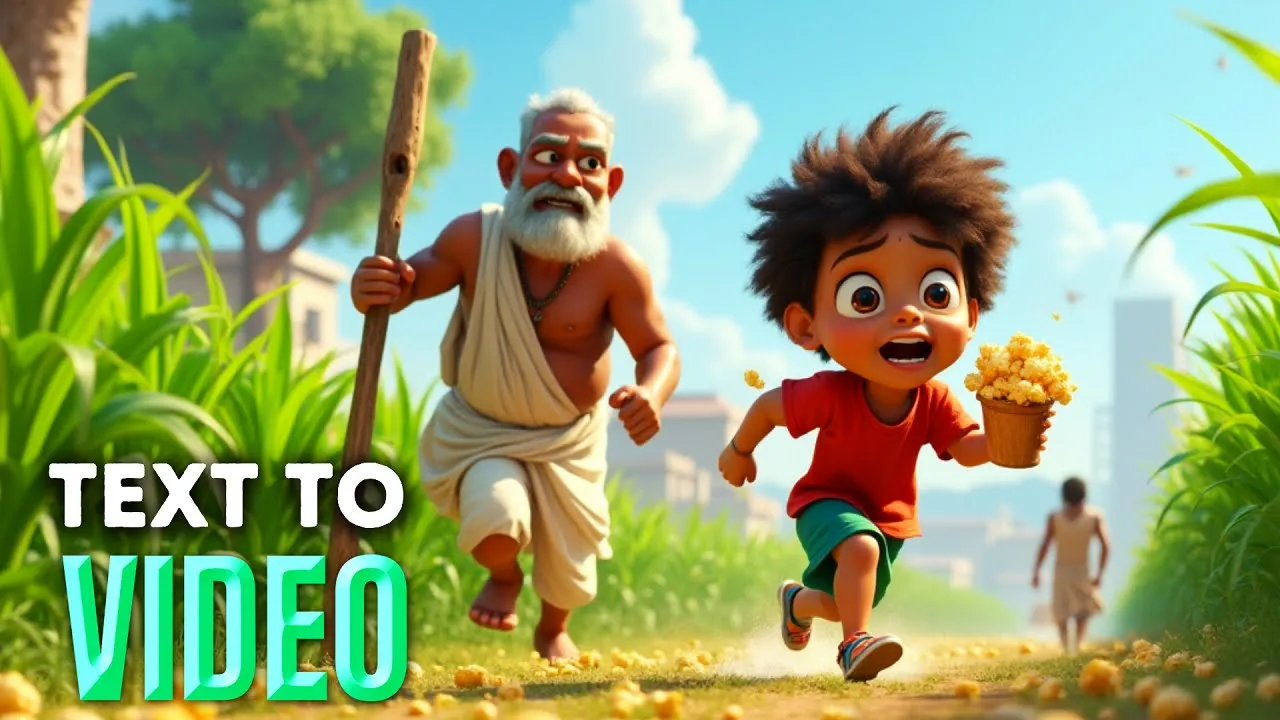
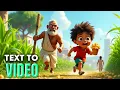
this is the corn field in my Village in my Village everyone is gentle and cool except me people call me corny because my friends and I steal field corn for fun sometimes we even give the old men a workout by making them chase us when we borrow their corn just to keep them healthy everyone secretly admires our skills and soon you will too yeah I know you might be thinking about how to create this kind of AI generated cartoon video so let's get started imagine turning simple text or images into stunning animated videos with just
a few clicks whether it's a cartoon story a historical tale or a fun movie these mind-blowing AI tools will help you create highquality videos like never before and the best part it's free in this video I'll show you step by step how to use these best AI text anim video generators realistic animations add voiceovers and edit everything together so you can start creating content that captivates your audience and makes money on YouTube this video is divided into several Key Parts but don't miss Parts three and four those are the most crucial steps if you skip
them you might never fully understand how this process works and the best part this method works for both mobile and PC users so anyone can start creating amazing videos let's get started first we need a good script with a consistent character for this we are going to use chat GPT you can start by typing something like write 50 story ideas about a village facing water shortages but then a little Tech Guy fixes it all chat GPT will generate lots of story ideas based on your prompt carefully check each AI generated story idea in my case
I'm going to use idea number one simply type something like use idea number one solar powered water pump and write a six image prompt story this method will generate image prompts for our story because we'll be using an image to video option so generating the image prompts first is important our prompt story is generated successfully but this is not a consistent character story for example in this prompt we have a tech guy but we don't know what the tech guy looks like his face eyes Etc let me show you in detail so you can understand
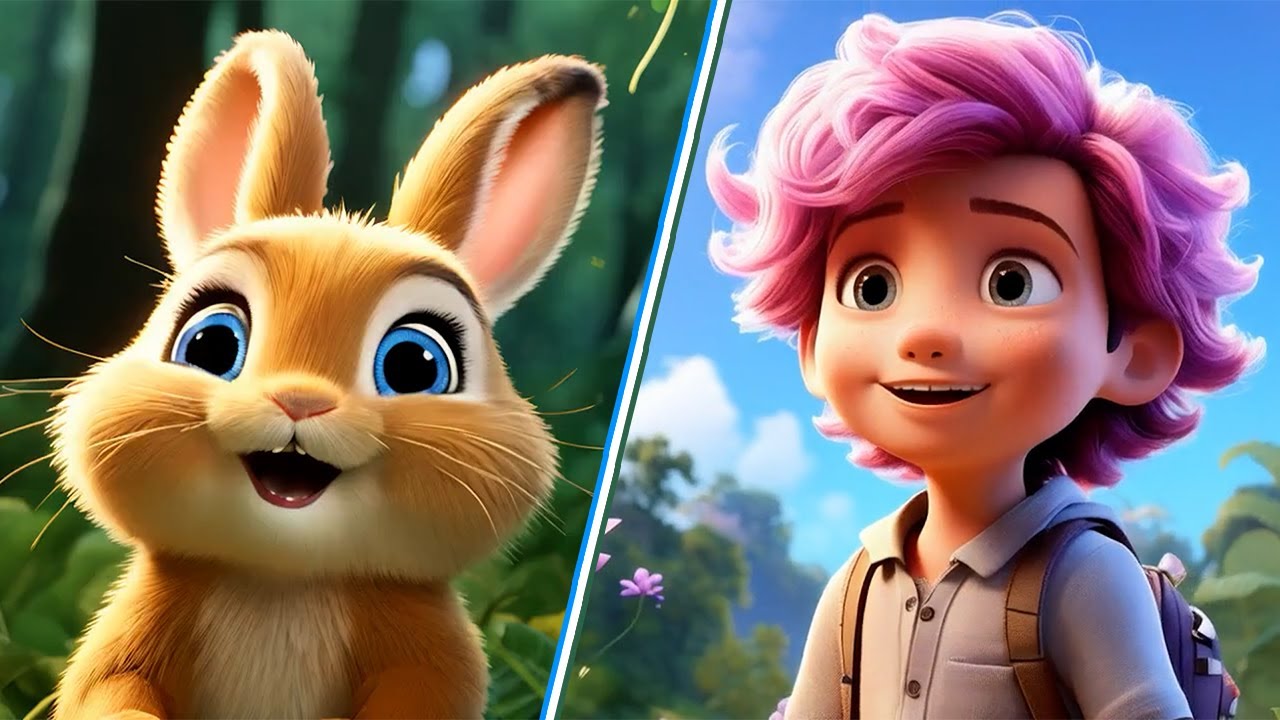
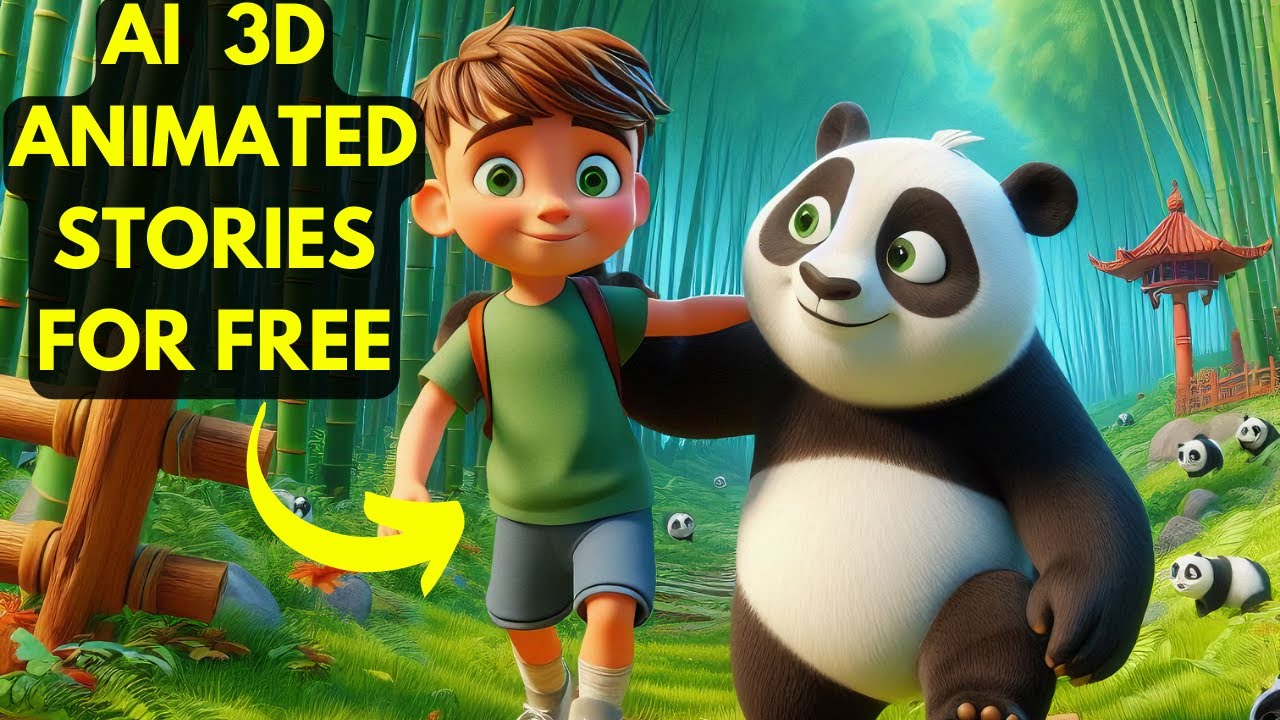
after copying The Prompt open Bing image generator and paste the prompt to generate images when you generate images using a simple prompt you'll get results like this but these images can ruin your whole story so we need to fix our story prompt to have consistent character images to do this open Google and search for AI cartoon images then click on the image Tab and find a character image that you want to use in your story as a reference I'm going to use this image just save the image to your PC or mobile next open chat
GPT again click the attach button and upload the character image you downloaded ask chat GPT to write a description of this character in one line chat GPT will generate a description for you now copy the character details in the video description I will provide you with a prompt that has two parts one character details and two the settings for the story you can replace the character details with your own after pasting your character details your prompt is complete now read this prompt one or two times to understand it and adjust it according to your needs
once done copy The Prompt go back to chat GPT and paste it then click the generate button if chat GPT tries to generate images stop it and ask for the prompt only this will rewrite your story into one with a consistent character however you might face a small issue that I encountered while creating these prompts which I'll explain later now copy the newly generated prompt open a new tab search for Crea Ai and open the first website create a free account after creating an account click on generate choose flux and set the image aspect ratio
for short or long videos paste your prompt and click the generate button now you'll see live AI generated image results that match our needs but you may face one issue go back to your consistent character story and check all prompts do all of them include the character details you provided to chat GPT for example in this prompt we have only a cartoon boy but no details about his eyes clothes Etc to fix this copy this prompt and paste it anywhere like in notepad or Google Docs now copy the consistent character details we created and replace
cartoon boy with those details for example if your character has yellow skin red Hair Etc make sure to include that because this prompt currently lacks those details always check every prompt carefully before generating images okay now let's use this prompt in the cray AI tool and you can see the results are good with a consistent character I hope you understand this method if not feel free to comment and I'll be happy to help next go back to chat GPT and ask it to write narration lines for each scene so you can convert them into AI
generated text to speech everything is ready now let's generate the image to video and text to speech using free AI tools for converting images to video you can use any tool like cling AI hyper AI or PAB in this video I'm going to use Runway ml open a new tab and search for Runway ml after opening the website click on the get started button and sign up for free then open a new tab and search for tempmail 2024 open the first website copy the temporary email go back to Runway ml paste the email and click
next fill in your details like username and password for the verification code go back to tempmail and wait for the email once you receive it open it copy the verification code verify it and then click the skip button using this method you'll get some free credits more accounts mean more free credits next click on the generative video button now click on the upload button and select the story images after uploading adjust the position and click on crop in the prompt bar type any action you want to perform then choose the timing 5 seconds and click
the generate button if you're on the free plan like me you might face errors such as the site being busy but trust me keep clicking the generate button until your video gets in the queue in my case I got it on the 12th attempt that's why I mentioned that you can use other tools as well now my first video is done and I'm going to generate the next one this time my video got into the queue after six attempts so use any method to create the image to video sequence here I want to show the
most important option in this video Lip Sync go back to the dashboard and click on the lip sync option now upload a single person generated video I tried this with multiple characters but it didn't work as you can see when I uploaded a multicar clip it showed five faces now click on the dialogue button select your character and then click on the microphone icon to choose a voice you can either upload or type your narration script when I tried with a multi-ch character clip it didn't work so I uploaded a single person clip and it
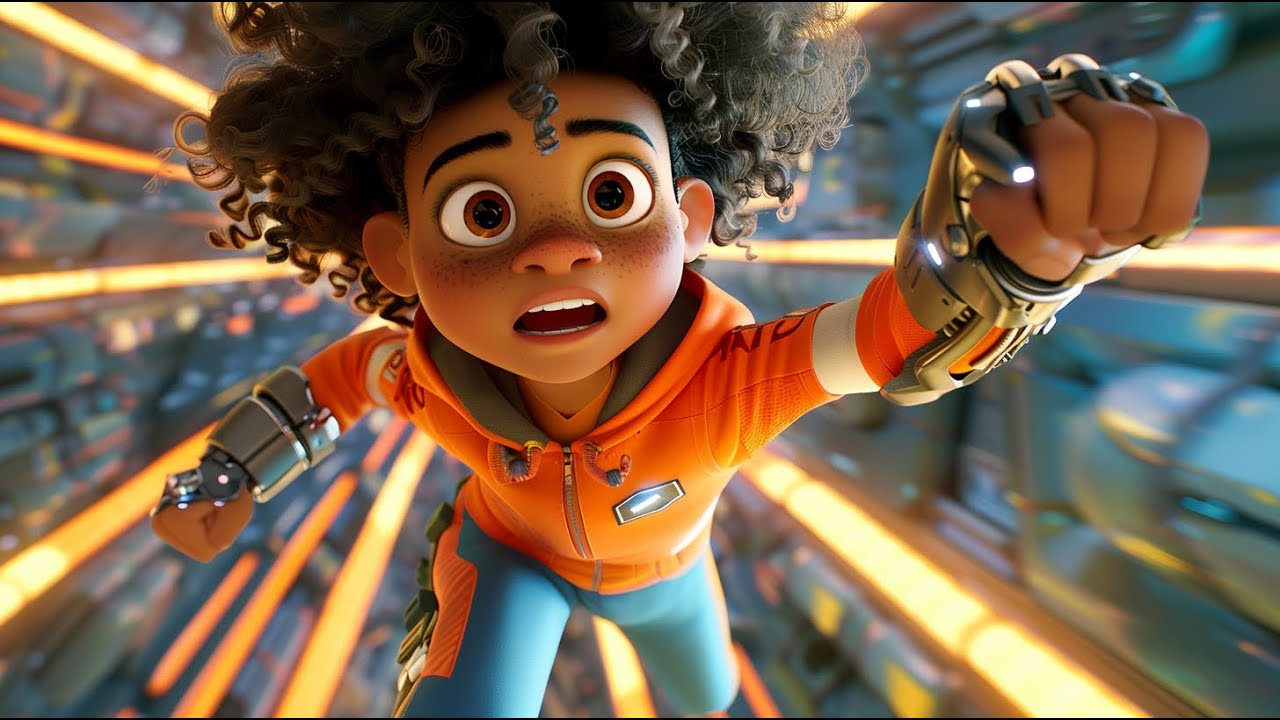
worked as you saw at the start of the video now it's time for text to speech go to the runway ml dashboard click on the generative speech button and select a voice Runway ml offers good voices for creating story voiceovers paste your script and click on generate in the heart of a drought stricken Village a young wide-eyed boy with wild Orange after generating The Voice download it for video editing I am using cap cut but you can use any video editing tool import your clips and adjust them according to your voice file crop the video
to hide any watermarks and you can also add background music the next most important thing is sound effects for example if your character is walking on the street you should add the sound of footsteps and you can also include background noise like people talking watch your clip repeat repeatedly to see what improvements you can make here I'm doing basic video editing because Advanced editing can take more time it depends on how you want to present your video to your viewers I recommend spending as much time as possible on this part for the best results after
finishing the editing export your video and here's the demo a young wide-eyed boy with wild orange hair stares at the almost dry well confused yet curious about how he can help while the villagers watch their hope windling with the last drops of water etermined but still unsure