hi my name is Eric Haynes with Nvidia and this talk is about the ray-tracing pipeline I'd like to start with a quote and this one's from Matt far around year 2008 GPUs are the only type of parallel processor that has ever seen widespread success because developers generally don't know they are parallel rasterization and ray-tracing both make use of parallelism restoration is straightforward in that you send a triangle to the screen you do vertex shading you do pixel shading and then whatever the result is you do a raster operation to blend it into the screen with
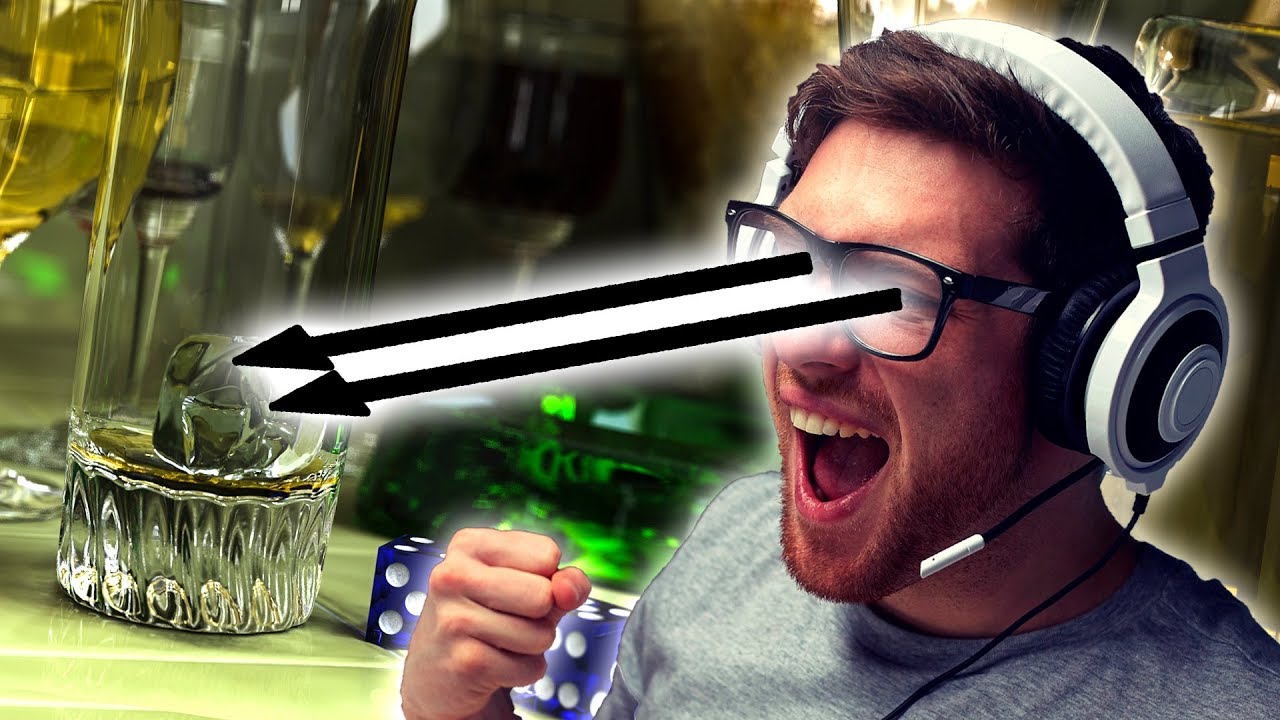
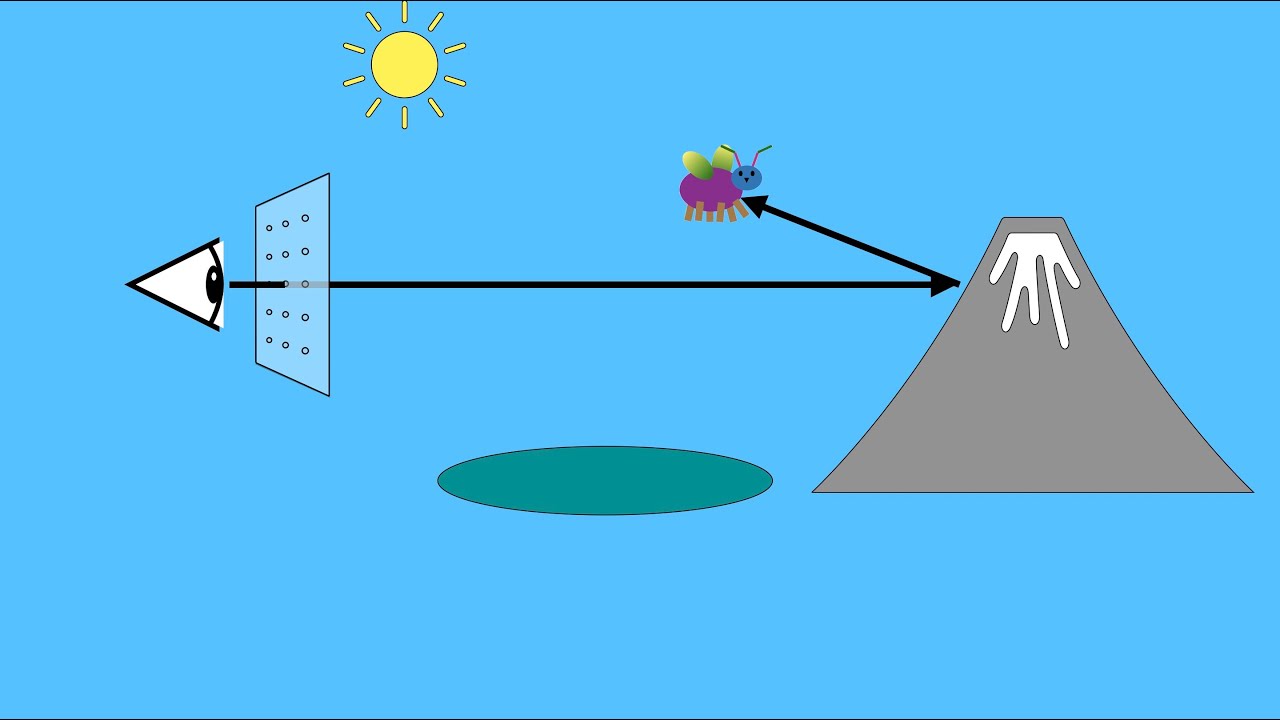
ray tracing we have a similar kind of flow you start with array you traverse the environment and then you shade it however at this point we actually have the ability to recurse to go back to the beginning and shoot more rays to spawn off more possibilities such as shadow race or reflection race this bottom part in the green box is what we actually do with our TX acceleration as we can do that traversal and intersection piece very rapidly in DirectX for ray tracing and invoking for ray tracing there are five new kinds of shaders that
are added there's a ray generation shader and what that does is it's kind of the manager it basically starts the rate going and keeps track of it and gets its final result there are intersection shaders so if you wanted to intersect a sphere you'd have an intersection shader for that or a subdivision surface or whatever you want there's a different kind of shader for each one then there's these last three shaders which are sort of a group there's a miss shader which says well I shot a ray and it didn't hit anything what do I
get there's a closest hit shader which is well I hit something what shall I do with it kind of a traditional shader but you can also spawn off Ray's at that point such as reflection or shadow and there's also any hit shaders which I'll talk a little bit more about in a second so just to sum up again we have the regeneration shader which controls all the shaders there's the intersection shader which essentially defines the object shape and there are these control per ray behavior shaders mists closest hit in any hit so how do these
fit together well there's the complicated many boxes kind of version here here's the simple version of that same flowchart we do is we have a trace ray which is called to generate the Ray and then it goes into this acceleration structure loop where we walk through the bounding volume hierarchy and find out objects that could potentially be hit by the Ray the intersection shader is then applied to that object and if we hit and if it's the closest hit we keep track of that information we also then use the any hid shader if available for
testing if the object's transparent and the Ray should actually just continue on once we get through this traversal loop we eventually get to the end where there's nothing else in the acceleration structure to hit it's gone through the whole bounding volume parky and now we take our closest hit and say okay what's that shaded s or if we missed everything then we use our miss shader and that's what color we get back for the pixel the NE head shader I wanted to talk about it a little bit more it's an optional shader it's one that
basically is used for transparency so imagine you have this leaf on the right which you're doing a tree of leaves and so you're not really caring about each individual leaf so you really just take a rectangle and you put a texture of a leaf on it now much of that texture is empty it's blank it's transparent so what the annahit shader does is it goes and checks the texture so let's say I hit with my ray in the upper left hand corner of that rectangle the anahit shader would say oh well that's transparent so don't
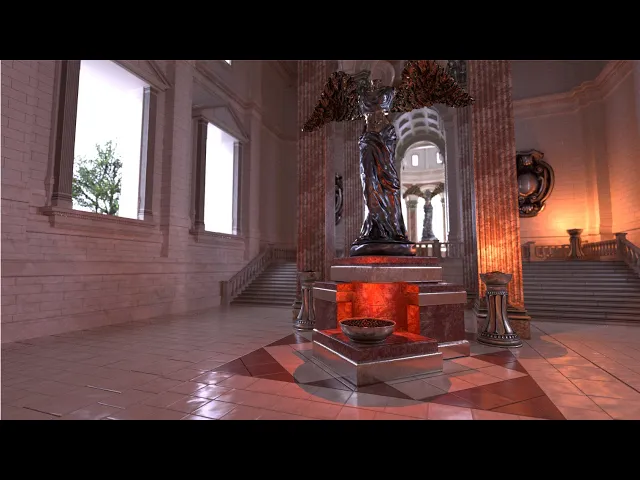
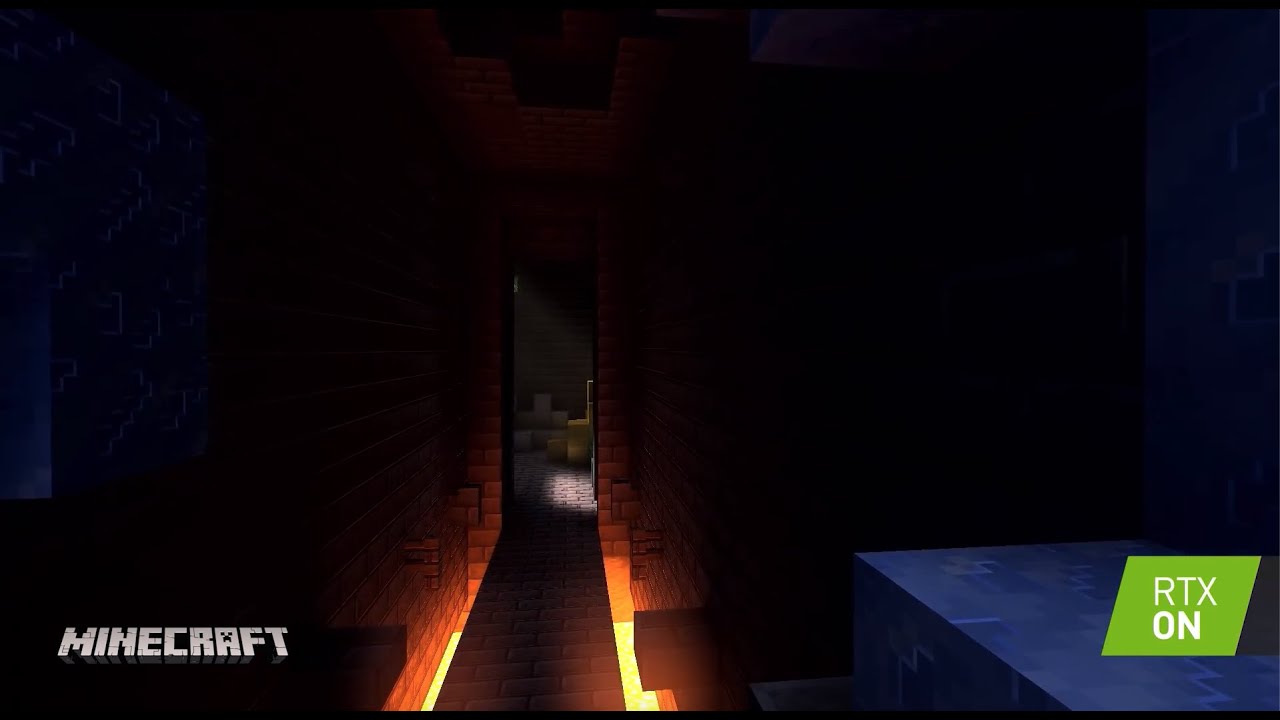
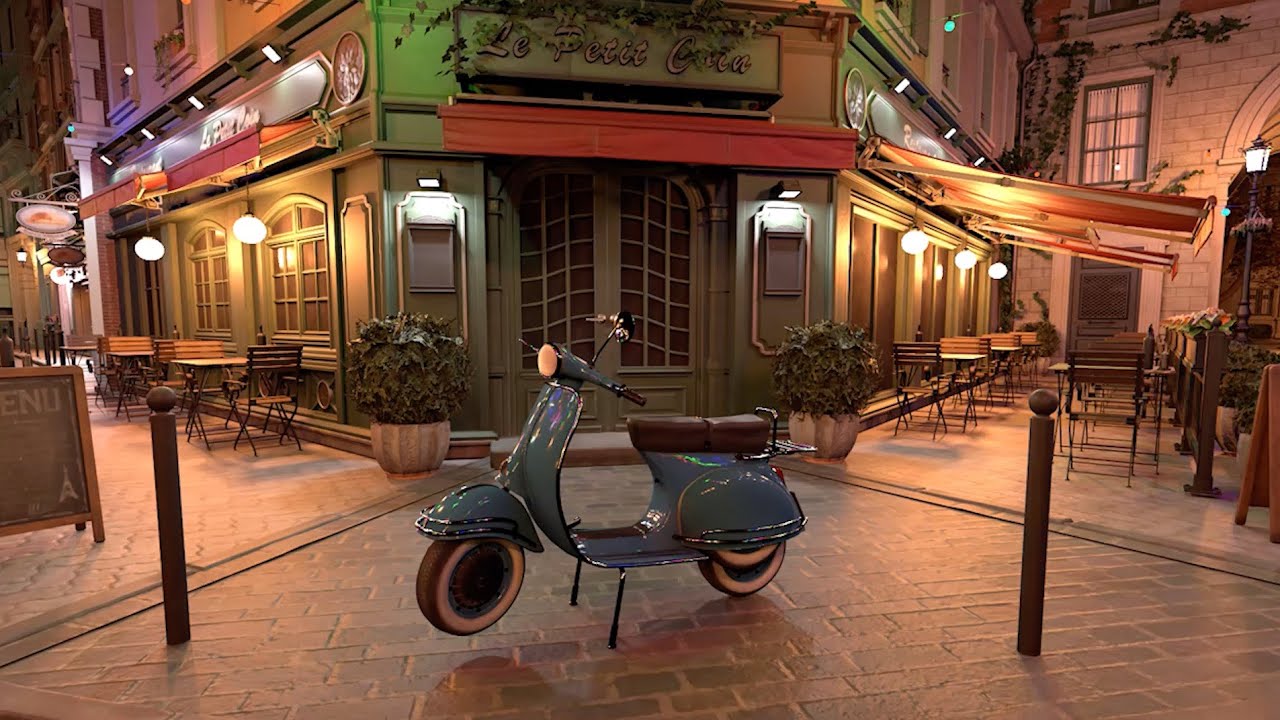
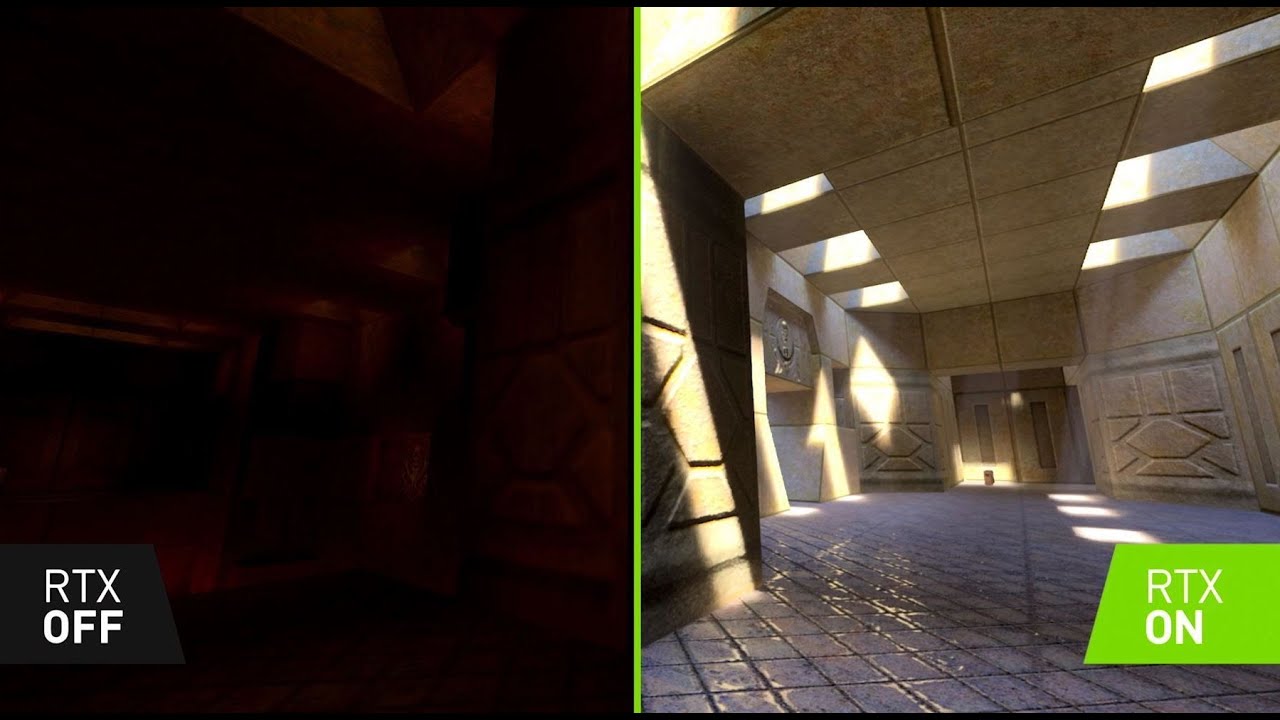
really count this as a hit and let's just keep going so real-time ray tracing can clearly be used for games here are three shipping titles they're showing reflections global illumination and shadows what's also cool about real-time ray tracing or interactive ray tracing accelerated ray tracing is that you can use it for all kinds of other things for example you can do faster baking baking is where you shoot lots and lots of rays it's an offline process that takes a bit and you basically bake the results into a bunch of texture maps I was reading about
how one studio went from 14 minutes of bake time to 16 seconds of bake time once they switched over to GPU ray tracing even if you don't want to use ray tracing particularly in your title you can use it for a ground truth test shaders that are part of DirectX can be used on any machine you can basically put your shaders into a ray tracer and get the to answer so if you're trying to do some approximation you can always get the ground truth and know what you're aiming for and then back off and try
to figure out you know what your faster method might be the other cool thing you can do with ray tracing hardware is that you can abuse it in other words we're now looking into researching ideas or what else can we do with this could we do collision detection or could we do volume rendering or could we do other kinds of queries and work is just starting on this and I think it's a really interesting open field where there's all kinds of possible ways we can use and abuse the new hardware and that's it for this
talk for more information about ray tracing and plenty of other good free resources such as free books go to this website you can also get a free book that's very modern and full of all kinds of articles about practice of how to use real time rendering it's called ray tracing gems it's downloadable [Music]