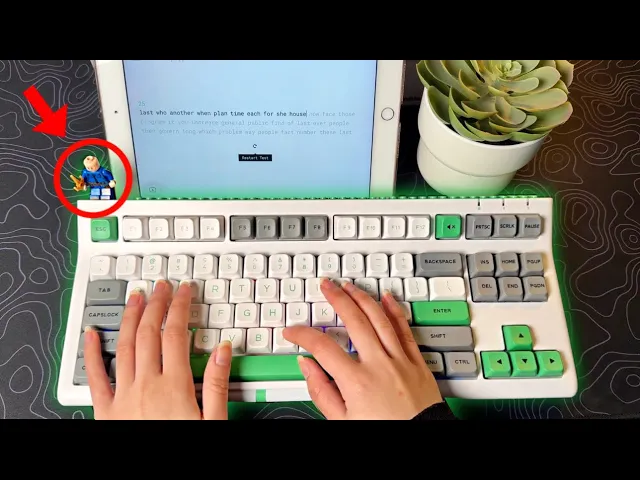
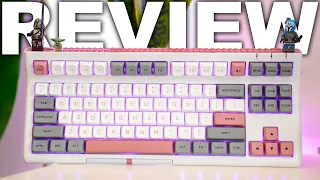
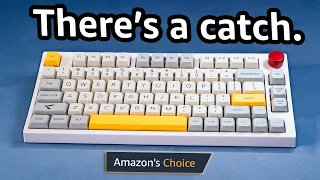
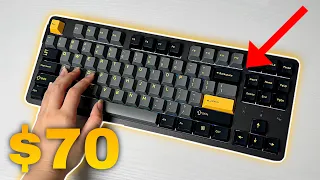
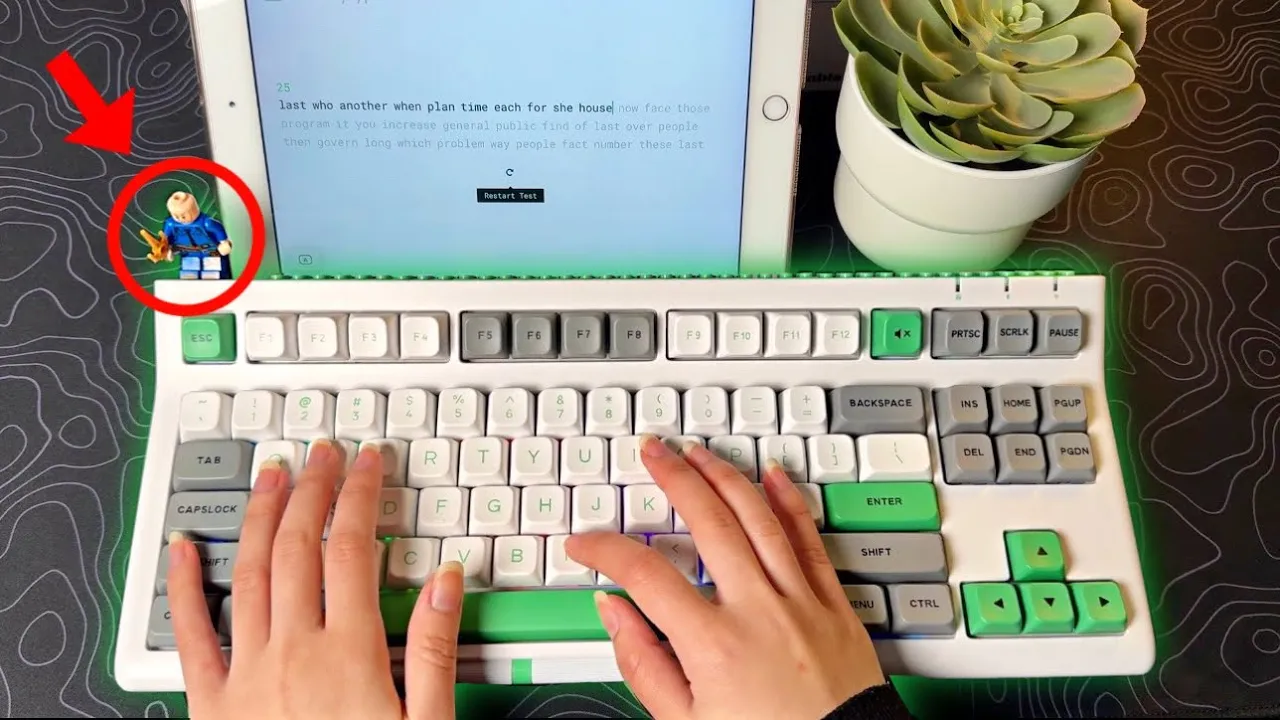
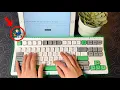
you can put Legos on this keyboard yes yes you can wo look at that it has a whole row of a Lego base and even comes with this little Lego guy it also sounds satisfying and if you didn't know from my Instagram I went to the CES 2024 event in Las Vegas and I actually got to take a look at this keyboard at the EO maker Booth so I'm excited that I actually have it in person with me I also got to give a huge shout out to eom maker because they are killing it with their new keyboards lately and this is one of them so this is eil Maker's newest keyboard cut the brick 87 there's four colors available gray green gray pink white purple and clear black Inside the Box you get the keyboard user manual the Lego character USB type-c cable Mac key caps key cap and switch puller and three extra switches this is a tkl keyboard with 87 keys that includes the function row navigational keys and arrow keys and as you can see the function row is kind of curved up or slanted now you may be bothered by this but for me I don't really use the function real much and I think it just makes the keyboard unique plus I'm pretty sure they made it like this because of this really cool brick bar if it was straight the Legos would kind of look awkward or weird but with it slanted it shows the Lego characters more and it's like a cool decoration you can add your own personal touch to it the character that came with mine the hair did not fit for some reason I don't know scratch that out cuz not it fitting after I'm editing right now but if you do have Legos that's really great I know we might be sick of seeing knobs on every new keyboard that's why on this keyboard there's a scroll wheel control and you can easily use your dumb to make the volume higher or lower or control the rerb brightness there's also a single meute button on the top right I think this is a really unique design and it's nice to see something new and different on the back you will find four rubber feet and two of these two Lev High adjustable kickstand feet for that higher elevation you will also find a SLO storage for the 2. 4 GHz receiver on the top left you'll also find the USB type-c cable and on the left side there's an on and off switch plus a switch for the three connection modes on the right the keyboard also has Bluetooth with a built-in 3,000 mamp battery basically this means long hours of use to turn on Bluetooth first turn on the keyboard using the switch on the left turn it to Bluetooth mode on the right and then press and hold FN + 1 2 or three so you can use this keyboard with up to three devices since I'm only using my iPad I'll hold and press fn+ one the light will start flashing so go to your Bluetooth settings and connect it if you want to connect it with the 2. 4 GHz turn into the receiver mode short press FN plus4 and then plug in the USB super simple here there are four switch options available eom maker piece Lily Gaton Pro yellows 2.
4 eom maker Flamingo and EO maker Wisteria linear switches I got the Wisteria ones and they are five pin pre-looped with 45 G of force 2. 2 mm pre-travel and 3.