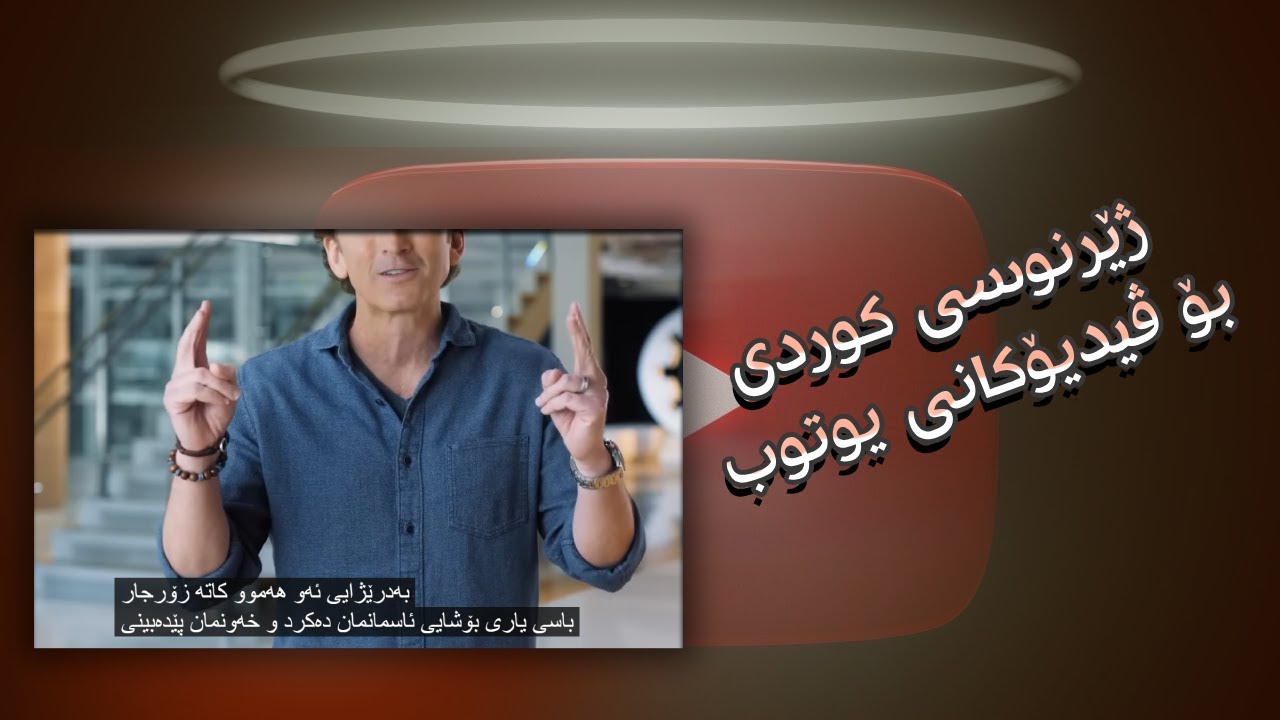
get translated subtitles for any video you watch on youtube let's jump into it with another flipped classroom tutorial now a while ago youtube got rid of their community contributed subtitles now a lot of people myself included were upset about this and we were all wondering why is youtube doing this well today we got the answer they have rolled out automatically translated subtitles for any video on their platform so let's have a look at it and see it in action here on one of my videos on my channel i have not added any translated subtitles to
this video now with youtube's new auto translation functionality i can add subtitles in any language i want so let's go ahead and press play you can see the video is playing and there are no subtitles now here in the bottom right corner i can turn on the closed captions when i click on that you will see the automatically generated closed captions in english now the next step is to go into your settings and here i can now change the subtitles we're going to click on that and now we have an extra option auto translate i
can automatically translate these captions into any language i want so let's go ahead and select dutch here we go click on dutch and now these are automatically translated as i'm watching this video and so this is an absolute game changer any video on youtube can now automatically be subtitled and it's automatically translated as well let's go ahead and select another language we go to this cogwheel the settings select subtitles and let's choose a different auto translate language let's go with spanish we're going to scroll down and we're going to find spanish here we go spanish
and now my subtitles are automatically translated into spanish this is a huge help for students parents and teachers maybe you found a video it's in a language you do not speak and you don't have subtitles while youtube will do this automatically for you now on any video on this platform now one thing to note is that you have to turn on the subtitles first before you can change the translations if these subtitles are not turned on when you go into your settings and you go to subtitles auto translate will not be an option there so
make sure that you turn them on first and then go into your settings now let me know in that comment section below just how excited you are for automatically translated subtitles now as with any translation it will not be 100 accurate or interpreted but it is such a huge accessibility feature for many people around the world now if you are watching this video right now and you speak multiple languages go ahead and have a play with that feature turn on those auto translated subtitles and let me know just how well did they translate this video
and my other videos now you will notice as you scroll back up there is also a join and subscribe button make sure you subscribe to the channel and you can join the channel as a channel member to get access to additional perks which also includes a private discord group where we can communicate with each other and share ideas i look forward to seeing you there in the meantime thank you for watching and i will see you in the next one