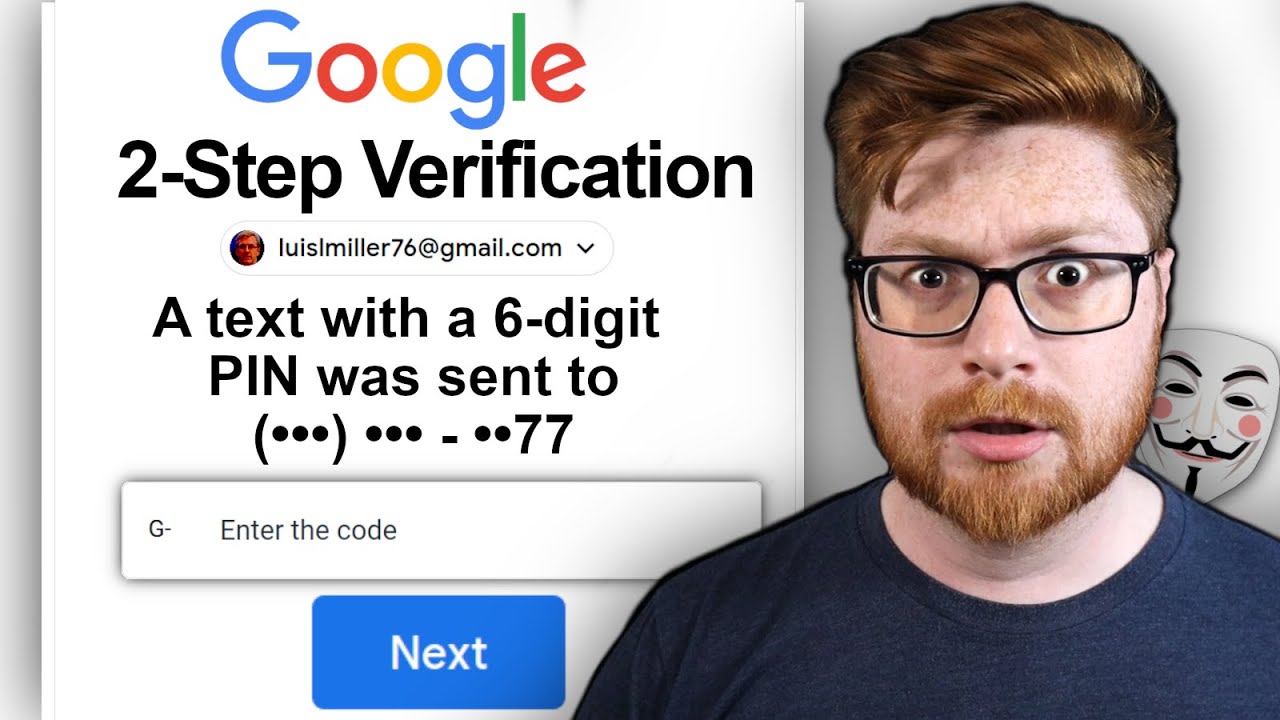
You work together every day by sharing things online. This opens a new world of possibilities, and also new threats from people trying to steal your information. Passwords have become pretty easy for hackers to steal, so many people use 2-step verification and enter an additional short code to verify that they are indeed themselves.
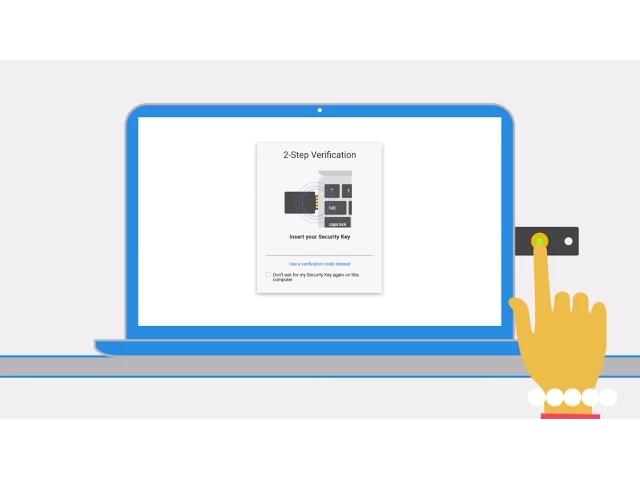
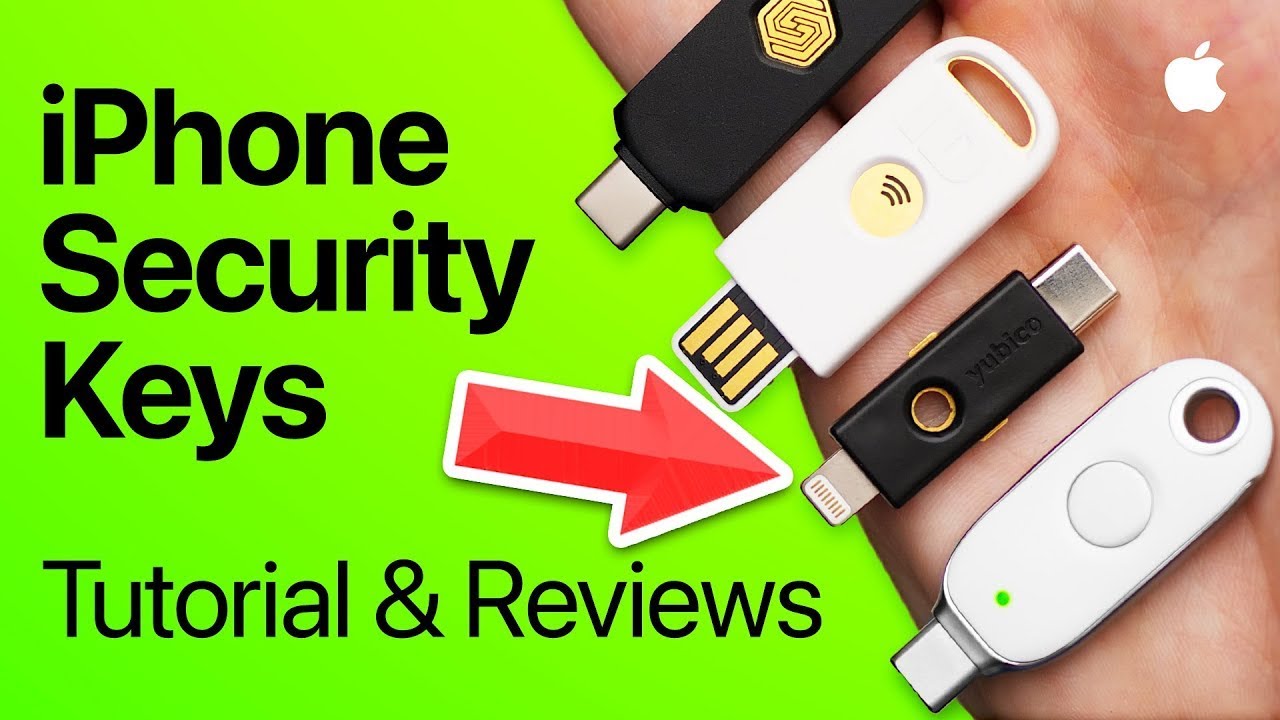
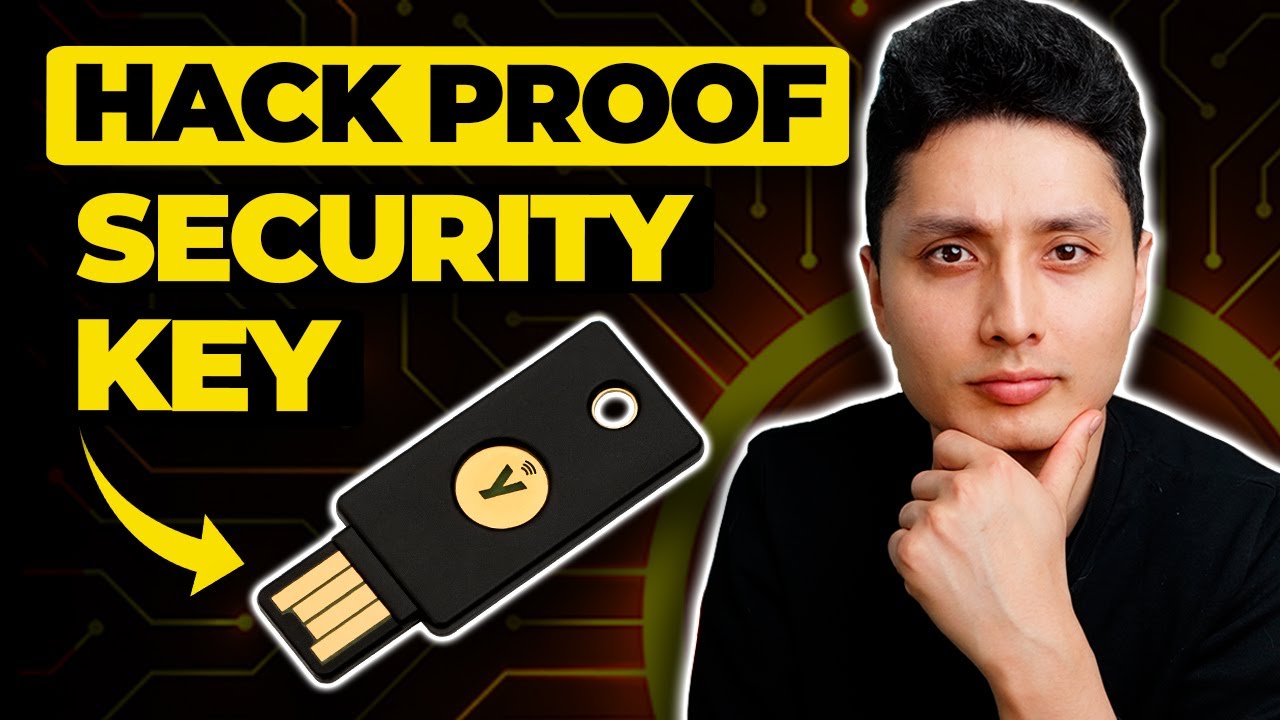
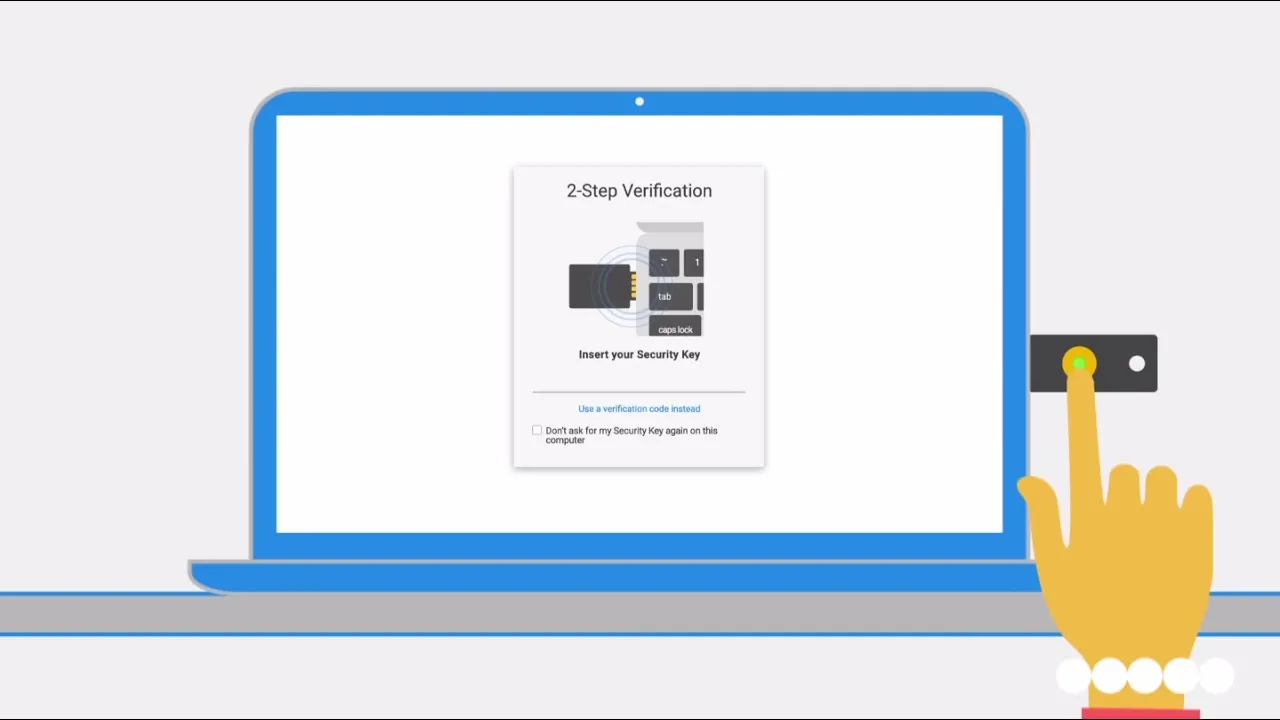
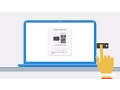
Security is important, but so is your time. Now, with Google Apps for Work, there's an easier and faster way to keep your information safe with the Security Key, made specifically to fight off phishing scams that can steal your login information. The Security Key is a small key that you insert into your computer and tap.
This sends an encrypted code to Google servers without you having to type anything on your screen. It's simple, quick and more secure. To get started, activate 2-step verification in your Google account settings.
Go to the Security Keys tab and add a new key by inserting, then tapping your key when prompted. You're all set. Google Apps admins can better protect their company's information by simply giving everyone in their organisation a Security Key.
When employees next sign in, they can enrol and start using the key immediately. Admins can cancel lost keys and disable 2-step verification if needed so that people can still sign in and get work done. And from the Admin Console, IT admins can monitor Security Key usage – seeing where and when people last used it, running queries and downloading usage reports.
Keep your information safe and still be productive with Google Apps for Work and the Security Key.