the state of HTML survey results were just published and this was the perfect opportunity for me to realize that I don't really know HTML I know this might come as a shock since HTML is the base on which we build web apps and the general assumption is that HTML is the easiest markup language out there however if you are not keeping up with the constant updates in the web API space and trust me there are quite a few of them you'll be surprised to find out that your knowledge is getting deprecated quite fast so let's
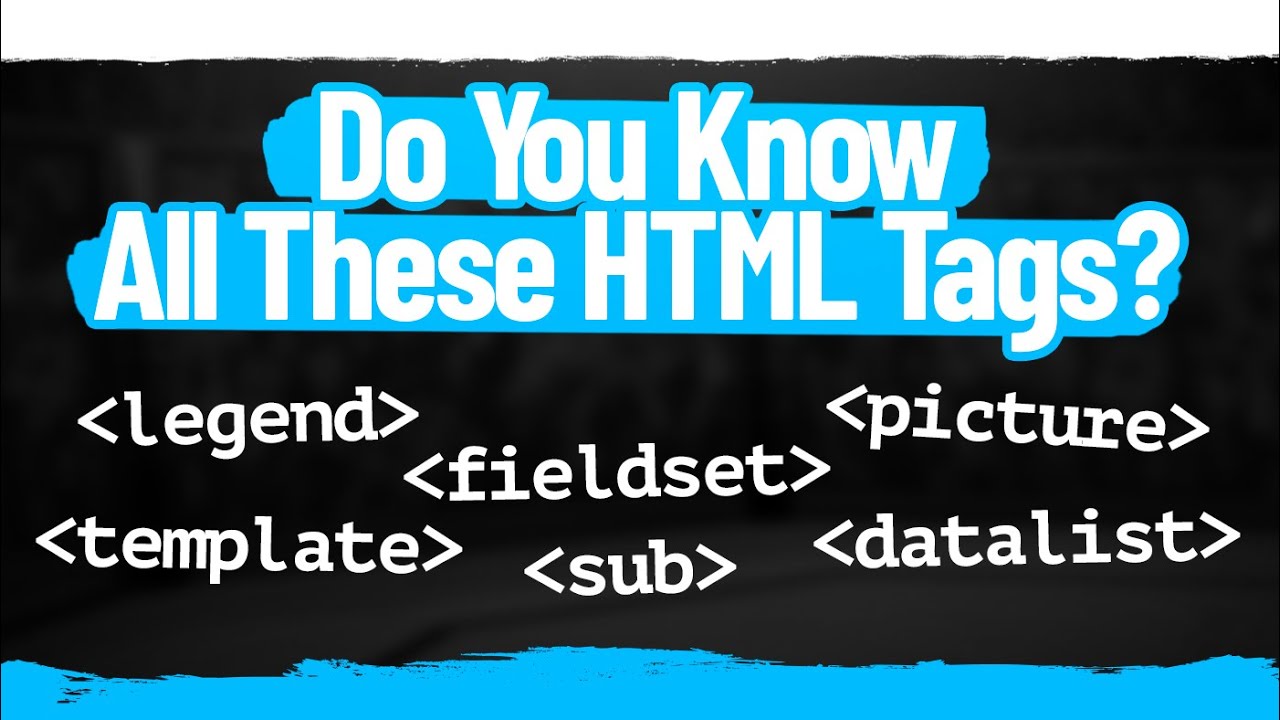
make sure you are making the most of the tools provided natively by the browsers and look at seven cool HTML and web features you might not be familiar with we'll start with the dialogue since this one is probably more familiar models are a common pattern in modern UI and you can now leverage the browser's native support to Define and control them on the screen with the native implementation you have access to a bunch of features from the get-go dialogues will be closed when the Escape key is pressed you can style the backdrop using the associated
SoDo element and you can easily exchange values through the return value property dialogues will block the interaction with the rest of the page but if you want a non-modal behavior you can use the popover API instead in its most basic form any element can be defined as a popover through an attribute and can then be linked to a button or input via the target attribute then through Target action you can either show or hide the element it is also worth mentioning that popovers can have an implicit Auto state which means they'll be closed when the
user clicks outside the element or he presses the Escape key if you want more control over this you can switch to manual and the popover cannot be light dismissed another element allowing us to conditionally display elements on the page is details disclosure which displays a summary whenever the widget is toggled into an open State the data list element could also be really useful in a lot of scenarios since it allows you to define the permissible or recommended options available within other controls these controls can be either plain inputs or more interestingly time or ranges the
inert attribute allows you to ignore elements together with their Descendants the browser will ignore input events sent by the user including Focus related ones note that by default there is no visual way to tell whether or not an element or its sub tree is inert so visual cues fall under your responsibility on top of that remember that the disabled attribute is still a better choice to make form controls iner Switching gears to some more specialized features the Color Picker is a small yet useful addition to the standard this has a very specific usage but covers
a scenario which was previously handled exclusiv through third party libraries another similar feature is the HTML capture attribute this can be added on file input elements and allows users to use their devices and capture images using either the front or the back camera note that this is UN supported on regular browsers but you should have no compatibility issues on mobile devices we didn't discuss Progressive web apps in this video but things are moving rapidly here as well please let me know if you are interested in exploring this topic in more detail if you feel like
you learned something you'll probably find some of these videos interesting as well until next time thank you for watching