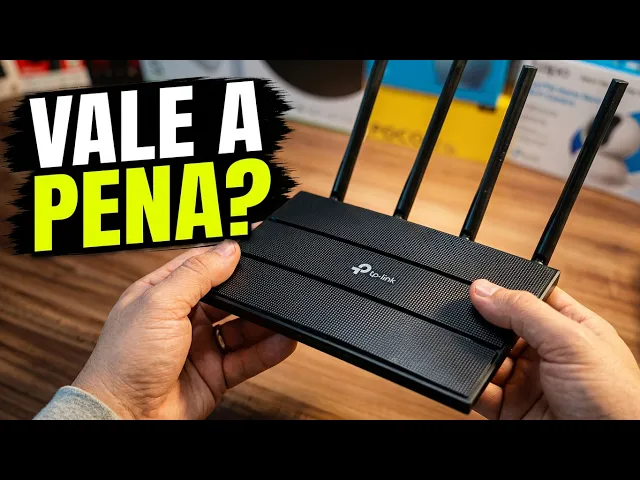
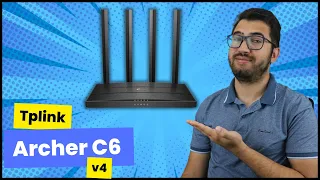
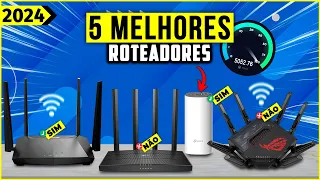
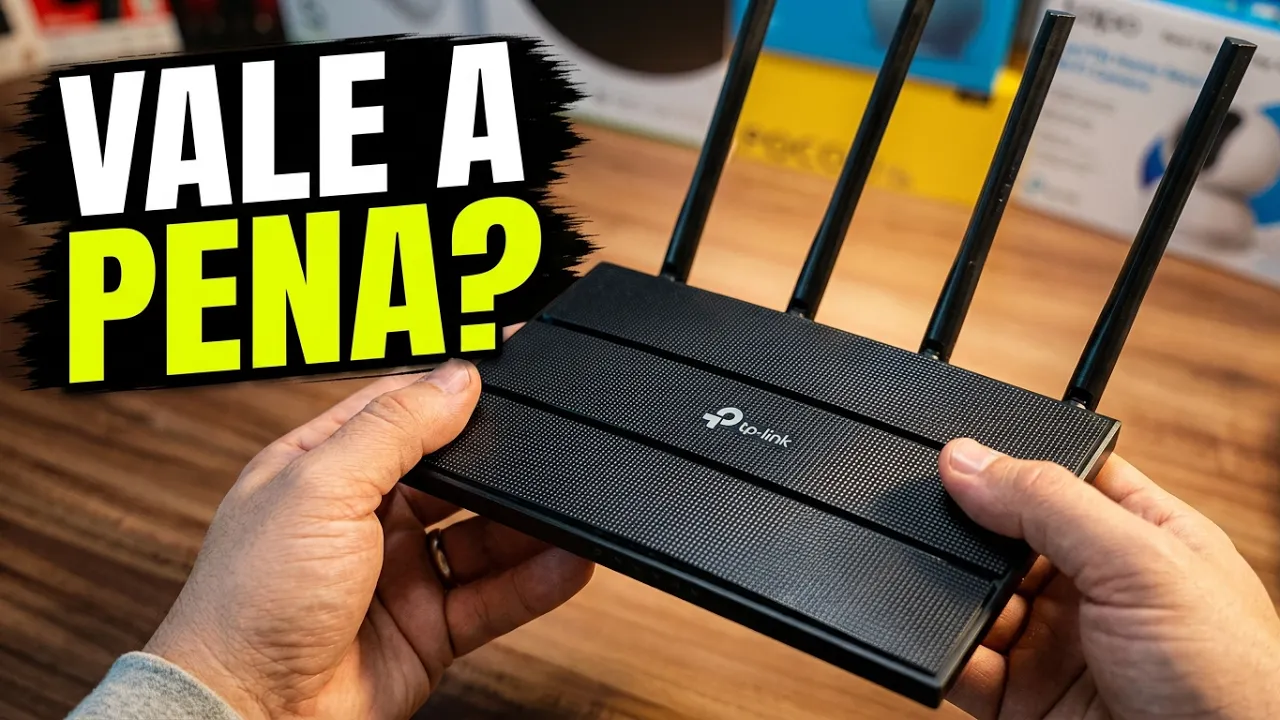
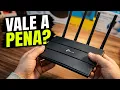
[Music] let's go guys, arriving for another video here on the YouTube channel, welcome here to the channel and the hulk is already holding our merchandise here so we can do the unbox, review settings and complete test of this TP LINK WiFi router here Let's get to the point, hey, look, it still comes with this bubble wrap packaging, very well packaged for those who have businesses , so nothing gets scratched, right, and now this TP Link Router is in your hand. Remembering that it's number one in the world, okay? And it still counts with 5 years warranty Man, this makes all the difference years of warranty on the product, what quality, remembering folks that this model here is the Asher C6 and it is already in its fourth generation for those looking for a Perfect Choice in a router with great value for money wanting performance, coverage and ease of use, this one is certainly a great option up to R 300, hey, talk a little here that it's all gigab, right?
speed and of course, folks, it's there The price I paid is still paid in installments and the link will be in the description of this video and also in the first fixed comment here on YouTube for anyone interested, right, or looking for a router here with very high performance at a great cost [Music] benefit is still there, it's well packaged Look at TP Link, right? Don't need comments on its quality Look at the finish there, it's all textured, it still comes with this protection here, it defends it very well, the product, it's a very high quality product, it 's very beautiful packaging here, it's fine Take it easy guys and it comes with these four external antennas. Remembering that it also has an internal antenna that guarantees stable Wi-Fi coverage throughout your home, the technology added to it Concentrates the Wi-Fi signal on connected devices, eliminating those shadow areas, you know, providing a much stronger and more reliable connection, I'm going to ask you a question.
Do you like these types of videos of purchasing or unboxing product reviews, man, what are you waiting for, leave a like here on this video, subscribe, it's free, give a Go ahead and give it to us And here it also comes with your quick installation guide, it's very simple, I'll show it to you, it also comes with a network cable here, 1 m long, a network cable so you can connect your PC, right, your notebook and also the power supply cable, right, standard, that's fine. These are the items that come with your box, the installation guide, the 1 m cable, and also the personal power supply, take the opportunity to sell my fish, right, look, when I talk about unbox, look here, this one arrived from Aliexpress and all these items guys, xiaomi TV Box Xbox series S ecodot cell phones from Samsung to Bob Sponge here it is, so all the items that are also here on the shelves Look, astronaut projector microphone from fifine the iOS of Plush, all of them I buy on online sites and also here on amazon. com.
br and on MercadoLivre I'm there editing a next video here on YouTube a little video from amazon. com So here's the invitation for those who like content, sign up Man, let's now go to the configuration part and personal testing. I just want to show you the back of the product.
Look, you can see here, on the left, the device's on/off button, on the right, the power input and the little blue one there is the network cable, right? These ports here are the gigabyte ports with 10 times more speed than normal routers, right, you can connect your video game or your 4K TV to these little ports here, yellow and here, on the right, is the reset button for the device. In case there is a signal problem reset it and it goes back to normal, so it's very simple to understand, I'm going to connect the power cable here, right, it's connected to the socket and now the network cable there Remembering that I have a 100 MB fiber cable here at home, so I want it make the most of my internet SpongeBob also threw himself in there, right poor SpongeBob, there I turned on the device, you're turning on the lights, so you're going to have to turn them all on, right, guys, comment if you have any questions, if you have any questions, leave them in the comments and I'll I'm going to try to answer everyone here and here it is, this is the super easy quick installation guide and I'll show you how it works but what I want to tell you now is connect all the lights here of the router and it already comes pre-configured, look, the router is already configured with a factory default password, that's the one there , 83 1625 of this one.
If you want, I'll show you [Music] here, if you want to change it, this quick installation guide will give you a summary of what I'm doing here, which is to take it there, turn on the light, connect the Cable there to the power source, right? connecting the network cable, there's a step-by-step guide for those who don't have any mystery, that's why it's the best-selling tplink router, man, it's very easy to use, okay, you must be wondering, Michel, but I don't want to use that default password, you You can get one here at home to get the password and it's using my router, it's very easy, you'll download it here via this code here, it can be on the App Store or also on Google Play there, right? And you'll be downloading the TP Link app and doing your settings by following this practical guide here and it's really easy, okay guys, you'll click there in the application, you'll navigate, you'll enter the default password and you'll create your private password there, right?
You just won't put 1 2 3 4 5, hey, oh, what is to be it is most used 1 2 3 4 5 right now all the lights here are on let's go to the test on my smartphone here once again remembering that the password is at the bottom right Look at the device, all holes in it so I can breathe, I wrote it down on this little piece of paper, right, so it can be easier to make the video with you, here, take the smartphone, show PR. Do you want to see, go to the Wi-Fi settings and the name will appear like this, guys, tpl link 4504, note that there is also 4504 5g Of course I'm going to be using 5g, right? It's much better here on your cell phone, you can change your password in the settings whenever you want, okay guys, calm down, I'm going to leave the default here because there's no reason to change it here at home, look, Wi-Fi is connected super fast you can see there and now of course I'm going to do a speed test Remembering that my fiber is 100 MB here at my house comment on your internet speed and look, I've already put it to work here man I'm surprised here first impressions, of course, the internet will never deliver the 100 MB that I contracted for, right, it delivered 90 and let's see how much it is delivering in terms of uploads, right, that's more interesting for me here, 90 and 92.
8 are very good man, for those who are contracting 100, ok too top I didn't understand why the server is there in Florianópolis But that's no problem Remembering that the connection is written there Oh that's too top huh your internet is very fast it's written there right your internet connection is very fast isn't it that much right guys today but for me it's great, great size and there, testing it once again man it really surprised me, comment what you think hiring 100 and the router It's delivering 90.