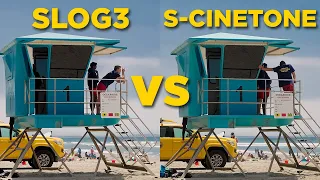
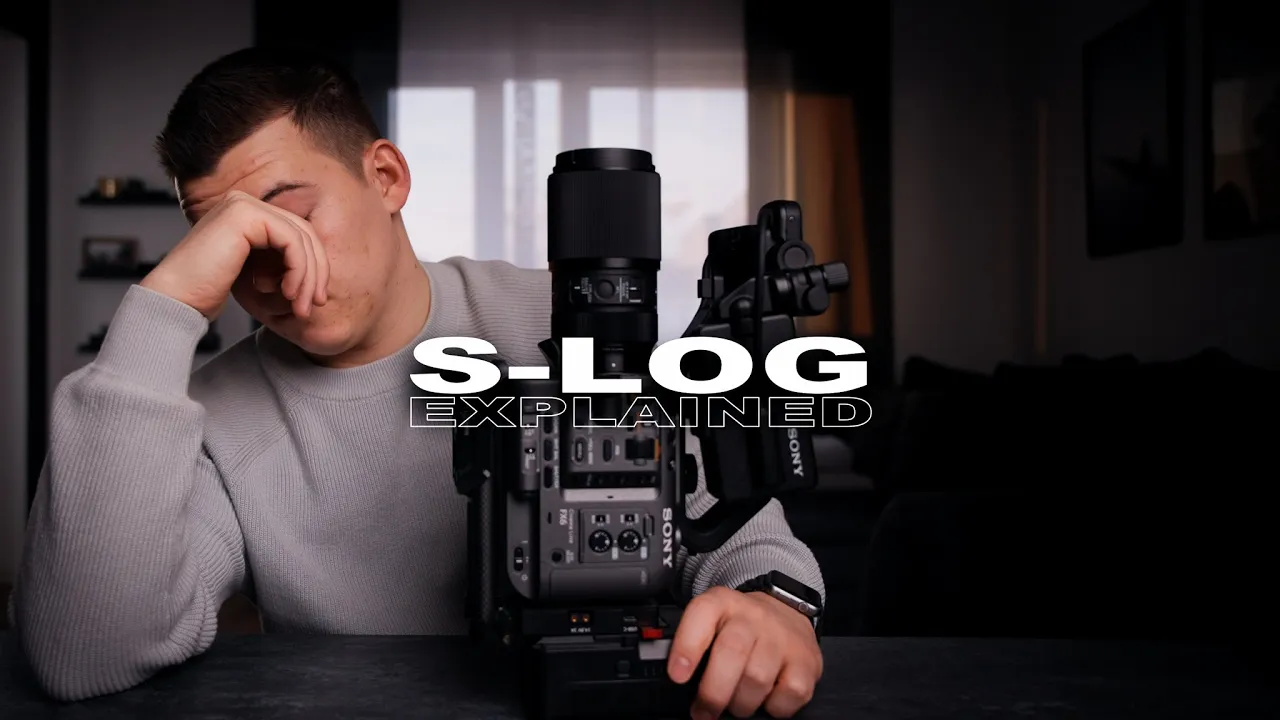
if you want to get professional cinematic footage with your Sony camera you should use aslo in this video I'm gonna show you my Pro tips to get the best results as a professional filmmaker I'm working daily with other freelancer and I've realized that a lot of filmmaker using esler completely wrong and lose a ton of quality so if you want to use s-lock or get better this video will help you so what is s-lock slook is designed to capture the most detailed and dynamic range with your camera as possible if you compare the waveform of
Lock and track 709 footage you realize that lock has a lot of room to work with our image while Rec 709 is very limited for example if you Overexposed your x709 image and try to recover certain areas in your frame there is no data to work with but if you work with lock footage there's a lot of room and information to play with so as you can see lock footage give us way more control in the post-production but to have this flexibility you have to follow certain exposure rules to get the right exposure we have
to activate some tools inside of your camera first activate the gamma display assistant you will have more contrast in your preview while the footage is still recorded in lock but since every display is different from camera to camera we cannot rely on that so we have to use exposure tools like zebras or waveforms Sony's camera Engineers gave us two perfect values so we can expose for the skin or for a white card or a white surface actually I got an idea I will make a data sheet for you guys so you can take a screenshot
and keep it as a reminder on your phone by the way I always set my Zero Store custom button in my camera so I can turn them off after I exposed my image and I can focus myself on the framing and focusing Focus myself on focusing yeah now we have the perfect values for exposing our s-lock but since lock is not raw you have still to decide what you have to expose for in a high contrast images like mine for example if I would expose for the outside I would need a ton of light but
since I'm using the aperture 120d I'm limited with my output so I have to expose my face but sometimes you will have a situation where your image does not include a face or a white object in this case I recommend you using white and gray cards I always have my cards with me in my camera bag I have two different sizes for Tighter and wider shots so I can always have The Perfect Exposure and white balance I usually put my cards in front of the subject which I'm gonna film and expose for them but I
also use them a lot for interviews to get even better exposure and as you might know log footage is very flat so we have to color correct it you can do it very simple with a conversion Lut from Sony or if you're working in DaVinci Resolve you can use the color space transform tool and that's pretty much it I would highly recommend you to get your own exposure cards and practice before you go on a client drop if you like this video give me a thumbs up for the algorithm and if you want to see
more of my content and develop your skills subscribe to my channel I will see you in the next one foreign foreign