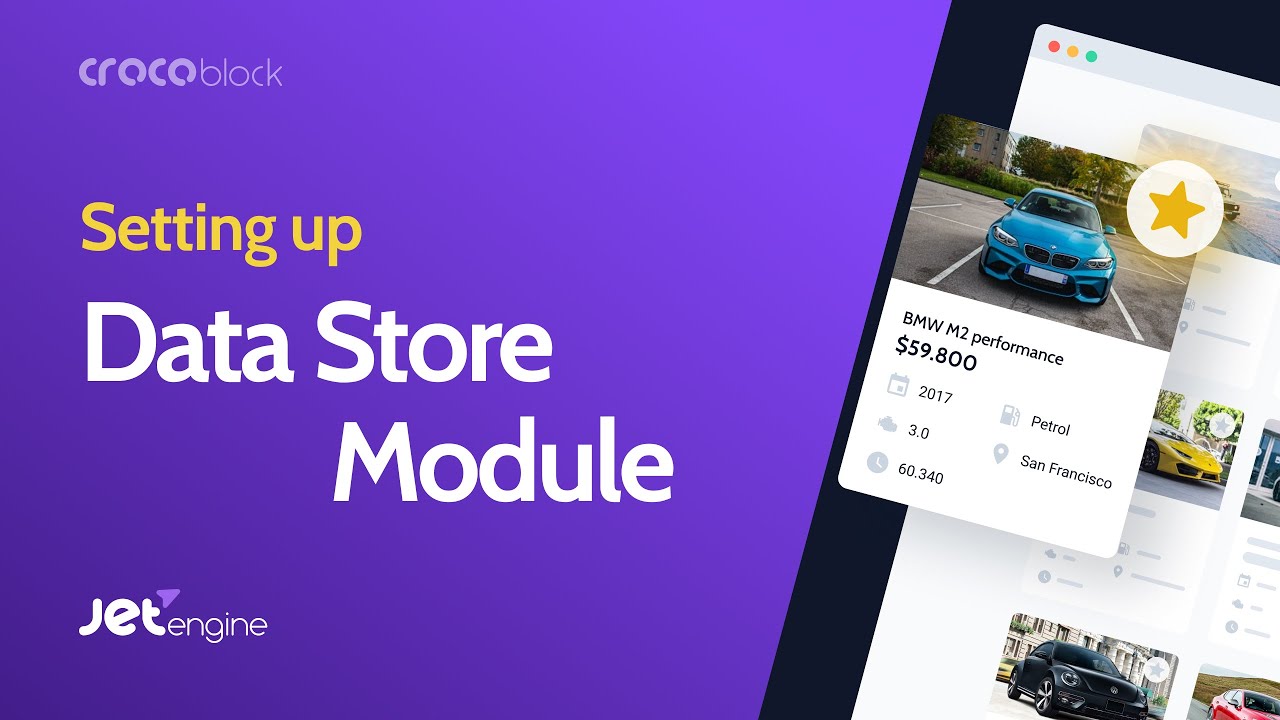
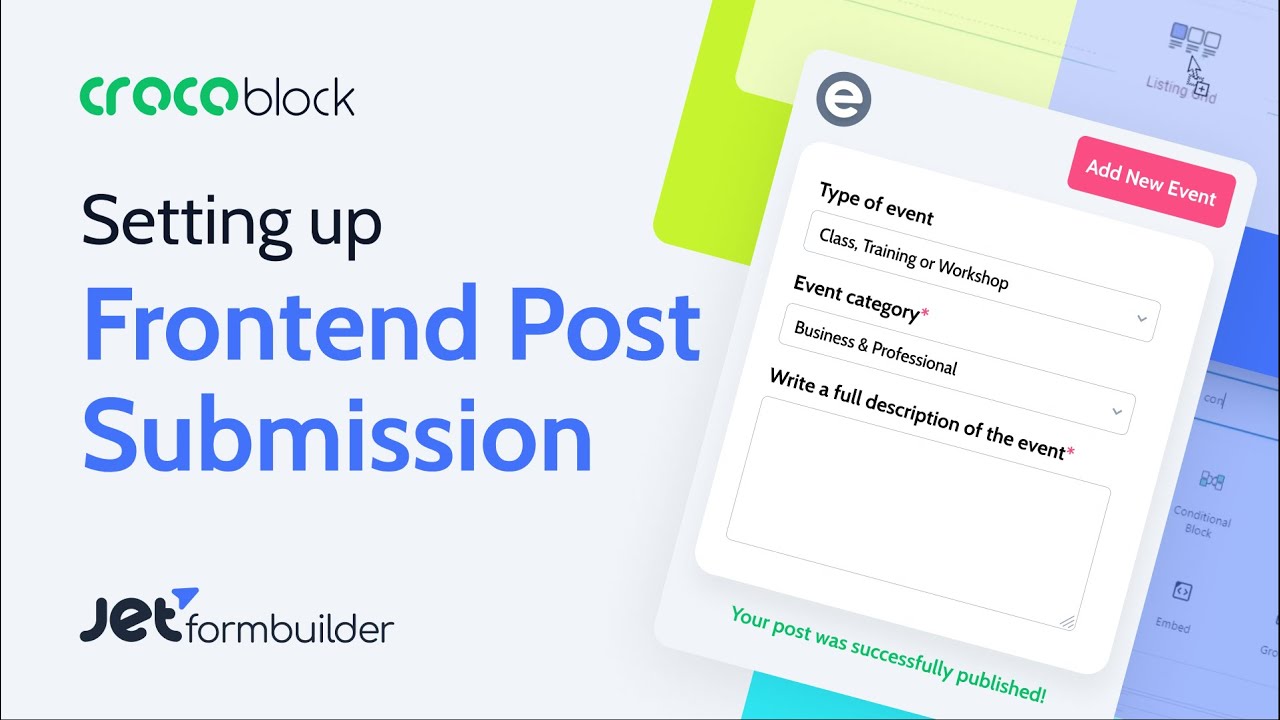
[Music] hello everyone this is awesome wakareshi from zayn ideas uh here is another croc block profile builder series so today i would like to show you uh using custom post type uh in this case i'm using event calendar so we got the event as a custom post type and then on on the profile board this is account page and you can add uh your event and you can also edit events i'll show you quickly what you can do here so here is on the right hand side is just carrying the page on the front end
and on the left side page is a account page using profile builder module so i have a calendar listing here and here you can see add an event so let's see i'm going to click that so i got the just title detail and location date time and organizer's name it's just a meta field here for example adding you know clock block workshop and here's detail and the location here and then date you can pick and also a time you can pick and the organizer's name is the croco block and hit submit and then successfully submit
it so let's refresh this front end page here and then here it is and then here you can see actually the detail here all right so the location and date time and organizer's name and here is the event detail so that's the title here and of course go to back to my events listing should it be here and let's say if you want to edit this event so let's say oh maybe you know you want to change that date to the following week and then the time you know probably the same organization's name the same
and if you want to change that let's say um the title to crop loss you know maybe say jet engine for example so and hit submit and then here so let's go back to event calendar page and here so it's changed and take a look at uh uh detail too of course um the date got changed as well and i think this is great let's say if you are building membership website so that your member can contribute their content in this case event you can do any custom post type in my case i just pick
events so let me show you how i did it so once again first you have to enable profile builder for this tutorial and also um you need to have uh jet form builder okay so this is a free plugin so you can download first you have to create a custom post type my in my case it's event i already created so under jet engine and you see post type here and you click add new so in my case i already created so i'll show you what's inside go to edit here so post type name is
events and that's a slug and then here so i got four meta field one is location i'll show you so label is location that's name id and then so the field type is just text area all right so it is required and the date so date so it's necessary to have a date for event so label is date that's the name id and then the field and then i pick date here and make sure you save as timestamp here and it is required as well and then next one is time once again it is necessary
field for events and here click field and here i pick time okay so it is required and the last one is i just wanted to add organizers name name id is organizer field and this is just a text okay and again so i can put the requires like could not be required so anyway and here uh let's take a quick look at advanced settings um okay so that's a slug and then here uh i mean if you want to you can change the little icons i just pick this icon and support it's just text in
the editor nothing else okay and so now you see here events right here and let's take a quick look so i have um you know this few events here and then let's just uh click new so here is the title of the events and here you can put the events detail now as you see those four meta field i just created right so something like that so this is a back end so but we like to create on the front end on the account page using profile builder for this tutorial so under jng so go
to profile builder okay and here you can add or customize account page so here uh go to account page here now so i've already added my events add an event and edit event okay so you can add by clicking new sub page and you can just put the title um and keep adding so in my case all i need is those three new pages so let's take a look um each page so title my events i call it and then here so again so we're gonna pick a template so just leave it blank for now
and here is add an event okay so once again template is blank so edit events and here so there's nothing on the template for for now and then so i'm putting hide menu okay so i'll explain that to you later now so let's uh take a look at this account page here i'll just show you so now we have uh yeah my events and add-on event so let's see if i click that so it's nothing here it's kind of blank page so that's okay so we're gonna work on this so next step is so we
have to build a form for adding events right so uh so for that so you will need this jet form builder okay so i already had is called add event okay so let's uh take a quick look at what's inside so hit edit all right so let me explain that's this to you one by one so this is a hidden field okay so you're gonna pick the hidden field so this is just post id and then here so you're gonna pick a current id all right so this is uh just a text field okay and
if you want to add block here so just go to this hit this plus button okay so you can just browse all so you see all the field here you can just bring that any place okay so in my case i use for the event title i just use the text field okay and then on the right hand side so you can just label it i use event title and this is just the field name and then here this is just a text right uh event title so next item is event details so i used
a text area field all right so let's take a look at on the right hand side here so event details and then again so i just leave the blank so there's no minimum or maximum length for this okay and the next one is once again this is text field location okay so location and then uh for form field name is location and the field type is text now next one is now i got the date field i'm using data field so again so let's take a quick look so they have if you yeah you have
here right here okay so i use date field and it is required and then here so make sure the field setting is timestamp and then the next one is time field so also they have time field so if you don't see it just go to all so there should be a time field right here all right and then required and then time uh field names time and the last one is organizer name i'm using text field for that and then label organizes name and then field name is organizer all right so field type is text
okay again so if you want to add create more meta field at this when you create a new uh custom post type and then you can add more field uh using form builder so in my case only uh these five sorry six field right title details location date time organizers name and then just publish or hit update and the last one is here uh action button so in this case submit okay so the label is submit i think submit is yeah good good wording and then so the action type is submit the form so that's
fine now let's go to uh jet form here all right so this is fine just scroll down here so pulse submit action is so make sure you pick insert update post because you're going to insert this event post right and then the bottom here you can customize the general message settings here i'll just leave it as it is for now and then so let's take a look at this pulse submit action so let's click this edit action now here so you have to pick uh which post type so in my case events and then status
i like to use publish just go ahead publish right but it's up to you you can if you want to monitor her you can just pick pending to review or draft so in my case just pick published and then so you have to match up the field maps okay so post id in this case just uh you don't have to select anything okay and even title is gonna be post title okay and event detail is going to be post content now next four items uh are so those are the kind of custom meta field i
created so you have to pick post matter and which post mirror which is a location so i can just let's take a quick look yeah take a quick look at uh a custom post type event oops event so here so those meta field the id name is location and then date time organizer so go to this form uh make sure you're gonna match up that so location and same meta and date method and time and the same pick meta field and then type organizer okay and hit update so now we have created add event form
all right so next step is so you have to create a template okay for add events so because here so here is the account page and if you click add um at an event so it's blank so we have to create a template for that now so let's go to uh this is an elementor template under save template and we don't have anything right here for adding new event so hit add a new button here and then select page and i'm gonna just call it to uh add event for example and then create so opening
up elementor here quickly i show you how to um make quickly so okay so let's go back to account page now if you look at my previous tutorial and here like add a new post so basically we get the same template but you have to embed um different form right the way you can do is uh let's just go back to let's uh let's see let's go back to template save template here and then add a post i'm just open up with a new window here yeah let's move that side by side and then on
the left hand side is i'm going to create a new so what you can do is you can just copy entire section and and the paste so you can create that and then so i'm just delete this and then right here so this is the form and so make sure you pick a jet phone builder here i think another event i think [Music] yeah other events so you're to pick that so now you see the form we just built it right event title event detail location and date okay another thing is so if you look
at my previous tutorial you can just save as a template here right so this 2080 column right so you can save that as a template so here i can just show it to you so i already created the template in my previous tutorial so i can just delete that and then here just remove this over here so click this and then my template so i have this master profile builder template so i just insert apply yeah and you just change that form to make sure you change that too uh from jet phone builder and then
add event [Music] so you can do this way okay and just go ahead hit publish all right so um yeah so let's take a look at this account page and add event so still blank so you have to take another step so let's go to dashboard and then go to jet engine and go to profile builder again and here account page and then add an event now you have to put the template that i created or template name i don't remember what was that so template oh add an event so that's template name and then
go back here add add an event here we go and hit the save so let's now take a look at this account page again now let's go to add an event now you see the event so let's try if this is going to work so i'm going to start filling the form yeah so let's uh put even calendar front page on the right hand side and i just filled out the form okay so wordpress design course 101 101 training and here is a date uh september 1st starting at 9 30 am and the organized name
is their ideas and go ahead and hit submit all right so successfully submit it and let's refresh this page so it works all right so let's work on the editing form okay so let's go to uh jet from builder and the forms so once again so i've already created forms and so let's take a look at the inside here so hit edit so i'm going to just stretch so it looks very identical to then adding new event form all right so let's take a quick look here so once again so this is the same hidden
field okay so post id and then now this one so it was a current post id but for editing so use url query variable okay and that's here so here is acquire variable key maybe i can probably put a new event form side by side i probably um easier to explain here so on the right side right hand side is add new event form and then the left-hand side is edit event so you can actually duplicate all right so here you see the post id um but i put underscore here and then the next one
is uh event title so that's the same okay that's the same so the one different is um here so add a new event form is is required but i didn't try to require here okay so same as here this is exactly the same but except for i just turn it off for required section and then this is also the same same just again you know unrequired and then same so basically it's just the duplication except for i turned off for the required field okay now so next is let's go to jet form section here and
then here on the right hand side so everything stay the same here okay except for one thing so make sure you turn this preset setting enable okay and then you pick source in my case it's a custom post type it's going to be post and then get post id from url query variable and then query variable variable name is underscore post and the squad id so which is the same as here and then post id post id and title sorry event title is post title and the event details it's going to be post content and
then location that's a meta field post matter and you have to manually add location and the date post matter and date for a time post matter and the time okay and organizer post matter and the same organizer right here okay and then the general message settings stay the same okay and then just hit update or publish now next one is this submit action button all right let's go to block here now um submit maybe you can change the label too because this is the edit event maybe update oops and here jet form again now this
post submit action same insert or update post so you're going to update post okay and then just click here so make sure you pick the map the same same thing the post type is um events right and in my case publish right away and the post id so for this one is so you have to pick post id is gonna will update a post okay and the rest is the same as uh the add event form okay so event title post title detail post content and meta post meta so those are location is post matter
and location and date time organizers name so those are post matters okay and hit update and hit update so next one is so let's create edit event template for account page all right so let's go to elementor template and the save template and then i'm going to hit add a new and then page and i'm going to call edit event and the create template so once again i already created a template so go to my template and i'm going to use this master profile builder template and hit insert and apply all right so i'm going
to just change this form all right so click that and i'm going to change that to make sure it's a jet form builder and then i think what's the edit maybe yeah edit event so that's the form all right and then go ahead hit publish okay now let's go to um yeah so this account page so remember that i don't have edit events here because i go to uh profile builder kind of page uh here's the edit event but make sure you know remember that uh hide from menu i turn this on so it it
doesn't show it right and here so um so i'm gonna pick the template so which i just created right so i think uh here let's refresh this page so edit events from the template that i created and so i'm gonna just uh this all right so in a template so edit event all right so i'm gonna hit save okay so that's okay so that's finished but the next item is i'm going to create a listing page so because when you go to account page and then here's my event so i like to show the listing
of my event that i posted right so it's nothing here so i we have to work on that alright so let's go to now for that let's go to under jet engine go to listings okay and here so i've already created the user event items so which i just put account because this goes to account page so let's take a quick look at all right so here it is so it's kind of simple i think that's two columns here and there's inner column here as well right here okay so on the top is it's just
metal field all right so i'm using a um dynamic field okay so if you go to dynamic fields so you can just put that here all right so uh once again so that's a better field it's a date but i'm showing just uh just the date right so the first okay so to do that so i just use a filtered field output and the format date and then just uh i think that's a j uh if you look if you want to know quickly so you can just go to this wordpress dated time format okay
so you can put you can use those formatting to display okay and then let's go back here same as here i'm using meta data and then date and then this is like a f which is a month so september all right so this is just a design thing and here is once again the same dynamic field by using a post term and then this is a title right this is a title of training or event and then right here is just location and metadata uh and location here okay so again on this listing if you
want to put other things uh you can put that too for example you can just uh you know duplicate here and then instead you want or in addition to if you want to put the organizer name for example uh you can put that too and you can change icon you can do that so again so i don't need to do this all right so that's the listing page and now next one is make sure you should add edit event link okay so now this is i'm using a dynamic link okay so i just showed it
to you so here is a widget here uh dynamic link so this one okay you can just put this on anywhere okay and then here so you pick the source for profile page okay and then which profile page which is we um i've added those sub pages and you pick edit event right and this label so you can put anywhere you like you know i just put to edit this event okay one thing is you have to turn this on so add a query argument okay so make sure you put a post id equal this
percentage um this macro and the current dash id okay so if you remember here i can show you a form uh so i can bring uh this edit event form remember that's a url variable is underscore post underscore id right so um so what you have to do is uh this query arguments is underscore post id equals its current id and hit update all right so next step is so let's go to let's go dashboard here and go to uh elementor template go to saved template so we have to create a template so add a
new page and maybe call it maybe user users event event list and hit create template so once again so i'm going to just use master template and hit insert apply so here i'm going to just delete this form i don't need that and go to create the listing of that listing yeah so listing grid okay so we're going to use that just drag and drop here and then so we are going to pick user event item so yeah this account so this one and they should show up all right so i don't want to make
it to uh three columns so just one column is good yeah something like that that looks okay so it looks like this september first i like to uh change the order so you can also use custom query and then before that you have to go to a query builder that's under jet engine and go to query builder and hit add a new so i'm going to just name it to uh and it's going to be a post query and then uh post type is going to be uh events and then status uh pick publish and
then so i'm going to add the order by in this case order by string meta value and the meta key is date and then order lowest highest and add a query then you have to go back to event listing page and go to customer query and you have to enable this and here so you have to select which is this event query that i just created and then select that so you change the order okay and hit update so next one is let's go back to dashboard again and go to jet engine profile builder and
now account page so let's go to my events and here so let's pick a template okay so template was here so user's event list and then so users event list so this one right okay and hit save so now let's go to account page and just go here and then let's go to my events should be all the listing here now let's check edit events so the reason i hit edit events on the on the menu on the left hand side is so it doesn't really mix right it's showing here it doesn't make sense and
then here you can just uh click so for example and they here it's already filled out okay so this is the croco block workshop challenge so let's say i'm going to change to profile builder okay and then yeah let's probably put here deviced for example and then you know let's change the date to fifth so rest probably the same well now let's look at the bring a front page side by side i'm gonna just open this one up like that all right so which one was that so this september 9th jet engine i just change
that to profile builder here and change the date okay so i hit hit update so successfully submit it and then let's refresh all right so it got changed so uh this is great but one last thing is i i like to so whenever i update or add new event i like to redirect this page to my events page but that probably it's feels like a better user experience right let's go back to jet phone builder okay so let's edit the those two it's pretty easy uh here so jet form and then post submit actions so
i'm gonna add a new action here and then there should be a redirect to a page okay and then just to go to edit action so and redirect to i'm going to use custom url and then redirect right here so that's the account page so i'm going to just copy this url and then paste that and hit update and update and i'm going to do that same thing for adding edit event to add action that's going to be redirect to page and then right here custom url and then just copy that and hit update and
update all right so let's test it out again uh once again so i'm gonna just uh so for example uh this one hit the edit and then so instead 101 maybe i can just do one or two all right so i hit update should redirect to this page and it changed that to 102. all right so that's great all right so sorry one more last thing is so what if um you want user to delete uh those posts right so so that you don't have to like admin doesn't have to clean up um or the
post or event all right so uh let me just quickly show that to you so you go to uh that's a listing so for example so user event account uh item listings so i'll just go to so that's again so jet engine listing page i'm just edit that yeah so there is also use dynamic link here maybe oops put it here uh so here you can see this one so delete current post link okay so you can just pick that and actually use the confirm deletion message you can customize and then here delete post type
you can move to trash or delete it permanently so you have a choice for that and then maybe just simply you can just say and delete delete okay i mean if you want to be fancy maybe you can do trashcan here like something like that it's gonna yeah and hit update and let's go back to account page and then refresh here and now you have delete button here and you can just uh click that okay hit okay uh okay so this should redirect to here maybe change that so there must be are here so uh
redirect after delete so i'm going to just put the account page my event listing hit update okay so let's uh uh refresh this again okay so go to account my event and then so let's see uh let's delete this wordpress marketing 101 hit delete okay okay cool and then so just check so event so they should be yeah those two items just deleted is gonna be in trash so that's great so this is a tutorial of how you can add a custom post type and creating a form so that the user can add a new
event in this case new custom post type and also not only just adding a new event uh user can edit at the existing event and delete the existing event okay so this custom post time can be anything you like so i hope this helps and i'll see you next time you