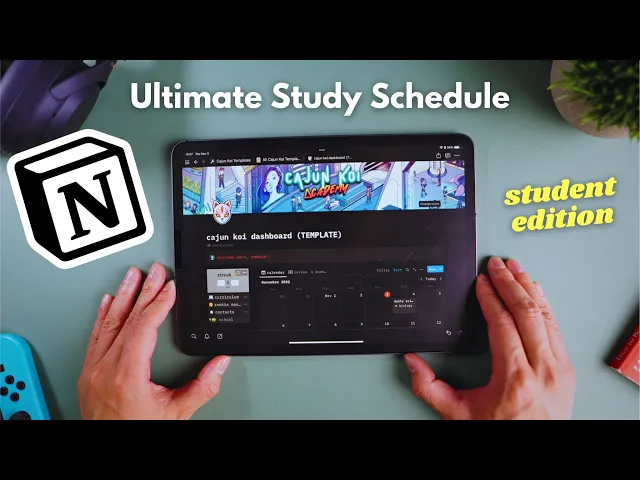
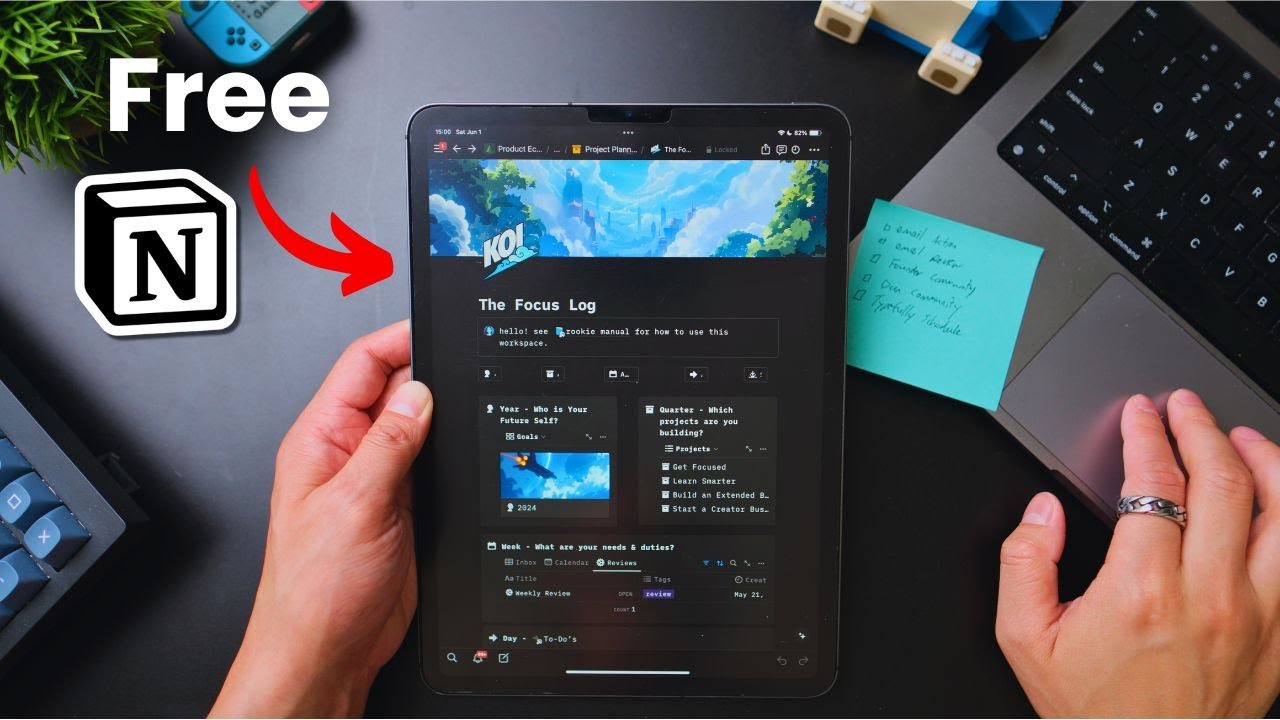
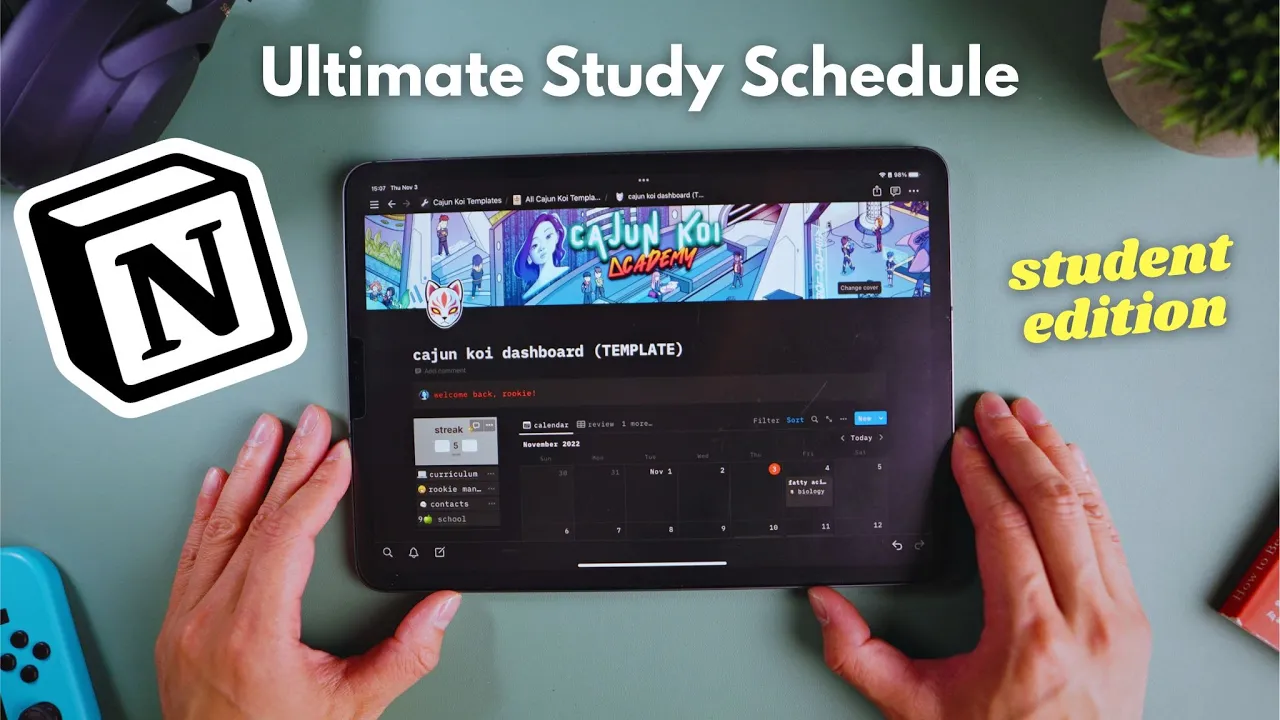
I'm not kidding when I say I use notion every single day it's the first thing I open when I get to my desk and by far my favorite and most used app for studying running Cajun koi Academy and managing my life I was so stoked when they wanted to partner up with us and sponsor this video Fanboy so I'm going to show you guys the smart planner I created using notion it tells me what I need to study every day so I don't even need to think about it and it's aesthetic aesthetic and as a
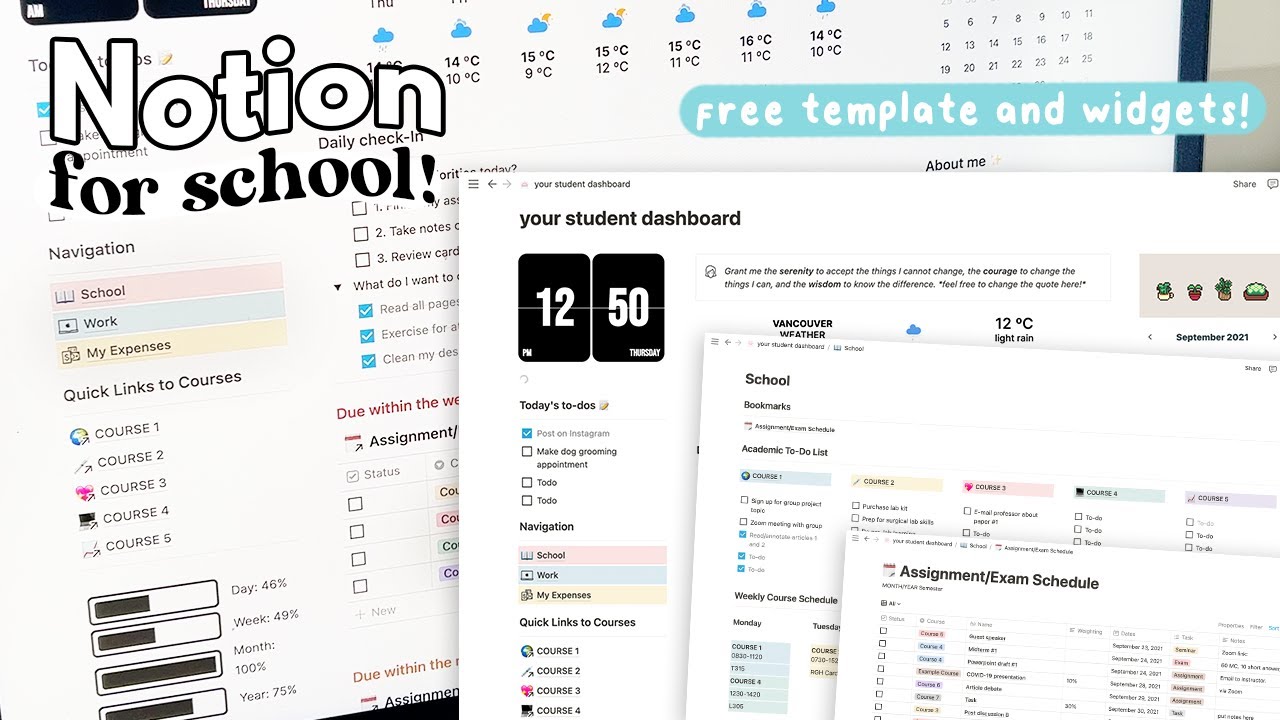
bonus I'm giving away my workspace template for free because I love our rookies and I want you to feel organized and confident so you can enjoy your school life all I ask is after this video go check out notion by using our special link in the description alright let's hop over to notion so this is the command center home base I wanted it to feel comforting and inspiring which is why Misty delivers the welcome message and not Mike just kidding you can change the message to match your mood whatever tickles your pickle on this page
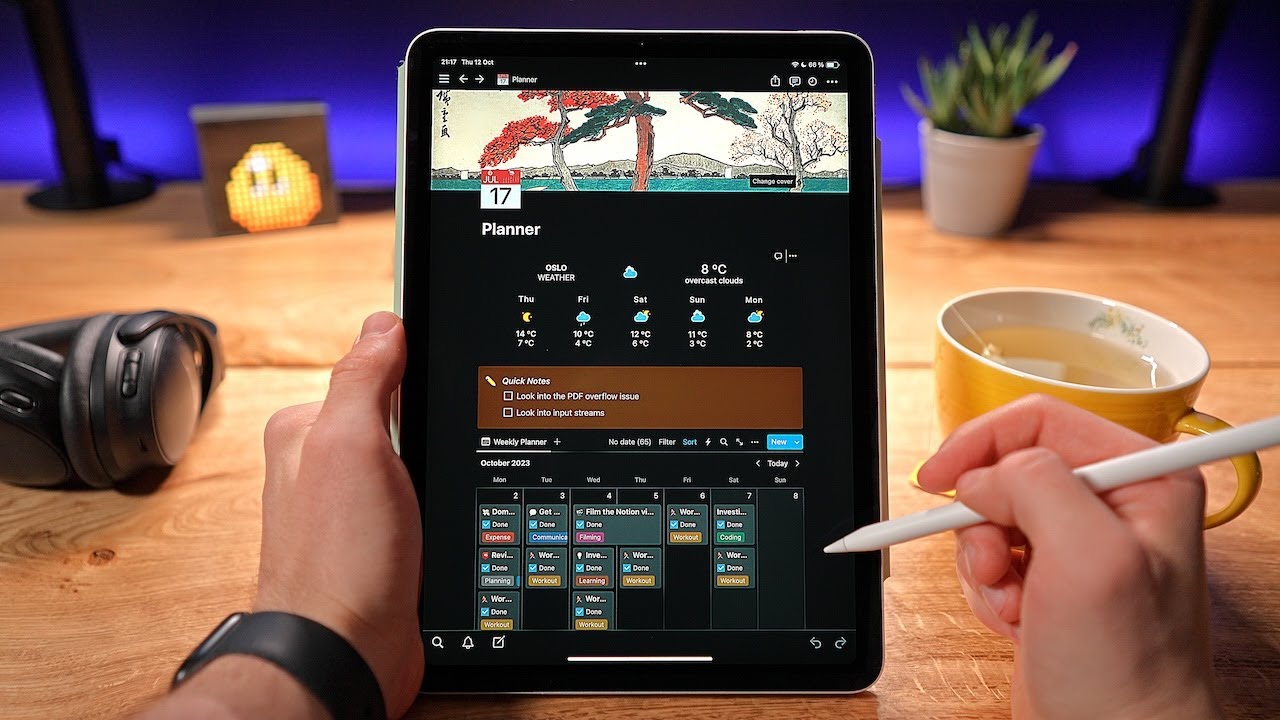
is also my master calendar so I know which lectures I have going on for the week along with any assignments to complete which have this assignment tag on them so I'm going to explain how this template Works in two parts so it's simple first I had to input information so everything is linked together and then how to use this planner during the school year so first things first click on the curriculum tab to see the folder for every class every folder here is linked to the main calendar so you can just change the names if
this doesn't reflect the actual classes you're taking so if this was like chemistry for example I only made five folders in the template hopefully you don't have to take more classes than that for any semester oof that would be critical damage but if you do have to take more classes no big deal just click on the new button at the top right to create a new class folder and it should automatically sync to all the other calendars in this template alright so let's put in some data so let's pretend I'm taking physics class I'll open
up my physics folder here expand it to full screen and then I'll enter the name of my professor you know Professor Oak add their email com class website the course code all that logistical stuff you know just so it's handy now when I scroll down this is the individual calendar for physics don't worry it's linked to the main calendar as well so you don't have to enter information in twice so this is when I would pull out my class syllabus and enter in every lecture and the date of that lecture so let's say I'm learning
maths on the 27th uh learning about acceleration on the 28th Newton's laws on the 31st on Halloween scary times Newton ignore the Mastery column for now I'll cover that in part two of this video then switch over to the assignments Tab and enter in all of your assignments for this class along with their due date I've already entered in two assignments here problem set one and two on those due dates let's add a third one just for demo number three and maybe this one will be due um on November 4th on that Friday there so
including here homework problem sets essays projects and I also like to include midterms and finals because technically that's a due date right you need to finish studying in order to do well so let's say my final exam is going to be on the 18th of November I created a formula in notion so that when I set a due date it automatically tells me how many days left I have to procrastinate so check this out if I change problems to have threes due date to tomorrow then it will automatically change to tomorrow and if it's due
today it'll tell me it's due today and as I work through the assignments I can adjust the progress of them from not started pending or done just to keep track of all my assignments so I can stay on top of it after I've entered in all of my assignments and all of my lectures that's it for physics class now I would just repeat this process for every single class that I'm taking in all the other folders if you're not taking five classes you don't have to delete the folders you can just leave them there they're
chilling not hurting anybody and they won't interfere with the main calendar because we didn't put any information in them now if I go back to the command center following the breadcrumb trail at the top of the screen I can see every lecture and assignment for the whole semester pretty sick right I can also switch views to assignments and I can see all of the assignments for every single class on the home page the contacts page on the left should also be filled out if we've entered in all that information from inputting the class information and
I also like to link my school website or Blackboard to this page for easy access to do that just highlight over the word school here click on link and then you can paste the URL of your school website and connect it next I included a section under this toggle for daily tasks that should have been there nothing fancy here though just a typical to-do list you can click on WhatsApp and it'll add to-do's to do to do grocery shop clean room pay mic back you know and you can kind of just click through them as
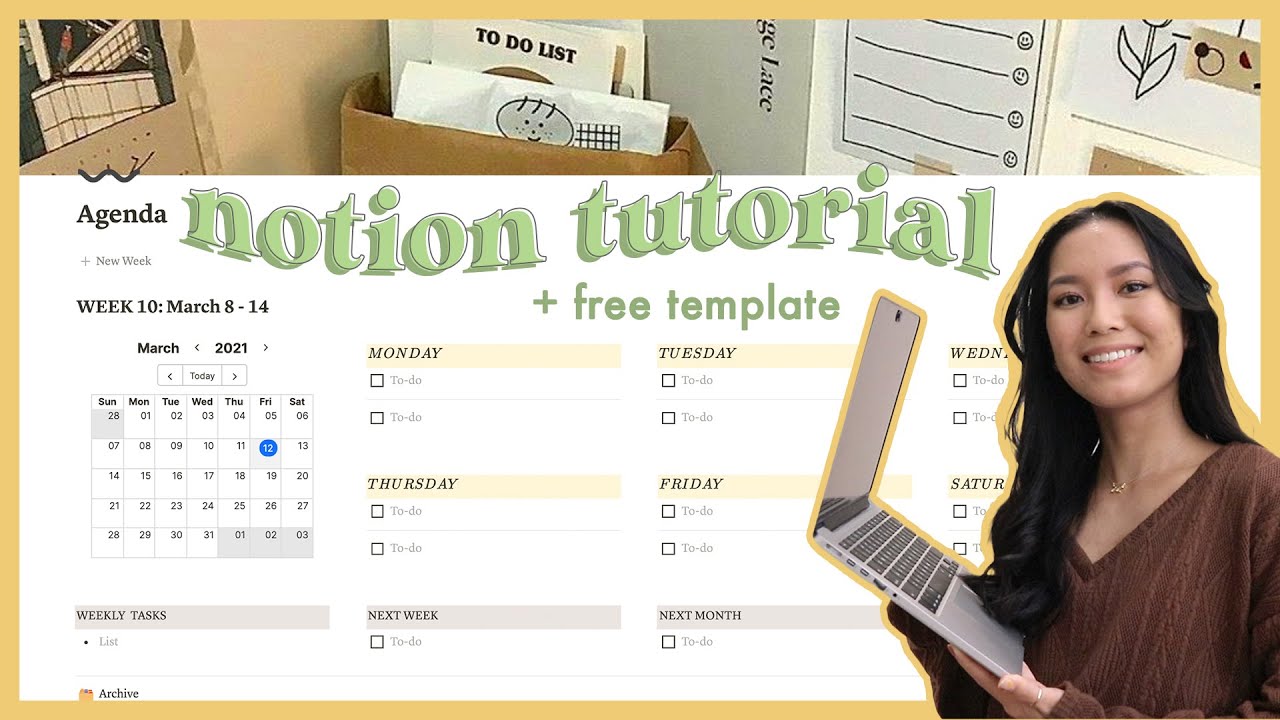
you finish them for the day and then you know delete them all once you finish I also like to keep an widget on my phone so I can quickly add to my to-do list even when I'm on the go and final thing here at the very bottom is my weekly agenda here is where I would put my rough weekly responsibilities I'm not super hardcore about time blocking every minute of my life I think that takes too much work and I'm not like that OCD just a little bit I prefer a flexible schedule just in case
my Kitsune brain gets lost watching anime or stalking women or something so stuff I put in here are like my class schedule you know um work schedule um you know volunteering time for Jesus the whole point is not to think about it too hard you know things change and move around all the time life happens you know work life balance Vibes and that's it congrats we've officially put in all the data to make this system run now on to the cool part one of the biggest struggles I faced as a student was not knowing when
to review past lectures my thought process back then was oh maybe today I'll study lecture one because I haven't looked at it in a long time which makes sense we know that over time we start to forget stuff the problem with that approach is that it doesn't take into account how well we know the material so it's possible that even if I didn't look at lecture one for a month I'd still remember the key Concepts but maybe lecture 10 which was two days ago I had a really hard time with so I should prioritize learning
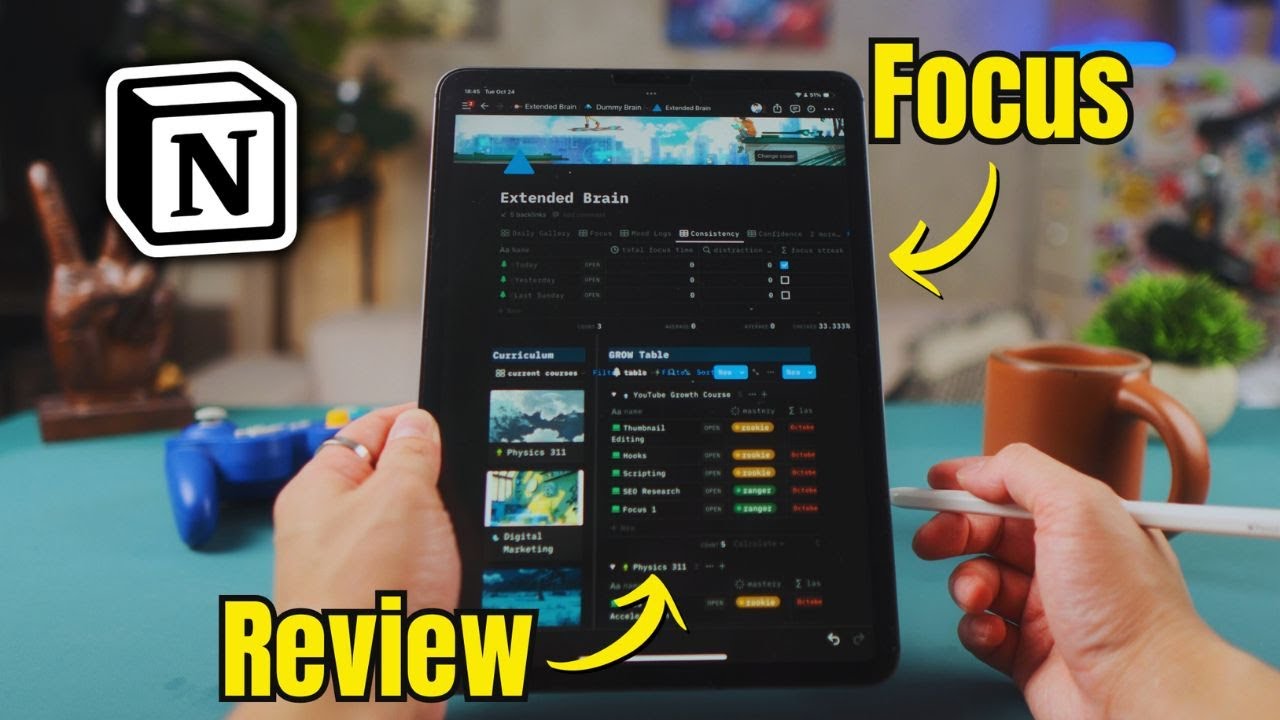
that so I think it's more valuable to review based on her Mastery of a topic rather than on how long it's been most students don't even think about this they just cycle through lectures one through ten over and over again if you plan a review schedule by Mastery you're crushing it but if you plan to review step by both Mastery and time sheesh and I got you that's how we're going to take this to the next level so anytime I start a lecture either I went to class or I did some self-studying I'll open up
that lecture and I'll change the Mastery from none to rookie and what that does is it automatically sends that lecture to this other view called review and here I can see all the material that I've started to learn and I would also put today's date just so I know the last time I reviewed it so if I skipped class which I would never ever do obviously that lecture wouldn't show up on my review tab because I didn't change the Mastery from none to rookie and let's say that by the end of my study session I
did some practice problems active recall or whatever and I feel really confident with this lecture I'll change the Mastery again from Rookie to Ranger and that lecture then moves down to the Rangers section I made this review system as simple as possible I only created three options rookie Ranger and retired if you're not confident even after reviewing it leave it as rookie if you've mastered it your Ranger if it's not going to be on the final at all or it's not important to know you can move it to retired by using this system I always
see two things my confidence with material or the Mastery and the last time I reviewed it so whenever I sit down to study I'll click on this review Tab and I can prioritize reviewing the lectures that are marked rookie and the ones that I haven't reviewed in a long time you know this way I'm not just raw dog in my studies at random without a plan I actually have a system that tells me which topics to focus on and which ones I actually know well but remember to also trust your instincts if there's a lecture
in the ranger category you haven't touched in weeks by all means have another stab at it and reevaluate maybe you realize it's rustier than you thought maybe after studying a different lecture you realize you missed a lot of important points from the previous lecture well change it back from Ranger to rookie and set a new last review date be honest with yourself this is your personal review schedule no one's judging you use this as a tool to keep track of things now as you can imagine if you're taking five classes then two months into the
semester this review tab is going to look insanely cluttered so instead of using the master calendar you can also open up the individual folders and look at each review tab individually for each class cool right now I have no excuses for not knowing what to study as this clear tracks on I've historically been terrible at maintaining a planner because I get burnt out so I also included a few things into this dashboard that helps me stay motivated first is this daily streak widget which I got from indify every day I show up to study I
add it to my streak it's something that I always thought video games did really well to get me to come back and play more the only thing is this one's doesn't reward you and also doesn't punish you if you miss a day you have to manually reset it so Scout's Honor like I said before this is your personal study calendar you know there's no leaderboards no one's checking to see if your streak is legit or not art but mine is for sure and lastly I also included a mood check area if you're part of our
Discord Community this will be familiar but I think it's very important to start a self-reflection process often when we settle into routines we stop paying attention and stuff like we just go through the motions of going to class eating Ramen playing video games but we're checked out you know lights are on but no one's home so muchek is a safe space for you to think when you're feeling stressed or even if you're just chilling add a new log by hitting what's on your mind here you can say this log number two and self-reflect how's class
going what's working what's not working you know how's my stress level am I sleeping well you know use this space to celebrate wins or vent or post memes it could be whatever you want my hope with it is that you carve out some time for self-discovering and yeah that is everything in my start study planner besides some Shameless self promo at the bottom please use it for peace of mind while you're grinding away during the school year so you know exactly what you need to be doing at all times I hope you'll discover like I
did that having a organizational system for studying is game changing feel free to duplicate this template to use for every upcoming school year or semester and let me know what other templates you want me to create or how I can improve this one to make it better don't forget to check out notion they're awesome send them some love and I will see you all next time