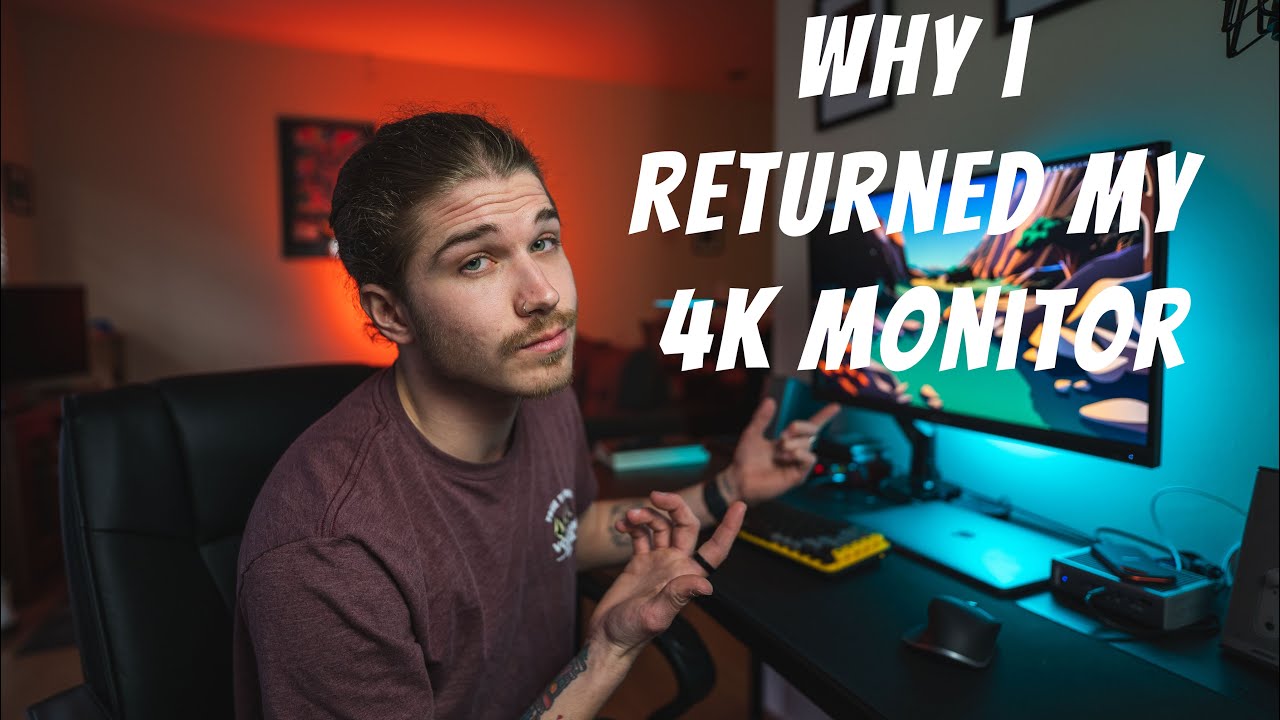
most confusing video I've ever watched too much waffle much awful waffle [Music] all right guys I have some questions that I need to address so I had posted a video a few months back about why I had returned my 4k monitor and switched over to a 1440p monitor instead and when I posted that video I did not expect the um amount of traction it would gain so that video now has gotten up to a little over 300 000 views which for a Channel of my size is pretty great no complaints definitely no complaints uh thank
you to everybody who watched that and the people who subscribe because of that video or you know just anybody who watched it commented liked all that kind of stuff because that video got so many views it definitely you know had a ton of positive feedback and also a ton of negative feedback questions comments concerns and I responded to comments every day for a while and they just kept coming in and it's still going up in views so it became a little bit harder to stay on top of answering all the questions that you guys had
so this video right here is to address questions comments concerns and also just to toss out some uh funny ones for you I made that video because I had bought a 4k monitor for my M1 Macbook Pro 13 inch the original one and I had some performance issues when trying to scale certain things and use certain programs now I thought I did an okay job at explaining it if you didn't watch through the whole video or you jumped around a little bit there may have been some things you missed and there was definitely probably some
things that I missed as well so we're going to address kind of the most popular questions I don't have time to go through 1400 comments and answer every single one in this video but I kind of gathered the most popular questions and I'm going to try to articulate and answer and explain some of these things for you guys so first and foremost one of the most popular comments amongst the uh more negative side was Switch to Windows why'd you return the Monitor and not the MacBook sounds like you should have returned the computer and not
the monitor no shouting you do not have a problem at all when you use Windows OS another limitation from the Apple OS sounds like another reason not to buy an overpriced Mac funny how Windows has zero issues with this I mean there were hundreds of comments like this and while some of them weren't as aggressive and to those ones I want to just address I understand but there are people including me who are comfortable on the Mac ecosystem and enjoy using it a lot more than Windows I personally have no problem with Windows machines but
currently Mac OS is where I am sticking it's where I've worked for years I'm comfortable on it and also I use programs that are native to Mac OS and while yes I could switch I'm a firm believer that Final Cut Pro is at least for me the best video editor and the fastest one to get out content for things like YouTube some of the other things that I saw in the questions in the comments were questions about other sized monitors and I did address this a bit in the other video if you watch all the
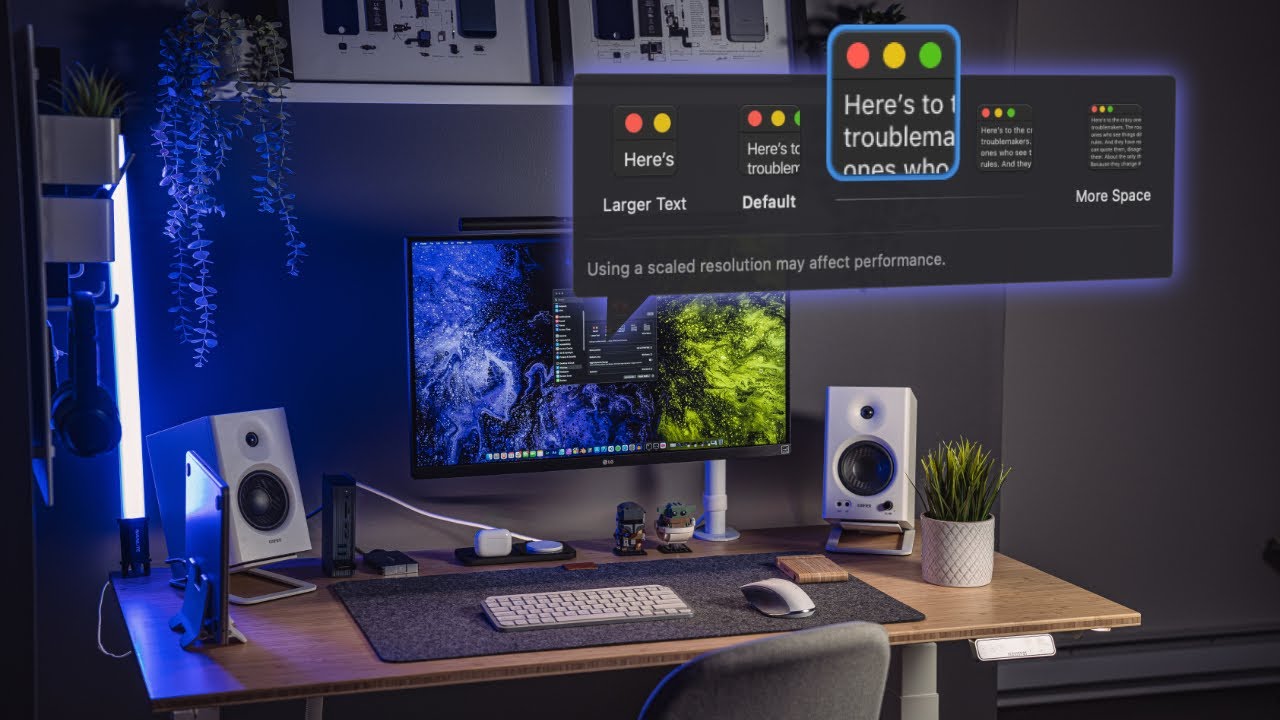
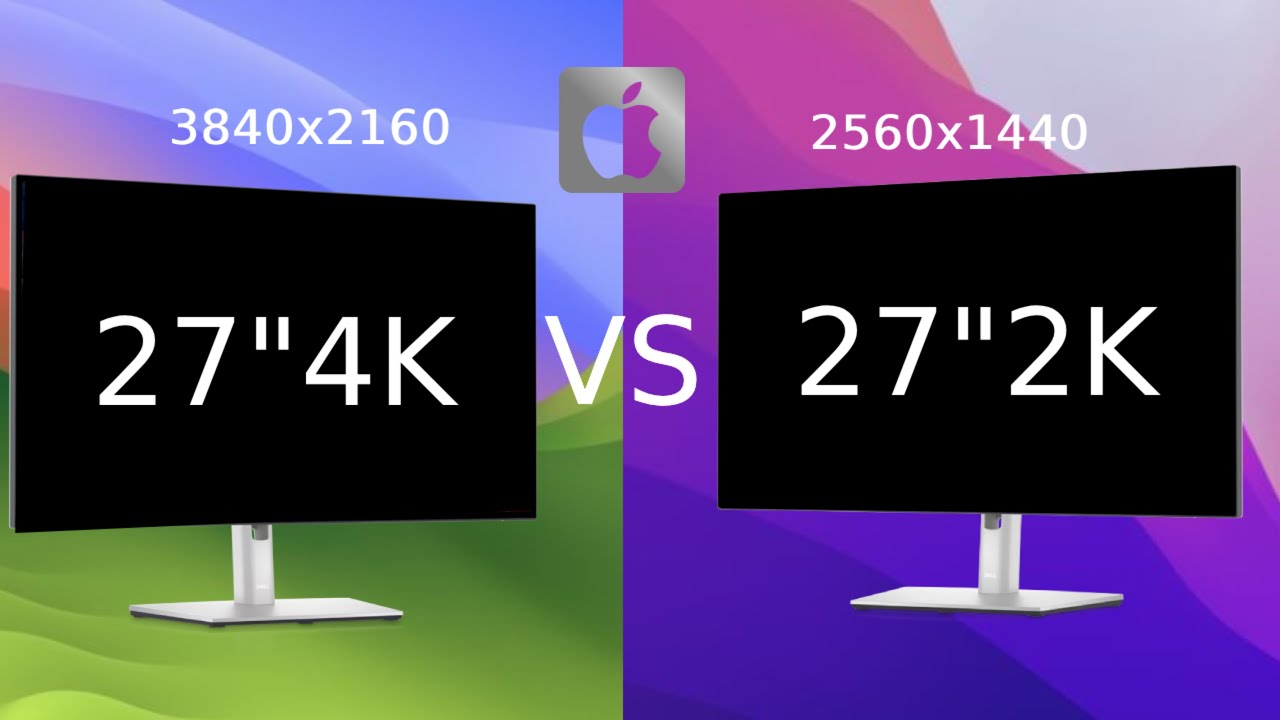
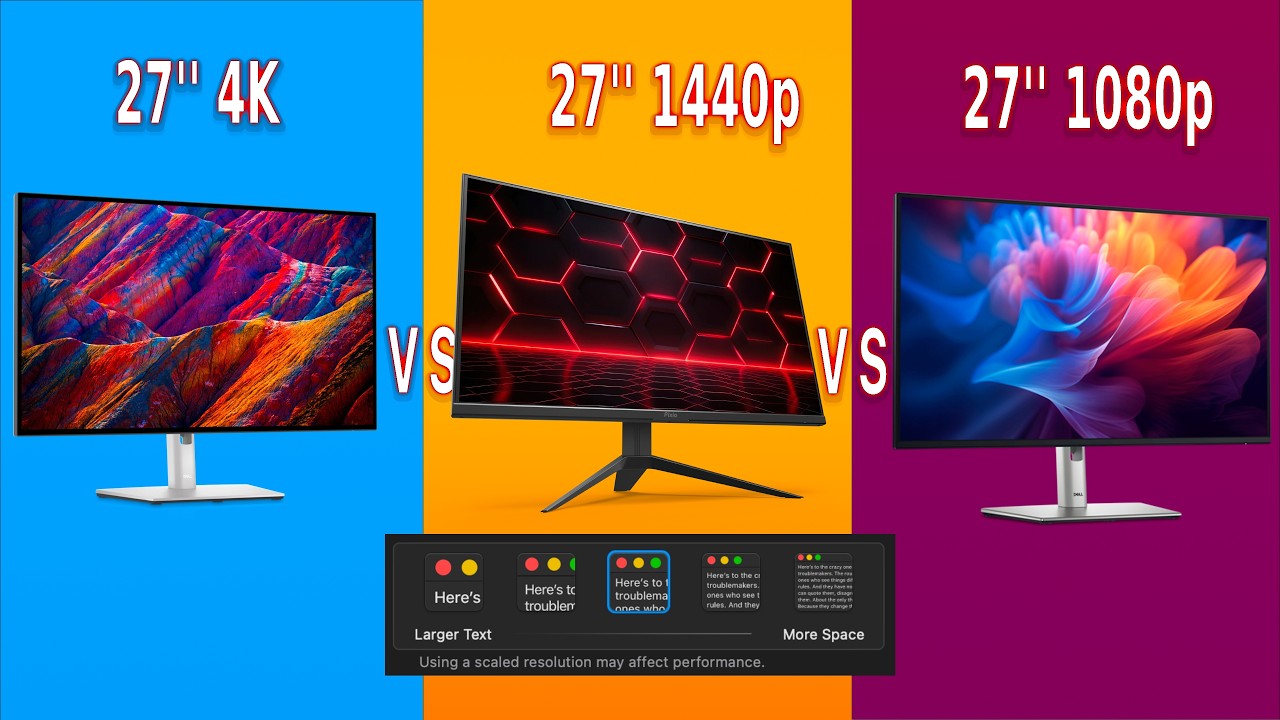
way through so a lot of the questions had to do with 32-inch monitors and while they are a different story if we look at this chart here technically yes they are still in the bad Zone the best way to go if you want 4K is to either go down to a 24 inch or up to a 34 inch and that's where you kind of end up in the good zone of the scaling and the resolution now this is all subjective again and that's kind of another topic I wanted to touch on here is there were
people who either commented they had no issues on their system or they asked you know am I going to have the issue in this certain scenario and it's going to be different for everybody and again this is something I touched on in the last video but when I really noticed this issue arising I was using blender which is a 3D software I was already taxing my GPU and I know that I was running this on a you know lower in MacBook that wasn't really made for 3D rendering and heavy GPU tasks so I definitely had
a more exaggerated version of this issue but if you're using Microsoft Word or you are doing you know coding and text work or even light photo editing to heavy photo editing honestly you probably wouldn't see any issue with a 4k monitor running at 27 inches or at any of these you know bad Zone resolutions because you're not already taxing your GPU whereas I was pretty much you know probably using most of the GPU power already in blender however my issue at the time was I got the bigger monitor pretty much strictly for blender I was
able to edit on my old one video and photo and I didn't have an issue with any of those things but where I needed more space was in those 3D softwares so for me it was best to get slightly less resolution because if I really needed the resolution the MacBook had it and for you know 3D rendering and video editing I get enough of a an idea of how it looks even being on a 1440p monitor I wasn't having a lot of issue I don't do a ton of text work so while I definitely can
see the degration and quality of you know blurry text and all of these things it was a trade-off I was willing to work with so and bring bringing up that that's another thing which was a lot of people saying is the text blurry or you know this causes super bad resolutions how do you even see this and again for me it wasn't a big enough issue to where I couldn't use it most of the things I do are video or 3D or music production where yes there is text involved but it's not something that I'm
staring at and typing all day so if that is your situation then you probably want to think about a higher resolution monitor compared to the size of your monitor geez I can't speak at all ever just to put that out there so I had one question here really quick are the colors really good on this Monitor and the uh short answer is yes there's a reason I stuck with the Asus Pro art monitor even when going down in the resolution and it is because it is made for Creative work it is color calibrated at factory
it is 99 accurate I believe it's going to be one of the really nice colored monitors that you can trust a lot more than you know just a gaming monitor or just any run-of-the-mill computer monitor I had a question here that says did you use the display port with the display port to USBC it's much better than HDMI I think what they're asking is you know wasn't an issue with the cable is I used HDMI DisplayPort and DisplayPort over Thunderbolt and all three had the exact same issue I did a lot of troubleshooting before I
went and posted that video just to make sure I wasn't the issue it definitely wasn't the cable now you can get you know worst performance depending on your connection but that was not the case in this scenario all right let's run through a few more of these uh here really quick this person says or you can just leave it as is and have a little bit smaller UI elements in text right correct you could use it as just a 4k monitor and not scale it for my comfortability when using the screen having it at 4K
was very uncomfortable to use everything was so tiny now another question that came up a few times was if you got a bigger Monitor and made it 4K could you just leave it because technically that makes everything a little bit bigger if you had a bigger 4k monitor you could probably leave it there and it'd be fine but at 27 inches I did not find it comfortable to use in my opinion so this guy says something I don't quite understand is if I get a new Macbook with promotion will a 60hz display defeat the purpose
I don't actually quite know what purpose you're asking if it's like you know if you get a 60hz display will it defeat the purpose of using it your MacBook because it technically has up to 120 hertz with the new ones um no it won't defeat the purpose I think 60 hertz is just fine especially for just you know work that you're doing for professional work or text video I mean there's a lot of things that 60 hertz is just fine I have never had an issue with the 60 hertz on this display so I don't
think it defeats the purpose but that is kind of up to you to decide if you really want that 120 hertz refresh rate and this question says what issues did you have getting the monitor to work with MacBook Pro I've heard there may be some issues please explain thanks in advance I'm not sure if you mean issues aside from the scaling issues that that video is about but in terms of just getting it to work as in you know plugging it in and getting it to connect I didn't have any issues I never have I've
had to change some colors around sometimes to get things to match up better but it's always pretty much connected right off the bat so I hope that answers that question please tell me this the easy way what monitor should I buy for my MacBook Pro M1 I do video editing there's no easy way to answer that question because there are so many factors that run into it first one is budget second one is what size do you want third one is what resolution are you comfortable using fourth one is how heavy of video editing are
you going to be using all the GPU and then if so go look at the last video and this this kind of is one that a lot of people said I bought a 27 inch 4K everything works fine I don't even scale it everything renders at Native resolution and is not too big or too small awesome if that works for you 100 roll with it and if you're not doing things that are causing the GPU to get overrun Kudos also if you don't have an issue with the native size of 4K at 27 inches then
again awesome I wish that I didn't because I like 4K but I don't want everybody to think that you can't use that resolution at that size ever it totally depends on your use case and your preferences and how you like to work based on this conclusion would 5K actually perform better than 4K yes 5K is going to be double 1440p so at 27 inches 5K is in my opinion like the best resolution for that size and apple agrees that's why they're 27 inch external monitor is 5K does this apply to the M1 MacBook Pro 16
inch technically yes it applies to really any Mac computer I believe because you have double the GPU and your CPU is even more powerful to take some tasks off you might have better luck with the M1 Pro 16 inch so it doesn't apply technically but you probably won't see anywhere near the issues that I was having with the original M1 MacBook Pro 13-inch most confusing video I've ever watched too much waffle too much waffle waffle why don't you just run the monitor 1440 resolution with no scaling rather than at 4K with 1440 scaling monitors don't
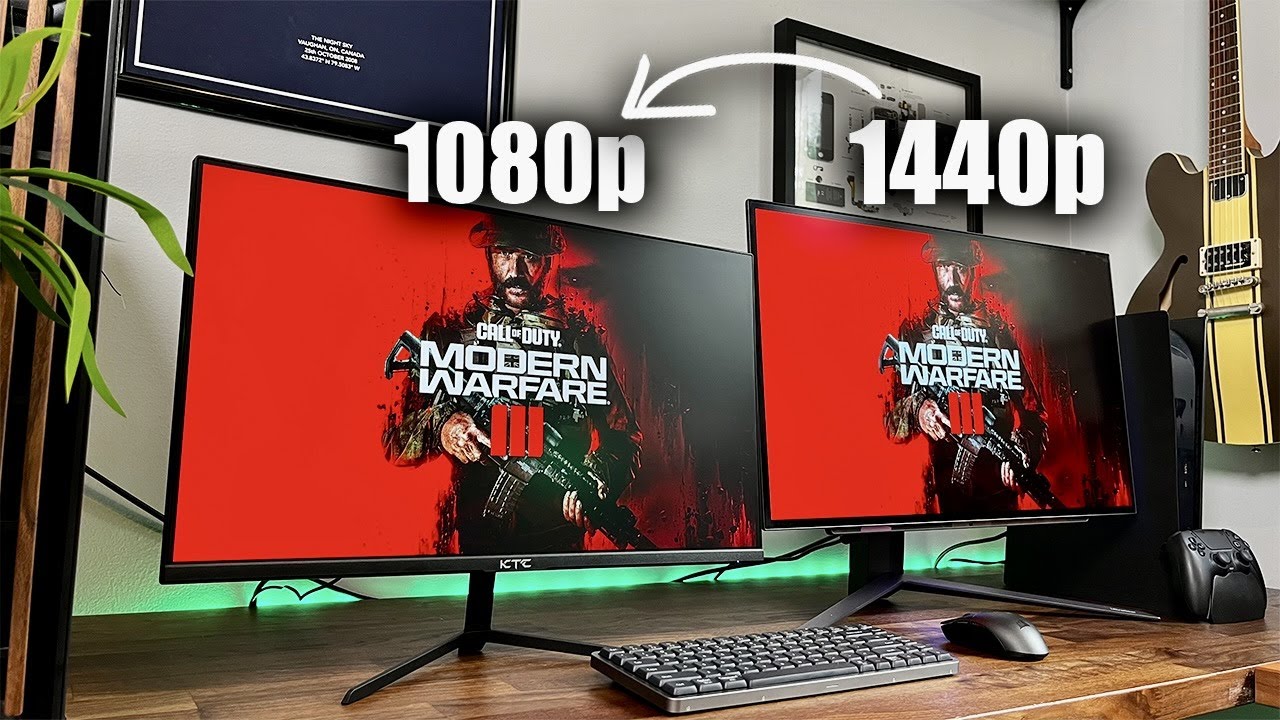
need to run at their maximum resolution I don't want to say you're wrong but sense resolution is a physical attribute to a monitor I would have to disagree with this comment at least a little bit where if you're running at 1440p resolution on a 4k monitor you definitely are scaling it in some way shape or form because you can't change the true resolution of a monitor those are physical pixels that is a built-in part of the monitor it's not software it's Hardware so I would say this is technically not entirely right but I don't know
exactly in what way you're talking about so we'll just push that one off so basically that's going to be it in terms of like the main questions I just wanted to address you know the this GPU on lighter tasks the blurry text other monitor sizes um and the Switch to Windows comments so that's where I'm going to leave it uh today so I hope you guys enjoyed the video if you did feel free to leave a like or a comment and and for everybody who has subscribed or keeps coming back thank you very much after
that 4K video this channel has kind of started to grow in a much faster fashion than it normally has so I appreciate everybody who has been making that happen and uh let's try to keep it going I seem to like the tech and the gear of all my hobbies more than the actual Hobbies themselves so I can definitely keep putting these videos out with that being said thank you guys for chiming in hope everybody has a great day and I also hope to see you in the next video foreign [Music] [Music]


![Monitor Buying Guide - What You NEED to Know! [2024]](https://img.youtube.com/vi/ptUchraop3c/maxresdefault.jpg)