hello today we'll talk about how to make a twitter account for your business so first make sure you're on twitter.com and hit sign up here for a name you want to do whatever your account name might be maybe it's the name of your business here you can either use your email or phone as a reference to log in i'm going to use my email you plug into your birthday and you can leave that checked or unchecked it doesn't matter i mean confirm everything you hit sign up and i'll go to either your email or your
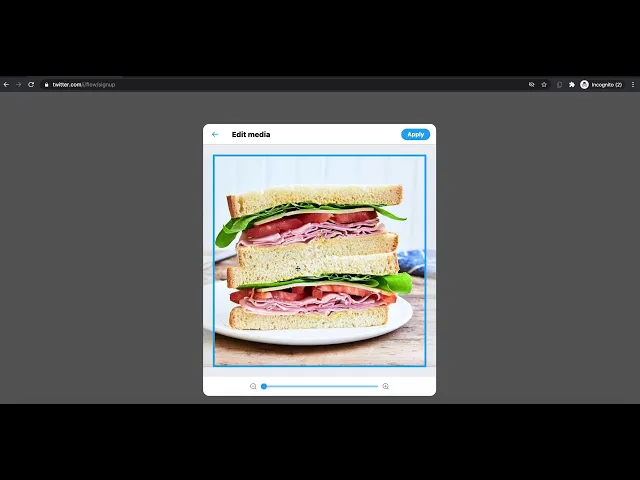
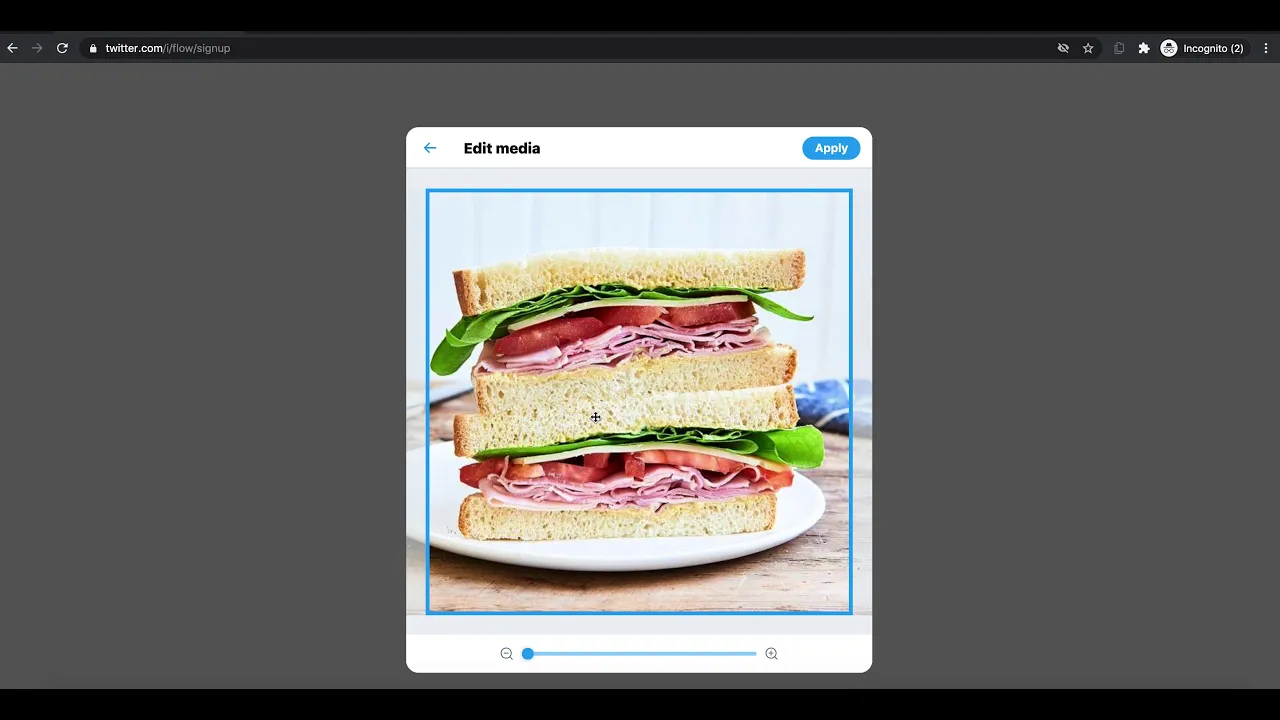
phone when you get sent a verification code you just put that in there create your password whatever that may be and you can change most of this information anytime here you put in your profile picture usually a logo is something that would be good here i'm gonna put a sandwich so your bio just a little bit about your business what you do maybe you have your location whatever feels appropriate again you can change this at any time here you might want to put in your interest and that might affect what comes up in your twitter
feed i might say food you can also skip this for now or just do one or two and that's just folks you can follow you don't have to follow them and now you have a twitter account for your business and if you want you could send out a tweet already um it's not easy i hope you enjoy tweeting away