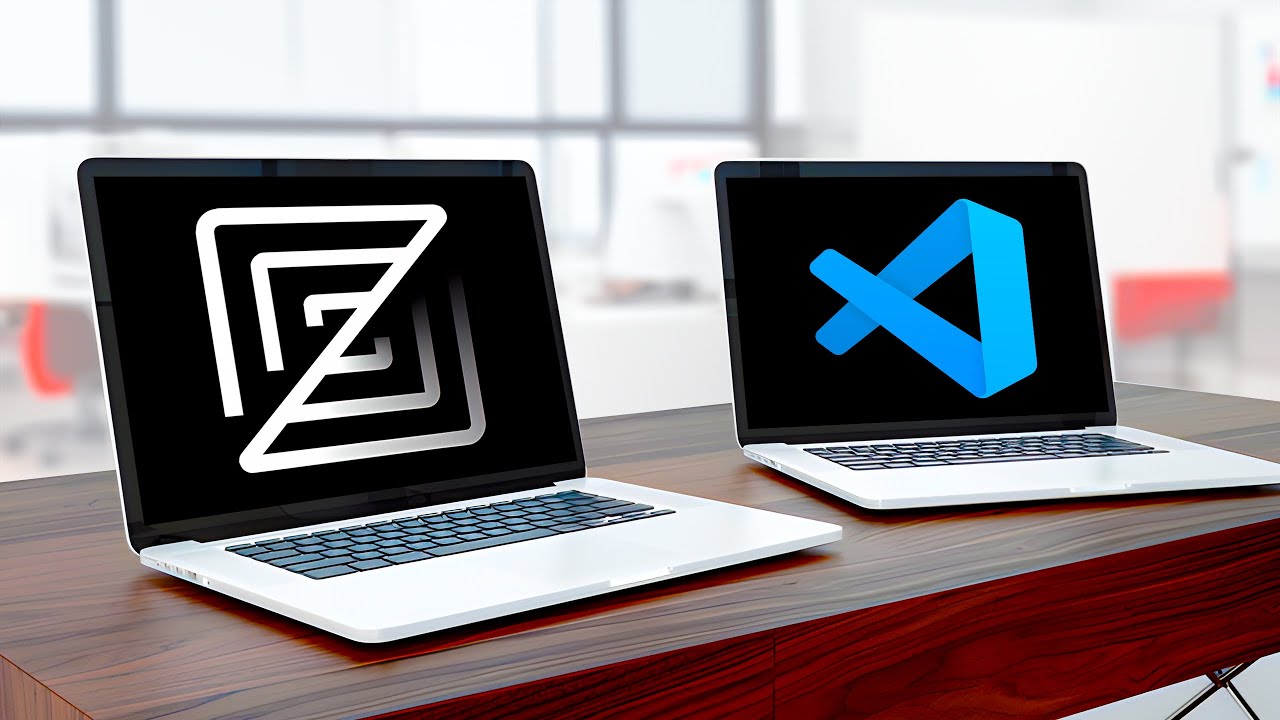
visual studio code a free and open source program for editing code software is just a collection of text files organized in a precise way the s code provides an integrated development environment to help you edit analyze and manage these files efficiently it's a microsoft project that first appeared in 2015 as a lightweight cross-platform code editor that ships a new update every single month today it's the world's most popular code editor download it then use it to open a folder that contains your application files before you can write high quality code you'll need to make the
editor look cool by clicking the settings icon to update your syntax and icon themes next you'll notice the file explorer contains all the files in this directory open a file and notice how the text inside is colored that's because vs code analyzes the symbols inside the file to perform syntax highlighting it will automatically detect problems in your code if a variable is not used it becomes a little more opaque a red squiggly line appears if your code will not compile hover over it for more details it also creates an outline of the code structure to
quickly navigate to the line of code that you're looking for now as you start writing some code in this file you'll notice a little box pops up as you type professional developers rarely type every character instead they leverage vs code's intellisense to autocomplete the code that they were thinking about writing when the right suggestion comes up hit tab or enter to complete it you might also right click on your code to find a variety of options to analyze and refactor it but almost anything you can do with the mouse you can do faster with the
keyboard hit ctrl shift papa to bring up the command palette from here you can quickly access any vs code command or any file in your project let's use it to open up a terminal session which brings up the command line here at the bottom we can use it to run commands in this project like git init to enable source control or better yet we can click on the source control icon to run git commands with a visual interface vs code is minimal by design but as an open source javascript project it's easily extendable from the
extensions panel you'll find a huge number of packages that provide specialized tooling for whatever framework or language you're working with most software projects work with the cloud in some capacity the remote button can connect your editor to a remote github repository docker container or cloud server and you can even run vs code itself in the cloud to access it from the browser on any machine this has been vs code in 100 seconds hit the like button and subscribe if you want to see more short videos like this and if you really want to maximize your
productivity as a developer i just released a brand new vs code magic trix course that contains a ton of productivity hacks for beginners and advanced developers alike the first 10 videos are free so check it out on fire ship io thanks for watching and i will see you in the next one