(music) That's great guys, so let's move up the content with class 2 of our Electrical Controls course starting by talking about Input Devices. So now I'm going to go with this for some more of the Input Devices. So we have buttons, pushbuttons, selectors, switches, electromechanical, inductive, capacitive, resistive, presence, light, limit switches or position limiters, among others that we will see in the projects that will appear here in our course .
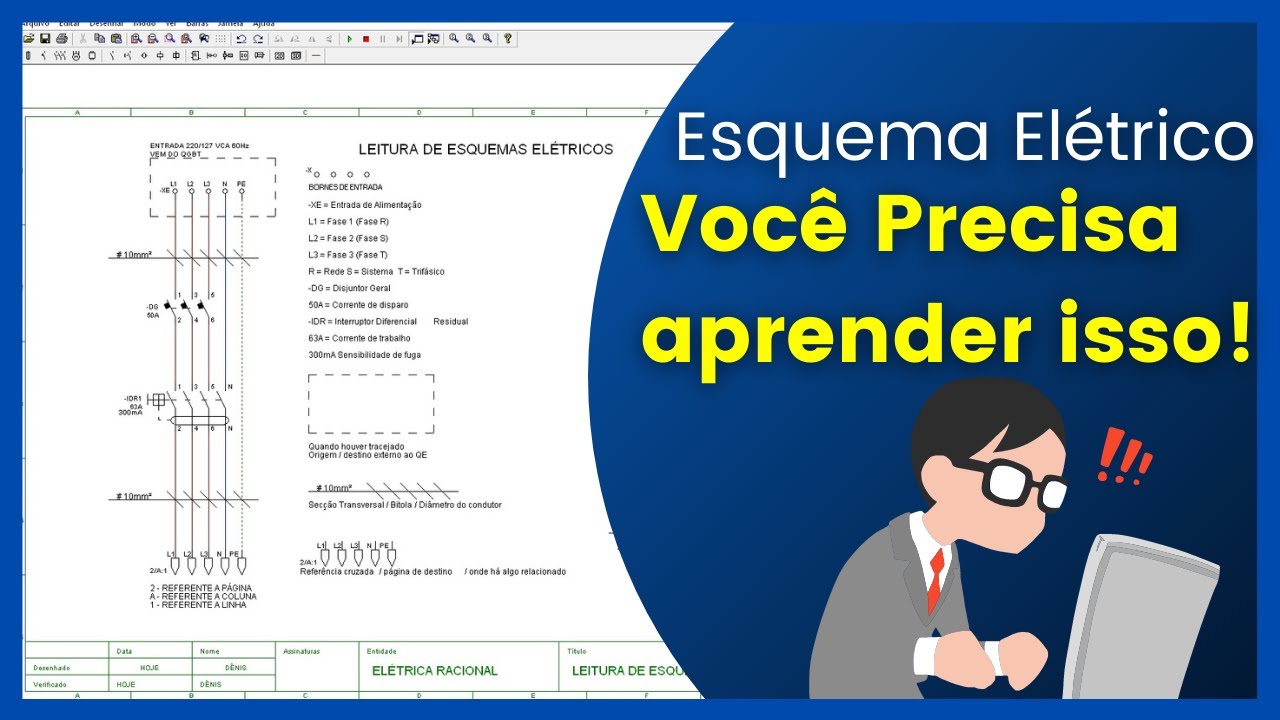
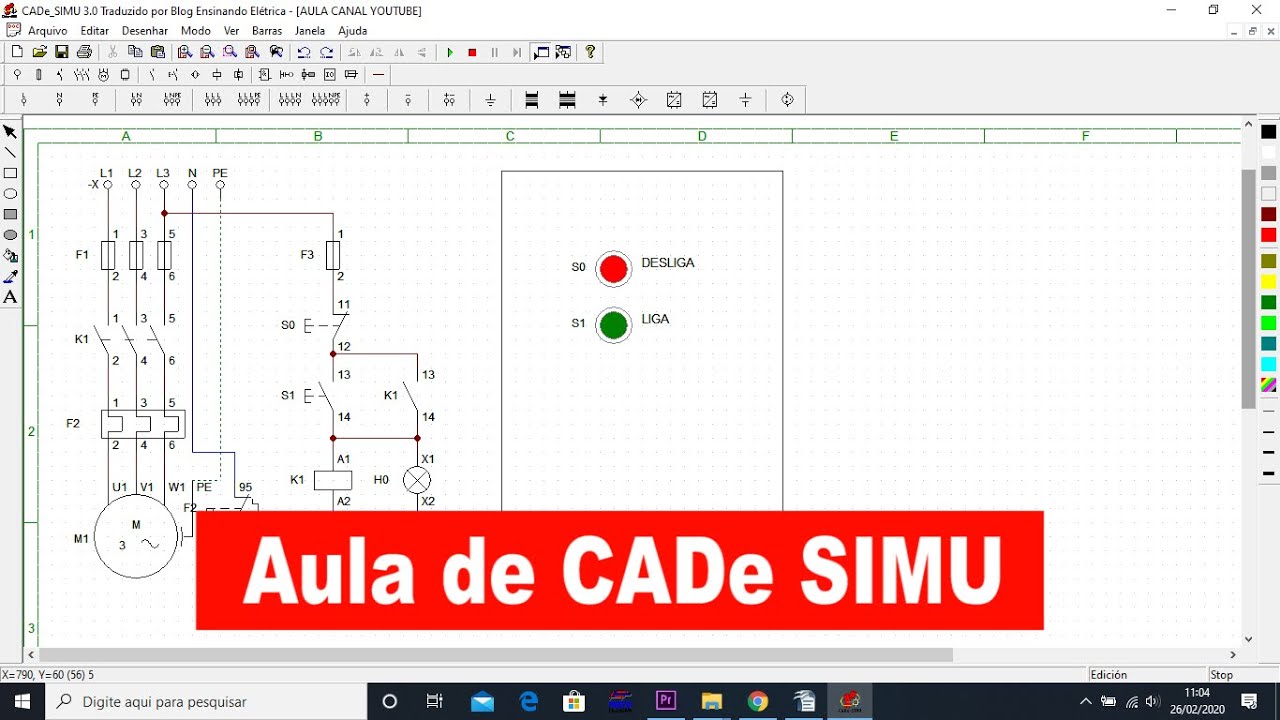
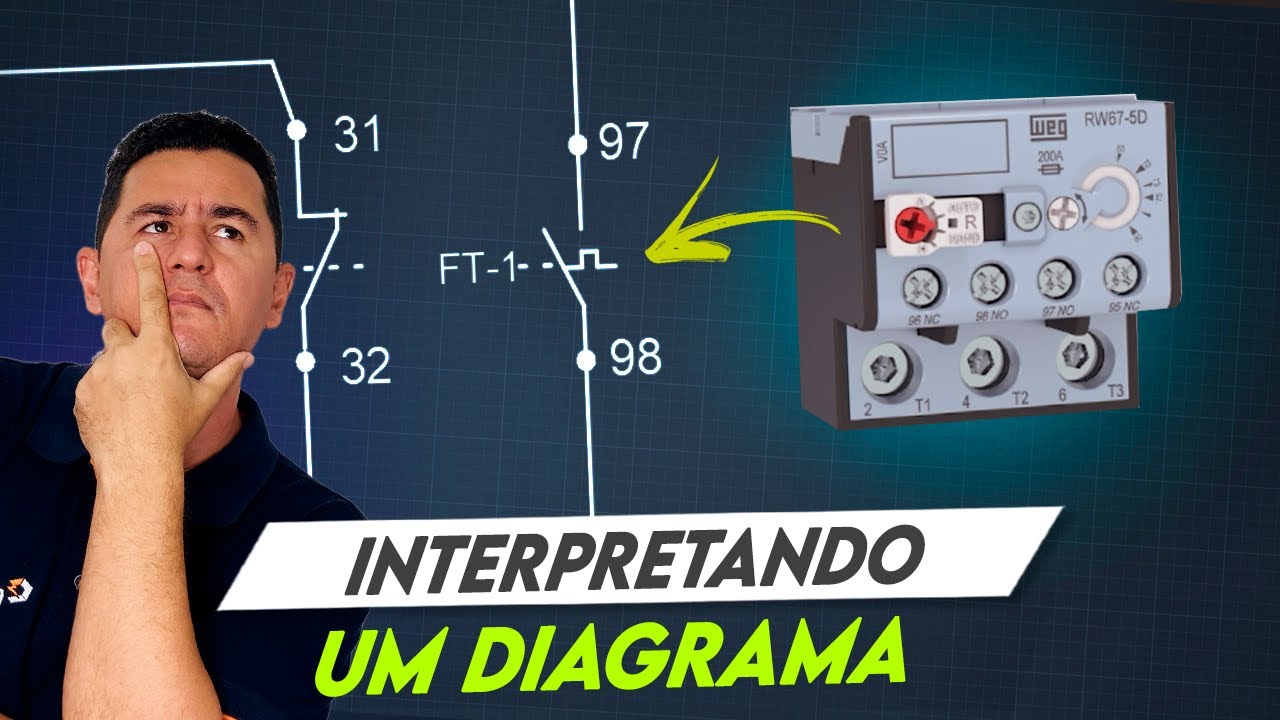
(music) Here is a graphical representation of the symbology of the input devices from a normally open pulse button to an auxiliary contact of a switch through time of a time relay or a photoelectric sensor. So there are several symbologies here that you will find in the software that we are going to use here in our Electrical Commands course. (music) and here's the image of some of the devices, however, later on we'll make some assembly some practical lessons on assembly of electrical controls.
So, these devices that you are viewing in our image will be used. Let's move on to signal processing devices. They receive the input signals and determine the functioning of the output devices.
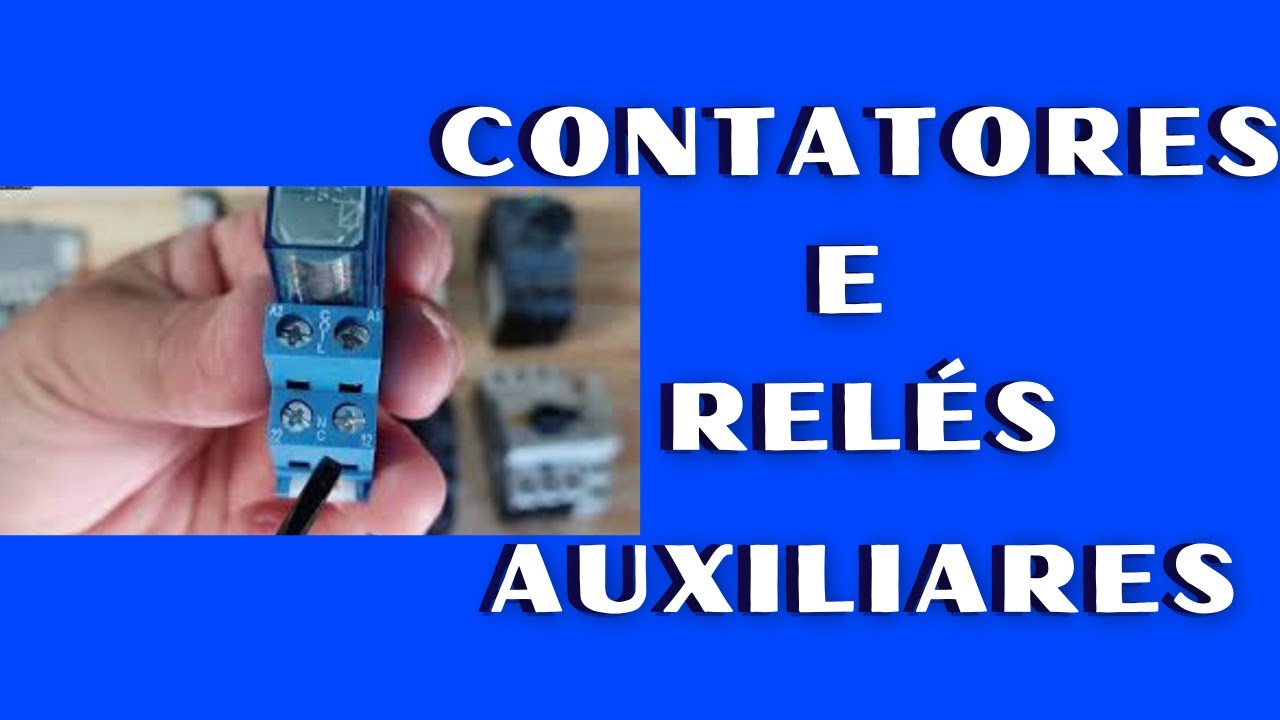
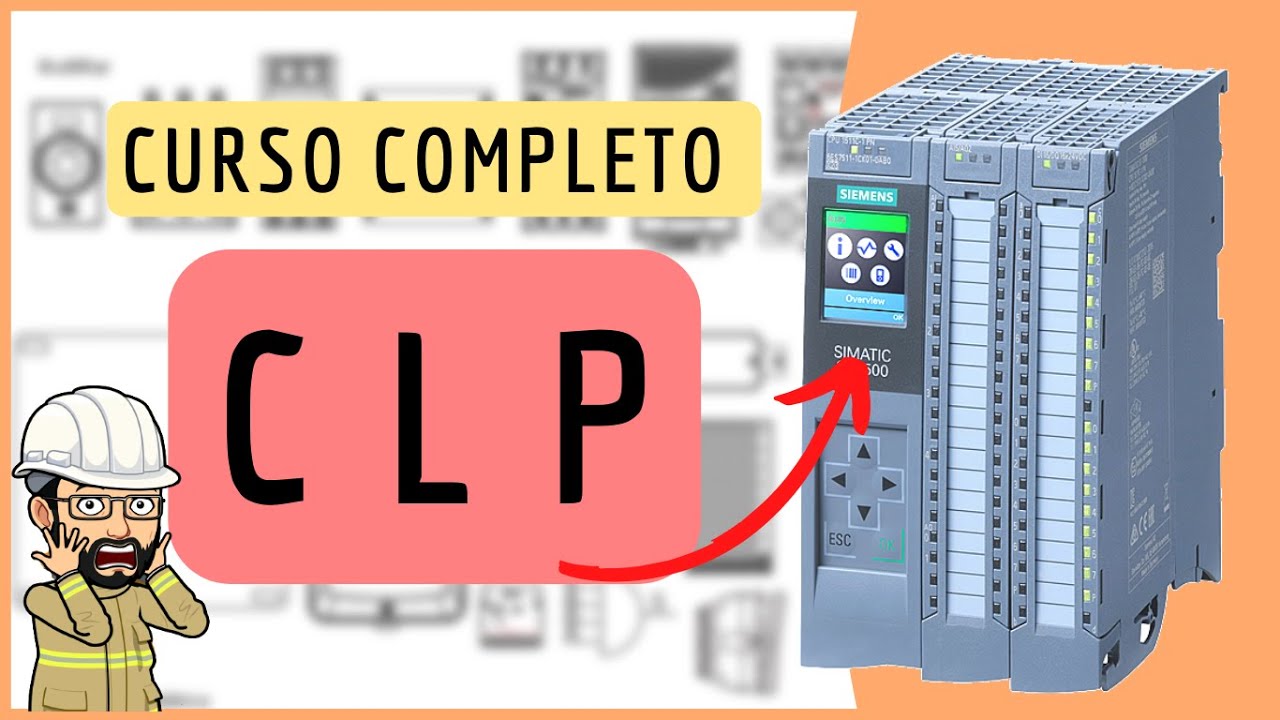
These devices can be contactors, relays, frequency inverters or converters or inverters, whatever you want to call them. Soft Start's, are the soft starters, which have a soft start. PLC's or PLC's, whatever you want to call them, are programmable logic controllers.
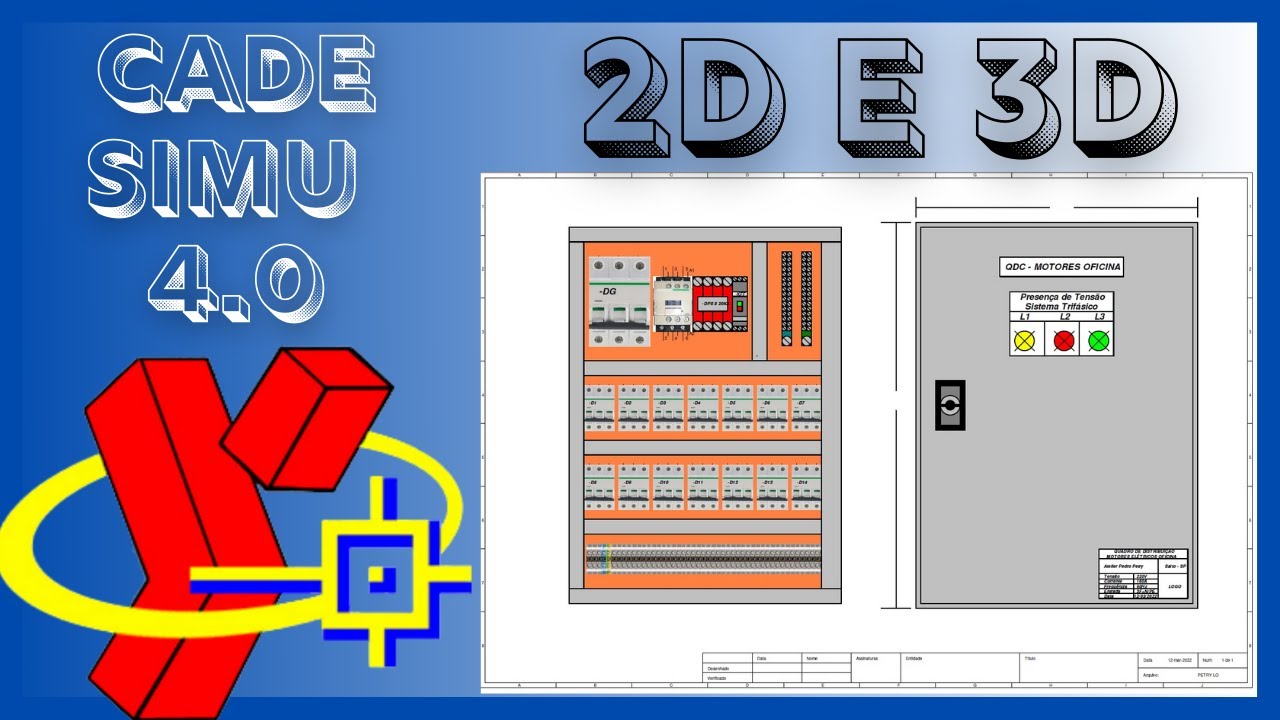
Electronic control systems. Timing devices, which are timers, timers and many other devices that receive the input signal, process the information and then perform an output (music) Here we have some more graphical representations of these elements. There are only a few here, but the program we use which is CADe SIMU is very complete.
It has many functions. Within the course, I'm not just going to talk about Cade Simu, I'm going to talk about other electric command projection software that also exist. Some free, some with student version and others that are just paid software with exclusive licenses from the manufacturers.
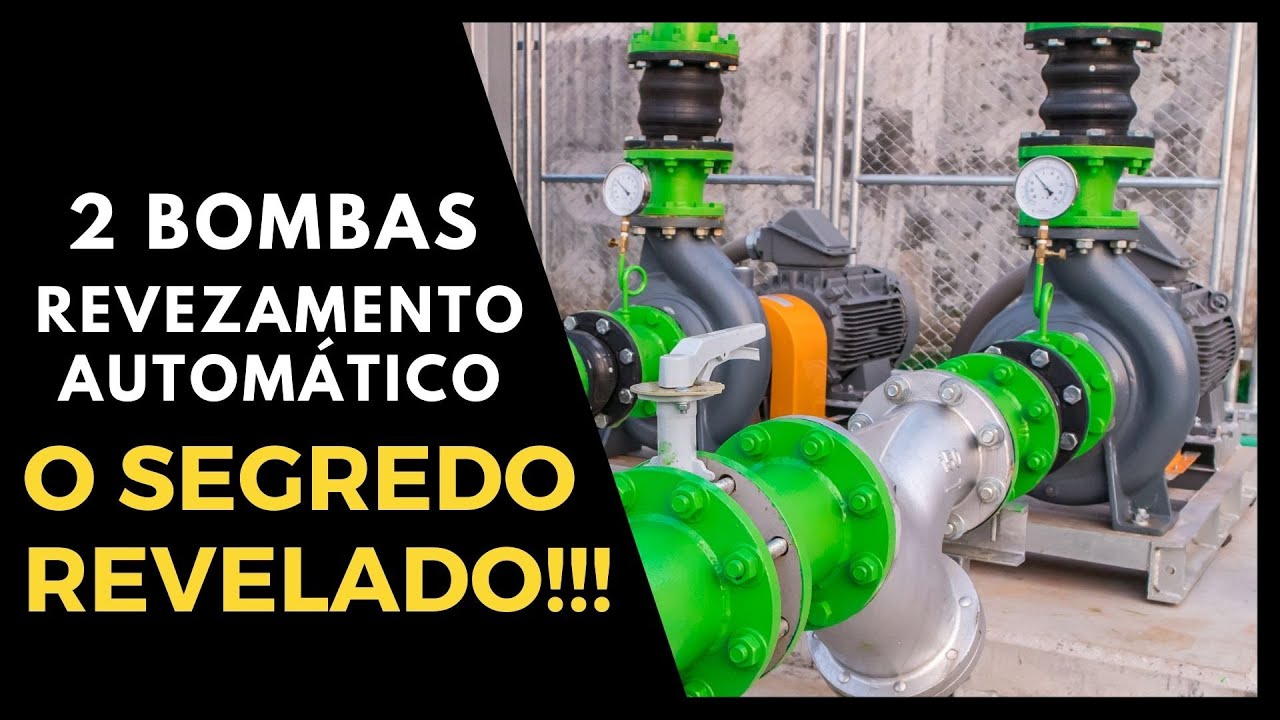
(music) And here is a real picture of the equipment. Frequency inverters, PLC's, contactors, which are some devices that we will use in the practical part and that you will find throughout your career, in your professional journey. (music) Regarding output devices, we have motors that are equipment that will generate movement, lamps that will generate lighting, resistances for heating, electro pumps for water drainage systems or even for pumping to feed the upper reservoirs of a building.
We have electric pumps for industrial cylinder drives that will give hydraulic pressure to the pistons to be able to perform a movement with great force, air compressors, which are systems that will supply production lines for the pneumatic part, among others that you will see throughout the your professional journey and also here in our course. (music) And here is a graphical representation of these devices that we talked about. We are talking here, showing the graphical part, however it will be simulated.
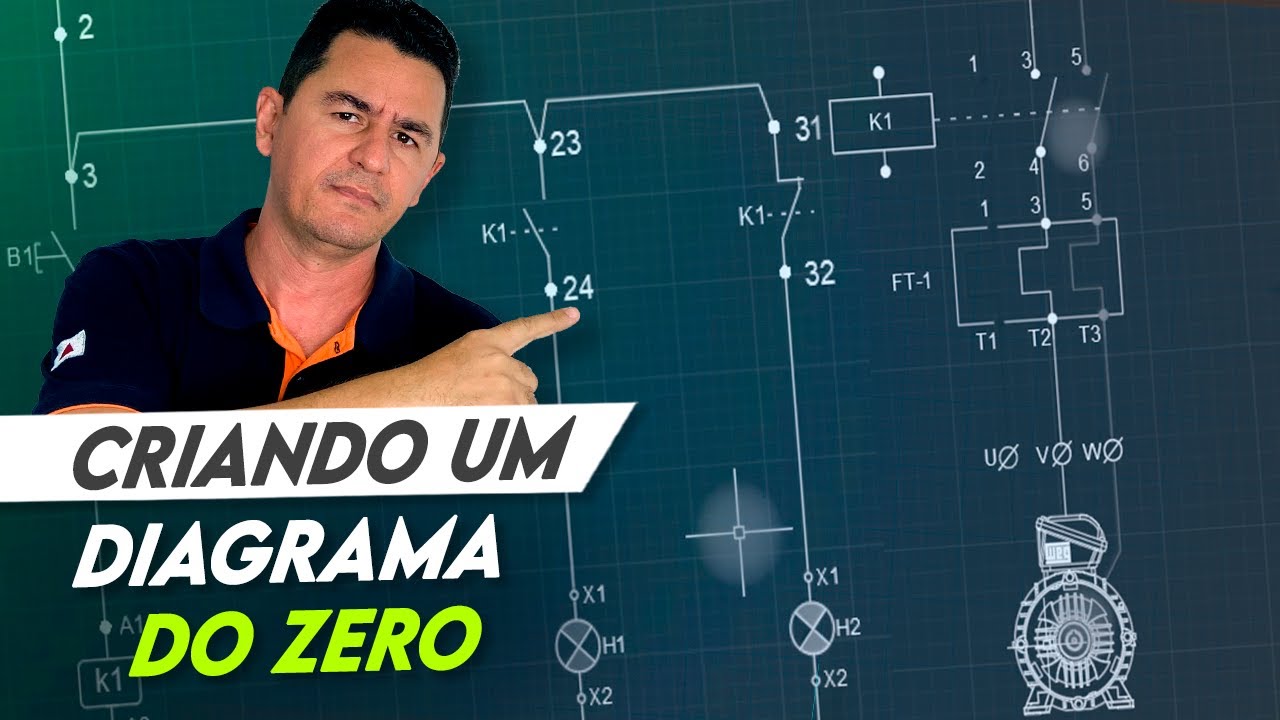
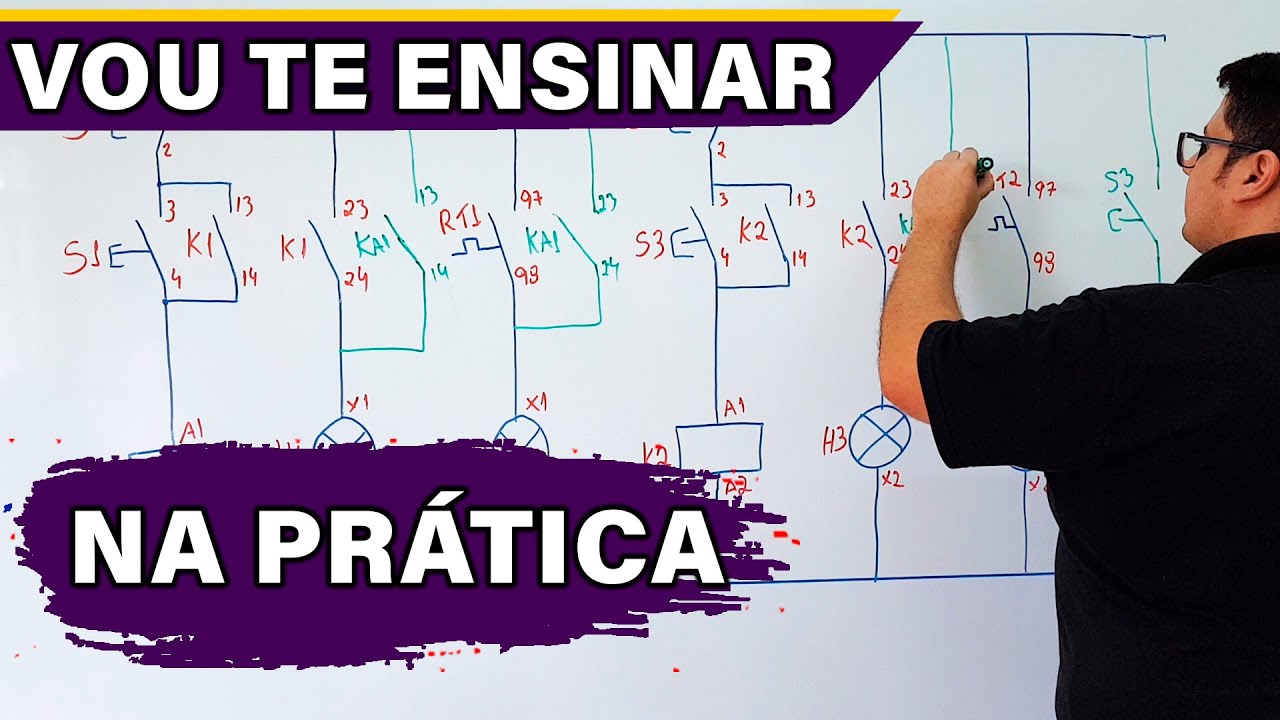
Here we have the output devices part. Okay folks these were the input devices, the processing devices and also the electrical signal output devices. In the next class we are going to move on to the practical part, so we are going to sketch an electrical diagram.
Using projection and simulation software for electrical commands. See you in the next class! Don't miss any of the content.
Write down your doubts and post them below so that I can resolve any doubts that arise throughout our course. Thank you very much! Goodbye!
Goodbye!