Over the last 5 years, I've reviewed thousands of thumbnails from hundreds of creators, ranging from folks who are just starting out to those who [music] have been at this for years. And recently, I've come to realize that 90% of the time, I give the exact same feedback. [music] So, in the next 10 minutes, I want to walk you through the most common notes I keep giving.
[music] Because if the creators I work with keeping to hear them, odds are you'll find [music] them helpful, too. We'll start with one that lately I've been giving out more and more frequently, which is to make your thumbnail TV friendly. You see, in recent years, YouTube TV viewership has exploded.
In the US, TV has actually surpassed mobile as a primary device people watch YouTube on. To see what your own TV viewership is, head into analytics, click audience, and scroll down to device type. If at least 10% is coming from TV, this note applies to [music] you.
Because the current TV interface does something weird to thumbnails. In both the homepage and suggested views, only the top portion of recommended videos are visible. To see the full title and thumbnail, a viewer needs to press down on their remote.
But if all the most important elements of your thumbnail are hidden in the bottom half of your thumbnail to a huge chunk of your potential viewers, your thumbnail looks like nothing at all. There's no [music] reason to scroll down to get the full picture. So, to make sure your TV viewers actually see the title thumbnail that you worked so hard to make, run your thumbnail through the 50% [music] test.
If you cover the bottom half of your thumbnail, is there still enough visible to prompt someone to press down on their [music] remote? Is there enough there to give them a general idea of what your video is about? If the answer is no, it can usually be resolved by either moving your most important stuff to the top or simply adding text to the top third of your thumbnail.
But merely making your video's topic obvious isn't enough. Because if we take the TV view and compare it alongside other YouTube interfaces, one pattern makes itself abundantly clear across the board. Titles are shrinking in relation to thumbnails.
Just take a look at the old versus new suggested panel. In the old version, while we did tend to glance at thumbnails first, the titles were large enough to be skimmed at the same time. Compare that to the new version.
The thumbnails are massive and the title font size has actually gotten smaller. As a result, our eyes default to browsing the thumbnails alone, only reading a title as an active, intentional choice. [music] Which leads to the second note I keep giving over and over again.
Stop relying on your title to generate interest. Before, as long as your title was interesting enough, all you had to do was make your thumbnail relevant and you'd be fine. But now, with your thumbnails receiving a disproportionate amount of attention, they need to be able to generate interest all on their own.
And the best way you can do that is by evoking questions, emotions, or ideally both. Take this video from men's culture creator speed. Now, most people would make the thumbnail by selecting some relevant imagery of outfits and accessories and call it a day.
But look at what speed did instead. Taking away the titles, which thumbnail generates more interest? The second one.
Why? Well, it prompts us to wonder what are the five timeless rules and what will the final outfits look like? Meanwhile, the editorial font and lighting evokes a sense of credibility and taste.
And seeing a grown man in his undergarments creates a subtle feeling of vulnerability. And while the other thumbnail does show what the video is about, when it comes to getting clicks, questions and emotions trump relevance every time. So instead of starting your thumbnail brainstorming process with what should I show, consider first what you want your viewer to wonder and to feel.
Those questions and emotions will serve as a much stronger starting point to ideulate from, ensuring that every element you come up with fulfills a specific psychological purpose. And if this kind of psychology first brainstorming doesn't come naturally to you, that's okay. It's not expected to.
And in fact, that's exactly why the third note I keep repeating over and over again is stop starting from scratch. It continues to boggle my mind just how often someone will show me their thumbnail. I'll ask for inspiration and they won't have any.
And even if they do have references, it's rare that they actually use them in the right way. But if there's one skill that will have by far the biggest impact on the clickability of your thumbnails, it's the ability to source and use inspiration [music] correctly. So listen up.
When it comes to thumbnail references, the name of the game is numerous and varied. You're looking for between 10 to 15 different references from a variety of different sources. And there are five sources in particular that I found yield the best results.
First, there's internal outliers or past videos of your own that have overperformed your channel's average. Could any of those thumbnail formats apply to your new video concept? Second, there's external outliers or relevant videos from other people's videos that have overperformed their channel's average.
You can hunt for these manually on YouTube, but I prefer using an outlier tool like one of 10, which I'll link in the description. Third, there is model 3 channels or channels that make a similar format of videos to you, but who cover a different subject matter. Look at their top performing videos for any thumbnail formats that might translate to your video.
Fourth, there's bookmarks or thumbnails that have caught your eye while browsing YouTube. If you don't have a system for saving these yet, a private thumbnail inspo playlist works great. And finally, there's off-platform inspiration.
Look at billboards, movies, and TV shows, album covers, even ads you've been served recently. Frame set is a great free resource for this as well, which I'll also link below. As you gather your references, don't worry too much about matching your exact video topic.
All you're doing is collecting different thumbnail approaches. And once you have these approaches, you can move on to identifying their underlying mechanisms. For every reference you've pulled, ask, "What questions, if any, does this make me ask?
What emotions, if any, does this make me feel? And most importantly, how does this reference make me ask those questions? " or feel those emotions.
For example, when I was sourcing inspiration for the thumbnail of the video you're watching right now, I came across this frame from an intro of a TV show that I watch. It didn't prompt any specific questions for me, but it did evoke a strong feeling. Something about it felt novel, like something I had never seen before.
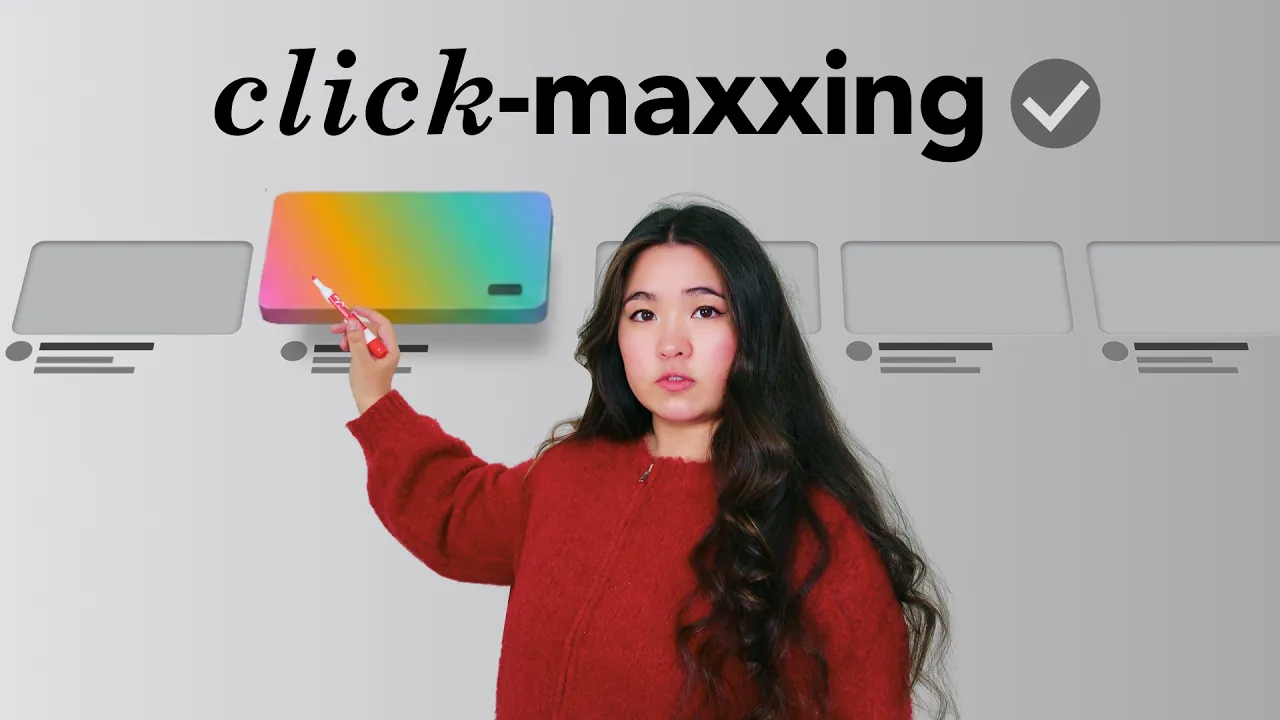
Looking closer and with some help from Claude, which can [music] be very useful for this, I realized the mechanism driving this novelty was the subversion of expectations. By taking elements that are traditionally 2D and making them 3D, applying this mechanism to my own video concept, I knew that [music] YouTube thumbnails are traditionally 2D. So, what if I made one look 3D instead?
This transferal step can be tricky, especially when your references are coming from offplatform or from somewhere outside of your own niche. So, to help visualize what this could look like, I used One of 10, who are also very kindly sponsoring this video. I gave One of 10 my reference and some thoughts about how it might apply to my thumbnail.
And because One of 10 can link directly to your YouTube channel using your own past videos as a style reference, it was able to show me a clear picture of what it could look like. That picture gave me enough confidence to move forward with that thumbnail direction, and it served as the foundation for one of the thumbnails we're AB testing on this very video. One of 10's whole toolkit is incredibly useful.
From the outlier search you saw earlier to ideiation help, but their title thumbnail generators are truly the best of their kind I've ever seen. If you want to check them out, I have a special [music] link for you which will let you try them out for a whole month for only $1, which I'll put in the video description below. Thank you.
One of 10. Now, I know that sourcing and using inspiration like this can be a big process change. The more you do it, the faster you'll get.
But if you're looking for something that can improve your thumbnails right now, I got you. Because the vast majority of thumbnails I look at can be dramatically improved with just three tiny changes. First, remove clutter.
It doesn't matter what something looks like in real life. Anything in your thumbnail that isn't actively working towards you is working against you. Take this thumbnail kindly submitted by a viewer.
This might be what the swimming pool actually looks like, but all of the bars are distracting for the most important parts of the thumbnail. Remove them and our eyes can much more easily focus on what they're supposed to be looking at. Second, make your main character obvious.
The main character of your thumbnail should be the first thing your viewers take in when they come across your video. So, to make it easier for that to happen, make your main character stand out from everything [music] else around it. In this case, the Olympic diver is not obvious.
Let's change the color of her swimsuit and add a text label. Now we instantly [music] notice her. And third, AB test your thumbnail text.
This is truly the lowest effort way you can improve the performance of your thumbnails. Whenever you add any kind of thumbnail text, just spend five extra minutes coming up with different words or phrases you could [music] use instead. I know these changes may seem small, but they're worth doing because when it comes to thumbnails, even tiny tweaks can make a huge difference.
[music] So, if you're working on a thumbnail right now and have no one else to show it to, just take these notes from me. Make it TV friendly, evoke more questions and or emotions, use more references, and reduce clutter, make the main character obvious, and come up with more text variations. And for more personalized feedback on your thumbnails, applications to 90-day breakthrough are open right now.
[music] 90-day Breakthrough is my 12week hands-on YouTube accelerator program where you'll work closely with me and my team to level up your channel through weekly assignments, personalized feedback on your videos, live sessions with comment strategists, and [music] much, much more. The link to learn more and apply in the video description below. The description is also where you'll find the special link to try one of 10 for just $1, as well as a cheat sheet I put together for you to remember all of the notes covered in this video.
So, check those out below. But otherwise, thank you so much for watching. Like and subscribe if you can.