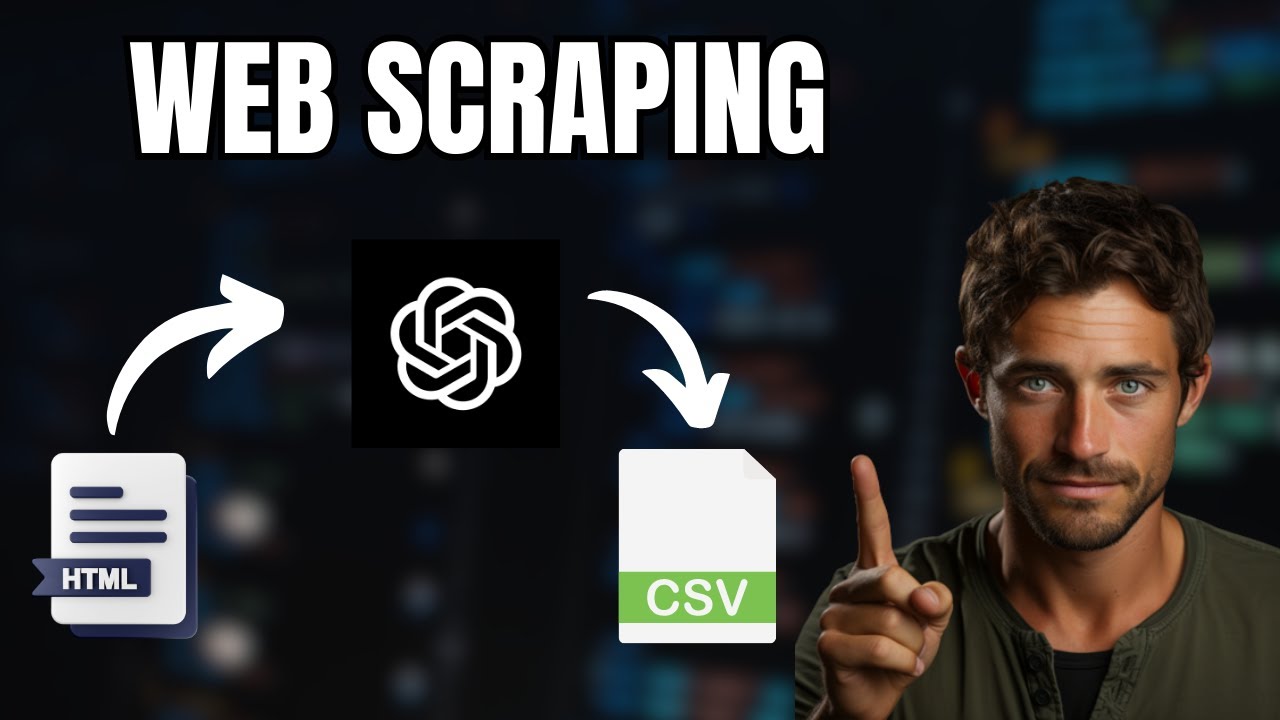
this is amazing now we're going to see about coll 4 Ai and how you can add that to AI agents so what is coll for AI it's a open-source LM friendly web crawler and scraper it's a completely free and open source LM friendly output such as Json cleaned HTML markdown supports scrolling multiple URLs simultaneously extracts and returns all media tags such as images audio and video extract links extract metadata take screenshot of the page various chunking strategies and much more by the end of this video you'll be able to CW a page extract useful information get a structured output like this in Json format also you will learn how to include that tool within agents such as a web scraper agent then we have a data cleaner agent and finally data analyzer agent and give us the final output based on the url's script that's exactly what we we're going to see today let's get [Music] started hi everyone I'm really excited to show you about coll 4 AI when you consider a manual craw you can use tools such as beautiful soup or papete you can manually Define the elements to extract then manually parse the data and manually convert to structure data and this is time consuming using the power of AI and using coll for AI tool you are able to automatically manage the craw you can automatically Define the elements that is automatically taken care of it automatically pars the data it can automatically convert to a structured data and finally integrate that with AI agents so I'm going to take you through step by step how you can do a basic craw how to extract structured data using LM and finally integrate that with AI agents but before that I regularly create videos request to Artificial Intelligence on my YouTube channel so do subscribe and click the Bell icon to stay tuned make sure you click the like button so this video can be helpful for many others like here first step pip install C for AI with the git link then Transformers torch nltk and then click enter now export your open AI API key like this and then click enter now let's create a file called app. py and let's open it inside the file from craw for AI import WebCrawler next we going to create an instance for WebCrawler by calling the WebCrawler function next crawler warmup to load necessary modules next run the crawler on a URL so we going to provide with this URL API pricing so if I open this so this is the page which we are going to extract data from by manually crawling it TDS but we are going to provide the whole page the URL here now next we're going to print the extracted data that's it only few lines of code and we are able to extract data from this URL now I'm going to run this in your terminal python app. p and then click enter now it's initializing then it warmed up ready to craw and crawling done extracted data extracting semantic blocks extraction done and you can see the data with only the markdown format the pricing latest models model with all the pricing details how much it costs per a million token and all the details it's clear but now we need to convert this unstructured to structured how we can do that so step number two structure data using llm now I have added extra bits to this app.
py file same as before we got the URL we got the web crawler initiated and the warm up but apart from that I'm defining a pantic base model using this I need to extract the model name input fee and output fee for each model so in that page you can see how much is the input cost for 1 million token and how much is the output token cost so we going to extract the specific information by just providing natural language text rather than point inting the extract element from the page so here we defining crawler do run that is the only main difference defining the crawler do run providing the URL and here is the extraction strategy LM extraction strategy providing the model name AP key the schema that is the schema which we have initially provided here and we are providing instruction from the C content extract all mentioned model names along with their fees for input and output one extracted model Json format should look like this that's it so providing the URL and giving instruction on how we need the data now I'm going to run this code in your terminal python p and then click enter now you can see the output the extracted data is in Json format with all the input fee output fee and model name you can see the Simplicity in this now we are going to integrate this with AI agents so step number three integrate with AI agents so we're going to use p AI tool so pip install prais Ai and then click enter at the back end it's running crew Ai and autogen so prais AI hyphen hyph in it extract model pricing from websites and then click enter that will automatically create this agents. file where you can see three different agents one is web scraper agent data cleaner agent and data analyzer agent we are going to provide the list of URLs here so I'm going to provide open AI anthropic and coare pricing and we are going to extract the same kind of information clean the data and finally give a detailed report summarizing model pricing so we have web scraper agent then data cleaner agent and then data analyzer agent so each one passing the data across and finally we'll get an output also we are going to provide the coll 4 AI tool to the web scraper agent now we need to create tools. py and inside that file we are going to add this crew for AI tool that's how you integrate your tool with a a agent so here is the tools.
py file I've got all the code copied across with few modification I'm defining a tool called model fee tool and URL is the only required parameter so when a URL comes here automatically it extracts all the relevant information and return back the data now I'm going to tell the agent the name of the tool so copying the tool name and for the whip scraper tool I'm going to mention that tool name here and we already provided the the URLs to CW that's it now I'm going to run this in your terminal pron Ai and then click enter now you can see it's first going to the web scraper agent then using the web scraper tool and it's extracting the data in Json format then it's again going to the next URL that is anthropic as you can see here then is extracting those information then going to the coare pricing page getting that information next the data cleaner agent clean the received data then it's sent to the data analyzer agent to give a detail inside report and here is the report detailed report summarizing model pricing Trends and insights and here is a detailed Report with GPT models GP 3.