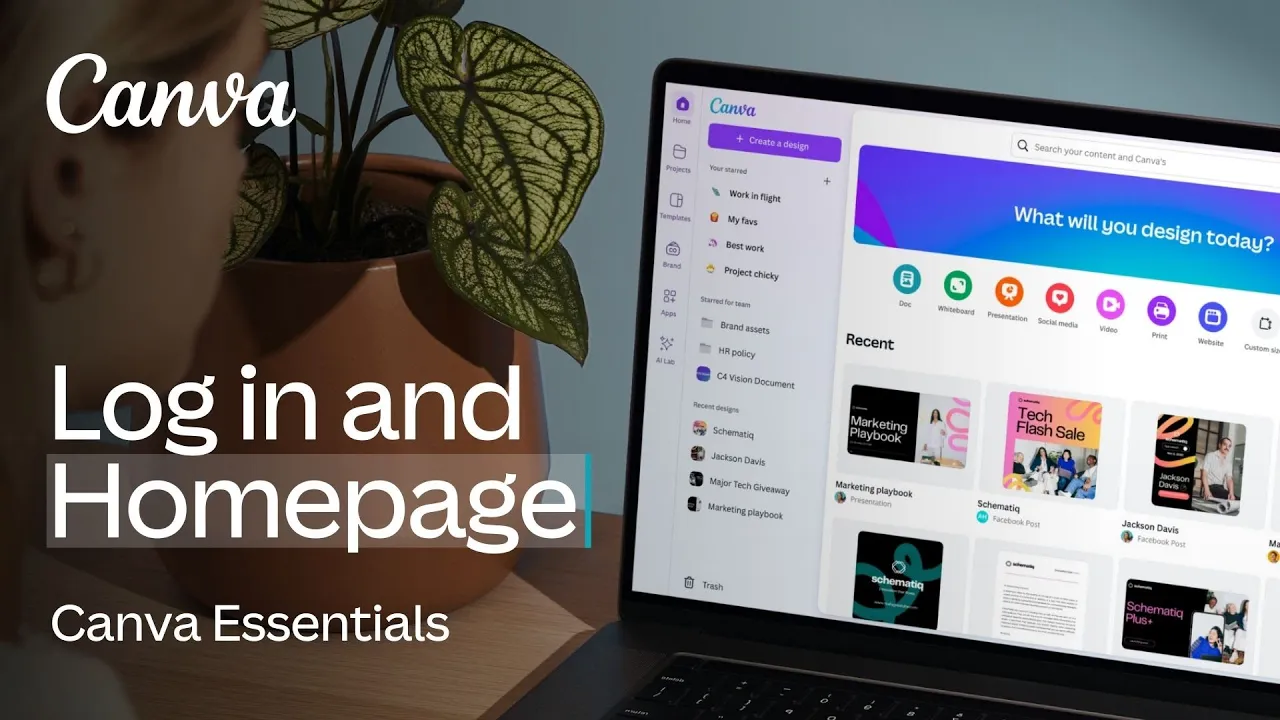
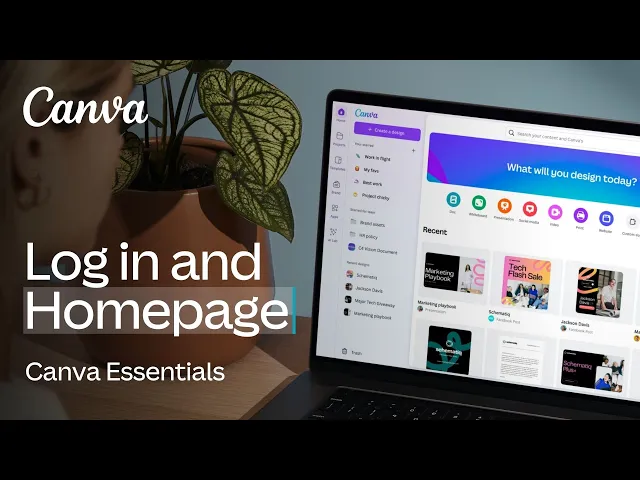
[Music] canva is all about making things easy that's why our homepage is personalized to you and the work you do in this video we'll explore logging in for the first time and how to navigate through the different options you'll find on the homepage setting you up to confidently start your first design [Music] first let's log in logging in gives you access to your recent designs projects and start folders the first thing you'll notice is the quick create buttons these allow you to jump straight into a new design beneath that you'll see your recent designs select
one of these and you can continue editing right from where you left off return to the homepage at any time by clicking this button you can locate everything else in CA using the left navigation projects is where you'll spend a lot of time it holds recently Open Designs in anything you or your team have created you can also arrange designs and assets into folders and use these handy filters to view specific items like folders designs images or videos there's more filters of above where you can single out categories under these templates you'll see lots of
categories feature collections popular topics and more with thousands of ready to usee templates and there's never any need to start from a blank page use the search function here type in what you're looking for be as specific as possible and after hitting enter you'll be delivered a whole range of options if there's more than one page in the template hover over the thumbnail to scroll through them click something you like and the preview will open showing you more of the design who created it and the button to start customizing clicking here opens the template so
you can start modifying your very own copy the brand tab contains your custom brand templates and brand kits which are available if you're using canva Pro teams or Enterprise these features allow you to upload your brand logos color palettes fonts and resources making them easily accessible to you and your team when designing in canva it really cuts down time searching for the right version and ensures consistency no matter who from the team is building the content the ABS tab contains all of canvas own and third party extensions AI powered apps productivity apps and design essential
apps there's an app to help you achieve just about anything keep an eye on this section to see what's trending and new at the bottom is your trash remember that document you accidentally deleted here you can restore it and bring it out of the trash or permanently deleted back on the homepage you'll see a search field this Universal search function will display templates as well as your existing content account settings are here do everything from switching teams inviting new team members updating your details getting help accessing more tutorials and signing out of your account help
can be found here type in what you need and the AI powered assistant will find an answer lastly there's a button that says create a design we'll discover what happens when you click this in the next video so there you have it you're now logged in and able to find your way around the homepage and all it offers from template search to browsing the app Marketplace this is always the best place to begin your next project normally at this point in the video we'd recommend taking a break to explore what you've learned but we're actually
super excited about you experiencing the editor so we'd suggest pressing play on the next video right now let's keep this momentum going [Music]


![I Replaced ALL my ADOBE APPS with these [free or cheaper] Alternatives!](https://img.youtube.com/vi/5EfqHg49kMk/maxresdefault.jpg)