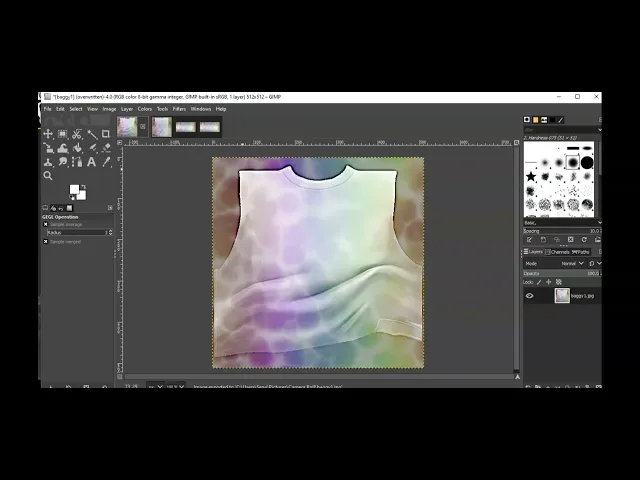
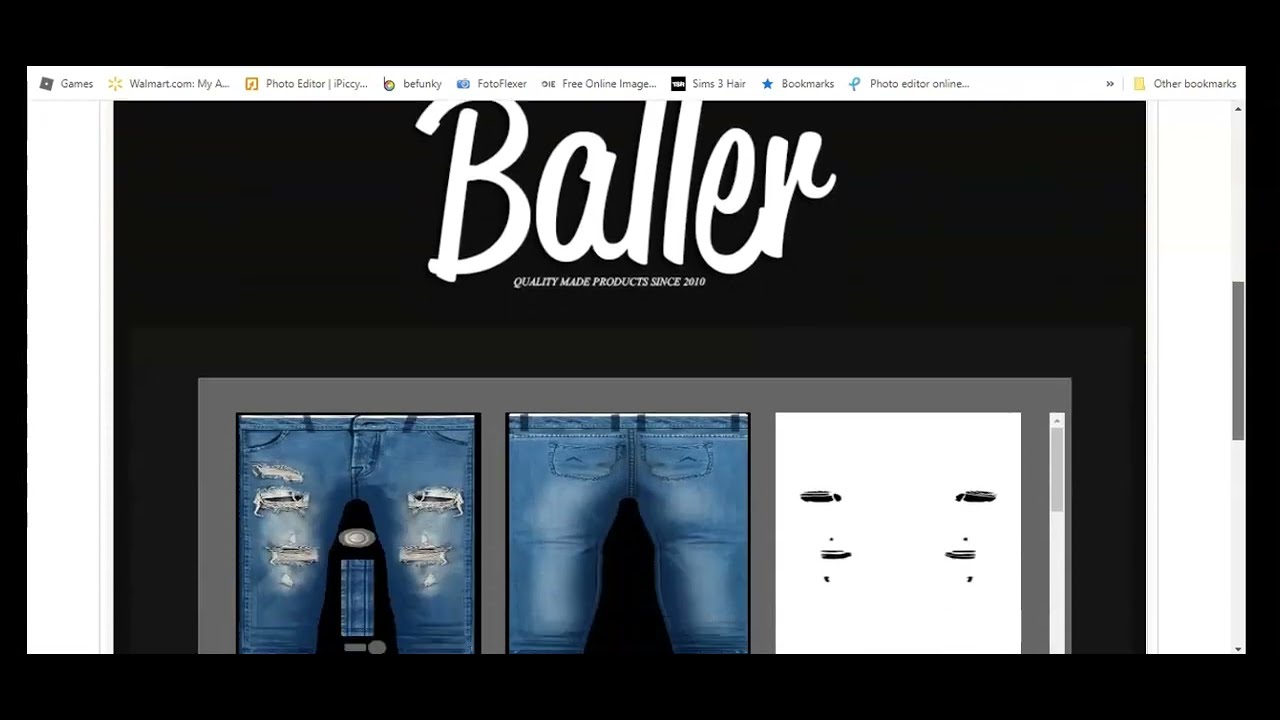
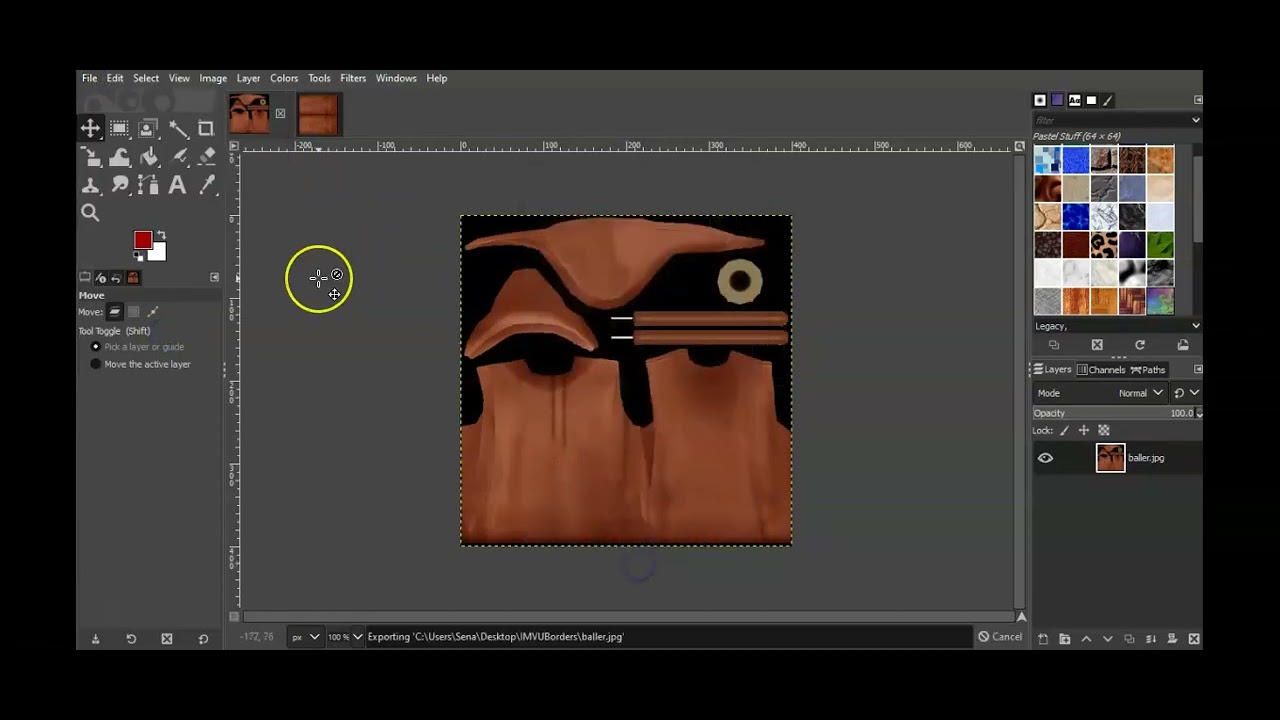
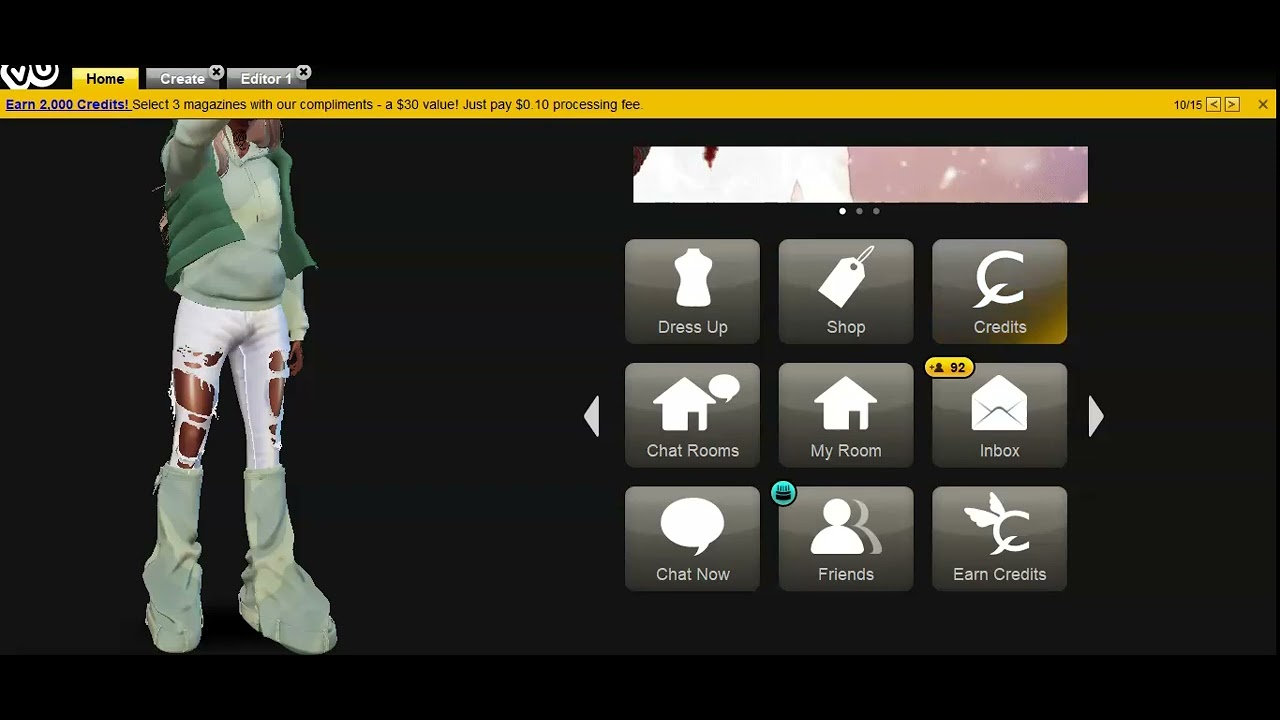
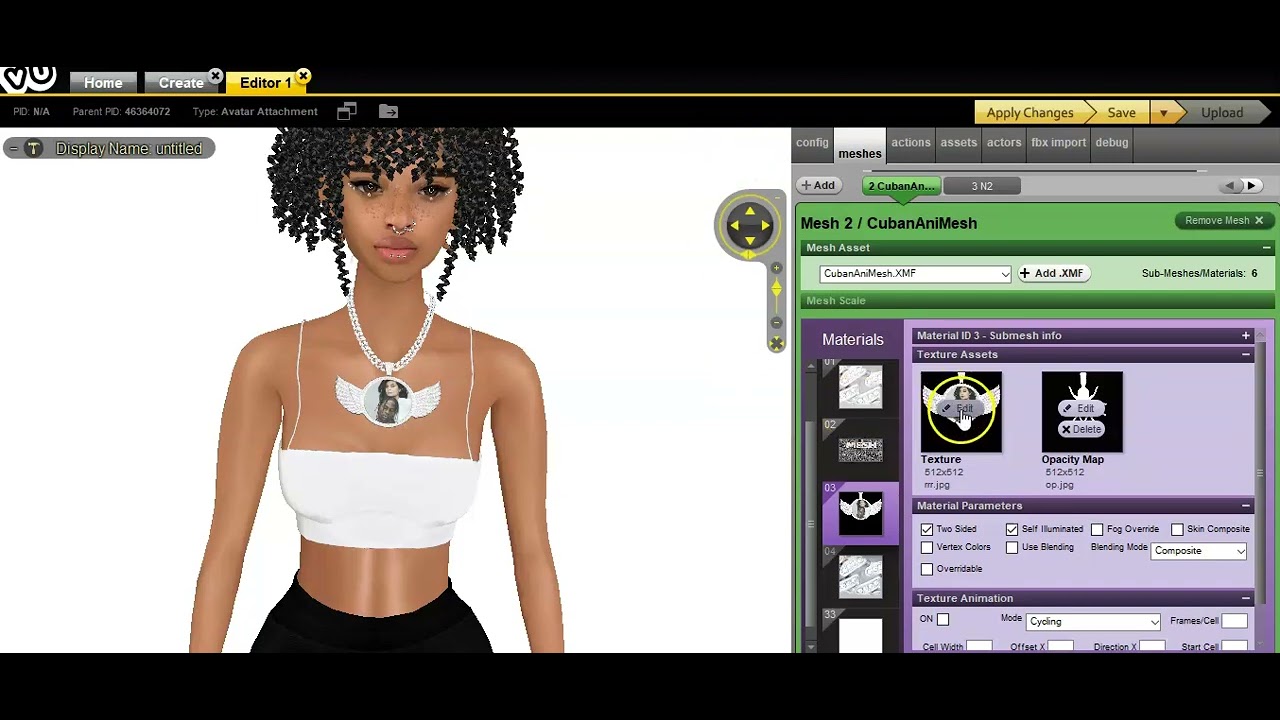
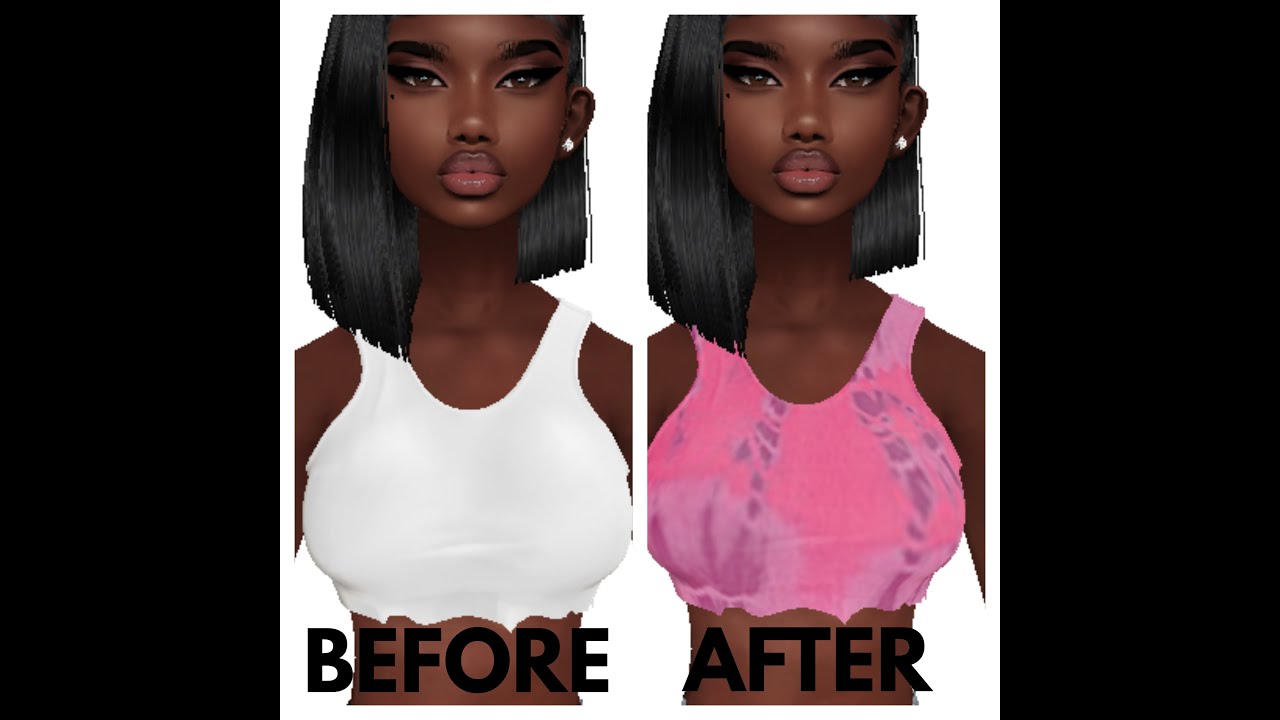
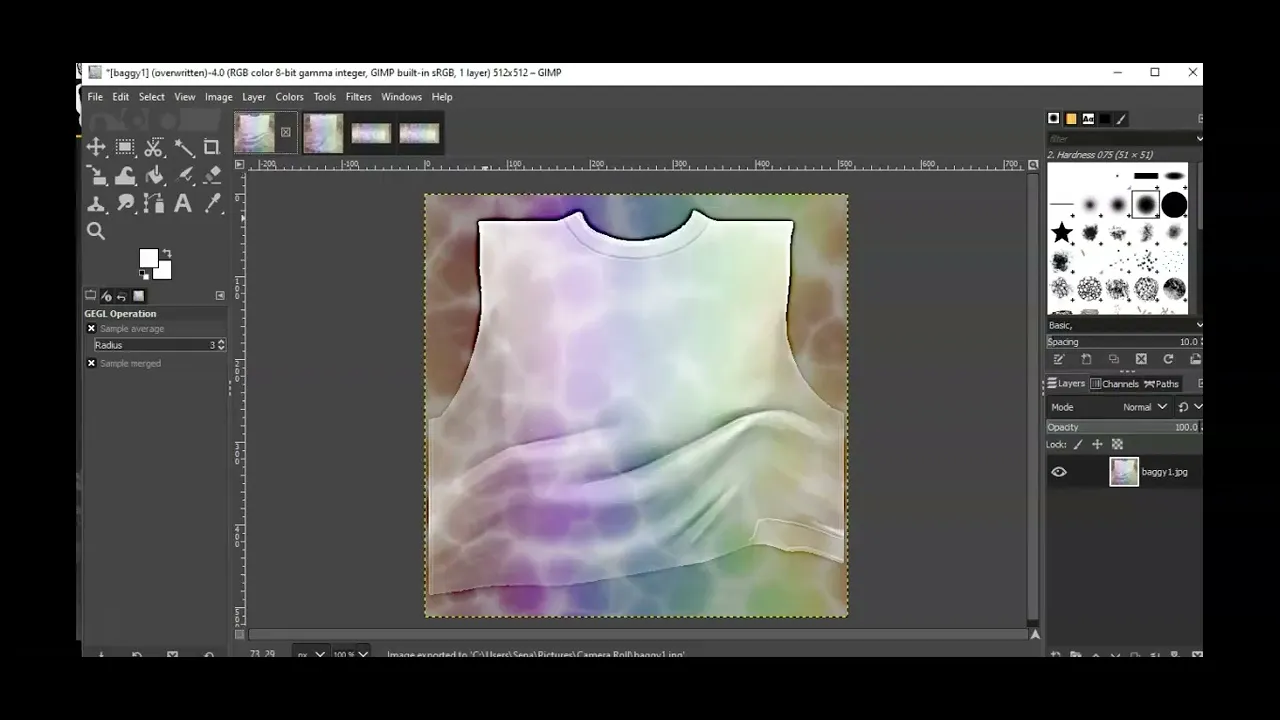
[Music] hello this is your girlfriendology and welcome back to my youtube channel make sure you like and subscribe make sure you click that notification button so you know exactly what i'm uploading new content okay so we are going to do a quick tutorial today i'm on vu again and this time it's going to be like a sweater type shirt i guess and i'm going to put a simple logo on it i'm going to change the color of the sweater so let's get started i chose to derive from manila this time manila is really good and i'm going to show you guys exactly what i'm talking about where to get the code from so that way we can go into create mode so make sure you go into create mode let's get started have that open up as well so the person that i chose was manila as i said before and i love deriving from manila they have some good stuff they have male versions of things and female versions if you want the male version you just click on here but this is the female version and i chose the bagging ic top this it comes in four parts so you want to right click save all these images to whatever you want to save it to and then you scroll down and you copy control c and then when you go into create modes you put in control v and your product will come up so let's go to the product and get so we are in and this is what it looks like this is the front this is the back and these are the sleeves okay i want to color this a different color before i start i was thinking white but then again you you never know you know what i changed my mind a lot when it comes to these but that's going to be okay i'm going to cute chroma and i'm going to do i'm just going to make it lighter than what it is and let's say okay to that and then i'm going to do the same filters repeat filters repeat filters repeat so i don't really have to do anything hard now i want to also add a layer so you're going to right click new layer okay and you're going to do that for every piece this is for the back okay a new layer now i would like to i think i want to add some more color to it but not this so maybe like a tie dye type of color to see what it looks like so let's see what the tie dye would look like open as layer even these plaids look good but i'm not going to do plaid this time this is actually nice that's not bad and i'm gonna do the same for this so that's there and luckily it's the whole size so i don't really have to resize it it's actually perfect um and i'm going to do the same here that's actually really perfect so i don't have to resize it all right that's perfect to me now here i'm going to merge this down and do the same here merge down do the same here merge down and do the same here merge down now i'm going to play with the opacity on the side i love that 40. 5 i actually love it like this so i'm gonna keep it at 40. 5 i'm gonna do the same over here 40.
5 going to do the same here 40. 5 and i'm going to do the same over here 40.