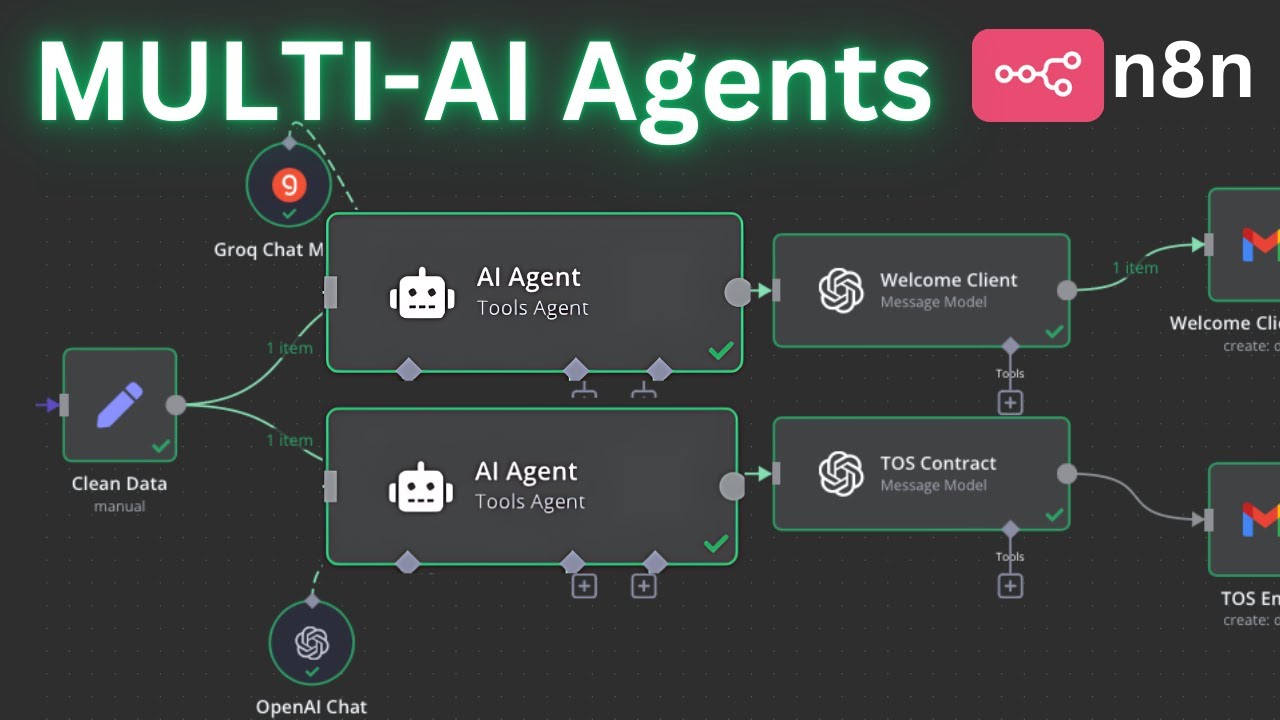
in this video I'm going to show you simply how to add perplexity into nadn because NN does not have a current integration as of October 8th so in order to add perplexity and take advantage of perplexity what we're going to do is actually we're going to utilize the HTTP request tool that nadn already has and connect that to our perplexity cuz then we can save that and utilize that for our other automations uh because once it's set up then we can copy and paste that into other automations that then we can utilize perplexity moving forward
so the way to do that is you're going to I just have some dummy data here where I'm just grabbing uh some media articles that are coming in and I want to summarize that right so let's go ahead and add a HTTP request tool that we then going to add our perplexity apis and connect that together so that way we can basically use perplexity and end so all I have to do is go ahead and click on this ad note so I'm going to search for HTTP request click on that all right perfect so now
we have our HTTP request tool here and as you can see there's this one media link that's coming in which is an article about sap launching this collaborative AI agent which we want to utilize as uh perplexity to summarize the article because if you were to add um a again like chat GPT or a Gro or um any other the Llama models then you won't be able to summarize that because it won't have access to the internet however we can utilize perplexity here to get that done so you're going to leave the everything as it
is because we need to head over to perplexity you're going to come down here on next to your username and click on this gear icon so this is going to pull up the settings we're going to then head over to the API Tab and as you can see right now I have U 4 $482 so you need to just add or click on buy credits and add uh a payment method just put $5 honestly that's enough like it could last you for a long time $5 is going to last you for a very a long
time if you're just using it for personal use or even for business you know it's going to be um plenty so go ahead and do that and then you're going to come down here and click on generate API key and as you can see in the bottom I got a new API key that got generated so you're just going to copy that you're going to head over to perplexity API documentation and that's just docs. perplexity doai uh you will come to API reference and then right here so it says chat completion it only has this
one section here is called chat completion what you need to do is this API key that we just generated you need to copy that and paste it here by the way I'm going to delete my API keys so don't think about copying it and that's an important Point actually do make sure that you're not sharing your API keys because then people will have access to your credits here and they can empty that out quickly all right anyway so what you need to do is you need to make sure you are at Carl here right and
on right here when it says authorization as you can see in the bottom yours will be empty so let me just get rid of this there you go this is what's yours going to look like right so you need to just basically copy and paste that new token that you just generated the API token oops I think I got that wrong go back I didn't copy it properly copy and paste all right perfect now that that's done and on the right side as you can see here the auor ization be PX and you have that
secret key or the API key that you just generated so now all you have to do is go on the top right here and click on copy and now we can go back to our n8n and on the top right hand corner right here as you can see it says import curl that's why I said it's very important that you are making sure that you're in the curl tab because they have the python JavaScript and all these other uh different sections but make sure you're on curl so once you copied that you'll come back to
your n8n and you're going to click on import curl and you're literally just going to paste it that's it right and as soon as I do that now as soon as I click on import you'll see that all of these existing parameters are going to get populated if I click on import there you go perfect see everything got uh populated initially uh the method was get the URL was empty everything else was EMP now all it basically populated everything and on top top of that the most important thing is on the bottom right here this
is what kind of came over and this is exactly what this is right and I'm going to show you how to change that to be able to utilize perplexity basically inside NAD all right so let's go back and let's take a look at a few things because we need to change a few things again everything else don't touch it it's all good to go you need to create this once and now you can basically utilize this on all your future automations or AI agents that you can create all right so let's go ahead cuz this
is what we need to change right here so I'm going to click on expression right here because we're using Json uh expression below here so I'm just going to click on expression and click on this little button you need to manually change the prompt inside the system role and then also the user role because this is kind of a hack uh because U NN doesn't have integration with perplexity hopefully they'll add that in the future but in the meantime this is the best thing we can do because it's the easiest way to utilize perplexity and
you want to make sure that you're using the proper model that says online at the end because that way you will have access to the internet so right now I'm using 3.1 sonar small 128k online so we need to provide a prompt for our system and then also for our user and in my my case uh we're only summarizing this article based on this link so therefore I'm just going to get rid of this get rid of this and then type so I said summarize the following article in detail cuz that's literally all I'm doing
doing is I just want to have a summary of this article and we need to identify what this article is right so in the user content rule right here I'm going to get rid of this and all I'm going to do is type article and let me go ahead and grab the article now that's coming in from our previous media okay so I'm just going to go ahead and grab that right here and perfect as you can see right here now on the result it says content article and we have the the proper link right
there that's literally all you have to do oh one more thing actually so you see right here it says Max tokens is optional you want to make sure either get rid of this or identify a token and um I'm if you want to limit the token in this case I want to do I'm just going to put 500 um tokens because this is going to be plenty to summarize a small to medium uh length article and that's this in majority of the cases that's going to be penty okay so everything else don't touch it right
so depending on what your usec let's say if you are doing something different let's say you want to look up somebody's name and the name is coming in let's say if you're scraping um the CEOs of different startups and you're utilizing another tool to grab those names from LinkedIn or something like that then you will just drag let's say um a name in here and on the system message you'll just say look up this person for whatever you're looking for right and then on the bottom the content uh for the user uh you will just
drag that name and then make sure that all of the relevant uh details that you're looking for so perplexity could search for it is all inside the user rle okay so but for our for our cases we just want to uh summarize this Media Link we're good to go here so let's go ahead and back out of this and now all I have to do is click on test step oops let's go ahead and test our step let me make sure everything is good to go yeah that's good let's test the step and if we
did everything correct this should just summarize this article for us executing node all right perfect it looks like it worked let's check let make sure everything is good here Json the content the article let me move this a little bit here the article from CIO discusses Sap's recent announcement at his 2024 Tech ad conference focusing on the integration of collaborative AI agents and introduction of sap knowledge grab perfect and I think that's exactly what this article is about and to confirm we can go ahead and um take a look at this and again you can
um you know read through this because that article is there to make sure that it got properly summarized so now you can back up and attach further note to this where then you can uh utilize this output that's coming in so now you can add another set note that you can separate the content of this article in different Json objects so that way you can grab whatever you need or again depending on what your use case is which you're using perplexity 4 uh you can add further notes to be able to utilize uh this perplexity
tool now and I'm also going to go ahead and name this perplexity all right so that's kind of a hack on how to use perplexity inside of NN until they uh provide an integration for us all right well hopefully you found that helpful uh utilize it let me know if you have any questions um and obviously I'll put the link to my school in the description below so if you want to take advantage of more templates that I created the AI agents that I create all of that is going to be available for all of
my school community members and please make sure you like the video and subscribe for more upcoming great tutorial I'll see you on the next one