yo hello everyone and welcome back again to a brand new video enhance your trading experience by integrating binance API with trading view in 2023 this tutorial simplifies the process allowing you to Leverage The comprehensive tools of trading view alongside binance's API functionalities so guys let's get started before we start with this video make sure to watch it from now till the end so you have the full information so the first thing guys obviously is to have an account in binance and at the same time you have to have an account in trading view which is
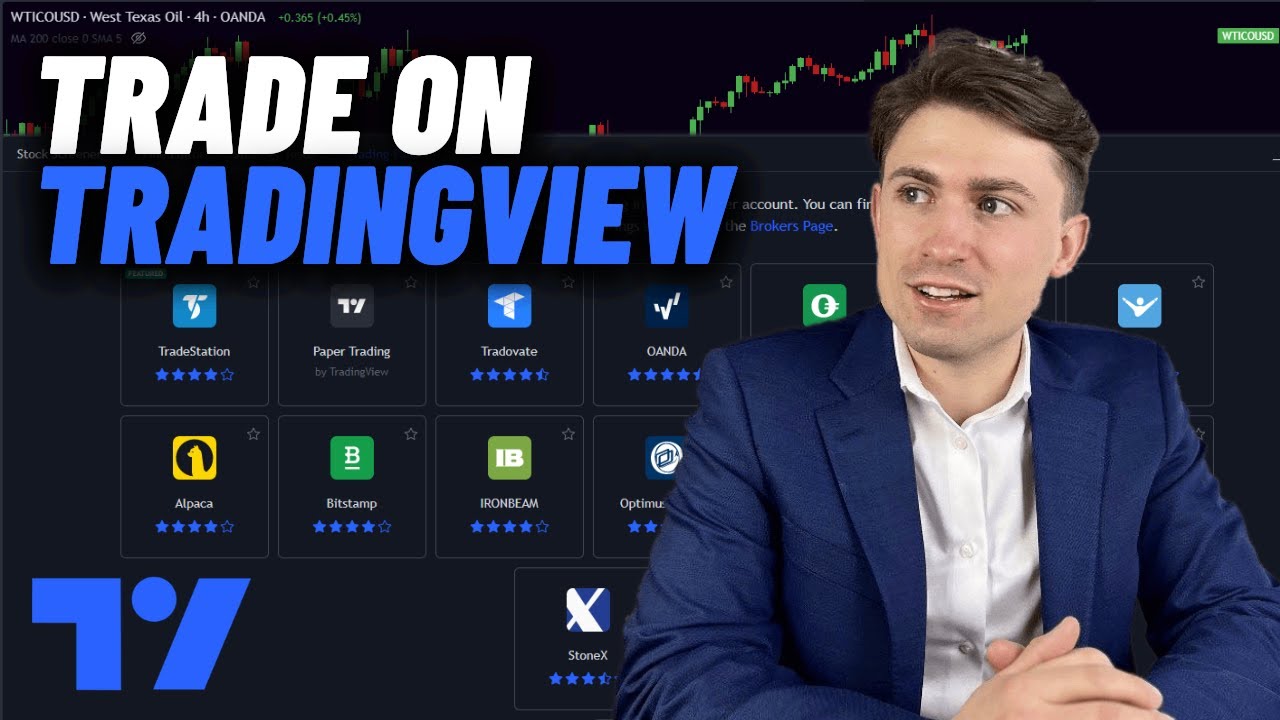
pretty much the most important two things to have at the moment now as you can see this is my binance account and here we have trading view now how can we connect the binance API with trading view well after you connect your account on trading view you will notice here in the homepage that there is six different menus toting with products community market news Brokers and more click on Brokers and go to compare in this section you will notice that there is the top six Brokers that has been used in this website if binance was
here that's good if not don't worry I still have the solution for you click again on trading view go to the market summary and click on one of these options randomly and click for example on bitcoin and in this picture in this like page exactly you will find in the bottom here Lun for shart view click on it and there you go so now you will basically have the shot in here as you can see and what you want to do now is to ignore the shot like entirely because you're not really interested in Bitcoin
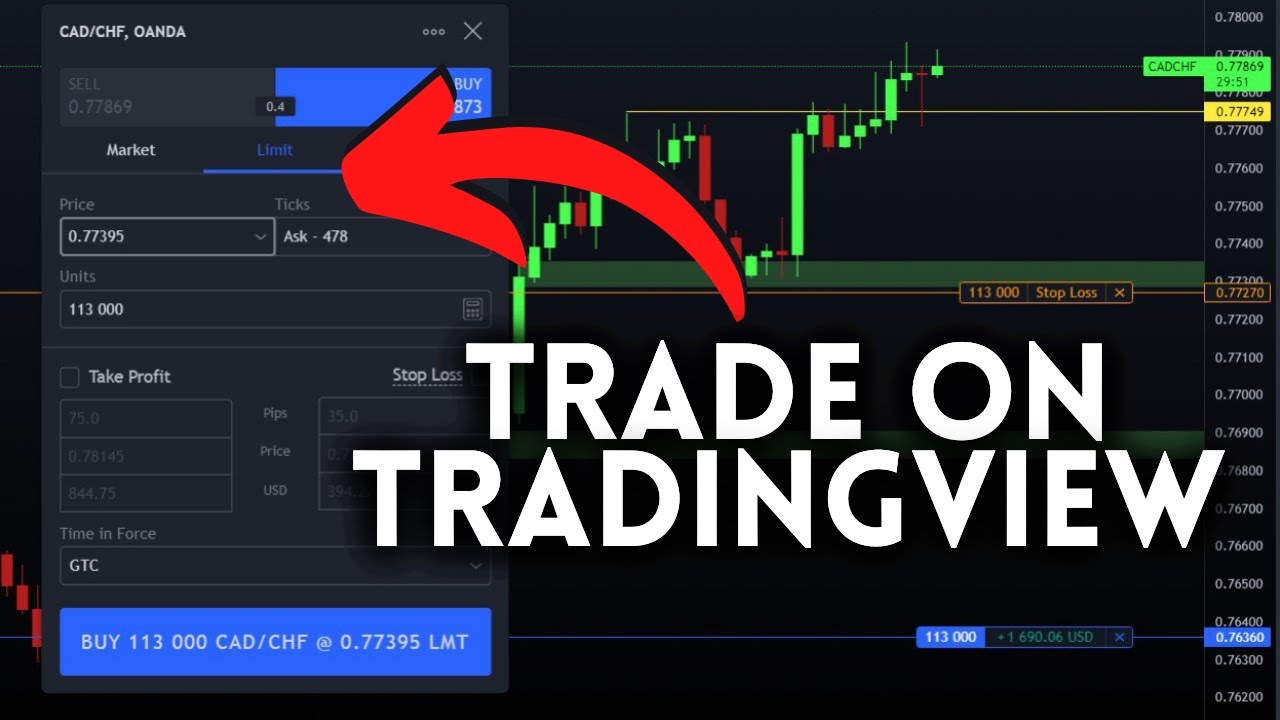
at the moment you just interested in connecting it to binance so simply in the bottom here you'll find this widget you can make it B bigger if you want you'll find here open screener pen uh pen editor stres tester and here trading panel click on tradeing panel and you will be receiving all of these different kind of uh like apps and Brokers click on see all broker and here you will find all the list of Brokers that are available at the moment in this website itself so guys here we have bance in case you didn't
find it or you couldn't find it just type on contrl F and search for binance and you will be able to find it it's very easy guys then click on here to connect then just wait enable and continue no and just give it some time and there you go so now you have successfully connected biners with trading view as you can see here trading view in binance here it is you can check here the trading settings you can uh add Buy sell buttons you can add instert order placement you can add play for execution you
can do a lot of things so let's start off seeing like for example here we can start trading no tradeable symbol you can trade the symbol crypto BSD view via binance at the moment but in general we can buy here as you can see we can buy uh MKT and sell MKT for example well at the moment I don't have any kind of uh like sold in my binance account that's why they are not allowing me in general now let's close this and let's talk more about the what's why are we actually here why didn't
I just simply just went to binance and through binance I just tried started like trading I bought Bitcoin using binance it's very useful why am I doing all of these things to actually us to get like couple of bit coins well basically here in binance let me just show you this is basically the graph in binance and yeah you could see the affirmations so let me just close this go back here I mean the informations are pretty much similar if you want to talk about it that way but yeah the same graph the same thing
nothing will be different that much but if you really want to go deeper and deeper in it well you need to have some tool that will help help you to actually read the graph and analyze it easily well here in trading view you have like so many tools that can help you do that for example you can even draw in it something like that so for example you can draw a heart or I don't know this is not a heart let's make an apple well here it is this is an apple that I have drawn
in this shot it is useless yeah but it has so much potential this tool you can draw for example the pattern of the graph so you can know what kind of pattern it is having at the moment so like that for example you can actually learn the patterns and for example this is the pattern that we got here well what you could do is to go to pattern trading and look up to images and start like comparing between the pattern that you have between the pattern that here and using that you can start predicting where
is it possibly going to go is it going to to go higher are going to drop down for example here it went all the way to to the top so there's so many like symbols that can or like symtoms that can really help you to trade and not only to trade but to analyze the chart itself and to make the best decisions so you can make the best profit in this market well also you can draw lines that can help you to decide where is the support as an example or where is it the um
let's say as an example the resistance so we can have a lot of things so for example I want to draw support and I don't know why or how so for prop people they will just drag like that and draw a line and put it like here for example as a support but for like me I I don't know about cap that much I can simply just click on this uh tool which is basically FIB retracement I'm going to click on it as you can see drag it all the way here and there you go
so now I have literally a whole new like bunch of lines that's can be determined as resistance and as uh support lines for the actual graph that we have at the moment so this is very useful for Pro or for beginner users of the cryptocurrency and in general this two cannot only help you with binance it can help you with anything it's not I mean not binance but in general I meant it's not only helpful when it comes to cryptocurrency it's helpful when it come to stock to go to anything you can use these tools
to actually make the best decision and to make the highest profit possible you can also guys I mean like let's say for example um there is a specific strategy in trading and you don't know about it or you know some strategies but you don't know if they are in here you want to make sure if there is any strategy that is in here in this graphic itself well the Trad and view got it for you click on indicators go to strategies and choose one of them as you can see the only downside is you do
have to you do have to get a Premium plan so you can actually use it so for me I had enough from them so I used the maximum amount of indicators and strategies that's why they have stopped me from using any more of these kind of things but in general for you guys you will have uh like as a new account enough time to use your uh strategies and do whatever you want with it so it is very very useful uh tool as you can see it's very help to like integrate your bance API with
the trading view software and this is basically it for today's video guys I mean it was very easy very straightforward you just have to get an account on trading view you get an account on binance nothing very complicated about it it's just three four steps just go to binance create an account go to trading view get an account log in go to your uh trading panel connect to binance and start trading using trading View and analyzing the charts very easy very straightforward so yeah guys thank you a lot for watching and see you guys in
the next tutorial

![How To Trade Futures Contracts [Full & Live Explanation] | Trading Tutorials](https://img.youtube.com/vi/sJELO5PGY00/maxresdefault.jpg)