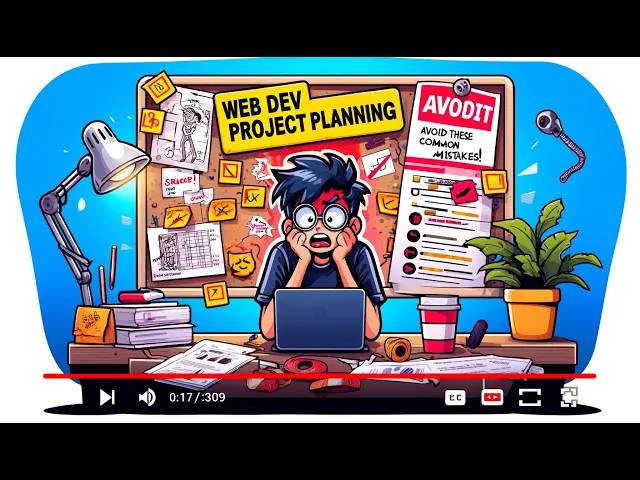
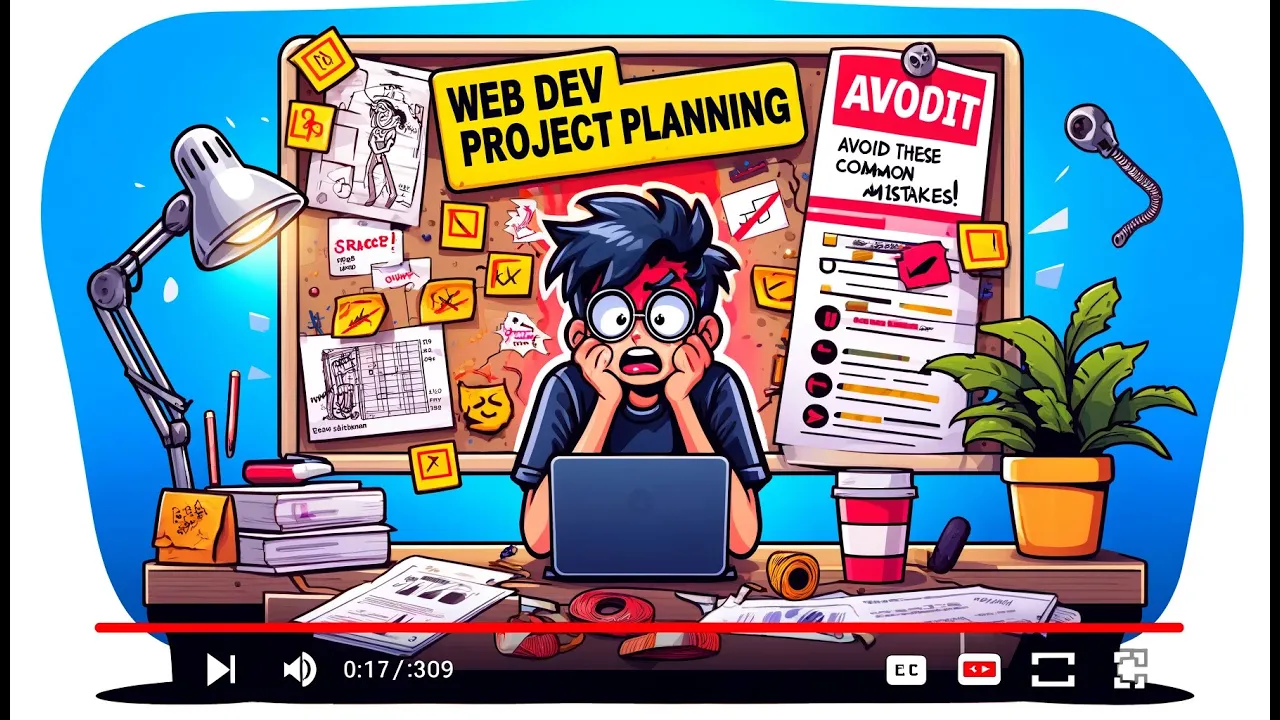
what's up Dan here from code news and if you're a new developer learning how to code one of the best things you can do is create new projects or unique projects so today I want to talk about how to plan your next web dev project when you jump into coding without a plan it's a recipe for headaches and setbacks and I can tell you like I did this so many times when I'm was starting out where I just start coding and I'd basically get to a point where I'd have to you know end up making
so many changes that I just start the project over again and it really was just a waste of time so today I'm going to share a short guide for how to plan your next web development project effectively and having a clear plan will make the coding process so much easier and way more efficient so the first thing you need to do is you need to find Project goals so some questions to answer are like what problem are you solving or what value are your offering right um so this could be you know anything from like
I'm going to create uh you know I want to create something that can enable people to upload images and share them easily something like that right or you know I'm going to offer an easier way to take notes right something like that um and the other questions are you know who is the target audience and what's the main purpose of this project and a target audience is important because if you know your target audience that can really help you also you know better design for with them in mind so quick tips here a clear purpose
will drive all design development decisions ensuring each feature aligns with your goal understanding your audience is essent essential for designning and creating a project that will work for them and be successful and you really can't stress this enough like if you have a clear purpose in mind it does make everything else easier and it really will drive all those decisions that you need to make regarding design development the next step is to outline key Fe features so the first begin by creating a list of features you think are important for the Sy success of your
project so some examples right you might you know do you need user accounts dashboards maybe admin portals are you going to use interactive components like search filtering or media uploads just start by creating a huge list of everything you think you'll need then as a pro tip and this is really important you know prioritize take all those features that you came up with and split them into must have and nice to have must have would be essential for the basic functioning of this and to create a full product or web you know web app and
nice to have are things that you would like to have or include but could be done later this will help you to find an MVP or minimally viable product and can make your initial development faster and remember you can always add on to or update projects later so you want to get it out there in the world to show people what you can do and then you can keep working on it and refining it as you go adding features number three and this is important map out the user Journey this is some kind called creating
user stories you can check that idea out as well but basically the goal here is to Think Through how users will interact with your app so list out all the steps a user might take for instance from from the landing page to account creation to completing a main task having a user Centric approach helps avoid confusing flows and improves usability from the get-go and again this is also important because I think where aot where a lot of us struggle when we first start out is we we have an idea what we want to do but
we don't think about all these little things of like what's the process of getting from point A to point B what does it feel like for a user using my app how's the user experience and if you start thinking about these things early on it'll help you develop better features and a better product overall so once you've got you know those first three things down you're going to create a basic wire frame or mockup the main purpose of this is to visualize the layout and placement of features before you do any coding so there's lots
of tools that exist out there you can use things like figma or canva they're great um they make it very easy to you know pick colors um to come up with like you know color palets for it ahead of time right to lay out design so forth and so on but you can also just use simple paper sketches really the idea here is just to have some visualization because it will really make it a lot easier your wireframe M mockup does not have to be fancy I can't stress this enough but having this will help
you know before if you have this before you code it will help save hours by clarifying design and layout and I think this is also important because you know one of the things we do early on by forgetting this is we end up going back and like just wasting a ton of time editing things to make them look better um or to make them normalized across the site when we have had that from the get-go by Simply Having a wireframe so you have your mockup next thing you're going to do is choose your text stack
main things to consider here are what's the complexity of the project your skill level and the project goals for suggested STX I would say for beginners stick with HTML CSS and JavaScript learn those core web Technologies first if you're more advanced you know react or nextjs are great for complex projects when you're choosing a teex deack avoid decision fatigue by sticking to what you know or by learning Tech that lines with your future goals there is so much stuff out there in the tech world and it can be super overwhelming so often you know I
think it's better to just stick with either what you already know so you can develop and get better in that area or again focusing on what you think you're going to need for future goals so conclusion right the single best thing you can do as a new developer is build projects so set small goals and make a plan to stay on track and keep coding hopefully this guide will help you to plan out your next project so you don't waste time and you don't get frustrated when you're building something on your own don't forget to
like and subscribe for more web development tips thanks guys