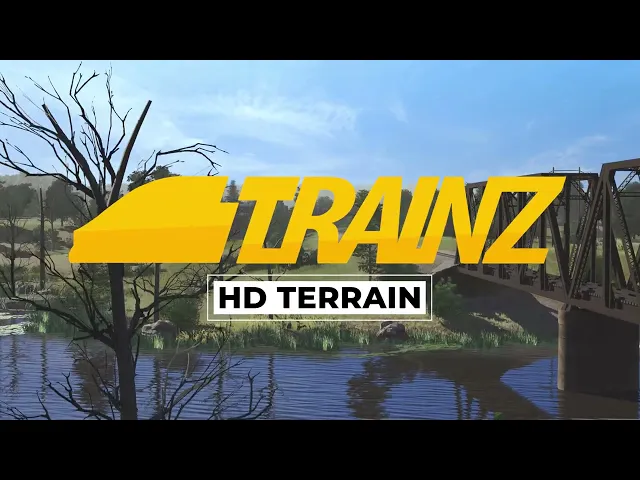
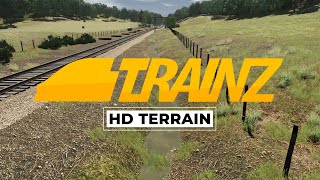
trains plus introduces HD terrain a whole new way to terraform and texture your routes say goodbye to Jagged Peaks and excessively wide cuts and fills and hello to a whole new way of route building the HD terrain feature is now available to trains plus subscribers with the HD terrain tool you'll be able to transform your Creations like never before with brush sizes smaller than one meter new routes created in this build will utilize HD terrain by default but you'll need to convert any existing routes to HD route conversion is essential for trains Maps built in
older versions of the game it allows you to easily transform existing routes from previous versions into the latest format ensuring compatibility and opening up new possibilities for your Creations let's take a look at how to convert a route to HD terrain it's easy with your route open navigate up to the tools menu and select upgrade route and that's it you may have noticed that some textures change during the upgrade process routes utilizing HD terrain are limited to 16 textures per baseboard and upon upgrading trains will convert existing textures to the 16 most used textures on
that particular baseboard this conversion gets you started using HD terrain but to fully take advantage of this feature you'll want to make use of the new smaller brush tool sizes and sensitivity settings this is your chance to sculpt the world how you want experiment with different brush sizes when manipulating the new HD terrain or with different blending techniques When painting ground textures let your inner artists run wild this update also introduces a new way to work with realistic water water is now part of the effects layers which allows you to manipulate water in the same
way you would with terrain you'll now be able to create different bodies of water with different effects such as flowing streams and perfectly still lakes on the same baseboard [Music] feature is really handy when sculpting rivers and streams that might start at higher elevations and flow Downstream adding an extra layer of immersion to your routes Legacy water will be converted to water effects along with the rest of your route when upgrading but if you just want to convert your water to water effects you could do it like this with your route open select the edit
menu then edit environment and then go to the environment Tab and then upgrade water and voila one of the Fantastic new features trains offers is the ability to texture directly from the Scrapbook by creating your own scrapbook texture patterns you can quickly and easily apply a unique in-game textures to your scenes saving time and enhancing your creativity Additionally the color effects tool allows Limitless modifications to your textures trains allows you to apply Color filters to your scenes giving them a unique atmosphere and mood experiment with different tints and tones to create captivating visuals that reflect
your artistic Vision now that your route and textures have been updated to HD let's get terraforming when it comes to terraforming trains offers a powerful set of tools that allow you to shape and mold your Landscapes with ease create Rolling Hills towering mountains and deep valleys all with a few clicks and adjustments our new terraforming tools allow you to sculpt cuts and fills less than a meter in size for fine detailing or as large as you desire creating vast mountain ranges the all-new tessellation system is what holds it all together it dynamically adjusts the level
of detail in the terrain ensuring smooth Transitions and realistic visuals across your entire route the tessellation system also takes advantage of height maps in each texture for even more accurate detailing creating scenes like realistic stream beds is easier than ever so are you ready to take advantage of the new HD terrain tools get creative explore new possibilities and experience all the detail trains now has to offer [Music] thank you foreign foreign