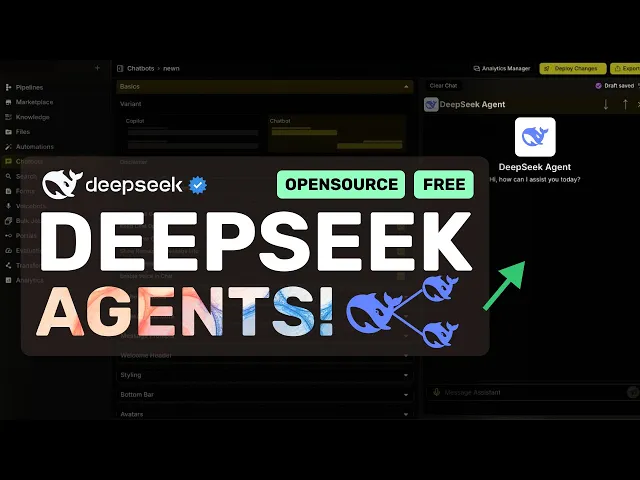
hi welcome to another video so deep seek V3 has been recently launched and it's a really good model especially because it's fully open weights and their API is dirt cheap which is pretty great to see not just that you can currently use the Deep seek V3 model for free via hyperbolic yes although you won't see deep seek in hyperbolic model section yet they are providing the model for free through their API it's a little unstable for now and until it gets added to the platform officially it seems to be free which is great so that's
super great and many people were asking me how they can create agents with the new deep seek V3 model to accomplish tasks that are needed in any custom workflow you'd like for it to do well that's what I'm going to show you today most people want to make these AI agents easily as well without messing around with anything locally and stuff like that so to keep everything simple we'll be using Vector shift if you don't know about Vector shift I have some other great videos about it as well but in general terms it's an AI
automation platform that allows you to make workflows where you can connect any data source source to AI create custom workflows and build AI agents that you need like if you want an AI agent that can summarize your Google calendar events you can do that or if you want an AI agent that reads your notion notes and summarizes them for you it can do that as well you can also put these workflows in a chat bot and you can also access these workflows via apis not just that you can also automate like making your workflows trigger
when you send a message in Discord receive an email or something like that so that's super cool as well now let me tell you how you can configure it all and create agents with the new deep seek V3 platform so just get yourself signed up here it also has a free tier which is good anyway once you're here you can just go to pipelines Pipelines are the major stuff and everything else is dependent on this now just hit the new button and it will open up this page where you can select from some pre-built workflows
or you can just hit this and it will open up a new canvas here you can drag in the blocks you want to connect and create your own workflow so let's say that we are creating a simple chatbot well in that case we'll first need to drag in an input here this will allow the user to give input now we can connect this input to something like an llm or a knowledge base where you can easily make a user input query a knowledge base and give the required context from that knowledge base or you can
also connect it to some other integration but because we are creating a simple chatbot let's add an llm here now in llms you have multiple options like open AI anthropic perplexity or something like that now to use deep seek we can just drag in the custom one here and enter the Deep seek or hyperbolic API base URL model name and API key based on what you want to use once that's done you can connect your input to it and also enter the system prompt once done you can just drag in the output and then connect
it to the llm now you have a basic workflow that takes input runs it through an llm and gives you the output now you can add whatever you want to this workflow as well let's say you want the AI agent here to have the context of your notion notes you can just drag the notion integration in and connect it in the workflow as you'd like and your llm will have access to that which is great you can even add search or some other llm and Route some requests to that llm based on if else logic
this allows you to delegate specific tasks to another llm or do some other kind of flow which is all super great you can also test the pipelines as you make them by clicking this button and just entering the input and testing it through here this will allow you to check everything before you deploy it as an API or chatbot or anything like that so that's also cool once you have everything figured out you can just click the deploy changes option and it will save your workflow then you can just export it to be an automation
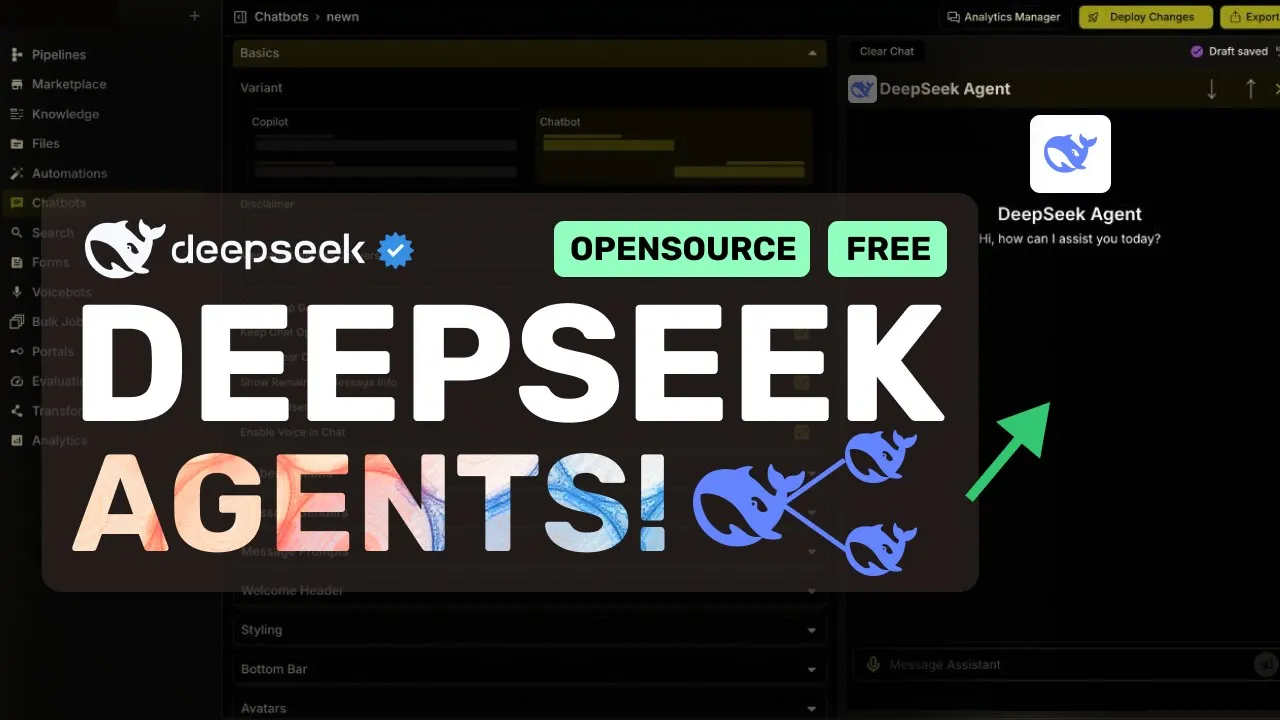
chatbot search or form which is pretty great let's select chatbot now once you select it you can just enter the chatbot name and then go to the next page here you can configure stuff like how you want the chatbot to look and things like that once done you can just deploy the chatbot integrate it anywhere or use it as an API in your own applications or you can also just chat with the chatbot here which is also great to see so that's how you can configure an AI agent with deep seek easily via Vector shift
apart from this you can also create automations with it automations are basically a way to trigger the workflow you've made via something that happens in another application for example if you want your workflow to be triggered when you send a message in some slack Channel you can do that quite easily here which is pretty great there are also options to add knowledge to your AI agents you can just upload the files that your AI agent can reference and and take in your custom knowledge-based context which is also pretty great you can also create voice spots
bulk jobs portals evaluations and stuff like that which is great so that's how you can easily create AI agents with deep seeks new model it's super cool to use for these kinds of workflow automations because it is super cheap and it allows you to get the same performance as Claude in in these tasks for super cheap which is great you can also add search any kind of apps knowledge base and stuff which makes it so cool it's all in a drag and drop interface that allows you to customize it in any way you want and
use it all for free via something like hyperbolic with Vector shift and it will all be free overall it's pretty cool anyway let me know your thoughts in the comments ments if you liked this video consider donating to my Channel Through the super thanks option below or you can also consider becoming a member by clicking the join button also give this video a thumbs up and subscribe to my channel I'll see you in the next video till then bye