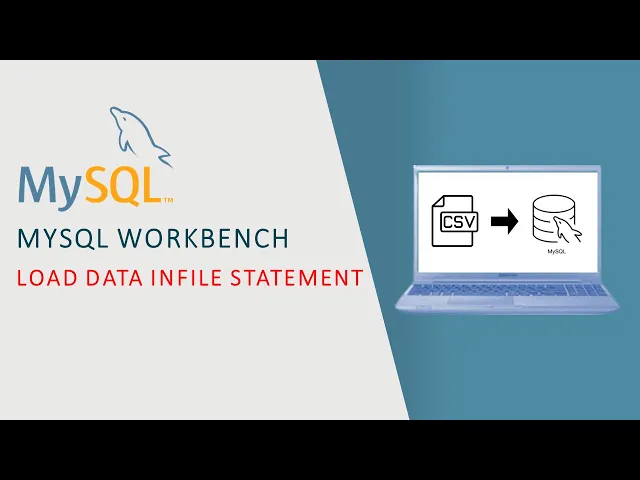
hey everyone in this tutorial I'm going to show you how to import a large CSV file like the one on the left of our screen into a mySQL database table as that on the right using the load data and file statement if you have ever tried to import a large CSV file into my SQL before you know that it can be a slow and frustrating process but with low data in file you can quickly and efficiently import large amounts of data into your mySQL database let's get started and jump to our first section before we
get started there are a few things you will need you will need access to a MySQL server and database as well as a CSV file that you want to import if you don't have am a SQL Server set up yet you can find two video links on how to do that step by step in the description below also you'll need to create an empty database table with the appropriate columns and data types in which our CSV file to be imported take these requirements into your consideration before continuing this video and follow along with us the
first thing you will need to do is prepare your CSV file for import before we begin the data preparation step there are some necessary tips we should take into consideration in order to prevent any error while importing first of all if we have any columns with dates it's recommended to use the default MySQL data style which is the year followed by the month followed by the day separated by the dash or minus sign the second tip is to use normal number formatting for all columns with numbers don't choose currency percentage formats or any other one
that add a specific symbol beside the number these formats make MySQL read them as a text or string not a number as we tell my sequel while creating the empty database table the last thing is to avoid using the Thousand separators in numbers because it will be interpreted as a comma delimiter and raise an error let's start cleaning our data the first thing we will notice is that the invoice date column is not in a date format so let's change it into date but as we said we need to convert it into my SQL default
Style we can also notice blank cells in the price per unit column as we know that the price per unit is the result of the division of the total sales by the total units sold so let's filter only for all blank cells and enter a simple formula to calculate it we can also check on all columns and see if there are any blank cells again or not here we find other blank cells in the region column we can replace all these cells with the correct region for each of those States we know that Texas is
in the South Region and California in the west and Illinois and the Midwest we can make sure about our information by filtering for those states only and see other rows and here we are right know any other blank cells again great lastly we will change the formats of the price per unit and operating profit columns into number without any thousand separators and remove them from the total sales and units sold columns now our data is ready for the next step next you will need to create the database table that will hold the data from your
CSV file we'll use my SQL create table statement to create a new table with the appropriate columns and data types we must make sure to match the column names and data types to those in your CSV file first we create a new database using the create database statement and name it sales we then write a simple query to tell my SQL that I will use this database then we create a table and name it Adidas sales and start enter its columns names and data types the First Column is the retailer we give it a data
type varchar which means variable character we give it a maximum length of 255 characters then the retailer ID column we give it a data type named int which is the abbreviation of integer we will repeat the process for each column until we add all of them here we created our table let's go to the final step now it is time to import your CSV file into your mySQL database table to import our file we need first to save it as a CSV file and located in the database directory to do this we go to program
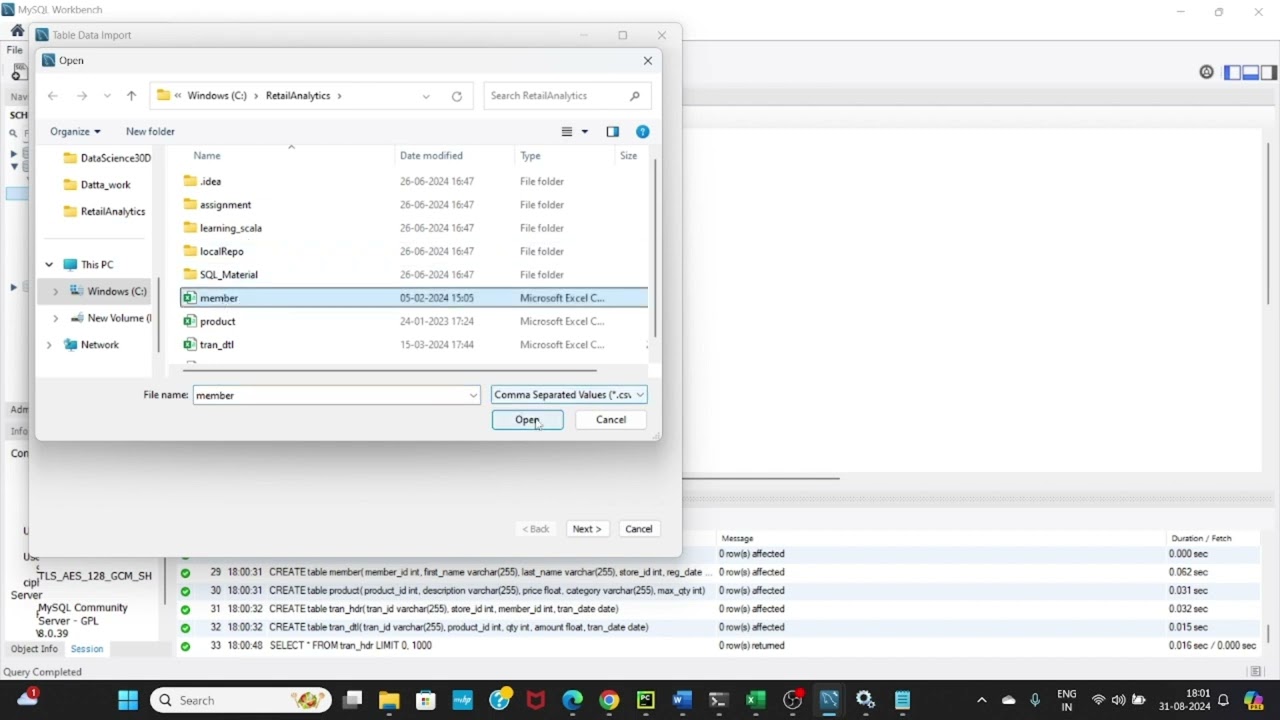
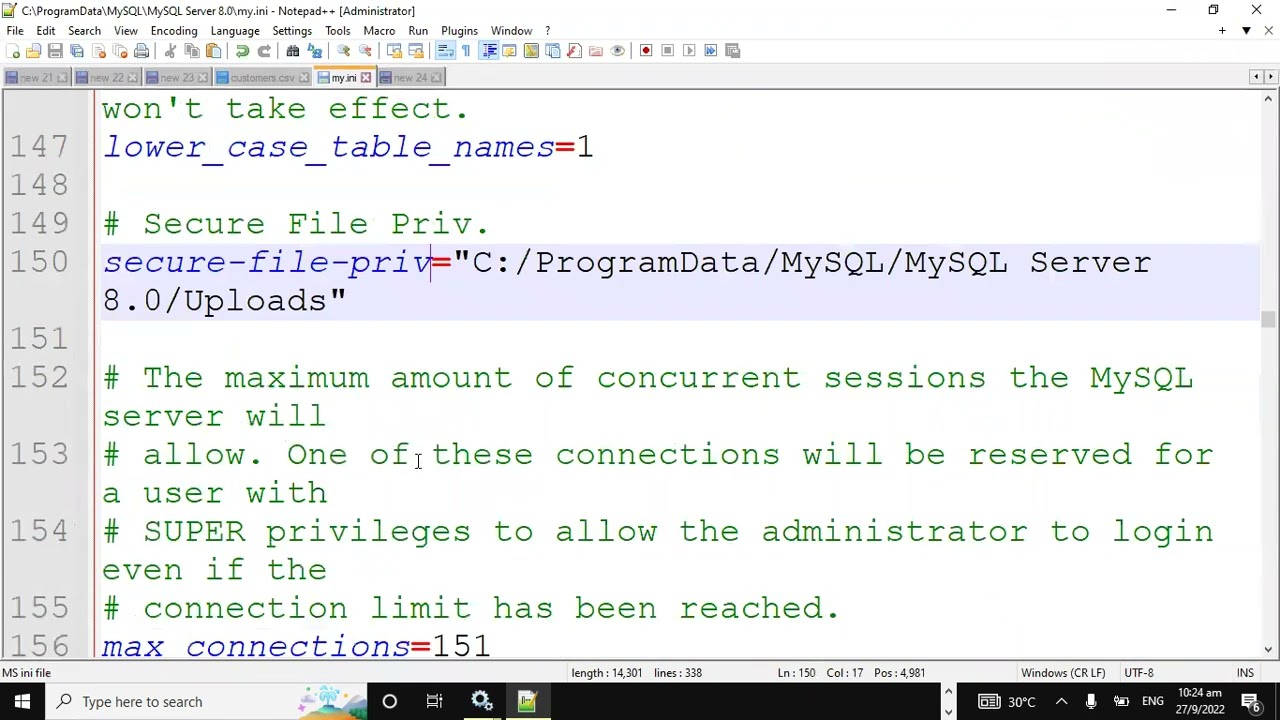
data in the local disk C then go to my sequel my SQL Server data here we can find a folder with our database name we go to it and paste the file there now we are ready to import our file we will type load data in file and write the file name between quotes then write into table and enter the table name which is Adidas sales we then tell my sequel that fields which means columns are terminated by and put comma which is the actual delimiter of our file and type ignore one lines to start
importing from the second row as the first is the table titles which we don't need and here's our table imported successfully in almost no time and that's it with low data in file you can quickly and easily import large CSV files into your mySQL database if you have any questions or comments please leave them in the comments below and don't forget to hit the like And subscribe buttons thanks for watching and see you in another video