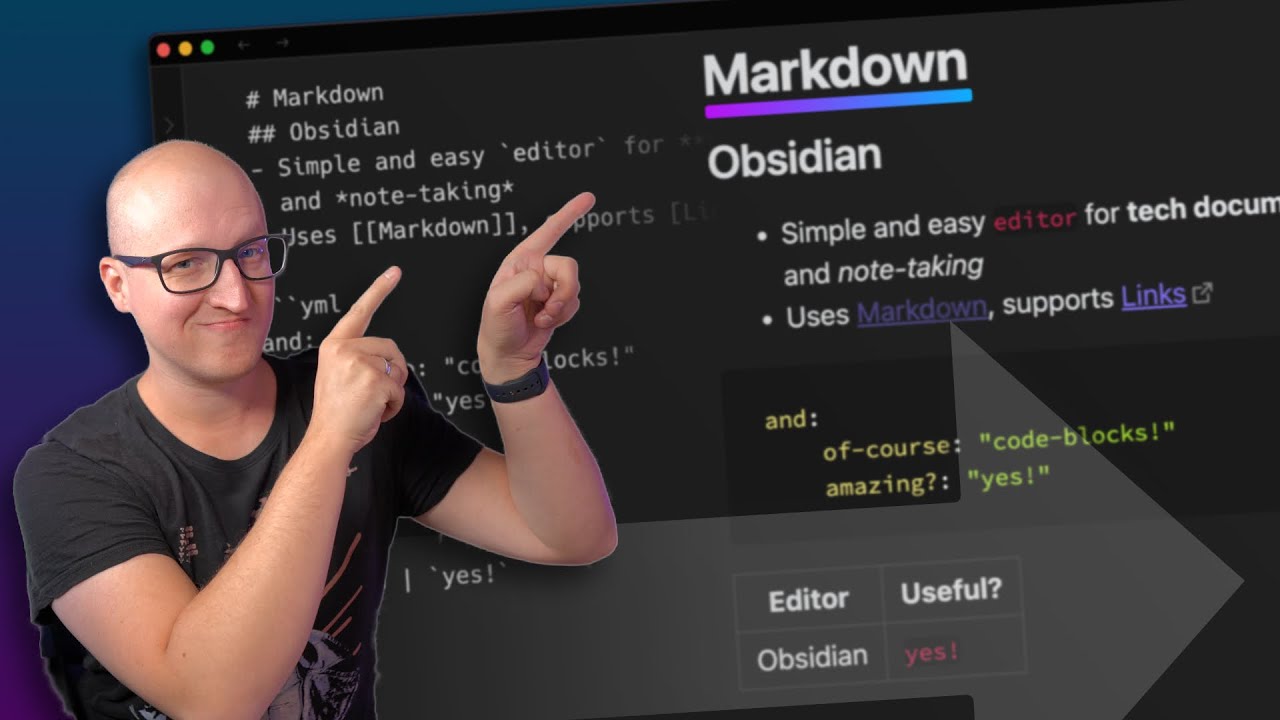
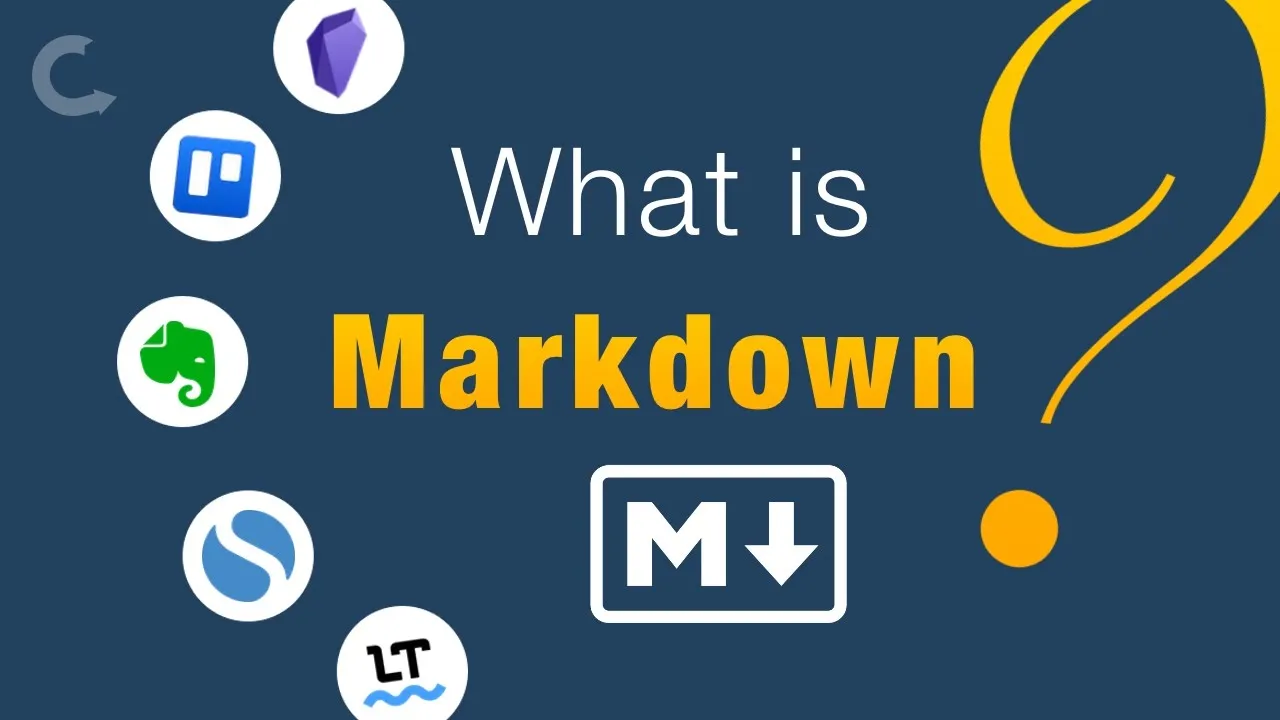
markdown can be used for something as simple as formatting text on Trello for example or as complex as creating an entire table on an obsidian node using characters typing characters to build that table there are two main approaches to writing using markdown and many variations between them the first one is what I like to call layers there are two layers one where we type the codes to format the text and then we have to switch to a reading layer where we'll see that text formatted this is how obsidian Trello and many other apps implemented marked
down you have these two layers you can edit and you can fill the formatted text on the other hand we have software like Evernote language 2 and many others that have a single layer as soon as we type the the code to format the text the text is formatted in line there is an entire video here on the channel where I explain how to use keyboard shortcuts to format text on Evernote many of those keyboard shortcuts are markdown commands so as soon as you type it the text Will convert to a formatted text I have
here a simple note on the left window and Evernote on the right window I'll show you my favorite markdown elements the syntax the ones I use all the time and compare them to show you the difference for example if I want to type something in bold I just start with two asterisks and as you can see nothing happened let's do italic again nothing happened a bullet list and a numbered list and now if I click here everything is converted in Evernote this doesn't happen as soon as I type for example one dot it creates a
list another element I like is the creation of links start with a bracket close the bracket and then add the address again nothing happened but if I click here I now have a link let's do the same on Evernote as soon as I type enter it converts I cannot go back here the only way to change this is using the the built-in feature to edit urls but on here I can change it let's change it to.com for example and that's fixed the syntax is really intuitive and pretty easy to memorize if your practice in no
time you memorize the ones you use most of the time there are some variations that you have to be aware of some some of the apps will allow you to use very basic markdown syntax others like obsidian will go to the extreme there are so many possibilities there check the description below and you find a table with all the markdown syntax but here's my tip if you start using an app that is compatible with markdown go look for their table because sometimes there is a slight variation and sometimes you find that one software is compatible
with more codes than the other one and talking about obsidian let's take a look here on how it is in between every node and simple no so now we have here simple node on the left and obsidian on the right here's the Bold code again and as soon as I hit enter it will convert the same for italic if I click here I can't edit it but if I change this to the reading mode there is no way to click here and edit anymore I have to go back to the editing layer and this is
a good opportunity to show you one advantage of apps that use both layers if I go back to simple node and copy this and paste it here I now have all the formatting on the other software if you know the code you can type it anywhere and copy and paste it to the edit layer of a software like obsidian or simple note and then click the view to see the text formatting however for some people this mutable layers is editing mode viewing mode maybe too much or maybe they just want an easy way to format
a text while typing and in this situation a solution like the one Evernote and language two and many others use the the formatting inline formatting might be the best option if this was useful I'd appreciate it thumbs up again remember you'll find all the same tags in the description below many tables there and I think you should practice it's it's a good thing to learn thanks for watching see you soon