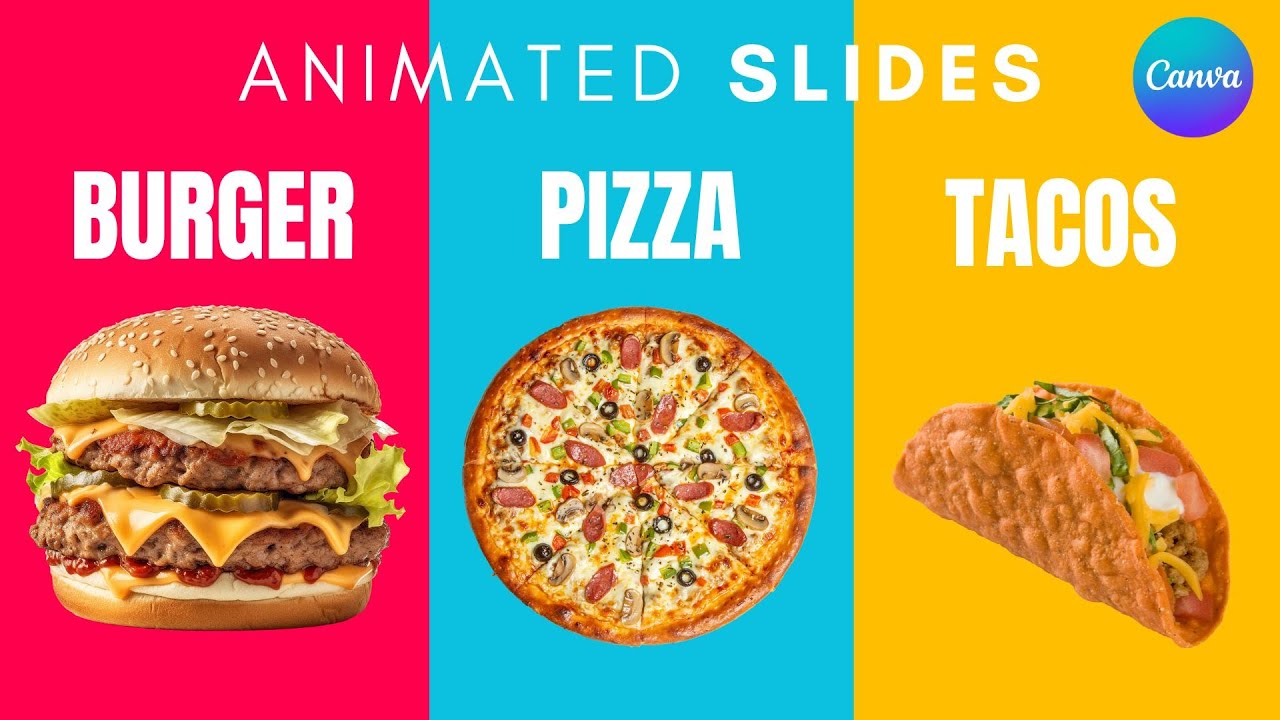
today I'm going to show you how to make food slide animation in CA go to videos and open new video [Music] project use the gradient style go to colors and choose the circular [Music] gradient and drag your first image and choose this square shape reside it and make it transparent and group it make the same for the three [Music] images [Music] now make one of them in the middle make it bigger then the others animate the one in the Middle with the stamp and animate the others with this line and lower the [Music] speed and
here's the first slide [Music] [Music] go to layers and make the one in the middle and the [Music] top duplicate delect all go to animate and clear animations [Music] make this one bigger and move it to the right make another bigger and move it to the right as well make this one in the middle [Music] duplicate make this one smaller drag it to the right and go to layers and choose the one in the right and hold [Music] it hold it to the [Music] center duplicate again make this one smaller move it to the right
and go with the layers lers and choose this one R it to the middle size [Music] it and add transition much and move apply between all pages and here is the final [Music] result I hope you like this tutorial subscribe to the channel to learn more about Cana