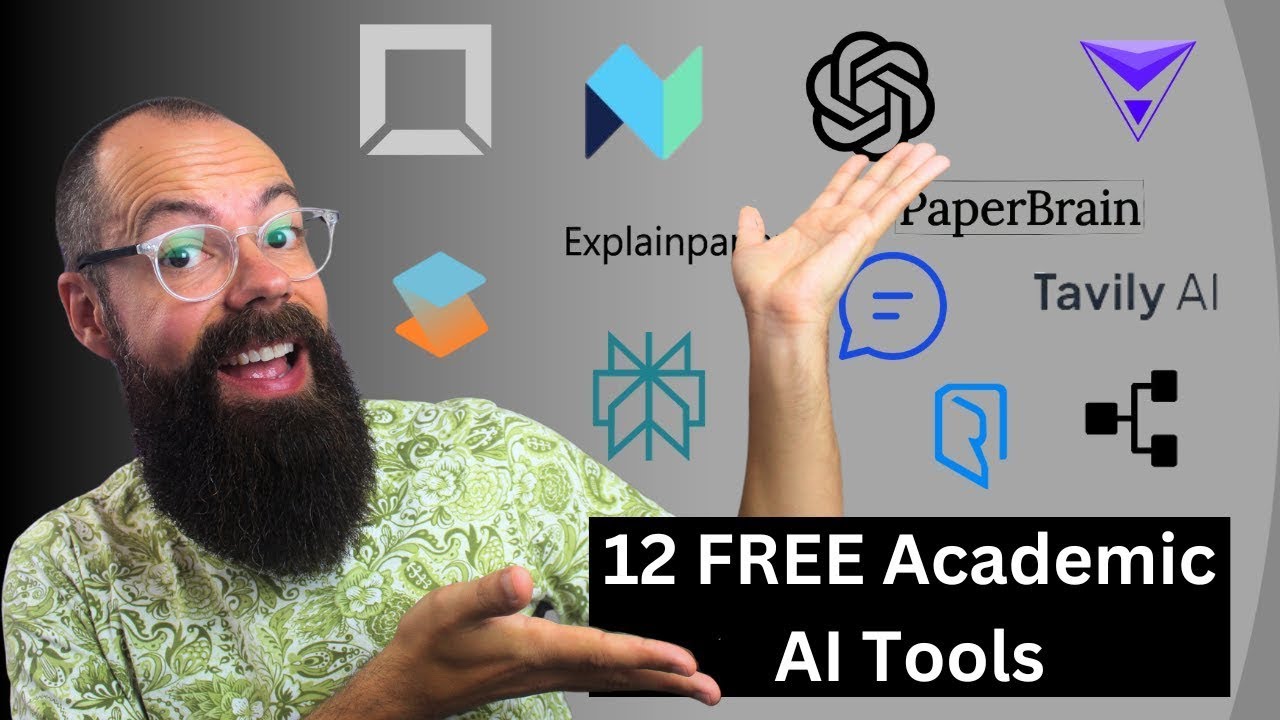
you've asked for it so here it is here are my top AI tools for Academia and research so here are all of the different sections I think an AI tool can help with in an academic life we've got search we've got mapping we've got reading papers and reading papers is really reading and summarizing papers so that it's easy to digest then we've got multi-document chat and that's really come on in 2024 and then we've got writing and editing and also working with data so here are the AI tools that I think you should use if
uh you just don't want to think about you know searching all the rest of the AI Universe here they are okay the first tool that I think you should use for searching is illicit here it is it's really simple I find it really powerful for my research field but I know some people have a little bit of an issue when it comes to what databases they are using but nonetheless this is the one I would use if I really had to decide on one tool elicit is brilliant because you can ask a question once you
click on it you get all of this stuff uh you get a summary of the top papers if you pay you get more papers and then you get this a nice little kind of summary of all of the different papers that it found that's really great it also gives you the ability to kind of just get a quick snapshot of that world that you've just entered with your semantic search question delve into the deep stuff with this right away I absolutely love it here we go and then we can add a new step and so
on and so forth so that is my first one I really like it and I also have um a really soft spot a little soft spot like a little spot on me that's soft oo that's soft um and it's size space size space does a load of things but if you're using it for search I think it also does a really great job it does so much more than search we'll be talking about that in a minute as it fits into other categories but here you can see that yeah you just click on here and
it gives you all of the um papers that you need to know about so once again we've got an answer from the top five papers and we get this very similar layout to elicit where you get a table and you can also go all the way down here and add your own column and then it's filled out with AI based on that paper does it get any better than that I really like sipas and I thinkspace will become a tool that nearly every researcher will use at some point in their career because it's so great
okay and then the last sort of tool that I use if I just want like a yes or no or I want to know what the consensus is oh I gave it away a little bit here it is consensus consensus is really great because you just ask a simple question and you get a yes or no answer so do beards make a man more attractive okay and then it will go away and it will have a look at the research and it will give you a load of different things it will give you a oh
oh yes no 40% 40% oh what do you think our beards more attractive I think they are all right then so here we go you got the consensus meter um and you've got all of the different kind of papers down here that uh you know it referenced so those are where I would go if I wanted to ask a question or a semantic search question to the literature what would you use the next section I think is very important is mapping now mapping does sort of like seem optional sometimes but I think mapping the literature
really gives you the ability to see if you've missed any spots and I really like that and my only one that I really go to oh I got to sneeze keep pushing there until I don't sneeze um is lip Maps I really like lip Maps so if I log into lip maps you can see here that I've got the seed paper and then we're going to end up with all of this and I think we're going to let's have a little explor articles how do I actually create a seed let's click this is the one
this is the lit map here so here we are this is what I like about lip maps and you can get this um completely customized to what you want whether you want site count references you got the Y AIS as well ref count so all of this means it's completely customizable it's the most customizable and the most powerful I've seen from all of the mapping tools that I've used but if you do want something free and you want to kind of like really uh delve into research in a really kind of like um haphazard way
I guess the structure is lacking in this app but I do use it regularly if I just want to explore ideas and that is research rabbit I really like research rabbit because you can import your zoto collection and then you just sort of like vomit stuff out the side and here we go you can see that okay suggested authors and then you get this and you say Okay I want to know about this person oh look at that collaborators oh it just keeps going and going you cannot stop it from vomiting out information and I
kind of like that at first I was like no I don't like this at all but now I've kind of warmed up to the idea that you can kind of explore in this way in terms of mapping it doesn't do sort of like too great that's where I think LP Maps will do a lot better but in terms of just Discovery from a map kind of like interface yeah why not so those two are my favorites at the moment which ones do you like the best okay the next one we got to talk about is
reading papers reading papers is really um about summarizing papers quickly so can understand them in the early stage of the AI world it was really about uploading a PDF and then sort of like asking questions and I still do that but I use chat GPT so nothing very interesting there but there is something on uh SI space that I think is really cool you know we've got this chat down here chat with paper it's completely free um and you yeah ask a question oh I want to know a question about that um give me a
summary and this is kind of really how it works works it's a really simple interface you chat with the paper absolutely simple and easy and the one thing I like about this is obviously not only does it give you the summary but also if you want to do that to a load of papers you can add your own column here um overall it's just such a great way to interact with papers get a really good sort of like broad snapshot and a quick summary clearly you need to read them if you're going to site them
in the future but ultimately this is what I use um if I just want to sort of like get across a load of literature and then I want to delve a little bit bit deeper and they've even put this in here play podcast you click here and it'll give you a little bit of a podcast about that paper of climate change on global biodiversity let's dive in I'm eager to hear this what are the main threats highlighted in this GL warming primarily driven by human activities like fossil fuel burning and deforestation there we are so
it turns all these papers into a podcast really like it it's just like notebook LM we'll talk about that in a moment which one do you like uh for which one was this reading and summarizing papers I definitely remembered I didn't need to look by the way if you want to know how to use all of these AI apps and more for academic writing go check out my course it's currently being updated for 2025 and I think that will be super valuable for you going into the new year go check it out all right then
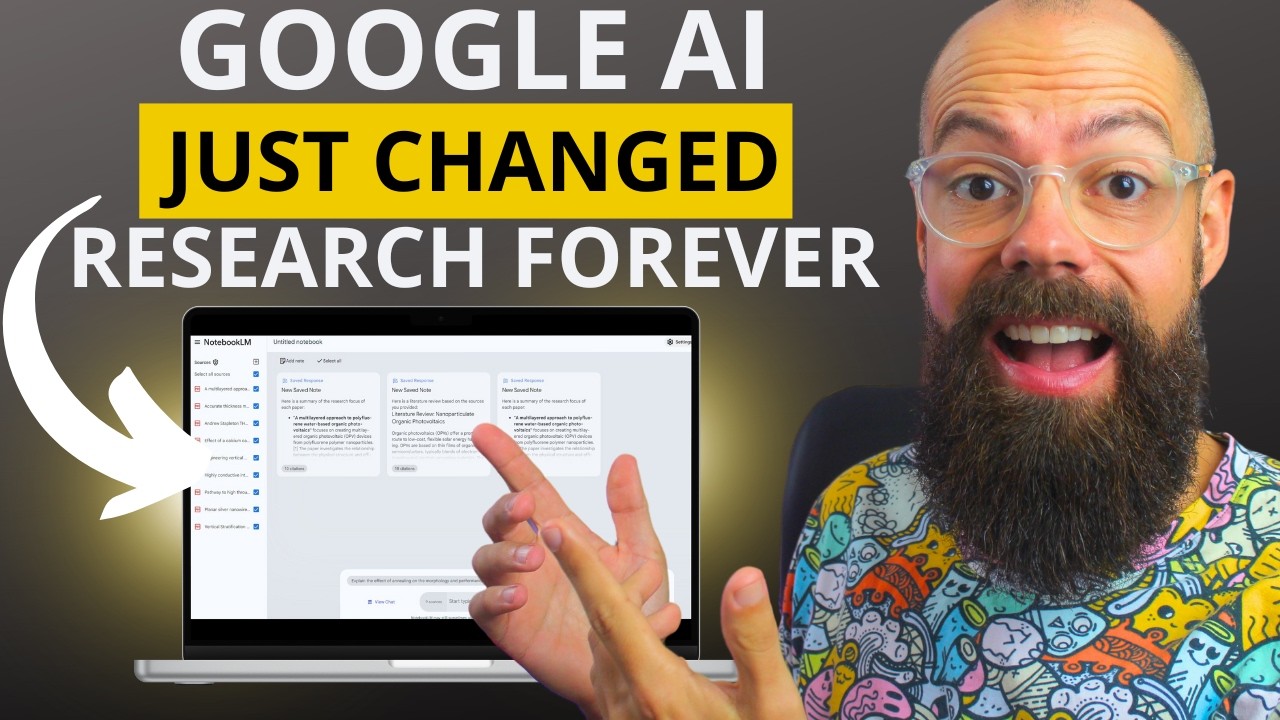
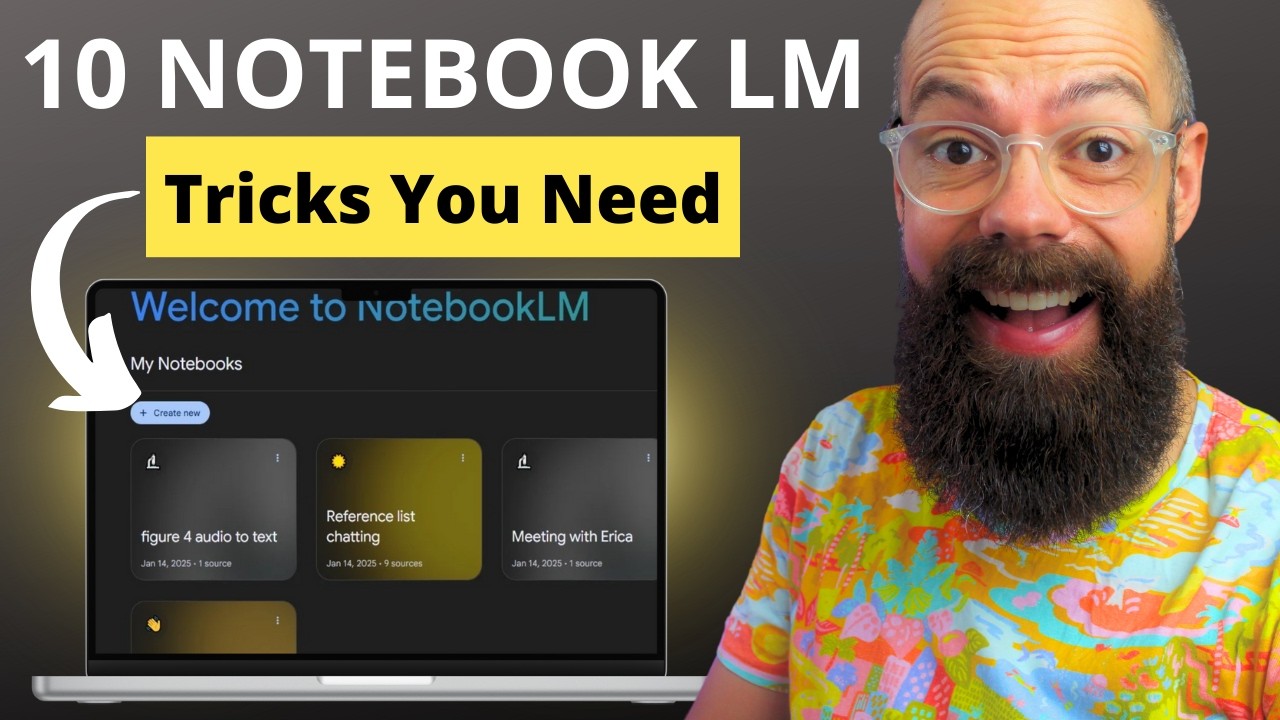
multidocument chat this is where the AI world has really come on in the last year I think it was really really hard for them about two years ago to take all this information vectorize it s it and then make sort of like it searchable with a semantic question but now this is where I end up with this is notebook LM I absolutely love notebook LM you can upload to up to 50 sources I really like that and you can upload Google Drive Link and you know you do have to be a bit careful because it's
completely free which means that you could be or you are the um the product in some way so I wouldn't upload anything sort of like super uh sensitive to this network or this platform but the one thing that is really powerful it's completely free you can upload to 50 sources and then you can ask questions about those sources you can see down here I've got nine sources you can start typing and it will give you a brief overview of those documents I really really like it it's completely free it's got other powerful things like the
ability to um add a uh podcast of all of this stuff and you've also got interactive mode you've got all these notes uh that you can create down here you know go check out my other video where I talk about notebook LM But ultimately if you're thinking about talking into multiple documents this is the easiest way at the moment I think for most research purposes 50 documents is all you're really going to need and it's going to really help you kind of uh summarize what's in those documents in a simple and easy accessible way check
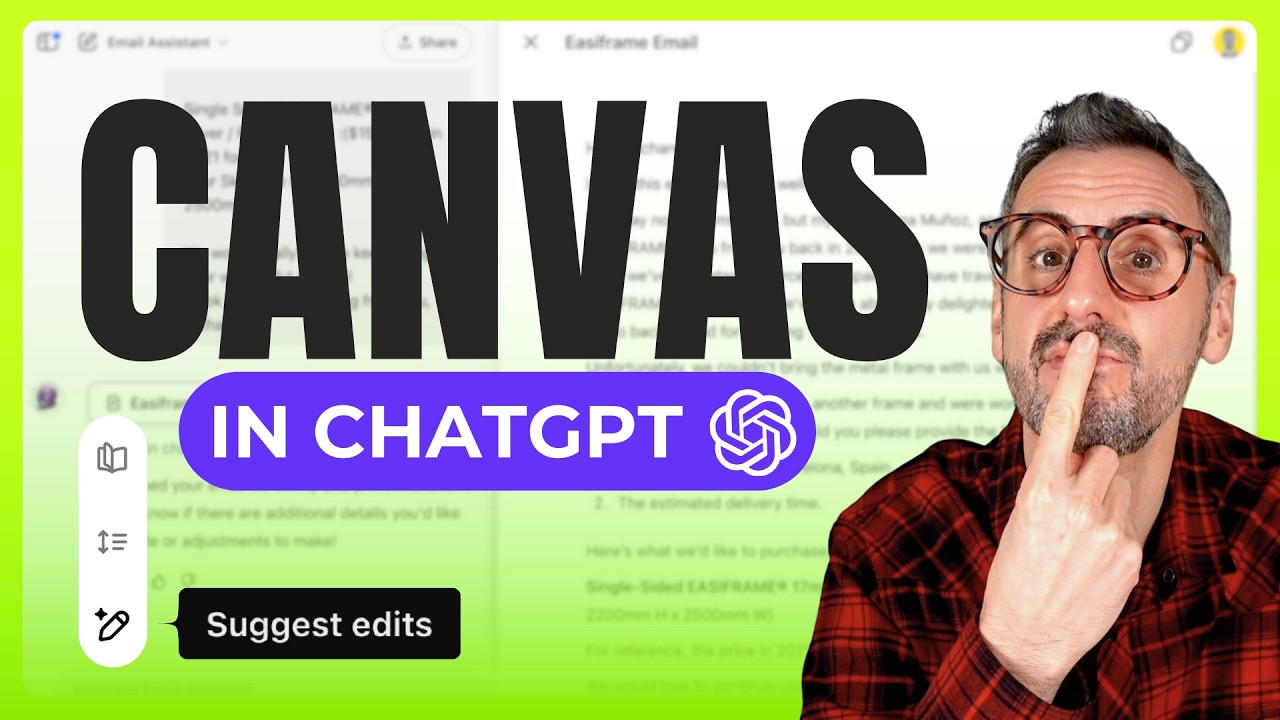
it out the next thing we're going to look at is writing and editing writing and editing was the sort of like least favorite activity of mine during all of my research but with Now new AI tools it is going to be better than ever and easier than ever to create those perfect Pros okay here we are so I just go to be honest with you to chat GPT canvas I absolutely love what they've done with this upgrade so here you can see I've put you know literature review about beards and then it's given me this
outline the one thing I love about canvas is then you can go in you can actually sort of like write with it and then you can highlight things and you can ask chat GPT and you can say you know expand thison it will go through and it will expand that section there this is one thing I really like about it you can see it only changes that little bit I'm pointing to the screen but that doesn't help you does it you can see it only change that little bit and you can use it to work
on that um sort of like uh growth of the ideas in your mind into actual paragraphs that someone will read but I know that that is not how Everyone likes to work uh some people actually like to use an actual AI writer for Academia and research and that is Jenny Jenny I think is my favorite one at the moment um there are other ones like yomu and stuff but Jenn has just been able to do this very well now older academics like myself will look at Jenny and go it's too confusing I don't like it
but I feel like the next generation of academics will be writing in this way and that's because older academics like myself we have a workflow we've got our first draft and then we add citations and then we go through and we check it blah blah blah but in Jenny you kind of do all of that in uh as you go which is a little bit sort of like counterintuitive for someone who's written papers like I used to write them but I think newer um generations of academics will absolutely love Jenny because you can go in
and obviously just start typing and start creating information it will spill out what you need um and I think it is just a very very useful um uh tool that you can use so we can accept that um and yeah you know that clearly wasn't good was just smashing the uh the keyboard but yeah we can go up here we can choose all of the document settings I absolutely love it um Jenny you can add citations now from your own library and also what it found online so overall I think Jenny is a great AI
writing tool if you are that way inclined um but if not I love chat GPT canvas because it feels like a genuine collaboration all right which one's your favorite for writing and editing let me know and the last thing that we've got to talk about is data and Analysis so here we've got data um yeah that's why I just wrote data I don't know why look we've got data but this is what I really like is Julius AI Julius AI has been a Powerhouse I really like it it's like having a little um data analysis
person in your pocket that's like do this this is better for you do it over here all of that stuff so I really love it um statistics and Analysis was never ever something that I was super interested in during my PhD but now I think you can upload data you can explore that data with semantic search you can get visualizations you can get all of the graphs you need for that first interrogation of any raw data it works with a load of sort data it outputs python code so you can run it on wherever you
want to run it it is absolutely brilliant I really recommend you check out Julius AI but of course some people are like oh but I've got sensitive data I don't want to upload it to the internet I completely get it no worries in that case I run a local version and it's called data line and I think it's really great it does take a little bit of time to kind of get used to how it works and get it working in your um you know local environment but this is what it looks like and you
can see here I can add up a covid connection and then this is some data then that I can uh talk to and you know um I don't know give give me a summary of the data and then uh it will generate results and generate graphs or generate sort of like a response to that data I think it's really great if you want to keep all of that information on your desktop it does use an API from um uh open AI so that's the chat GPT makers But ultimately here is just a really great way
to keep all of that data on your computer make sure it doesn't go to a nefarious F A nefarious third party oo but it stays on your computer absolutely love it in fact I was given a talk at Harvard oh shut up this last year and they actually have their own sandbox and so if you do have a Sandbox you probably don't need something like this for your data um and the sandbox will keep all of that data within um your institution on your servers so if you've got that as part of your University great
if not something like this may be able to help you oh love that all right then let me know in the comments what you think if you want to know more about AI tools check out this R from last year where I talk about all of the best free AI tools for Academia and research I think there'll be something in there that you'll love go check it out

![How To Write An Exceptional Literature Review With AI [NEXT LEVEL Tactics]](https://img.youtube.com/vi/wz8lg_3j3Ok/maxresdefault.jpg)