Hi, and welcome to another episode of the 15-minute AI series. I'm going to start this video with probably more discussion about a product we're not going to demonstrate or be covering today, uh, than the one we will. And there's a very important reason for that.
So, there is a large overlap in functionality between Notebook LM, the product we're going to be discussing today, and AI Studio, one that we actually discussed in detail in a previous video. The best way to differentiate between these two Google products, both our Google products, is to focus on intended users or user types. After all, both products leverage Google's AI capabilities and allow you to upload documents and ask questions.
So, who are these products aimed at? Notebook LM is primarily focused on research, writing, and knowledge synthesis. It's designed as a personal productivity tool for a user to leverage information from their own documents.
It's focused on document organization, I'd say. So, what about AI Studio? Well, its primary focus is on building, testing, and deployment of AI models and applications.
It's a development environment of a kind; you can experiment with different models and integrate them into your own workflows. So, this is aimed more towards developers and data scientists, I'd say. It has a more technical interface.
As was discussed in the previous video, to try and make this slightly clearer, I actually asked, um, Gemini to create an analogy for me for these two products. This is what it came back with, and I do particularly like this, actually. So, Notebook LM is like a well-equipped library and writing desk, while AI Studio is like a laboratory with all the necessary equipment to conduct AI experiments.
As previously stated, I do actually quite like that analogy. Right, I'm going to, um, leave that there before I completely vanish down the rabbit hole and now concentrate purely on the product at hand, which is Notebook LM. So, what can Notebook LM actually do?
Or more specifically, what can we do with Notebook LM? What are the use cases that make this such a great product? So, straight away we can go to notebooklm.
google, which is, um, a bit of a marketing page, but it gives you a link directly to the product itself. As you can see here, a quick overview would be that it allows you to upload a wealth of document or different document types of information. If we look at the website here, we can see that you can actually upload PDFs, whole websites, YouTube videos, audio files, Google Docs, or Slides.
And once those are actually loaded up, we can use those for answering questions. Um, and these are in quite a bit of detail, so we can produce new information. We can ask questions, which it uses its entire database, or entire, um, for lack of a better term, let's stick with database here, of documents that have been uploaded to answer those questions and generate new material.
One of the particularly nice things about this is that, as it generates answers to your questions, it actually provides citations. So, clicking on those will actually take you to the actual document, so you can see where it’s actually retrieved the information from to answer your question, which I think is a great feature personally. Um, one of the other features which seems to have grabbed all the headlines, I'm not going to go and talk about it now, but I will demonstrate it.
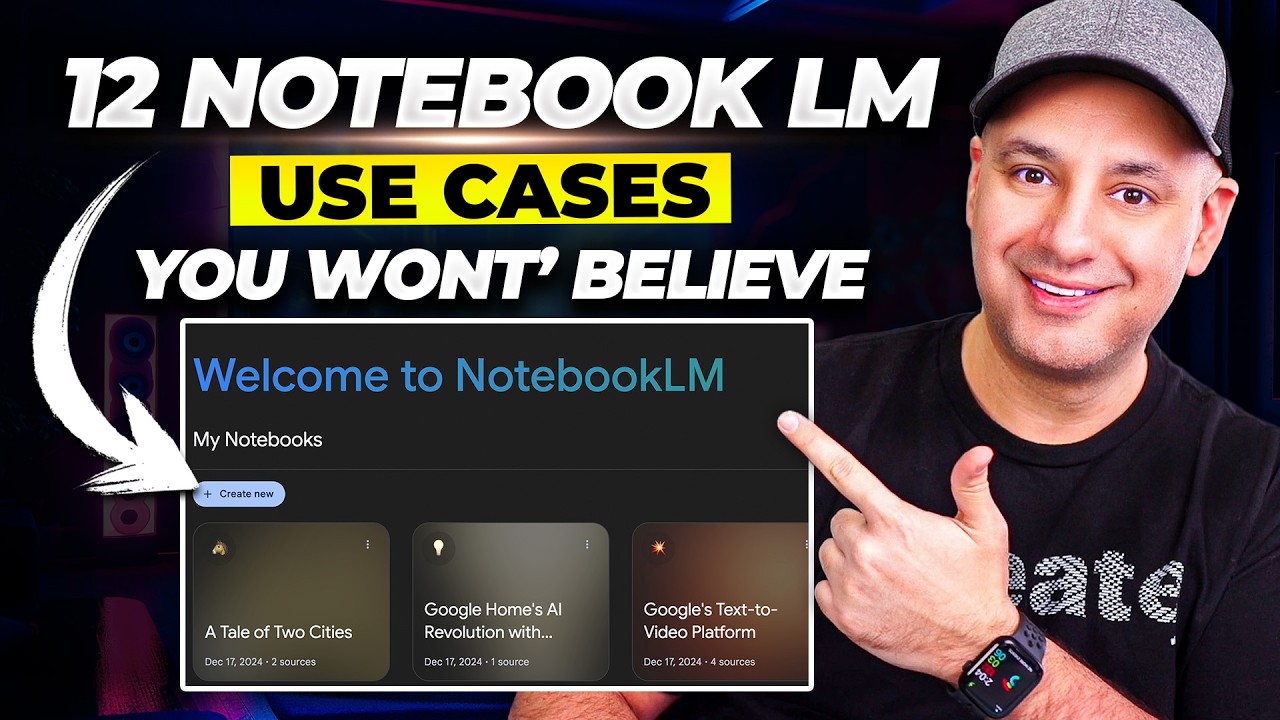
So, let’s start. So, try Notebook LM. You come into this interface here, which stores all your current notebooks and allows you to create a new one.
So, I'm actually going to create a notebook focused around the EU AI Act of 2024. So, let's create a new notebook here. Here, we can upload sources of information.
The first thing I'm going to do, actually, is upload a local file, and this file happens to be a PDF document of the EU Act itself. Now, this is actually a 144-page PDF document. Okay, as you can see here, it's processing this information.
While it's doing that, I'm actually going to add a few more sources. So, if I go here, I'm going to actually add some YouTube videos. If we flip over to this other slide, I did a search earlier on and found several of these I particularly like.
So, just right-click here, let’s copy the link address for that one. I'm going to paste that in there; we’ll insert that. As it’s doing that, we’re going to add up another one here—this one as well.
So, copy the link address again, back to here, paste that, and one more one I particularly like. It’s quite a long one, so this is actually over an hour long. So, let’s copy that link address, go back here, and add a final YouTube source.
As you can see, it’s processed the previous ones, and now from this interface here, we can actually start to generate different output. So, we can generate a study guide, a briefing document, an FAQ, or we can actually go down here and start asking very specific questions. Again, we can type in here, or actually the interface comes up with a list of possible questions here.
So, how will the UK's enforcement mechanism ensure compliance? Great! So, now this is actually going through all the sources of information uploaded, and it's come back here.
So, let's have a look here. It starts off with, "The EU Act outlines several enforcement mechanisms to ensure compliance with its provisions. " Great!
Fantastic! As mentioned earlier, citations—so these are actually numbered here. So, let’s click on one of these.
Here we go—it loads up the document. In this particular case, this actually looks like the. .
. Source is um debunking the EU AI Act, which was one of the YouTube videos uploaded. Here is the specific text used to help generate that piece of information.
We can continue down here and have a look at several of these other links as well. These citations—here we go—are, once again, an easy task to actually go back to, and this provides some grounding to ensure that what it allows you to verify is based on some sound information from your knowledge base. Let's just minimize that again.
I'm actually going to ask it to provide—here we go—a 10-bullet list of the main, if I can spell "main," features of the EU AI Act. Okay, I'm going to use this as a LinkedIn post and am looking for maximum engagement. Right, let's send that off and see what we actually get back.
So, once more, it's having a bit of a think about this, and here we go: we should have 10 bullet points here. So it's based on a risk—it is actually a risk-based approach. I'm fully aware of that.
Unacceptable risk is banned. Once more, we can either hover over these and get the citation; it tells you the source as well, or once more, we can click on those. So here we go.
We've gone down and it's given us exactly what I asked for—perfect, brilliant! Now, how about a study guide? What does this actually give us?
So let's say you've been tasked by your company to review the EU Act and see whether your organization is in compliance. The first thing you need to do is actually understand the Act. The way to do that is to sit down and read it.
Great! But after that, how do you know you've actually understood it? How about creating a study guide?
So let's have a look here—understanding the EU AI Act: a comprehensive study guide. It starts off with a quiz together with some answers as well, which is always good. It comes down and gives you a nice summary.
How about if you had to give a briefing to senior management about this? Let's have a look at a briefing document. So again, it's generating that briefing document.
It takes a few minutes—fact, it should be less than a minute normally—to come up with this. While it's doing that, one of the things worth pointing out is I've only uploaded four different data sources here. I believe the limit currently is up to 50 documents or different data sources that can be applied, so you can hold a wealth of information.
Here we go—so the briefing note. Here we go! So, briefing document: EU Artificial Intelligence Act—Key themes: perfect, risk-based approach, protection of fundamental rights, transparency, and accountability.
The key provisions: I like the way this is actually broken down. So, straight away, one of the other things you could do, obviously, is maybe provide a document that other members of your team, or maybe your developers, or someone else in your organization, can refer to. So FAQs are always a great way to look at this.
Once more, generating that. We can see that happening here. We'll give that a little while longer—here we go!
So let's have a look at that. So here we go, the EU AI Act FAQ: so what is the EU AI Act, and who does it apply to? Perfect!
What are high-risk systems under the EU Act? So anything to do with critical infrastructure, education, vocational training, or employment. So you can see here straight away whether your organization and the way it's using AI falls into any of these and whether you fall foul or, in fact, need to do something specific for the Act.
And that's all great, but earlier on, I mentioned there is one feature that seems to have grabbed everyone's attention—or certainly those who have seen the product. If you look up here, we can actually come here; you can have a deep dive conversation. So I'm going to click on "generate.
" This is going to take a few minutes. So it's taken a few minutes to process, but it's actually generated something here—now some audio file. So let's see what's actually been created.
"Hey everyone, and welcome back for another deep dive with us today. Um, today we're going to be talking about something that's been in the news quite a bit lately, mhm. Uh, the EU AI Act, it's this uh, pretty complex law that actually has the potential to impact all of us as AI becomes more integrated into our lives, right?
And, and it's uh, it's kind of like the EU is drawing a line in the sand and saying, 'Hey, AI! ' For those that aren't aware, that is actually a transcript of a podcast that has been generated from our source material. So that's something you can listen to; you can publish, put it on your phone, go for a walk, listen to it while you're out there; you can spread this or publish this internally within your organization so everyone can actually listen to it.
So again, as mentioned earlier on, this is one of those features which seems to have garnered a large part of the publicity surrounding this tool, which I think is fantastic. There is one other part which builds on top of that, though. If you look down here, it's interactive mode.
So this interactive mode, if we start playing again. . .
"Hey everyone, and welcome back for another deep dive with us. Um, oh wait, someone wants to join. Hey, go for it!
Hi, um, got a quick question. What are the main. .
. " Aspects of the EU AI Act that I need to be aware of: Hi there, that's a great question and absolutely something we can cover today! Yeah, for sure, it's definitely a big topic, so let's unpack the main points you'll want to know.
Well, to start, the EU AI Act is all about managing the risks of AI, not banning it altogether. Okay, so it's not like a flat-out prohibition but more like a set of guidelines. Exactly, and it does this by categorizing AI into different risk levels.
Oh, okay, like a risk assessment for AI systems? Yes, and the main ones you want to be aware of are unacceptable risk, high risk, and then limited or minimal risk. Ah, yeah, uh-huh.
Cool, that's great, thanks! One other question very specifically: We're currently working on an education-based AI system. Is there anything I need to be particularly aware of?
Okay, that's super helpful context for us. Thanks for sharing! Yeah, that's great to know, and it actually ties in really well with the high-risk categories.
Oh really? How so? Well, the EU AI Act specifically calls out educational AI as a high-risk area.
Here's where it gets really interesting, right? The Act is very clear that AI systems used in education—I'm going to stop there, but I can actually interact now using audio directly with the source material. We can ask questions and we can again get responses back in real time.
So this has been, you know, an under-15-minute video showing you some of the huge, huge benefits. And I do actually think this is a great tool for students, for any researchers, for any organization that needs to produce any documents, really, or anything based on some source material. Researchers, huge amounts of material!
I think Google have really, really done a great job on this. But again, this is built on top of their AI system, such as Gemini, so this is just another front end to their underlying products. That's all for this week, well, certainly for this video, and I look forward to seeing you next one.
Thank you very much!