did you know that if you are in the YouTube Partner program that there are settings that you can use to dictate what ads show up on your YouTube videos and did you know that you should be using these if you want to make sure that whatever affiliate sales that you're sending are not being stepped on or you can use them to negotiate more with long-term sponsorship deals to block their competitors from advertising on your videos as well as the competitors of the affiliate products that you promote which I should have mentioned as part of the
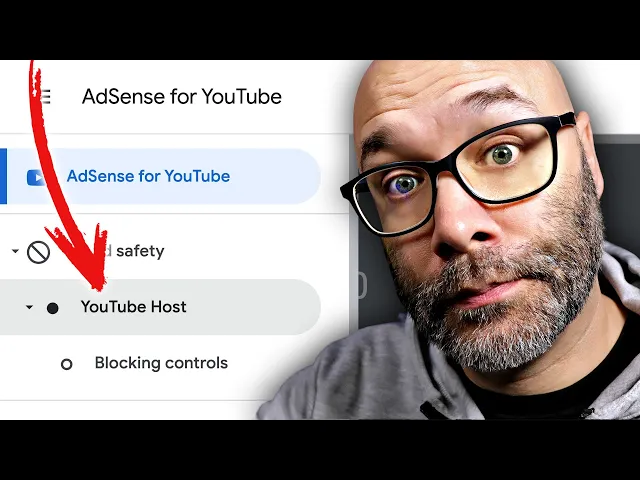
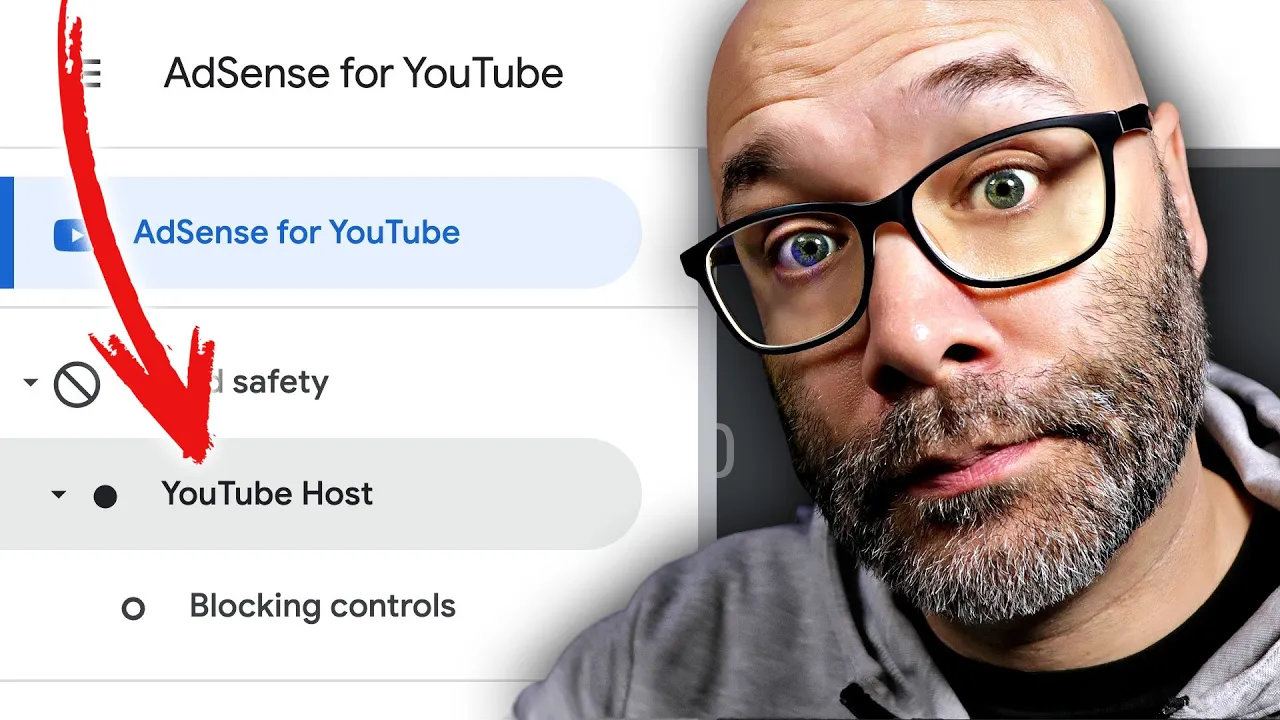
affiliate part and if you have very specific religious or political views or if you just don't want certain things showing up on your videos you can control it I'm going to show you how starting right now the very first thing you want to do is you want to log into your Google AdSense account from there you want to go to the brand safety tab once you open that up you're going to see YouTube hosts next you want to go into blocking controls once you're on that page you're going to see something that looks like this
and here are the options that you have first you have managing the general categories now keep in mind everything that you do in here can impact your ad rates so you want to make sure that you're using this strategically or if you have very strong beliefs but you can see here that you can just shut off any topic that you don't want advertised on your YouTube videos which is pretty cool in order to block any of these then all you have to do is just click on the little tab right over here and then it's
going to change it to blocked now keep in mind that is going to block those companies from advertising on your videos which then can cost you ad Revenue but this gives you some control but I'm going to show you some more important areas the first is sensitive categories so when it comes to sensitive categories the idea here is if you are somebody like me and you don't want political ads running on your content or religious ads running on your content then in that particular case you can just come in here and you can block those
now during political season when you know ads are being ran all over the place you know you're not going to be able to tap into that but if you don't care about politics or you just don't want that involved or associated with you and your content in any way then you can actually block it right here using this particular feature and the same exact thing goes for a new religion sensationalism any type of you know casino games video games anything that you want here that is in this area for example I also have alcohol gambling
and betting blocked because I find those to be negative activities and because of that I just don't want them being associated with me or my content or my channel in any way shape or form at least to the extent where I have control over it next is the advertiser URL section now in this particular area this is where you would add the competitors of sponsors that you're working with if they pay you more in order to do this this is also where you add the companies that are competitors for anything that you promote as an
affiliate as well as the companies that you promote as an affiliate so in this particular case I'm going to hide mine and the reason that I'm hiding mine is just because I don't want to put anybody on blast or anything like that but you can see that you know I have like 29 different things that I block in here a lot of times if there's like a company that is like trying to inflate YouTube views or sell subscribers or something like that I'll take them out and I also put anything that I promote as an
affiliate in here and the reason that I do that is because if I'm promoting something as an affiliate companies will also Target specific keywords for their ad campaigns so because of that when they are targeting those keywords it's possible that my video will actually get some collateral damage in terms of their videos showing up in front of my videos and them essentially being able to capture that sale before I would have a chance to do it so because of that using this feature ensures that that doesn't happen but you can add competitors here as well
which also ensures that they can't advertise on the videos where you're promoting something else as well all you have to do is add the URL of the website that you want to block make sure you add the https colon slash slash in this case I'm going to add tubebuddy.com because I promote them as an affiliate and then I'm going to click search from there I can see tubebuddy.com and a www.tubebuddy.com I make sure that both of those are blocked and then that helps ensure that I don't get caught up in one of their ad campaigns
and possibly lose a sale because their ads would be running on my videos this prevents that from happening keep in mind that depending on where it is that you are at with your YouTube channel you can use this is a way to make more money by blocking competitors of the companies that you work with at the sponsor level and also blocking the people that you are promoting as an affiliate and their competitors but also keep in mind that with some of these options that you have in here that it will also cost you ad Revenue
if those people cannot advertise on your videos but again if you are someone that has you know strong beliefs about something you just don't want things associated with your content this is a perfect solution for that now if you're watching this video there's a really good chance that you are in the YouTube Partner program or maybe you're on your way to the YouTube Partner program so because of that I do want to encourage you to also find additional ways that you can monetize your content I have an entire video on different ways that you can
make money from the content that you're already making you can go ahead and click into that right here right now and I'll see you over in the next video thank you so much for watching I'll see you next