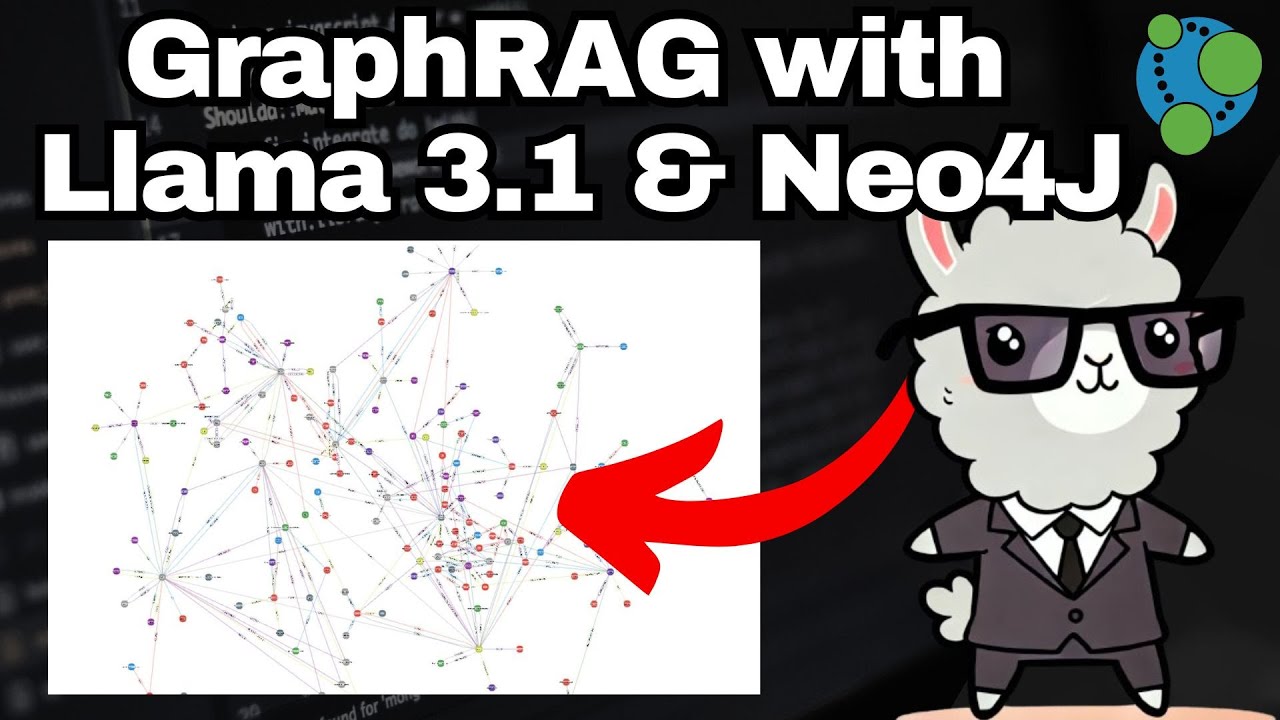
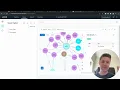
hello my name is Noah mayroffer and I'm a software engineer at neo4j I'll be part of a project called na llm where we have taken a look at how we can use larger range models together with neo4j or see what use cases can be found there and we've also created a few Demos in this project and today we're going to take a look at one of these it's called unstructured import and the goal with this demo is to create a knowledge graph from unstructured data so we basically take some answers data in this case text
put it in llm and see what Knowledge Graph it creates from it and today we're gonna do that with the Wikipedia article for the games one franchise because I think it's a pretty good show of some strengths and weaknesses of this demo but yeah let's get right to it so this is interface we have three options down here we can either toggle if you want to use a scheme or not search the file or just click import and for now we're gonna skip the new schema and just select the file we'll come back to that
a bit later so we're selecting a file and I have prepared the James Bond Wikipedia texture it's 44 kilobytes so it's not a huge amount of data but pretty much would be just being text so we select that and we press import and this import takes a few minutes to run because the Nature Valley lamps are not very fast but are prepared a finished version here where we can just see the result here and we can either save it to Cipher or save it as a neo3a input format and that's what we're going to do
now so we press that and we get a little zip file we can take this ZIP file over to near via inverter which I've prepared here and we can click open model with data select the zip file press open and we get a few nodes here or labels label types and it's not very easy to recruit from the beginning so you have to spread them out that's a limitation of the current import demo but we can see a few different labels it found and where this television show will label for example it added properties for
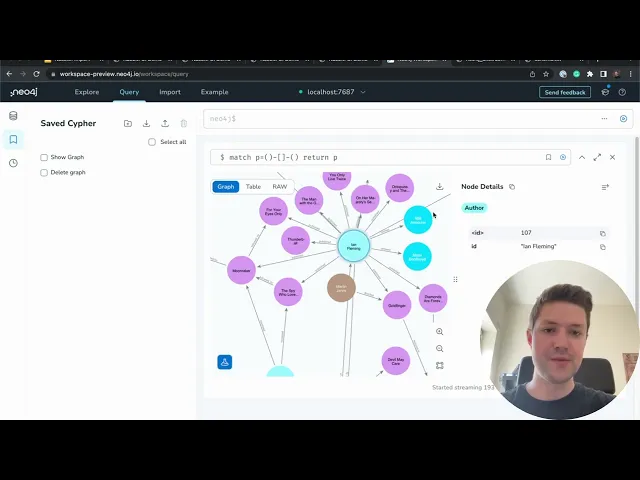
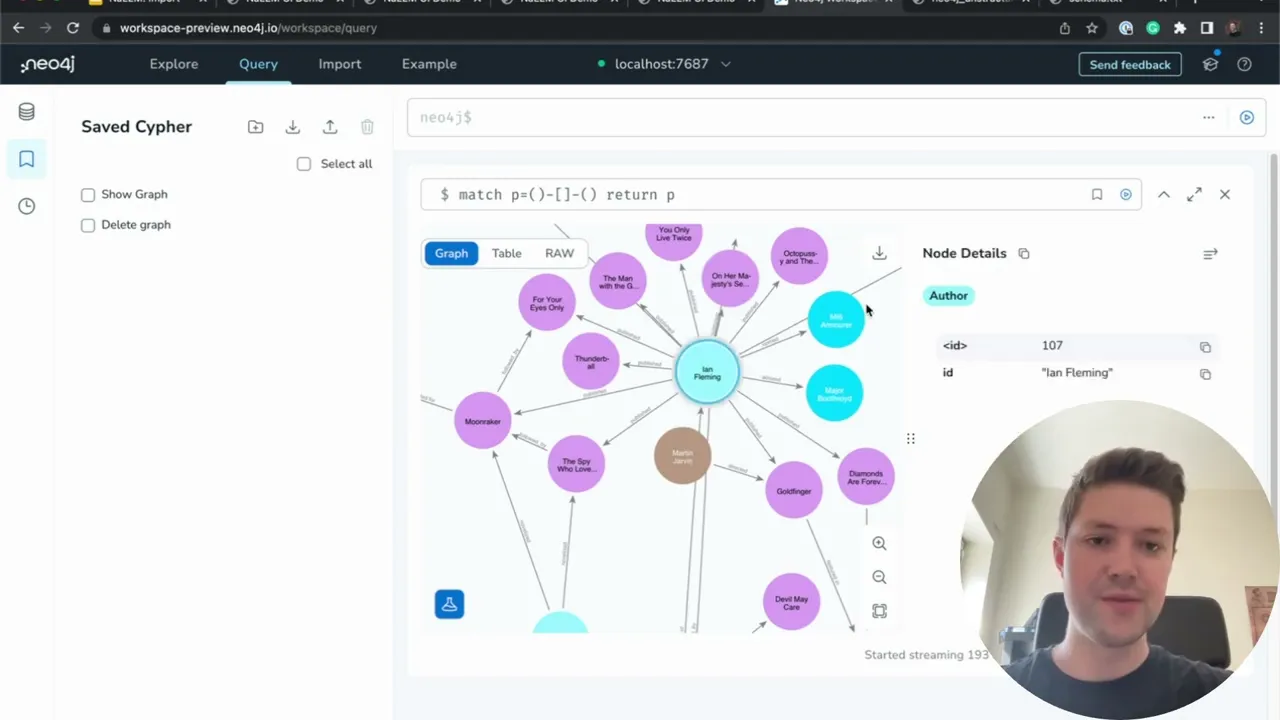
ID and year we can run a preview to see kind of what the graph would look like so here it is and then we can press the Run import to import autograph and import completed successfully great so let's go over to the query Tab and we can run out of the query here yes to show all the connected nodes in the graph and if we zoom in here we can start over here we got to offer iron Fleming but here it already made a mistake and it says he published these books and I'm fairly certain
he wrote most of these at least maybe publish one of them but all is published by him maybe it's both but then in that case I think we should have relationships for road as well and we can see here that if we follow this created by we can see there the James Bond character was created by Infamous which is correct as far as I know and we can see also here that James Bond is connected to a lot of nodes which is reasonable uh but I think I don't find the node right now but it
made a mistake here somewhere where it connects the character as a franchise note so it basically says this other character appeared in the James Bond character oh yeah I think it's here whisper Lind uh yeah character in against bond which would be correct if one was a franchise node but it's a character note so it makes some small mistakes there but overall I think we got a pretty cool Knowledge Graph out of just a few minutes of work and you can probably work a bit with this to get it work better but as a proof
of concept I think it's really really cool what you can do with this technology so let's delete this graph and go back and look at the use schema version instead so we can here we can toggle the use schema and here it has a surprise schema in Json format and it wants a graph steamer representation which we can exit this and I can paste it here and this schema basically says only give us the person notes or yeah people so you do the thing same thing again press import it will take a while uh and
but then it tries to only pick up people so again they can give a schema to the llm and this makes it kind of filter out the data to only find people and we can specify relationships and we're trying to match the data into that schema and I've also got the finished version here and this time we're gonna just take a look at save Cipher format which just gives us this uh I guess I forget so here it works out it only created people and we got some names on them so let's copy that go
back to query here created in run it press nodes and then we can just refresh this data properly didn't work okay let's just match notes instead and we got some people here so we got one as a person he got Rosa cab and then I Dr now so that worked out as well and that's basically all I wanted to show you today um thanks for watching and these demos can be found on new phrase GitHub so if you're interested just take a look over there thank you every time bye bye