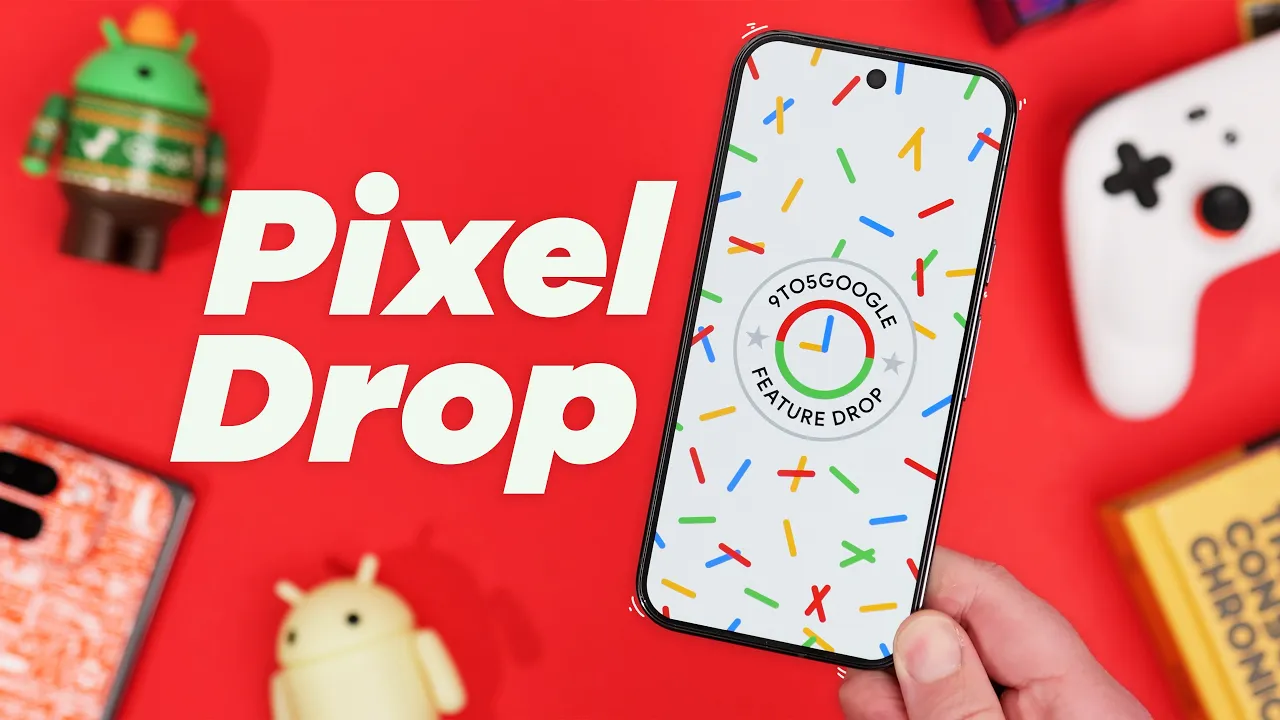
well my friends it's my favorite time of the year again December means feature drop time and honestly this one's pretty special as it's probably one of the biggest updates of the entire year plus we also get the implementation of all the changes from the QPR betas rolled into needless to say this is a huge video so sit back and relax as we go over everything new before we do I wanted to mention our December wallpaper pack called waveform is now available for both regular candy bar style devices and foldables we're giving one away to all
95 Google viewers in the description below as our way of saying thank you and for our community members we have two more variants available for Tier 1 members and four more variants available for tier 2 members again thank you so much for following us on this journey all right with that out of the way let's dig into the biggest most headlining features included in this update the pixel 9 series in particular has seen a ton of changes thankfully pixel screenshots is getting a huge upgrade with Integrations across multiple Google Apps Plus brand new features in
regards to Google app integration pixel screenshots can now provide contextually relevant autofill suggestions in gboard so if you screenshot an article about a music artist for example then open the YouTube music app that artist name might automatically appear in the search bar circle to search also got a pixel screenshot update where you can save a cropped segment of a search into your screenshots library for later access and the third upgrade is integration with Google Wallet giving users a new add to wallet shortcut where when screenshotting boarding passes or event tickets on top of that pixel
screenshots can now automatically categorize your screenshots into filters like music places products and promo codes so you don't have to organize them for yourself thankfully all of these in my opinion are intelligent practical additions that make pixel screenshots more powerful which is no doubt the right direction so I'm excited to see where things go from here and there's even more for pixel9 users in this December feature drop stickers created in pixel Studio can now be accessed and used in gboard for English users the recorder app gains a clear voice toggle to reduce background noise during
a recording taking photos in the Instagram app with their camera now supports Ultra HDR and call screening will now offer contextual replies powered by Gemini Nano which should give more helpful suggestions based on the context of a call for the foldable users out there the camera's portrait mode gets the dual screen preview mode allowing for both the subject and the photographer to preview the same shot at the same time the pixel 9 Pro fold's made you look feature has made its way to the first generation pixel fold which is Awesome by the way and the
pixel 9 Pro fold gets a new character to show off for the made you look feature with joy From the Inside Out franchise so kids should absolutely love this no doubt and for the rest of the pixel devices meaning the pixel 6 and newer I'm happy to report we get a ton of new additions call screening will now provide a live transcript view with options to answer or decline calls and that's us only for now there's a new simple View mode that increases font size and touch sensitivity which should make navigation easier for those uncomfortable
with the current interface the history section of the now playing feature will now show album art and utilize Google search to identify songs that couldn't be recognized initially which I feel now playing was severely in need of an update so I'm happy to see this here there's a new feature currently in beta called identity check that will require face or fingerprint authentification for allowing changes to sensitive settings like Theft Protection or granting access to passwords or pass Keys when in a new location Snapchat will now Leverage The Cloud photo picker for Google photos expression captions
add another dimension to the live caption feature by describing the emotion and intensity of speech in videos from various sources and Quick Share introduces a new method of transferring data as the receiver can now scan a QR code for easy connectivity let's not forget Gemini has gotten a few changes as well that are definitely worth mentioning with a lot of features getting updated to be more useful for one there is a ton of new extensions now for messages phone Spotify and utilities which cover device controls such as the flashlight volume alarms and timers plus a
lot more a very highly requested feature if you ask me for Gemini Advanced users you can now instruct Gemini to remember information about your preferences interests and life details for future reference probably one of the most exciting features for me personally not to mention Gemini live is being extended to more languages coming soon and also coming soon you'll be able to use Gemini to control Smart Home devices connected to your Google account finally to round out this feature drop we also got new pixel watch features that we need to discuss if you're on the pixel
Watch 2 you'll be able to enjoy live view for nestcam and doorbell something that originally launched on the pixel watch 3 so I'm happy to see it's being brought to older devices speaking of the pixel watch 3 has expanded loss of pulse detection to Germany and Portugal the pixel Watch 2 and 3 now offer fall detection in Germany and the first gen pixel watch and the pixel Watch 2 will provide cardio load and target load stats which was also exclusive to the pixel watch 3 at launch all right I know that was a lot but
there's still a ton more as Google also included changes from the previous QPR beta builds which are a whole beast in themselves for the sake of time I'll talk about the biggest most prominent changes since there are a ton but I'll leave a link in the description for a full breakdown one big change is with the settings page as it's gone through a redesign of sorts now we have a persistent search bar when scrolling through settings for easy access and the general organization is a bit better as categories are grouped for easier visibility there's now
a new indicator for casting recording and sharing that appears in the top left corner as opposed to the top right and tapping on that indicator will allow you to interact with that activity directly instead of having to open the notification shade the pixel tablet in particular got quite a few big features actually actually one is lock screen widgets where you can add up to six different widgets on a screen for my brief testing anyways it also seems all widgets are supported and you do have the option to toggle it on and off if need be
unfortunately there is no phone support at this time but hopefully that changes in the future and the second major pixel tablet feature is the inclusion of desktop windowing we talked about it quite a bit in the past and I've been very interested and excited for this feature but in this mode you can use apps in a windowed format expand or minimize them and snap the windows to the edges of the screen just like you can on a desktop machine however it can only be accessed through developer options at this time like I said there are
a few more things to discuss here from the QPR betas that are really just minor UI changes like tweaked icons new animations here and there a new loading indicator and a few more minor stuff that you can find in our full breakdown article in the description below and that my friends is everything new in the December feature drop compared to last year this is a huge up but I'm personally just really happy to see the pixel tablet get all these big changes and to me it kind of seems like the pixel tablet is lowkey the
biggest winner either way let me know what you think about this update and what items impressed you the most I'm really curious to see the feedback from you guys so please leave a comment and let us know before we get out of here huge shout out to our channel members on screen right now we appreciate every one of you and thank you so much for supporting Damen and I as we work super hard to make the best Android content on the platform don't forget to to grab the new wallpaper pack waveform if you're a channel
member and if not hit the join button to gain access for yourself until next time this has been Jordan Floyd with 95 Google thank you so much for watching and I'll see you in the next one [Music]