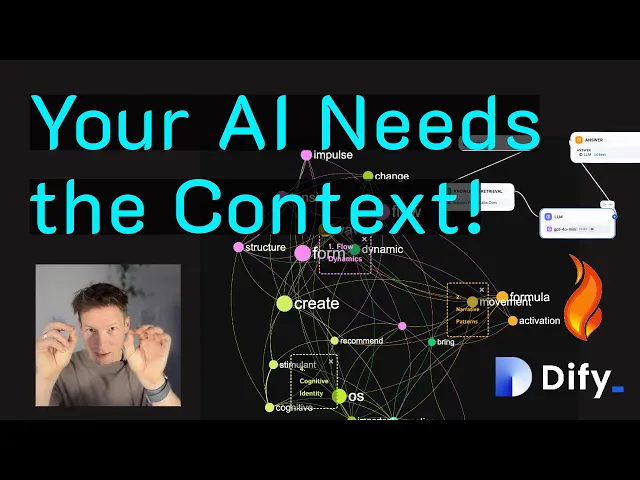
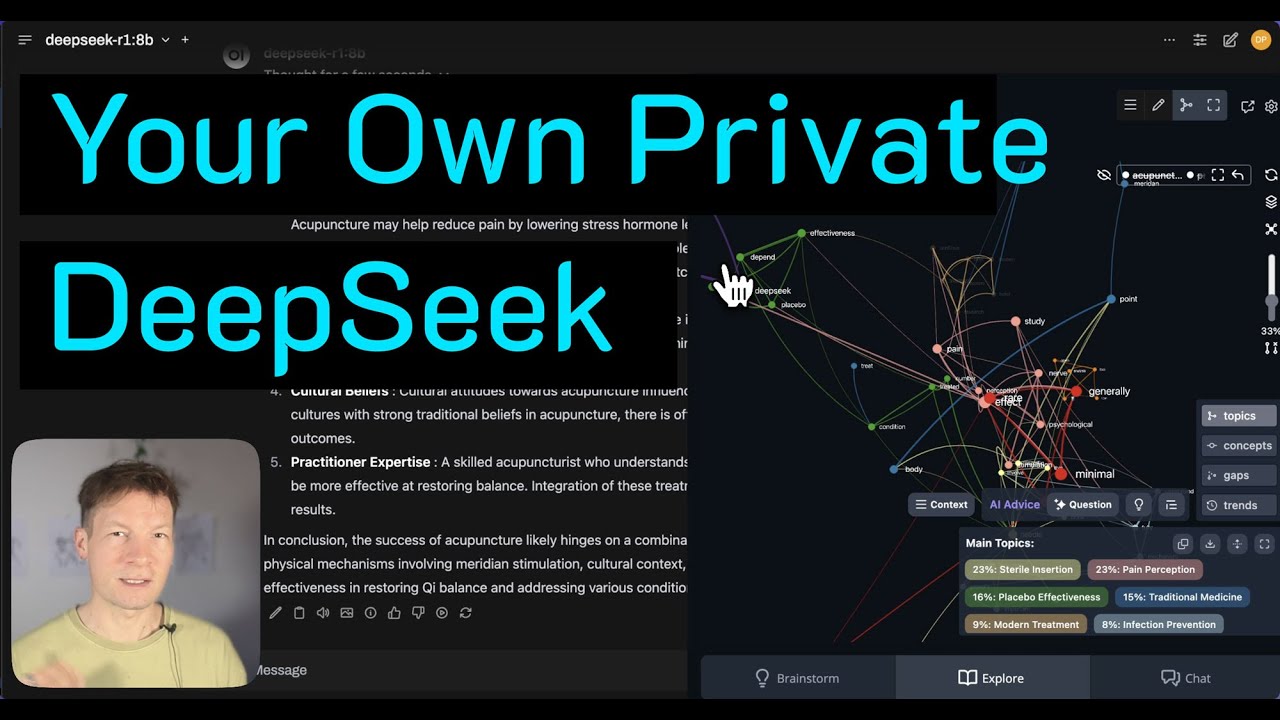
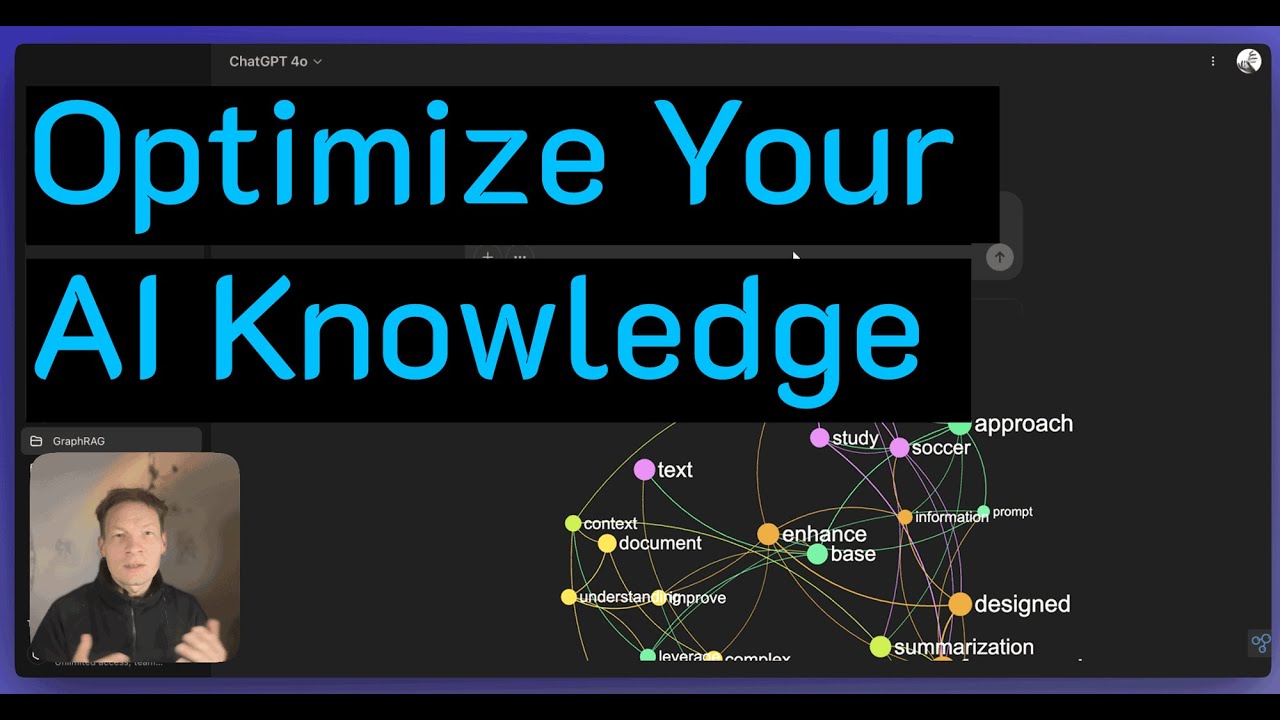
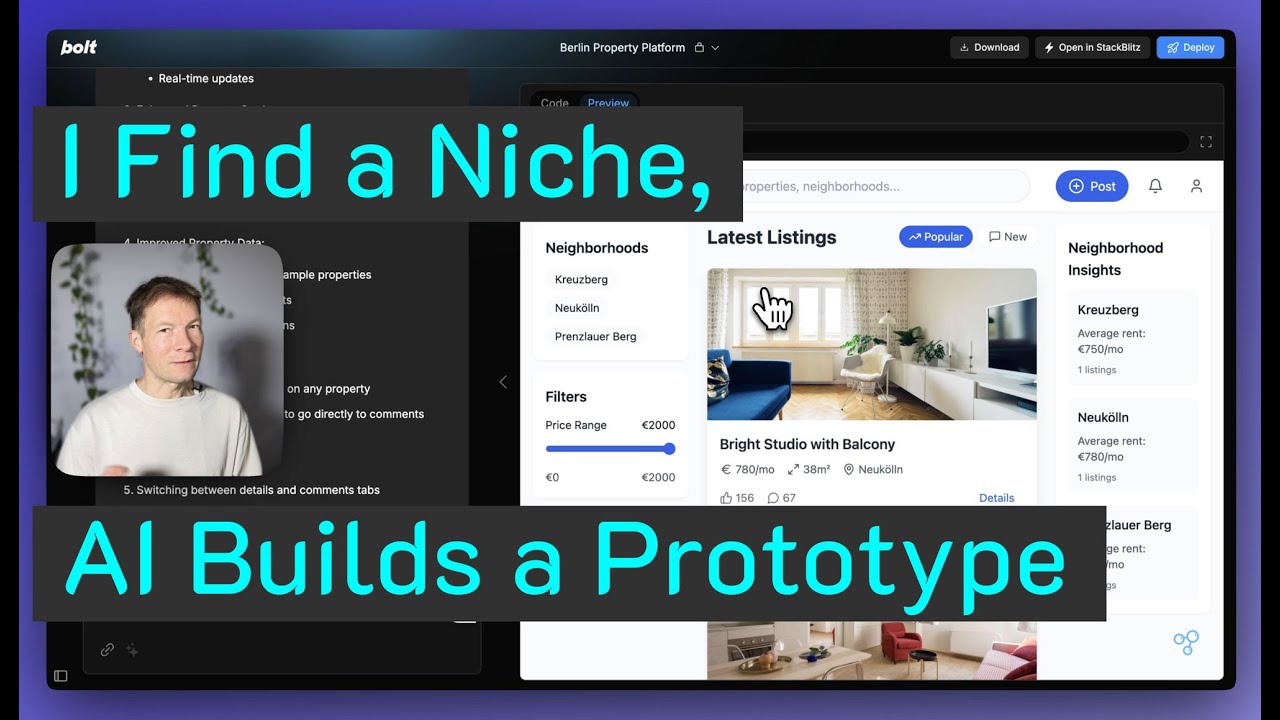
in this video I'm going to demonstrate how you can improve the quality of the responses you get from any AI model especially if you work with a specific context we'll be using a combination of different tools such as RAG and also knowledge graphs that allow us to visualize the content of the knowledge base and see the main topics inside using the tool called InfraNodus I will also show you how you can use Dify which is a great open source tool for building these kind of workflows that can integrate this augmented data into your responses and
how you can generate a chatbot with it and I will be doing that all using the example of our own support portal that's like a real problem I'm working on now we have 250 articles there and I need to create a chatbot that would allow the users to interact with this content through the chat interface and get the answers to their questions and what we will get as a result I will show you here we have a standard chatbot that just uses a simple standard drag system and here I'm just asking what can infr be
used for and it just gives me a very generic response that's not really covering all the breadth of what the tool can do whereas here as you can see I have a much more structured response because I provided that additional data about this knowledge base that I'm using from InfraNodus so you see it's much more structured it covers the most important topics so I'll show you how you can do all that and you can apply it both to analyzing websites support portals but you can also upload a bunch of PDF files for instance some research
you're working on and apply the same procedure to it as well and really kind of steer how AI is thinking about your problem and how is generating responses so I'll show you how all of this works in one video so it's going to be a very feature dance episode I spent a lot of time researching it and I'm very excited about it because I think it will just really provide a lot of value to all of you so keep watching if you're interested to learn how it works and also subscribe to this channel so that
this video can get recommended to other people interested in the same stuff so let's Dive Right In first I will refresh a few Concepts and explain how they work for people who want to learn more about this whole field first of all rag so rag is something that we use to retrieve information from data this is especially useful when we work with a specific context because for instance if I'm working with ChatGPT when I ask it a question like here what is in frodus it just provides me a general response from the totality of its
knowledge base so it's very general and sometimes it will not have an answer or sometimes it might hallucinate an answer so that's not something that's useful for us this is why people developed something that's called rag or retrieval augmented generation and the way that rag works is very simple I will show you here using an example in Dify which is a great open source tool you basically have a knowledge base ingested into your database so in this case it's all the support articles about 250 of them and when I ask let's say how to import
CSV files what happens is that the underlying AI system represents this query as a vector which is basically a sequence of numbers but you could imagine it as something in multi-dimensional space and then it retrieves the embeddings they're called the vectors for all the chunks of text in your database and tries to find the vectors that are closest to those so it's like it's trying to find which points in the multi-dimensional space are the closest to each other and when it finds the top three it shows me them here and usually it provides really good
responses if your query is very specific so here I'm using the words like import CSV file so it finds everything with CSV import files and then it shows me quite relevant results here and then what happens is that it feeds those results into the prompt to the model and adds them to your question so actually what the LLM sees is this question here plus these chunks that it retrieved and then it generates a response based on this additional context and I'll show you how you can also make a very specific prompt to kind of make
sure that this happens here for instance you see it has the original query and then it says okay also add this context don't hallucinate and so on so I'm going to show you how you can do all that to ensure the quality of responses but the problem with this rag approach and that's like a big problem that as soon as you ask a general question doesn't work so well because if I ask for instance how does it work and I click test is just going to retrieve stuff that relate to does it work like it
doesn't understand that how does infus work and so on it might get it a little bit from the context but it's not going to be too precise so this is why the quality of the responses deteriorate when the questions are too General when the user doesn't know what to ask or when they're just too short or when there is a typon and stuff like that so this is why we need to augment this system with something else that would ensure that good responses are provided and people have a lot of ways of doing it one
popular approach is for example graph rag or hybrid rag where they use the underlying graph structure and this I'm going to make a separate video about this this is more complex today I just want to showcase something very simple something that everyone can use and have set up in just a few minutes and the basic approach here is that we need to give the model the awareness of the knowledge base underneath not just extract the chunks based on the user query but for it to have a general understanding of what it's about out and the
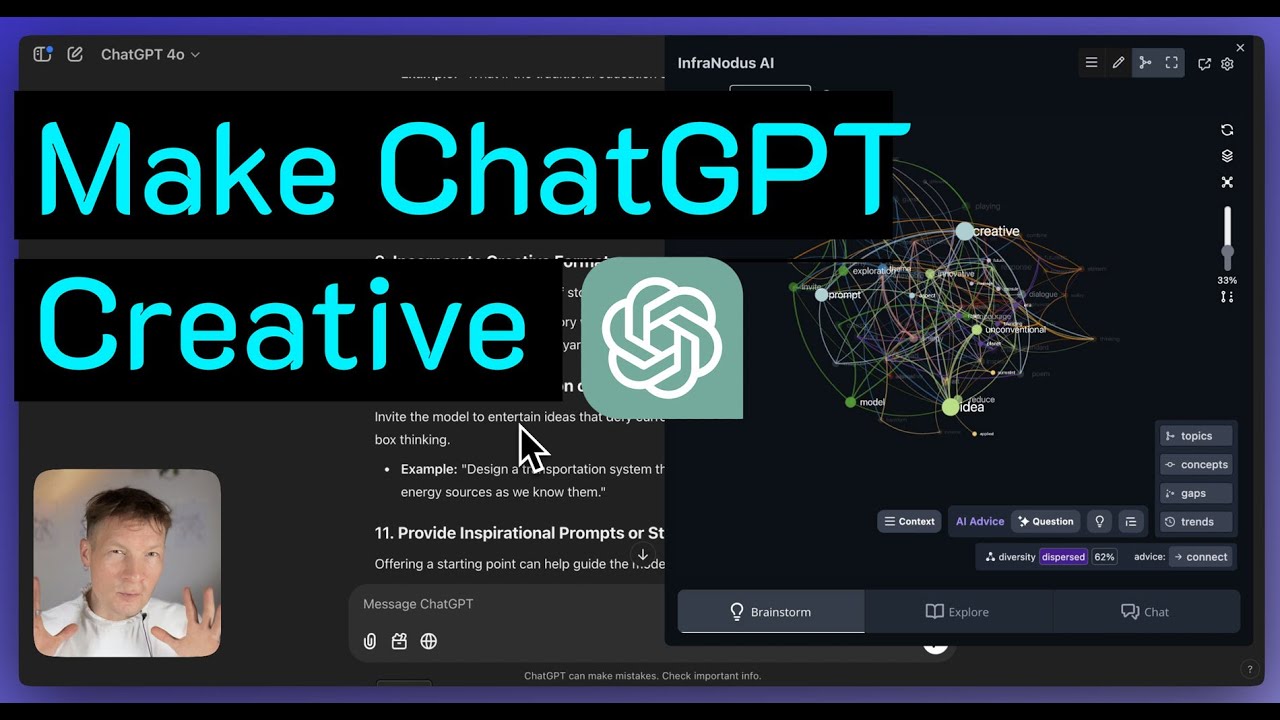
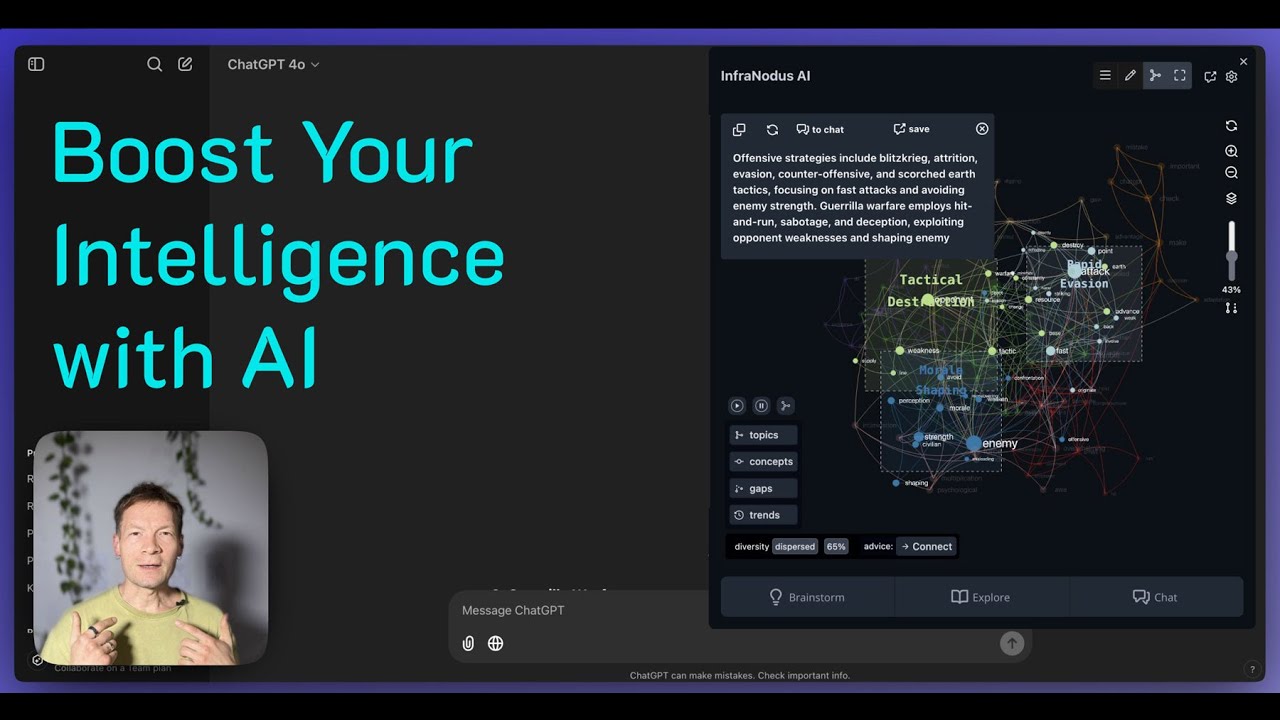
best way to do this is to use a tool that I developed that's called InfraNodus I have I say the best because I haven't seen any other tool that can do that you basically ingest all this knowledge base inside InfraNodus it visualizes it as a Knowledge Graph where the concepts are the nodes and cooccurrences at the connection so it's kind of like a simplified way of representing how the LLM your original knowledge base and then what you do is that you identify the main topics inside so you can see them here I see that my
knowledge base is talking about graph Dynamics DCS AI workflow idea exploration search context and stuff like that most influential Concepts and a bunch of other very important data and then what we can do is just to generate some kind of prompt for a model just by clicking this button in the notes panel that will tell me okay here is a list of the main topics as you can see here here is the list of the topical gaps conceptual gateways relations and so on and then we feed that information so I just copy and paste this
information and I feed it in into my AI workflow for example here in dy I have a prompt in this workflow so I just copied it here and I'm just augmenting my original query or the user's query with this extra information about the actual underlying knowledge base so that when it extracts the data and when it thinks it tries to also take all of those elements into account and then the answer is that you will get a much more precise because in the first case you will get something like this it just extracts some random
stuff and gives you more or less random answer and in the other case with this extra data from InfraNodus you get something like that where you get highly structured response you make sure that it covers all the topics that are important to you and I'll also show you how you can use InfraNodus to make sure that you add some important elements of your knowledge base into the prompt so you make sure that the model will always focus on the most important stuff and never let go of them even if the user query is too General
so this is kind of like how the approach works and how it improves itself through this extra metadata you just ingest this knowledge into InfraNodus analyze it this is also very good for you to know what is the underlying data because you understand better what questions you can ask and then you just paste this data into your favorite AI workflow development tool it can be Dey but you know if you use chpt you could even do it here like if you go into workspaces I'll show you using the example of Open-WebUI for instance like you
can just paste this prompt here and then this chat is going to take all of this into account so you really can do this with any tool and it's just as simple as generating data here and then pasting them into your favorite open source UI for your models or even into Char PT into custom prompts or into workspace prompts so this is as easy as it gets so let me demonstrate the whole approach step by step from ingesting the data to actually creating this workflow I think it will be interesting for you and you can
also kind of like try it at the same time using maybe a bunch of PDFs you can also ingest a website and so on so here I'll just Define the problem again I have this support portal of noo slabs where there is 250 articles on how to use INF frodus various approaches a lot of information about the underlying methodology on cognitive variability and ecological thinking and then Network Theory Concepts and so on so there's a lot of data and sometimes it's really hard for users to find something specific here if they just use search or
if they have to read through all the different articles so I wanted to develop a chatbot that I could embed on the website that people could use if they like to interact with this information in a different way so the first step for me then to give the context to the model that I will be using to build this chat and if you use a tool like Dify you can actually do that if you go to knowledge and then you say you want to create knowledge and then you say you want to import files for
example if it's a bunch of PDFs you can just browse them here but if you want you can also sync it with the website and here they have a really good integration with the tool that's called Firecrawl and Firecrawl is a is a tool which was developed by mandible AI which basically allows you to import any sort of content from any website so you have to go to craw here and put in any URL and then you can say that you want to craw 200 Pages with 10 minimum depth and then it's going to extract
the whole website but the cool thing about it is that it extracts it as MD files markdown files so plain text files without all the HTML junk so they're very easily understood by any LLM model and that's why it works really well so you basically put in a link to the support portal here or any website that you want to analyze maybe you want to make a chatbot with the websites of your competitor I don't know like you can basically analyze anything you want here specify how many pages you want here so for example 400
can be nice maximum depth 10 to make sure it really goes deep and follows the links and then once you do that it's going to take some time and then it will generate a knowledge base for you and the way that it looks is going to be something like this where you will have a list of links with some metadata and then you can also test the retrieval which is what I was doing in the first example and you can also embed files so for example I had another workflow where I just exported the markdown
files which you can do an activity logs here if you click on documents you can export them as markdown files and then you simply upload them to your favorite tool so for example if you're not using Dify but you're using something like Open-WebUI which I have in this case you cannot integrate it with Firecrawl so what you would do you would go to workspace and then go into knowledge and then you would create new knowledge here so you would just add new knowledge and say that this is support portal create it here and then you
just upload these MD documents here you know upload files and then you have your knowledge base and then you can access it from every chat which is pretty cool so let's go back to Dify because I'm using it for for the demonstration so once you create the knowledge base what you can do is now you can refer to this knowledge base and the easiest way to build the chatbot from this knowledge base is just to use their templates so you go to the studio and then you go chatboard and then you say that you just
want to create a new chatboard from blank and you can use the one that that is for the beginners I'll show you later how you can do the chat flow but here I'm just going to do test app create and all you need to do is to connect the context so you will say that you want to use this support portal as the context and then you need to write a prompt and that can be quite complicated if you don't know how it works so this is why I created an article on our support portal
that gives you an example of a prompt that you can use so you can just copy and paste everything here and then and then you can modify it with your own data so what I'm going to do I'm just going to copy and paste this prompt here and then I'm going to go back to Dify and I'm going to paste it here and then this part is the part that you want to change for your cont content so I'll just give you information about this prompt in general so here it just says that you're an
expert in infus but you can replace it with something else and then it says here are the important instructions and then it talks about the syntax that we will use to define what are the main topics and Concepts that we will then extract from InfraNodus and then some context information here so that's the actual embedded chunks of text that it found and then some instructions to not hallucinate to not make up responses and so on and be also short and concise that's my personal preference and you don't have to have it so we just need
to insert the data that our model will use into this part and how do we do that so we ingest the data into InfraNodus and I'll show you how you do that so you would basically go to the apps page first it will take some time to load because it's 250 files and then you got file upload and then you just upload the files that you have from the folder where they are so in my case these were MD files that I exported from Firecrawl and I have them here and then after some time it
will take time to load and to process them you will have a visualization that will look like this here so just take a few moments to load and the way that it actually visualizes information is that it represents every concept as a node every cooccurrence as the connection then it builds a network graph from them applies for satus layout to give you a visualization that shows which Concepts tend to belong together more often and then applies topical detection algorithm that shows you what are the main topical clusters inside so this is very useful structure and
information for you as a person but also for your model because it allows you to see what is actually inside and how all those topics are related you can even use it to estimate the quality of the source data so for instance you might find out that maybe some important topics are missing inside so that would be really good insight for you to understand that you need to add some more content into this data right so that can also be very useful before you actually ingest this data into Dify but let's say you're sh in
your content and you visualize it like that as a graph and then you see that there are all those topics if you click here you see that there is more so you understand that this support portal is about graph Dynamics AI workflow ID exploration search content okay that's great and then there is other topics on node relations and text analysis for instance I assume that you know these are kind of all the topics that I wanted to cover I make sure that there is something about graphs it detected that there's something about AI which is
really good and something about idea exploration so I'm pretty happy with this situation here I see the main concepts are graph in frus idea that's what it's about generating ideas with the graph that Great And Then There are some other stuff like relations so for example here I see that the top relations are text Network structural Gap INF for notus graph GPI Knowledge Graph network analysis so that's great these are all the important concepts are at the top I have them and then here it's quite nice though stuff actually these are kind of like entrance
points into the discourse so I always like to make this analogy with the social network that the text network is like a social network and those are the words that have important connections but they they're not connected to so many other words so it's like the people who know all the VIPs but they don't hang out with a lot of people in general these are always good people to approach if you want to get in or to get out of that Network and this is why if I want to kind of see how this discourse
can be further developed how it can be connected to other discourse this can be like a very useful way of doing that to to also use this approaches and this is what those nodes are for that they're called conceptual Gateway so so we have all this information here represented and what you can do is to either manually save it to notes if you click on save to notes then it will just save them one by one so you can choose actually what you say whether you want influential Concepts or just the topics or those conceptual
gateways here you you just click save to notes or relations you can also save them to notes but what you can also do is just click this button autogenerate from analytics for rag enhancement and then it's just going to generate all of this stuff at once and then we have them here let me just add the concepts also and I just copy them and then I go into my favorite app and I paste this information to the place after the instruction so this is my prompt now it has a kind of like a high level
overview of the main ideas inside this knowledge base that I'm using here and now I can start talking to the bot so I can be like okay what is it it about let's see if it understands it because it's very generic okay it understands it's infot it's telling me all the things that I can get an overview see the most important parts how they're related choosing a topic so it's it's very good actually because it kind of touches upon all the different aspects of how the tool works and makes sure that all the important elements
are mentioned even when the query is so General you have another way of building a chat B which is much more detailed like you can go back to the studio and then chatbot and then you build like chat flow and that there you would be able to actually create complex connections like I have an this case for instance that I say all right you start first then you ingest a knowledge base and make a vector search based on user query then you will add those chunks at the bottom here they're shown with the context so
I say that you will use the context knowledge retrieval you will use that context to generate the responses and then you will also use this additional concept context which I exported from InfraNodus so I kind of generate all this information and then you will provide a response so it's basically the same thing that we just did previously but where you have much more control over each step so for instance what you can also do is to add this data between those two steps when the user has a query and then you could provide a context
ask the LLM to rephrase that query to be more relevant to the knowledge base then you do the retrieval and then you generate the response so this is how you could also augment this workflow but I just wanted to show you a simple version where it just goes into this simple steps right and then then we generate the response and that's when we get this kind of much more structured replies from the model so this is how it works in a nutshell I will leave a link to the article where I explain this process step
by step with all the links so you can try it out for yourself it will be in the description to the video and also if you use any other tool for instance let's say you like to use open web UI like I said you just upload the knowledge base here you need to make sure that you specify embeddings before in the admin settings but you you basically upload any collection of documents here and then you need to go into make new check choose the model and then you add the system prompt here into the chat
you could also if let's say you only want a chat to that knowledge base you could just add it into the admin settings and then you would have this prompt applied to all the chat so this is how you would do it here and if you use something like CH jpt when you create a new workflow you can actually add a system prompt for that particular workflow project so that's also how you could do that in Char PT and finally if you use something like notebook LM which is a really nice tool that allows you
to generate podcast from any text like you could take let's say here I have a book that we wrote and I uploaded a like a PDF file and then I can give it an additional instruction let me just show you actually from the beginning because I think you can only do it when you create a new one so I create a new one I upload the stuff and then I click customize and this is where I can provide specific information about this context and kind of guide this podcast that will be generated in the direction
that I want to have it developed in and I'll make another video on that because I've been playing around with it a lot and it's pretty nice but for Notebook lamb what you can find really useful is to actually identify the blind spots here so infr can show you what are the gaps in your discourse what are the kind of like main things that are missing and then you can feed this information to notebook a LM and ask it okay focus on that Gap when when when you're having a discussion and then the discussion will
go in the direction of what's missing in this discourse and this can be a really great approach like if you have a bunch of PDF papers for instance you upload them there and then you run the notebook LM but with the focus on this particular Gap and so then you download the file and you can kind of learn about this content but in a way where you're you're already addressing what's missing inside and how it can be developed further so this can be also a really nice approach so that's it for today let me know
if you have any questions in the comments to this video and also your experiences using this workflow if you want me to go into more detail and please also don't forget to check the link to the article where I explain everything step by step with all the links and also please support the channel by subscribing it and sharing this video with other people who might be interested in the same stuff thank you very much