moving from on-prem to the cloud can bring a ton of nifty features for your company and applications but one of the biggest challenges and certainly the scariest is how this movement can potentially expose your systems to new vulnerabilities and without taking the right precautions you can run into the risk of exposing your system in very problematic ways so in this episode I'll be covering how to control your traffic and an out of your instances on GCP by creating firewall rules once you establish hybrid connectivity to Google Cloud stay tuned [Music] firewall rules are extremely important
for a number of reasons they allow you to isolate your internal network and instances from unwanted access they allow you to monitor inbound and outbound activity coming from your network for suspicious activity blocking items that are considered dangerous based on a set of security rules they establish the first line of defense against attacks viruses and malware and helps create a secure Network so let's take a look at firewalls more closely in traditional on-premise systems multiple servers on a single internal network are supported through the use of a cluster of firewalls coupled with a load balancer
a large drawback of this traditional architecture is that it doesn't scale well in an on-prem environment a firewall is generally a dedicated piece of hardware that has an upper limit in terms of capacity and this makes a firewall a choke point to support dynamic scaling you'll need to habitually run down to the server room and replace the hardware with ones that can handle increased load of course this creates its own challenge when the traffic goes back to normal you've now got a big piece of expensive hardware going unused this is where Google cloud platforms distributed
firewalls can make a difference Google's global network has a federation of firewalls that can operate and scale as your systems need them so you only end up paying for what you use rather than making commitments for long term expectations this gives you the same power of your on-site perimeter network which blocks all incoming traffic by default but allows you to scale without lifting a finger now here's the important part each VPC network functions as a distributed firewall if you want info on setting up the VPC check out the first episode a distributed firewall means that
by default it will handle filtering traffic but you need to adjust it to handle your excess needs like applying firewall rules to tact instances in this example when a request comes in from a compute engine system labeled the red tag it hits the applicable firewall role before being allowed to communicate with the blue tag while firewall rules are defined at the network level connections are allowed or denied on a per instance basis you can think of the GCP firewall rules as existing but not only between your instances and other networks but between individual instances within
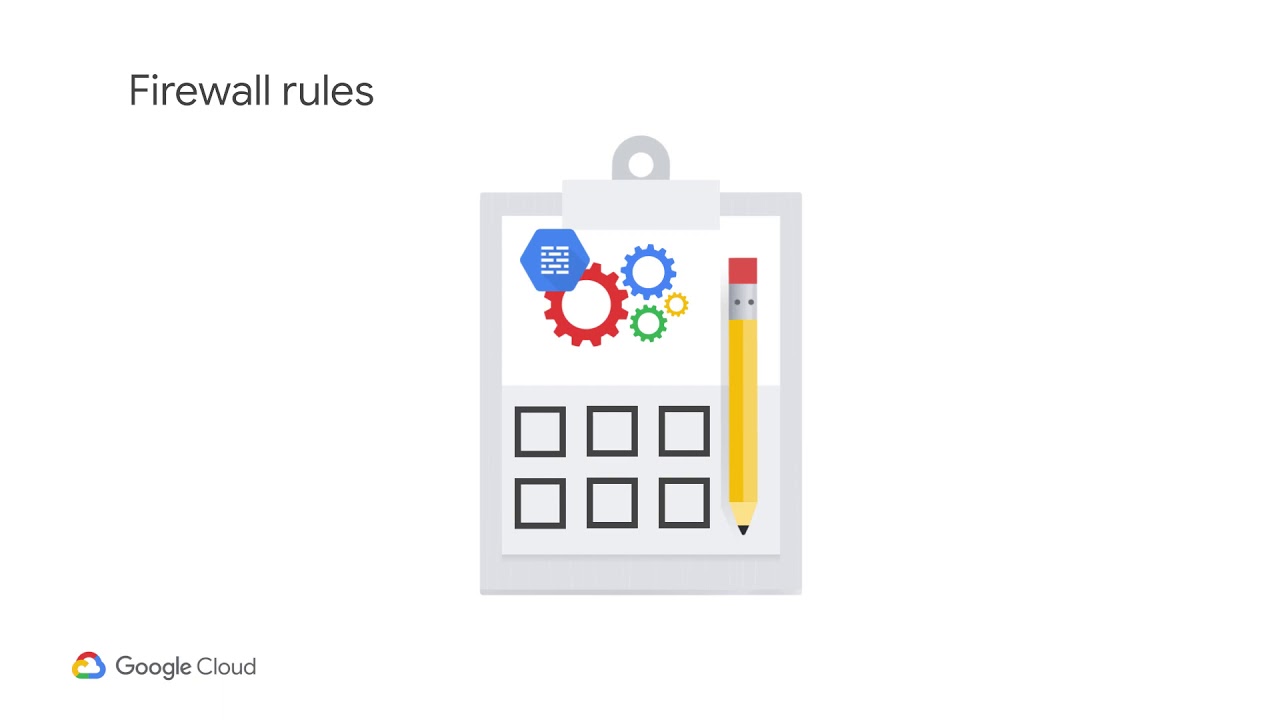
the same network in google cloud a firewall rule is made up of four things in action either to allow or deny traffic that is a rule can either allow incoming ingress or outgoing egress traffic but not both simultaneously the type of protocol to which it applies such as TCP UDP and ICMP either a source or a destination for which the rule applies this cannot be both as it depends on the direction of the firewall you create for example for ingress rules you would specify the source which can be IP ranges tags or service accounts or
combination you wouldn't specify a destination because the rules already being applied to specific VMs inbound traffic you can specify the ports on ingress or egress rules for example allowing ingress TCP traffic on port 22 to allow for SSH access you can also deny a VMs egress TCP traffic on all ports for all destination VMs in an IP range each of these parameters means that firewall rules can help control traffic to and from your Google Cloud VMs accordingly let's look at what this looks like I have two existing servers here that are trying to use iperf
to test Network speed here are my two SSH sessions with these VMs with I per setup but note that I have to use a specific port for it and since that's not part of the standard firewall rules it doesn't work the only default firewall rules created are allow egress and deny ingress traffic and for Linux instances allow SSH TCP traffic on port 22 we're going to create a new firewall rule that allows access for iperf go to the V PC network tab and click firewall rules you can see there are a bunch of default firewall
rules created for the default Network we need to create one for our custom view PC that our instances are sitting in so click add firewall rule create a rule iperf access change the network to V PC one leave it as ingress and change it to allow the target tag will be iperf X us source IP range will be the public Internet the protocol will be TCP and port will be 5001 to run iperf once that saves go back to the VM instances page and add the iperf access tag to instance one and I'll do the
same now for instance two let's run i perfe ken and boom it's working firewalls are an extremely important part of your on-prem to cloud transition they're the basis at which traffic can flow to and from individual cloud instances but also to and from your on-premise network to your cloud network if you want to learn about more complex use cases check out the documentation link below but to get you moving on your migration to Google cloud stay tuned for the next episode on configuring IPs and remember optimizing your network means freeing up your bandwidth [Music]