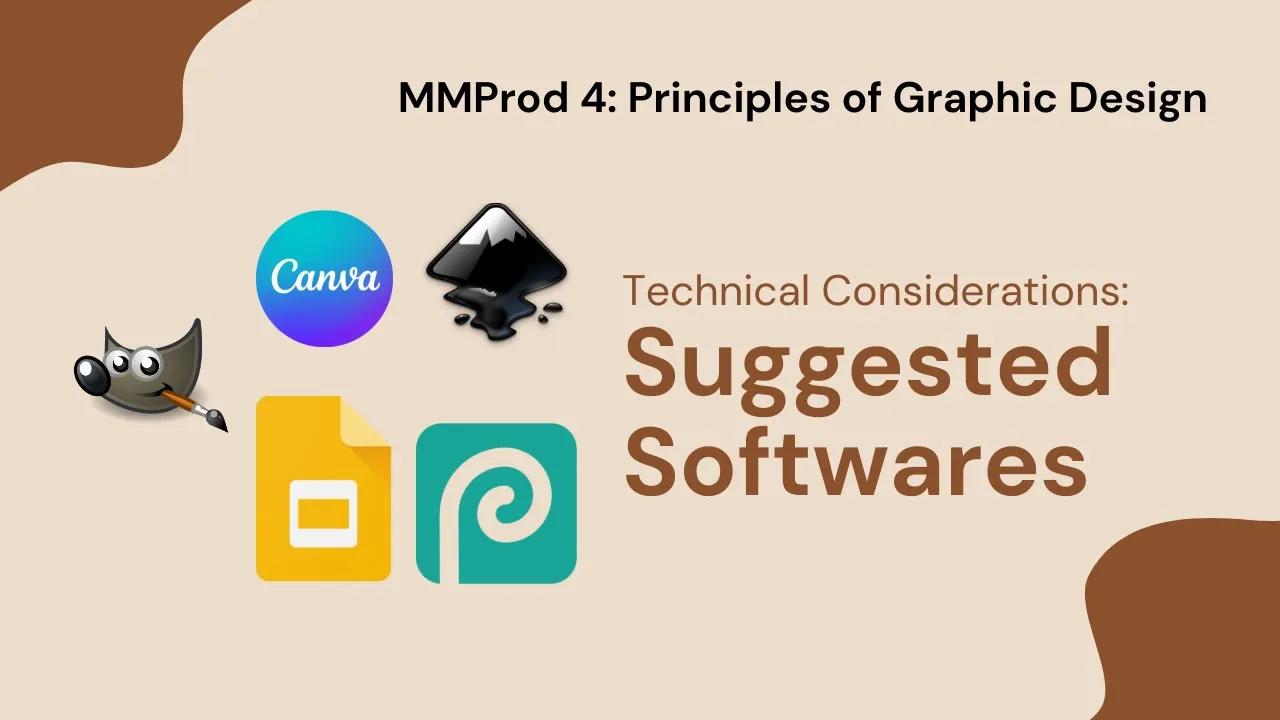
foreign [Music] of course graphic design doesn't go anywhere without the right tools and graphic specifications knowing the right tools for you can help the process go smoothly and quickly knowing the specs can help satisfy the brief let's start with suggested software there are variety of softwares to choose from when it comes to graphic design for this course I will suggest the following apps that are free to use first is the canva this is a popular online application that can be used on the desktop and mobile devices the interface is easy to get used to especially
the tools and settings the free version offers free graphics and templates that are very limited next is photo P this is like Adobe Photoshop button online and free version a lot of the tools that are found in Photoshop can be found in photop you can access it through a desktop and mobile devices you can also give it access to your Google Drive so that your work can be saved in the cloud third is the or this is one of the alternatives for Adobe Photoshop and you can use it offline however I do have to warn
you of its uh steep learning curve but once you get used to it you'll be able to make wonders with this tool fourth is the inkscape this is a vector app that is an alternative to Adobe Illustrator the learning curve is not as steep as gimps but it all depends on your determination to learn this tool it is mainly an art program designed to produce digital Vector art but you can use this to produce visual decorations for your output last is Google Slides or any other free slideshow software did you know that that slideshow app
can also be used to create a graphic design output Google slides are any free slideshow app is versatile enough to apply the layout that you want there are basic shapes that you can turn into visual Decker and you can customize your text like you would in any document editing program with its simple tools you just need to be creative in how to use them [Music]

![Chris Langan - The Interview THEY Didn't Want You To See - CTMU [Full Version; Timestamps]](https://i.ytimg.com/vi_webp/9miVG2xT5jY/mqdefault.webp)