hello SolidWorks fans out there in this video I'll show you how to fix export errors in capcart video editor a widely used video editing APB for PC and mobile devices it's no secret that I really like capcard after testing menu buggy sluggish and user unfriendly video editors for Windows I finally settled with cupcot for Windows PC I used the current version 1.5 the program has been greatly improved again in addition to the mentioned enhancements more hockey presets were added now you can choose between up to five different shortcut layouts after you have chosen a layout
you can change the hotkeys to your liking [Music] I was very pleased to discover that the home hotkey has finally been introduced pressing the key will move the playhead to the beginning of the timeline and finally the end button moves the playhead to the end of the video I have noticed that more interesting features have been added in the latest version 1.5 the new version now supports even more languages this was not mentioned in a Splash Window when starting the program I looked in vain on the cap cut home page but I could not find
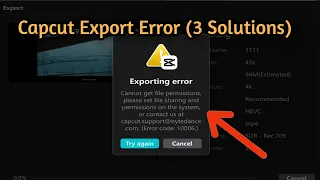
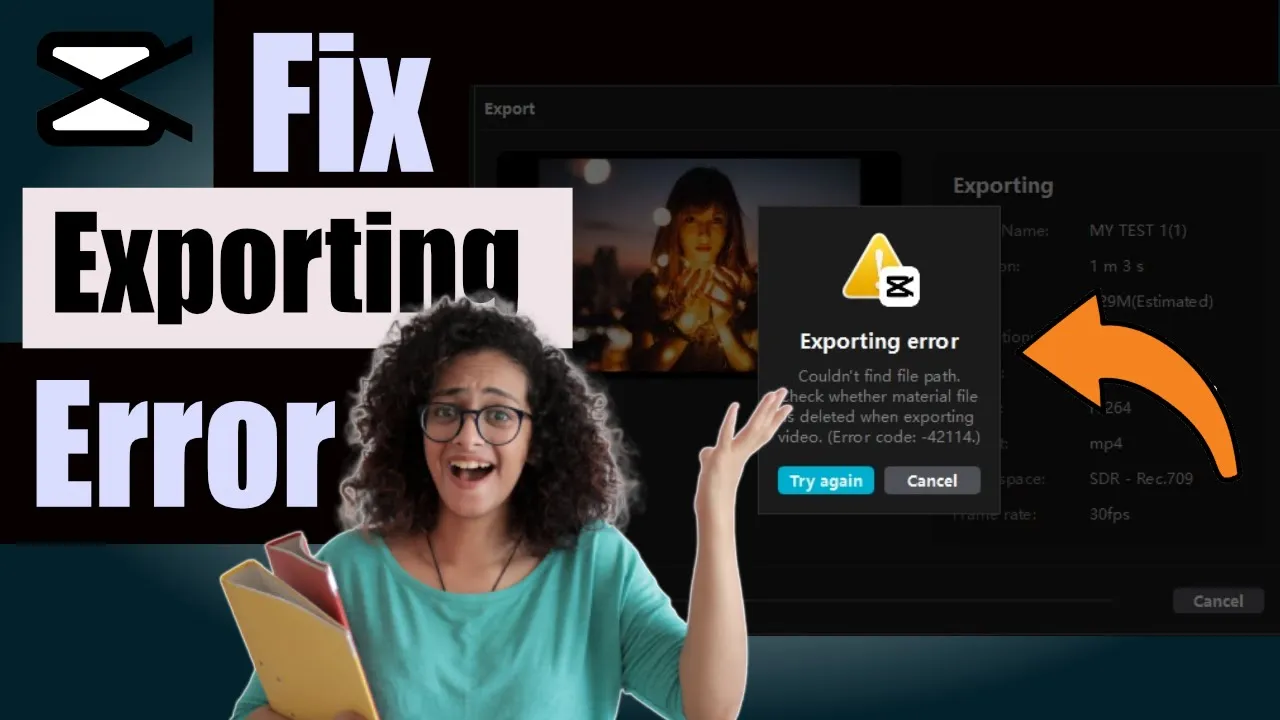
any release notes for kapka PC guys don't be shy you are doing a fantastic job you can be proud of your work when solid bug says that it means something but now back to the topic of this video even the best software contains bugs but that is exactly our business at solid buds I noticed a problem in capcat when I was exporting a video foreign pressing the try again button you may have guessed did not help to get to the bottom of the problem I had to get the text from the error dial up with
a little OCR magic I was able to extract the text from the window all more precisely convert the image to text if you want to learn more about the free application I use leave a comment below the video with the error message at hand it was time to consult Dr Google [Music] unfortunately Google didn't spit out anything useful [Music] even a specific search for the error code did not yield any useful results so it was time to solve the problem by myself Winship is a free debugger from Microsoft the software is very useful in case
of crashes or hangs you can often find out more about a software problem [Music] simply attach it to a process [Music] apparently I have encountered another problem today seems to be a good day don't switch off now stay tuned I will present you the solution in a moment but before that I would like to point out that this video takes a lot of time to create to support solid buds press the like button now [Music] to fix the export error check your export settings error code minus forty two thousand one hundred fourteen means capcat cannot
find the material file press cancel then zoom out the timeline and look out for missing Clips stickers or other imported items you could also press the media Tab and check there [Music] this project references a missing video clip select the missing link and press delete [Music] export a game and see what happens [Music] [Music] congratulations you have just fixed error code minus forty two thousand one hundred fourteen [Applause] if you liked this video give it a thumbs up and subscribe to my channel SolidWorks for more solid tips and tricks on video editing books hacks and
lame jokes goodbye shut up