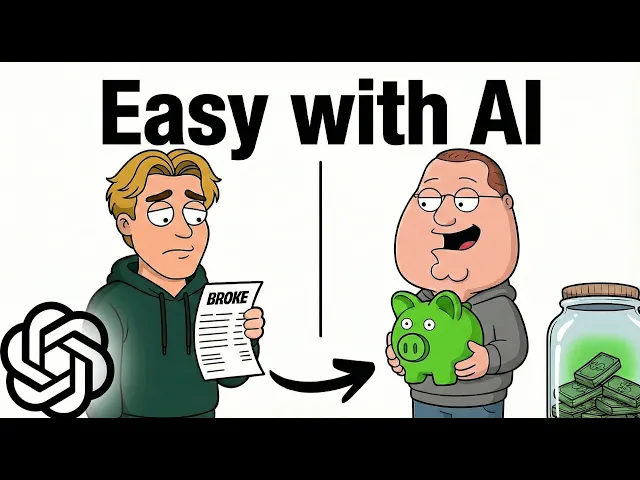
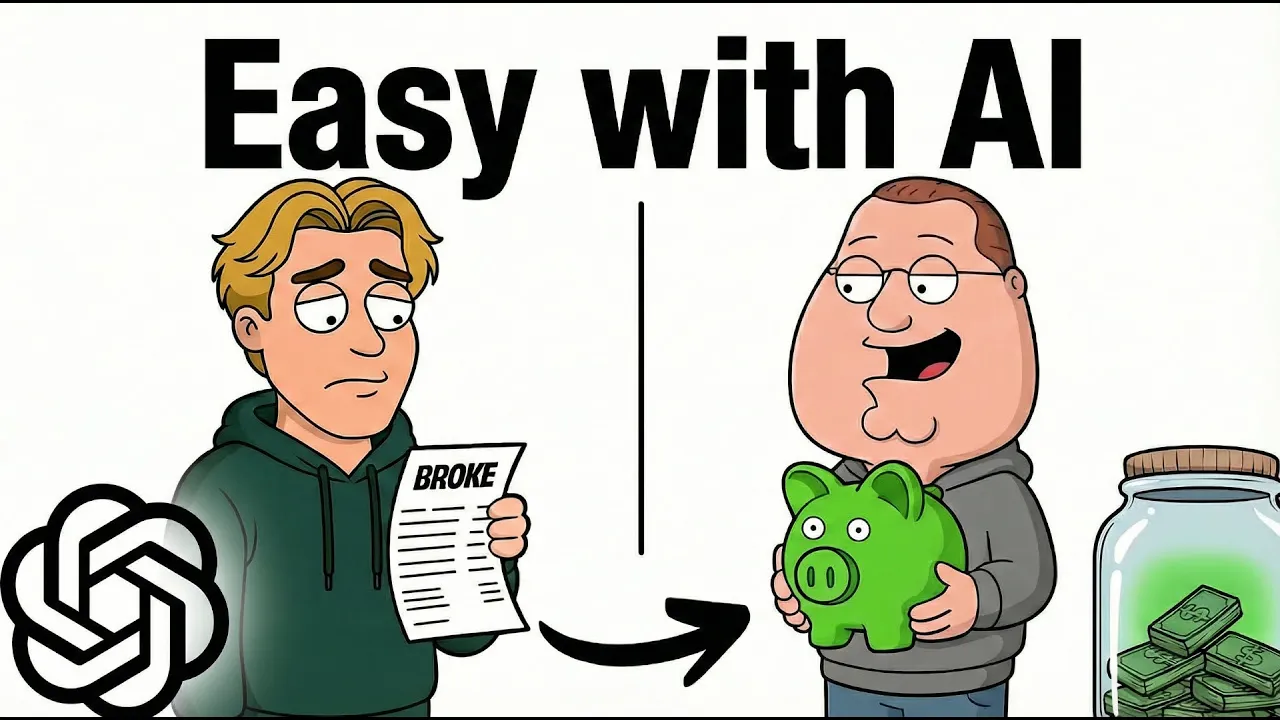
Stop creating videos like Nick Invests. See, everyone is now trying to copy [music] his exact videos and niche. And honestly, it's not your fault.
These so-called YouTube gurus have blindly promoted this niche, resulting in you getting barely any views. But for a second, take a look at Caveman Fitness. This channel got over 800,000 views with only six videos.
Another similar channel is Fasted Fred, who has received around 3 million views, making more than [music] $15,000 every single month. Notice how all of them have the same visual style, but the niche and topic are completely different. Nick talks about finance, caveman talks about fitness, [music] and Fred talks about health.
That's the secret. You're not copying the niche, you're copying the style. So, in this video, I'll show you exactly how to create a faceless character [music] explanation channel with any niche of your choice.
From coming up with viral ideas and scripts [music] to generating visual prompts based on your script, all the way to creating voice over and animations. And [music] instead of spending hours switching between multiple AI tools, I found an all-in-one tool that offers the most popular AI image and video models. I'll also be sharing my secret prompts [music] which can be used to create personalized channel names, logos, and thumbnails based on your video topic similar to this.
[music] So, make sure you watch this video till the end. Welcome to AI Upskill. Here's what we're going to be creating today.
Your parents bought a house for $68,000. You can't afford a house at 600,000. Here's the thing.
In 1971, government started printing money without limits. Your wages stayed flat while everything else inflated. The average worker could have earned $92,000 a year instead of 56.
All right, the very first step is generating your video ideas. [music] And for this, we're using Claude AI. I've created a master document that contains all the prompts I'll be using today.
Here, you don't have to manually copy paste the popular video titles. You simply paste [music] the prompt into Claude and enter your preferred niche. Just for this video, I'm targeting the finance niche.
And within seconds, [music] it automatically generates 10 engaging video ideas which are engineered to go viral. Now, here's where it gets better. To convert one of those video ideas into a script, I've included another prompt inside the document.
[music] Simply paste the second prompt into the same conversation. Now, watch this next part carefully. You just have to remove the placeholders and add your selected video idea and the niche you're targeting.
[music] When you hit enter, it generates a natural script with multiple hooks and curiosity loops. For this tutorial, [music] I've kept my script short and simple, but I strongly recommend you to aim for at least 10 minutes for better ad revenue and watch time. Now, the most important part of this entire process is the visual prompts.
[music] I have a formula already ready for this step. All you need to do is copy and paste the third [music] prompt from the document. Simply replace this placeholder and add your channel logo prompt.
[music] Now, you're probably wondering, "Where do I get the logo prompt if I haven't created that yet? " Don't worry, I'll share my secret document for that in a few minutes. Trust me, it's worth the wait.
[music] But for now, what this prompt does is absolutely genius. It breaks down your script line by line and converts it into detailed prompts for both images and animations. So, instead of guessing [music] what prompts you need, Claude tells you exactly what to generate for each moment in your script, making your content look consistent and professional.
Now, for the voice over, you can generate it using tools like 11 Labs. [music] I'm not going deep into that because most people already know how to generate AI voiceovers. And just for your reference, I'm choosing Bill Stevens as my voice and Turbo [music] 2.
5 as my model. And that's it. We now have our narration ready.
Now, we move on to generating the assets. And instead of switching between 10 other tools, I'm going to use Video Enu, an all-in-one AI tool that offers text to video, image to video, and a bunch of other features with several popular AI models like Veo, Cling, [music] and more. Once you sign up using the link in the description, you'll be brought to this dashboard.
But before moving forward, if you're still watching, you're part of the 10% who actually take action. If you want to see more new AI tools, trending niches, and faceless automation strategies [music] every week, then be sure to hit that like and subscribe button. All right, inside the [music] dashboard, head to the image section and select the image to image feature.
For the model, I'll be using Nano Banana Pro as it generates highquality and consistent [music] results. Then upload your channel logo or base image as a reference. Now, for the logo, I've created a special prompt that generates your channel's logo in seconds.
[music] Simply paste it into any image generator tool. Specify your niche and you'll have a personalized logo ready, which will always be used as the base image. This is inside the secret document I mentioned, and I'll tell you how to access it in a few minutes.
[music] All right. Now, go back to Claude and copy the image prompt from scene 1. Then, [music] make sure the aspect ratio is 16x9 and simply click the generate button.
And seriously, look at how perfect and consistent [music] this looks with our base image. Now, here's what you have to do. Simply repeat this process and generate all your images line by line as provided by Claude.
I'm going to speed through this boring process. Once all your images are ready, save and organize them in a folder. Okay, the next step is animating the images.
And this is where things get really exciting. Head over to the video section and select the image to video option. Now, select a video model.
I'll go with VO3, but you can definitely experiment with others such as [music] Sora or Cling. Next, upload your first generated image as a reference. Then return to Claude and copy the video prompt from scene [music] one.
This tells the AI exactly how to animate your image. Lastly, choose your aspect ratio and video resolution [music] and hit the generate button. As you can see, the first scene is ready.
Let's take a look. Bro, this actually looks insane. Now, we have to do this process for all the remaining images.
Simply upload an image as a reference. Paste in the matching video prompt and generate the animation using your preferred video model. So once all your clips are generated, organize them in a folder just like you did with the images.
Now let's move over to the final step where we put everything together. Start by adding your voice over to the timeline. This will be your foundation as our clips will sync to it.
So start placing your generated videos one by one. This step turns out to be quite easy as we already organized the clips in the correct order during the generation [music] process. So once that's done, start trimming and adjusting them to match the flow of the voice over.
You can just play around and create a video that's personalized to your needs. Also, there is no need for any background music in this video because the style we're replicating doesn't use it either. So after a few more changes, [music] this is how my timeline looks.
I've added some gaps between the voice over to slow it down slightly. I also added basic captions to give the video a more authentic feel. So once everything [music] is done, all you need to do is export the video.
Here's how the final video looks. Your parents bought a house for $68,000. You can't afford a house at 600,000.
Here's the thing. Three laws got quietly passed over the past 50 years, and they systematically gutted the middle class. In 1971, government started printing money without limits.
Your wages stayed flat while everything else inflated. The average worker could have earned $92,000 a year instead of 56. Then in 1978, the tax code flipped.
Before that, the top earners paid 70% in taxes. After 28%, the middle class picked up the bill. Companies saved billions.
You got debt. So, what do you do? Invest aggressively.
Real estate, index funds, anything that inflates with the money supply. Your parents had a ladder. You've got a treadmill.
Time to build your own. Pretty cool, right? But wait, there's more.
I've created a separate master document packed with my secret prompts. It's the prompt that'll actually save you 10 plus hours of work. So, if you want those, do me a favor.
Simply hype this video. Unfortunately, this feature is only available on mobile right now, but once we hit 10,000 hype points, I'll make my secret prompts available to everyone for free. And honestly, that's way better than buying a program or signing up for some random newsletter.
And that's how easy it is to create character explanation videos in any niche. You now have the exact blueprint [music] and the perfect prompts. This niche format won't be trending for long.
Channels are already earning thousands of dollars per month. If you want to fasttrack the process, give Video Enu AI a try. The link is in the description [music] along with my master document.
And hey, don't forget to hype this video. My secret prompts will literally make your process 10x faster. If you found this helpful, make sure to like and subscribe to AI upskill.
Next week, I'm dropping another AI niche that's even easier and crazier. You'll want to [music] be first on that, too. Thanks for watching and I'll see you in the next Stop creating videos like Nick Invests.
See, everyone is now trying to copy [music] his exact videos and niche. And honestly, it's not your fault. These so-called YouTube gurus have blindly promoted this niche, resulting in you getting barely any views.
But for a second, take a look at Caveman Fitness. This channel got over 800,000 views with only six videos. Another similar channel is Fasted Fred, who has received around 3 million views, making more than [music] $15,000 every single month.
Notice how all of them have the same visual style, but the niche and topic are completely different. Nick talks about finance, caveman talks about fitness, [music] and Fred talks about health. That's the secret.
You're not copying the niche, you're copying the style. So, in this video, I'll show you exactly how to create a faceless character [music] explanation channel with any niche of your choice. From coming up with viral ideas and scripts [music] to generating visual prompts based on your script, all the way to creating voice over and animations.
And [music] instead of spending hours switching between multiple AI tools, I found an all-in-one tool that offers the most popular AI image and video models. I'll also be sharing my secret prompts [music] which can be used to create personalized channel names, logos, and thumbnails based on your video topic similar to this. [music] So, make sure you watch this video till the end.
Welcome to AI Upskill. Here's what we're going to be creating today. Your parents bought a house for $68,000.
You can't afford a house at 600,000. Here's the thing. In 1971, government started printing money without limits.
Your wages stayed flat while everything else inflated. The average worker could have earned $92,000 a year instead of 56. All right, the very first step is generating your video ideas.
[music] And for this, we're using Claude AI. I've created a master document that contains all the prompts I'll be using today. Here, you don't have to manually copy paste the popular video titles.
You simply paste [music] the prompt into Claude and enter your preferred niche. Just for this video, I'm targeting the finance niche. And within seconds, [music] it automatically generates 10 engaging video ideas which are engineered to go viral.
Now, here's where it gets better. To convert one of those video ideas into a script, I've included another prompt inside the document. [music] Simply paste the second prompt into the same conversation.
Now, watch this next part carefully. You just have to remove the placeholders and add your selected video idea and the niche you're targeting. [music] When you hit enter, it generates a natural script with multiple hooks and curiosity loops.
For this tutorial, [music] I've kept my script short and simple, but I strongly recommend you to aim for at least 10 minutes for better ad revenue and watch time. Now, the most important part of this entire process is the visual prompts. [music] I have a formula already ready for this step.
All you need to do is copy and paste the third [music] prompt from the document. Simply replace this placeholder and add your channel logo prompt. [music] Now, you're probably wondering, "Where do I get the logo prompt if I haven't created that yet?
" Don't worry, I'll share my secret document for that in a few minutes. Trust me, it's worth the wait. [music] But for now, what this prompt does is absolutely genius.
It breaks down your script line by line and converts it into detailed prompts for both images and animations. So, instead of guessing [music] what prompts you need, Claude tells you exactly what to generate for each moment in your script, making your content look consistent and professional. Now, for the voice over, you can generate it using tools like 11 Labs.
[music] I'm not going deep into that because most people already know how to generate AI voiceovers. And just for your reference, I'm choosing Bill Stevens as my voice and Turbo [music] 2. 5 as my model.
And that's it. We now have our narration ready. Now, we move on to generating the assets.
And instead of switching between 10 other tools, I'm going to use Video Enu, an all-in-one AI tool that offers text to video, image to video, and a bunch of other features with several popular AI models like Veo, Cling, [music] and more. Once you sign up using the link in the description, you'll be brought to this dashboard. But before moving forward, if you're still watching, you're part of the 10% who actually take action.
If you want to see more new AI tools, trending niches, and faceless automation strategies [music] every week, then be sure to hit that like and subscribe button. All right, inside the [music] dashboard, head to the image section and select the image to image feature. For the model, I'll be using Nano Banana Pro as it generates highquality and consistent [music] results.
Then upload your channel logo or base image as a reference. Now, for the logo, I've created a special prompt that generates your channel's logo in seconds. [music] Simply paste it into any image generator tool.
Specify your niche and you'll have a personalized logo ready, which will always be used as the base image. This is inside the secret document I mentioned, and I'll tell you how to access it in a few minutes. [music] All right.
Now, go back to Claude and copy the image prompt from scene 1. Then, [music] make sure the aspect ratio is 16x9 and simply click the generate button. And seriously, look at how perfect and consistent [music] this looks with our base image.
Now, here's what you have to do. Simply repeat this process and generate all your images line by line as provided by Claude. I'm going to speed through this boring process.
Once all your images are ready, save and organize them in a folder. Okay, the next step is animating the images. And this is where things get really exciting.
Head over to the video section and select the image to video option. Now, select a video model. I'll go with VO3, but you can definitely experiment with others such as [music] Sora or Cling.
Next, upload your first generated image as a reference. Then return to Claude and copy the video prompt from scene [music] one. This tells the AI exactly how to animate your image.
Lastly, choose your aspect ratio and video resolution [music] and hit the generate button. As you can see, the first scene is ready. Let's take a look.
Bro, this actually looks insane. Now, we have to do this process for all the remaining images. Simply upload an image as a reference.
Paste in the matching video prompt and generate the animation using your preferred video model. So once all your clips are generated, organize them in a folder just like you did with the images. Now let's move over to the final step where we put everything together.
Start by adding your voice over to the timeline. This will be your foundation as our clips will sync to it. So start placing your generated videos one by one.
This step turns out to be quite easy as we already organized the clips in the correct order during the generation [music] process. So once that's done, start trimming and adjusting them to match the flow of the voice over. You can just play around and create a video that's personalized to your needs.
Also, there is no need for any background music in this video because the style we're replicating doesn't use it either. So after a few more changes, [music] this is how my timeline looks. I've added some gaps between the voice over to slow it down slightly.
I also added basic captions to give the video a more authentic feel. So once everything [music] is done, all you need to do is export the video. Here's how the final video looks.
Your parents bought a house for $68,000. You can't afford a house at 600,000. Here's the thing.
Three laws got quietly passed over the past 50 years, and they systematically gutted the middle class. In 1971, government started printing money without limits. Your wages stayed flat while everything else inflated.
The average worker could have earned $92,000 a year instead of 56. Then in 1978, the tax code flipped. Before that, the top earners paid 70% in taxes.
After 28%, the middle class picked up the bill. Companies saved billions. You got debt.
So, what do you do? Invest aggressively. Real estate, index funds, anything that inflates with the money supply.
Your parents had a ladder. You've got a treadmill. Time to build your own.
Pretty cool, right? But wait, there's more. I've created a separate master document packed with my secret prompts.
It's the prompt that'll actually save you 10 plus hours of work. So, if you want those, do me a favor. Simply hype this video.
Unfortunately, this feature is only available on mobile right now, but once we hit 10,000 hype points, I'll make my secret prompts available to everyone for free. And honestly, that's way better than buying a program or signing up for some random newsletter. And that's how easy it is to create character explanation videos in any niche.
You now have the exact blueprint [music] and the perfect prompts. This niche format won't be trending for long. Channels are already earning thousands of dollars per month.
If you want to fasttrack the process, give Video Enu AI a try. The link is in the description [music] along with my master document. And hey, don't forget to hype this video.
My secret prompts will literally make your process 10x faster. If you found this helpful, make sure to like and subscribe to AI upskill. Next week, I'm dropping another AI niche that's even easier and crazier.
You'll want to [music] be first on that, too.