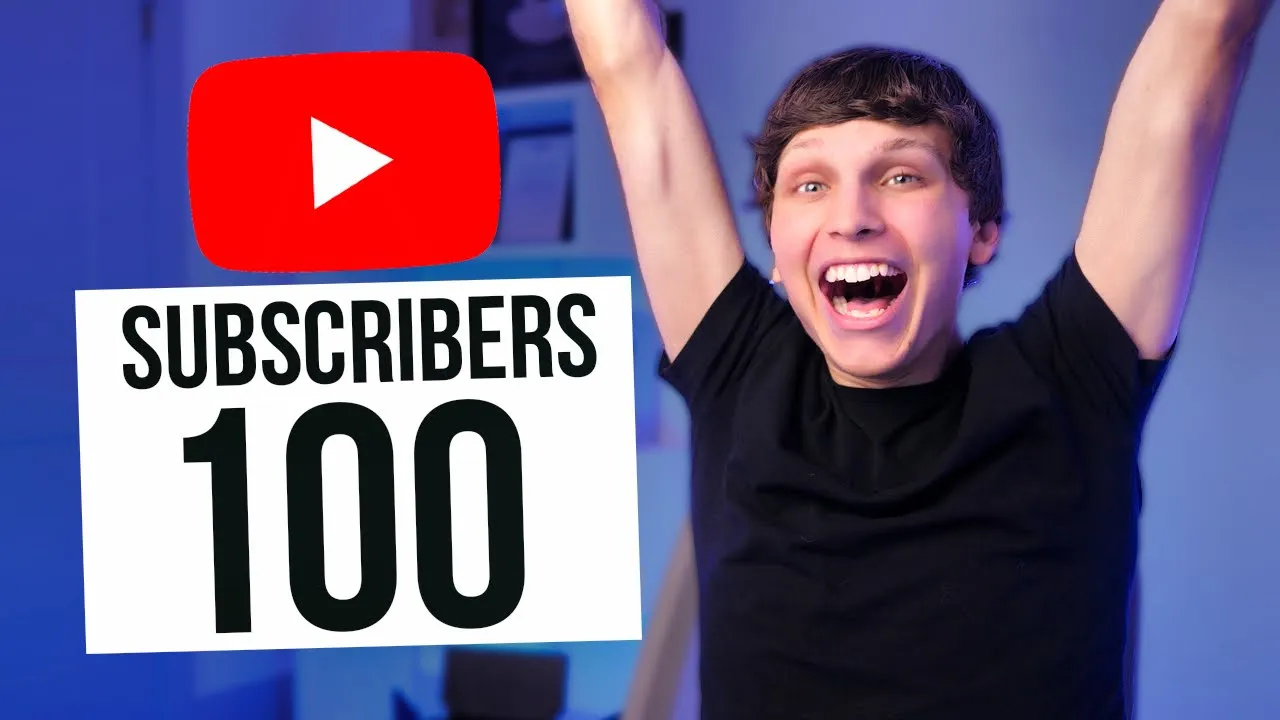
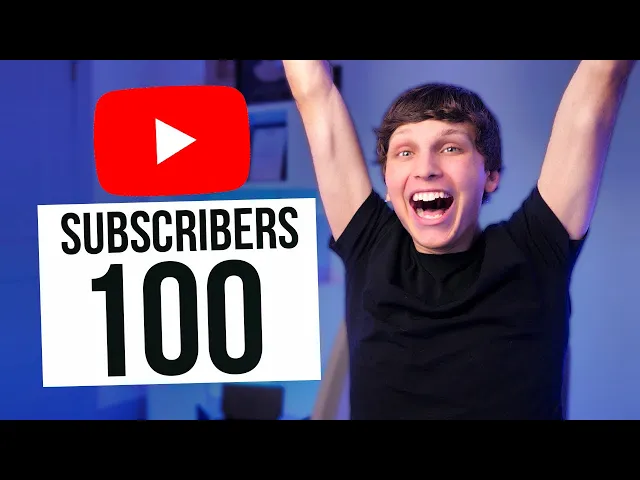
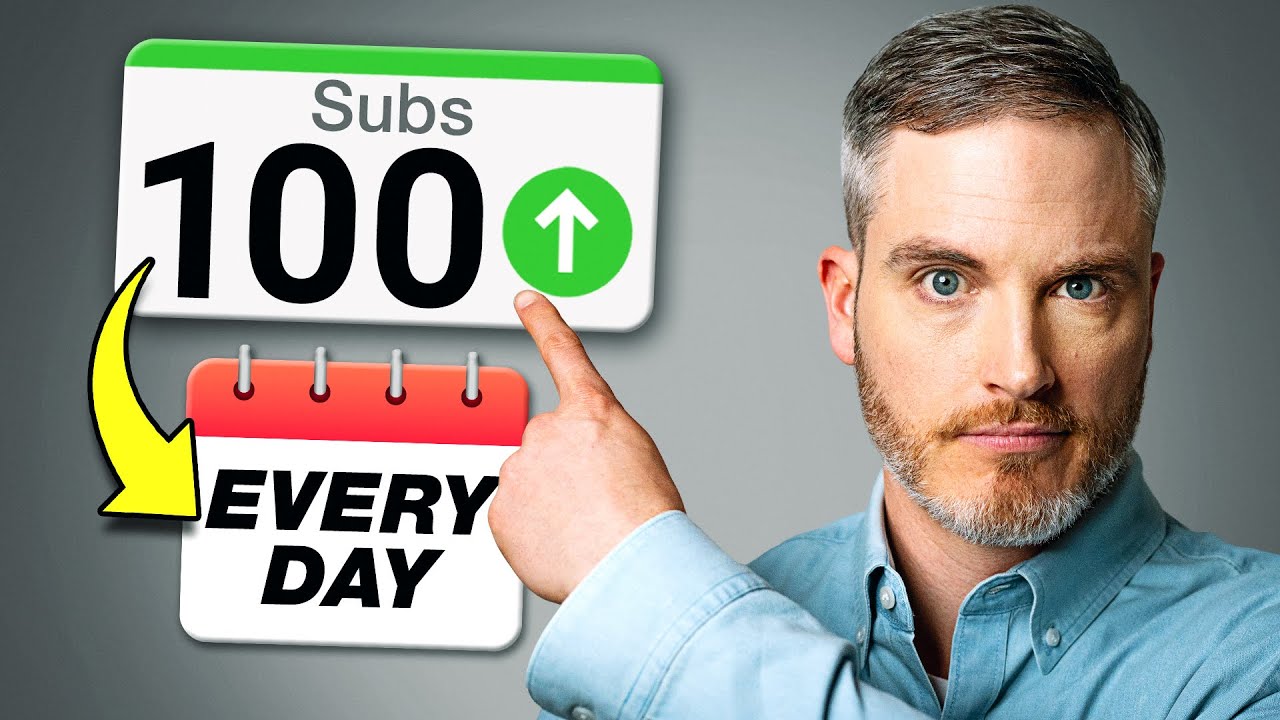
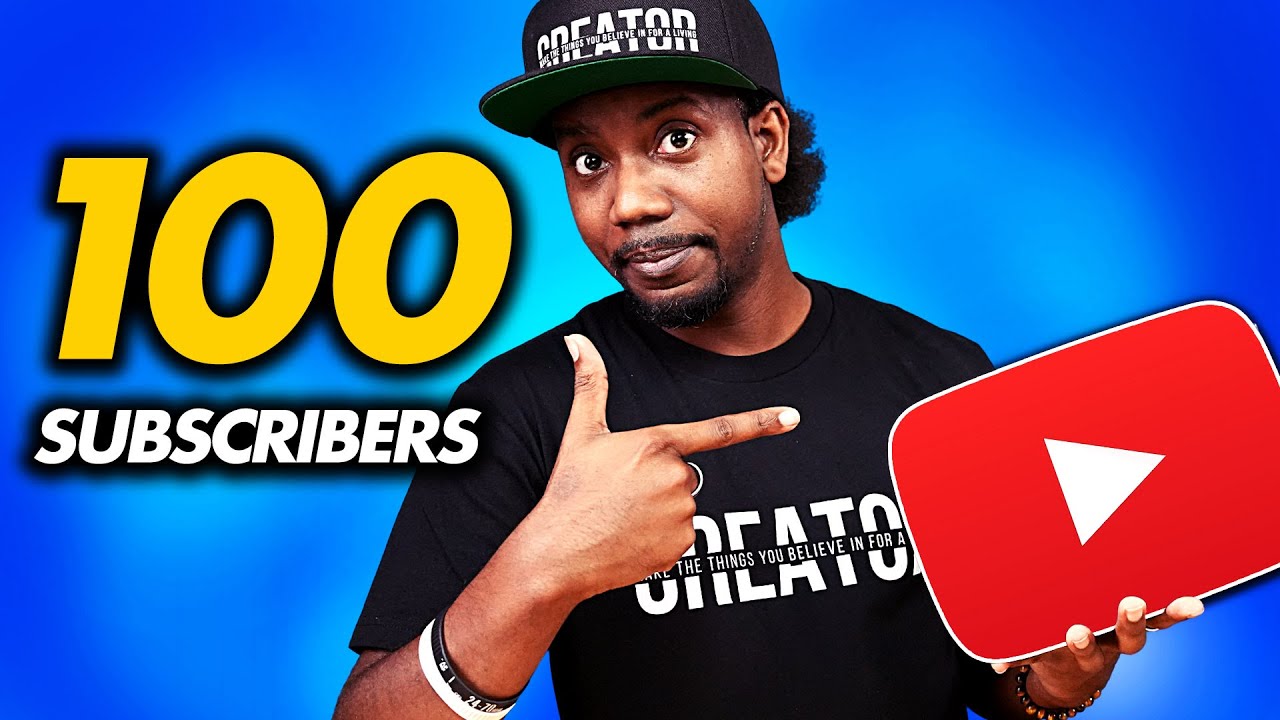
so to get 100 subscribers on YouTube you need around 10 000 views now you might be asking Matt how in the world do you know that well I run over a dozen different YouTube channels most of which without ever even showing my face and what I've seen is that on most of my faceless channels they get about a one percent view to subscriber ratio meaning that for every 100 people who view one of those channels or a video from one of those channels one person in turn subscribe so applying that same math to 10 000
views that would equal to 100 subscribers but here on my personal Channel I actually get around a three percent view to subscriber ratio so by this logic if you're showing your face on your channel you'd only need around 3 300 views now you might be asking Matt how long realistically is it going to take me to hit 100 subscribers now every channel is different obviously I can't guarantee anything however I truly believe that if you apply this checklist that I'm about to give you that you can hit 100 subscribers within your first month or two
that's because if you upload three videos per week that's 12 videos per month and if each video gets a thousand views each that's 12 000 views going back to that one percent view to subscriber ratio you should definitely be able to hit 100 subscribers by then and if you're doing these tactics it actually gets easier and easier to get subscribers so it shouldn't be long at all before you're at a thousand subscribers 10 000 and so on tip number one is to research the biggest mistake that people make with brand new channels that prevents them
from getting subscribers as fast as they possibly can is not going in with a clear plan luckily it's super easy to do research nowadays on YouTube because we can clearly see what's working and what's not what I recommend doing is writing down three different niches that you're thinking of uploading content in niches are simply categories of content for example the niche in my channel right here is teaching people how to make money online and grow on YouTube so try to think of at least three things that you personally are interested in if you literally can't
think of anything just go back and look at your subscription see what you're subscribed to and what you watch on YouTube and if you still can't think of anything check out my video where I show you what are in my opinion the 24 best niches on YouTube and now it's time to see if your idea is actually viable the way we do that is really simple we go to YouTube we search the niche that we're thinking about doing for example let's say we're doing a channel teaching people how to grow on YouTube We would simply
search grow on YouTube and then we download a completely free Chrome extension called Vida IQ and we open up a few of the top videos within the niche and we go to the channels that uploaded those videos then what we want to do is go to the statistics tab that's going to be added on those channels under a little tab that says stats we click that and this will in turn show how many views per month certain channels are getting we just simply want to make sure that there's channels getting at least minimum 100 to
500 000 views per month this is because this is essentially the starting point at which a channel could be making a full-time income from ad revenue and other sources as well now I know if you're watching this video you probably want to get subscribers but you probably want to make some money from your channel as well and also this is is just going to ensure that it's possible to get 100 subscribers fast tip number two is to get 12 different video ideas for the start of your channel now if you already have a channel and
you've been uploading on it if you're going to stay within the same Niche just keep that channel if you're changing the niche I would recommend starting a brand new channel and going back to the math that we did at the beginning of this video we want each video to for sure over time get at least 1 000 views each and the way that we're going to ensure that is by choosing the right video ideas and I'm going to show you exactly how to do that and keep in mind just a quick side note right here
not every video is going to get a thousand views overnight it typically takes some time for it to accumulate that amount of views my goal for you is to do it within the first month or two but I personally have tons of students who hit a thousand subscribers that's 10 times 100 literally within the first couple months of their YouTube channel so I know it's 100 possible for you and the way I personally like getting my video ideas is getting six from already popular videos and the remaining six from keyword research to find viral videos
all we do is search our Niche on YouTube find some videos that have gotten a lot of views ideally more than a hundred thousand make sure they haven't been uploaded ages ago and if they were make sure that they're ever green meaning people are still likely to be interested in this subject for example if you're making a video about a piece of news that happened six years ago that's probably not a good video idea but if you're remaking a video that was made six years ago about say how to grow on YouTube that's probably a
great video idea because people are always interested in that but to be safe you just want to make sure there's videos going up consistently about the topic that you're creating a video on with over 50 to 100 000 views and then to find the remaining six video ideas from keyword research all we have to do is go to a website called vid IQ and if you actually log in to the website and you subscribe to one of their plans then you get this keyword section right here and basically all you do is Search keywords relating
to your Niche for example if we're creating videos about how to grow on YouTube we search how to grow on YouTube hit enter and from here it's going to give us a ton of different keyword ideas now what I like to do is to go to the related keyword section right here click view all keywords and from here then I like to sort it by the overall score they might be asking that what's the overall score these are simply good keywords they're keywords that have a lot of search volume meaning people are searching for them
a lot on YouTube every single month and they have a low amount of what is called competition score how many competing videos are you going against so for example when we search this as you can see tons of these could be video ideas for example this one YouTube algorithm 2023 you could create that into a video talking about the YouTube algorithm explained in 2023 boom hit that keyword hopefully rank for 158 000 people searching that per month and there's a very low amount of competition only 30 out of 100 on that relative score right there
so basically you just go down the list and don't worry if you can't create a video about one of these topics just move on to the next keyword for example how to get more views fast that's a great video idea right right there how to make money online that's a great video idea and you basically just go top to bottom and feel free to plug in as many keywords as you can possibly think of relating to this for example how to get subscribers how to get views anything that you can think of that is related
now if you don't want to pay for vid IQ that's no worries either you can use free Alternatives like simply going to YouTube itself and starting to plug in different Search terms like how to grow on YouTube and then hit space and then see all the different video ideas that come up now the advantage of using something like vid IQ is it'll give you way more ideas so you don't have to think of all of them right off the top of your head and it shows the actual search volume and competition scores for those keywords
which you're not going to have if you just use YouTube search then what I like to do is to put all 12 of these video ideas into a Google doc and now that we have our ideas it's time to move on to the next tip which is titles and thumbnails most people make the big mistake of focusing on creating their video first and then worrying about the title and thumbnail later this is a huge mistake because one of the main factors of your videos performing good which will in turn get you views which will in
turn get you subscribers so you can hit those first 100 subscribers as fast as possible it's a little thing called click-through rate this is simply the percentage of people who click to watch your video when seeing it show up in different places on YouTube and we want that number to be as high as we possibly can get it and the way we do that is by having a great thumbnail now a thumbnail is just a cover image for your video and it's meant to entice people to click your video as opposed to all the other
videos on YouTube we want them to click your video so therefore it's a much better idea to actually focus on both your title which we got from your video ideas and your thumbnail first before we actually even go about creating the video so we know we're going in with the deck stacked in our favor so right now we're going to do a thumbnail test I'm going to show you two different thumbnails flash them up on the screen and you tell me or just tell yourself which one that you would rather click on ready I'm going
to show the two thumbnails in three two and one now I know I didn't show them for very long at all but it's very likely that you would click on one rather than the other and if you're like most people you would have clicked on thumbnail number two that's because thumbnail number two got over 198 000 views within one month meanwhile thumbnail number one only got 2 500 views in three years so why did this happen well it's actually pretty clear and this is a great lesson for you to have the best thumbnails you possibly
can and this is going to benefit you a ton just by understanding this first of all thumbnail number one has super small text that's terrible keep in mind thumbnails actually appear very small in a lot of places on YouTube so you want your text to be as big as possible and keep your text down to a minimum and there's too much text in thumbnail number one so instead of saying new channels 100 subscribers in 24 hours I would get rid of most of that and just put 100 subscribers in as big of text as possible
also there's a ton of Blank Space which is typically not a best practice in thumbnail number one it's hard to read it doesn't entirely make sense and the primary Elements which are both the guy in the thumbnail and the text are very small typically we want our primary elements to be as big as possible and take up as much of the thumbnail as possible meanwhile thumbnail number two did so well because it's got huge text it's easy to read easy to understand it uses a lot of human emotion too which can be a good best
practice and it uses bright colors to attract your eye to it so here's a thumbnail checklist feel free to screenshot this and use this going forward when you're creating thumbnails and also if you're looking for a good image editor you don't have to pay for any fancy software to make thumbnails you can use any of these free software right here and for titles I just recommend modeling what's already working on other videos but just make sure to put in your own words and make it slightly different tip number four is the actual video now that
we have a good idea title and thumbnail it's important that we actually have a solid video as well so it'll perform good and this is actually easily done by number one getting straight into the video don't have long drawn out intro Pros where you talk about what you're going to show and you're going to explain instead just get straight into the video whether you're providing entertainment or educational value it's incredibly imperative that you get into the video as fast as you possibly can your goal is to keep as many people engaged as possible within the
first 30 seconds of your video number two don't ask people to subscribe people know how YouTube works if they have an account they're probably subscribed to other channels as well and trust me people will subscribe to you if you make good content number three also don't leave a ton of Blank Space throughout your video if you have a moment in your video where there's no talking there's nothing happening that's keeping people engaged cut that moment out even if your video is shorter as a result that's totally fine videos at every single length can go viral
just make sure to cut out any blank space next make sure to edit in titles throughout your video to keep engagement high for most video types every video is going to be different as you can see in this video you're watching right here you probably see all the titles and animations that we have going on throughout the video that is by Design to help keep you you both engaged it helps you remember the video and the tips more as well so that you can actually Implement them and get 100 subscribers as fast as possible and
I recommend you do the same if you can on your videos and every Niche is different you're going to find what works in one Niche might not work in another so go through other videos within your Niche see what they're doing model it into your own videos don't copy it outright but just model it all the aspects that are working to make your videos have the best chance possible for going viral also if you're looking to edit your videos here's a bunch of free video editors that you can use to edit them for completely free
tip number five is the right way now that you have videos ready to be up loaded onto YouTube it's important that we optimize them to actually start ranking so YouTube tests them to the Right audience initially so that you can get pushed out to your first potential 100 subscribers who will then go ahead and subscribe as fast as possible and this is simply done by adding what are called Tags tags are simply a piece of metadata that you type in to describe your video and these are simply keywords that describe your video so for example
when I'm uploading a video you guys probably know this screen if you've ever uploaded videos to YouTube you go up here you click upload video from here then all you simply do is drag the video that you want to upload you can also use your phone it really doesn't matter I'm on a computer right now and once the video is beginning to upload you scroll down to this section that says tags right here now what I simply like to do is to search what my video is about let's say it's how to get 100 subscribers
on YouTube right I'll find some other popular videos I'll open them all up for example I'll open up this one right here and from here what I'll do is actually go to the side and if you have either the socialblade video extension or the vid IQ extension which you can see right here then what you can do is actually copy these tags onto your own video so as you can see it says video tags right here we can just click this button right here go back to our video and then just simply paste the tags
in right there now you're going to get a lot of tags that also don't relate to your video and you want to get rid of those so for example there's tags from the actual Channel's name right here we want to get rid of that and we want to get rid of any that aren't pertinent to our video or have a super low score so for example I like to get anything under a 40. you'll see the score shown by this little blue icon right here so this one 23 score I'm going to get rid of
that and I might even leave a lot of these the same they look pretty good then what I like to do is if you have the vid IQ boost plan which I personally do I click boost this video this in turn is going to allow you to add a bunch of keywords onto your video that are the best ones and what I like to do is sort this by the overall score and then just go down from the top to bottom and see if any of these relate to my video for example YouTube algorithm that
relay lights how to give these on YouTube let's say this one's about how to get subscribers so that might not relate how to grow on YouTube that relates but that puts my tags over the limit so I'll get rid of that right there and I just like to sometimes end the tags with what my channel name is so for example my name is just Matt Parson I'll throw that in and boom that is a pretty simple way of doing the tags now what I also like to do is to implement something called similar metadata these
are simply keywords a group of keywords that you have the same on every single video on your channel so for example if your channel is about how to grow on YouTube you might use keywords like grow on YouTube how to grow on YouTube and I recommend having about three to five of these keywords that you put on every single video on your Channel at the end of your tags and the reason for this is that it will actually link all of your videos together within the algorithm so when one of your video gets a view
then what you'll notice is that in the suggested video tab of that video another one of your videos might show up now what is this going to do for the viewer watching the video they're likely to to watch another one of your videos and another one and this can turn one view into multiple views it makes people more likely to subscribe and it keeps people on YouTube which are all factors to help your channel within the algorithm and help you get 100 subscribers fast now tip number six is what not to do under any circumstances
whatever you do and honestly I'm begging you not to do this whatever you do never buy views and never buy subscribers and the reason I say that is because I see so many people even within my own course and community and I see you guys out there like within the comments of my videos and everything asking if you should buy a Channel or views or subscribers and honestly guys 99.9 of the time essentially a hundred percent of the time it's fake and it's a scam never buy views never buy subscribers it will only hurt your
channel long term and that's the reason that I personally grow all of my channels organically and my students who have had the best success in my programs they're all grown organically from scratch and I recommend you do the same so now here's a checklist from this video of how to get 100 subscribers as fast as possible feel free to screenshot this and refer back to it during your YouTube journey and I can't wait to see you get 100 subscribers fast tip number seven is what to do once you do hit 100 subscribers so once you
get to that point or if you're already at that point congratulations you did an awesome job now it's time to actually start the next step of our process which is keeping your upload scheduled keep uploading whatever you do now that you've got 100 subscribers you're starting to build some momentum with your channel this is not the time to take a break this is not the time to stop usually channels need at least 30 to 60 videos to really pop off and take off within the algorithm if the videos are good and the reason I'm saying
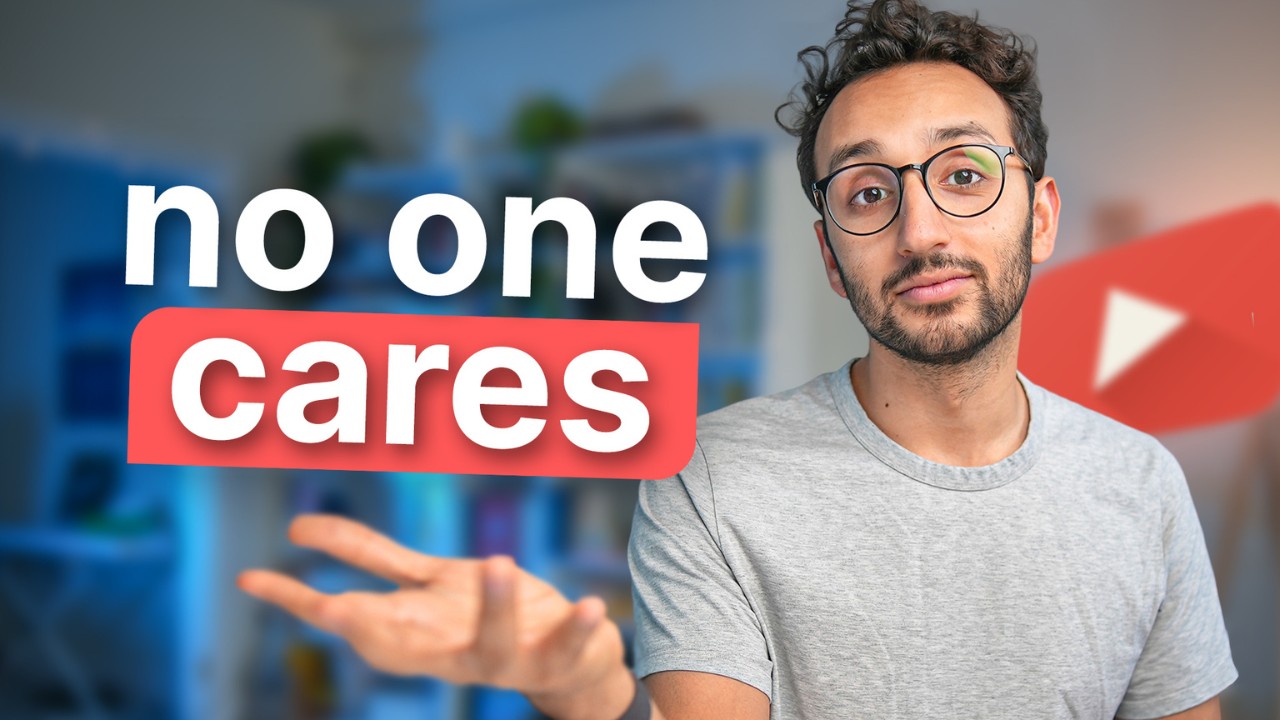
this is I want to see you hit a thousand subscribers ten thousand a hundred thousand I want to see you get some play buttons from YouTube as well and I want to see you reach your YouTube goals get monetized start making money from YouTube and start making YouTube into a business and speaking of making money on YouTube I'd love to invite you to check out this video right here which shows exactly how to make money on YouTube without even showing your face or making any videos yourself so check out this video right here it's how
I run over a dozen channels myself thanks for watching and I'll see you there






![Ranking Faceless YouTube Automation Niches [Tier List]](https://img.youtube.com/vi/LPNYHl3Y4gM/maxresdefault.jpg)