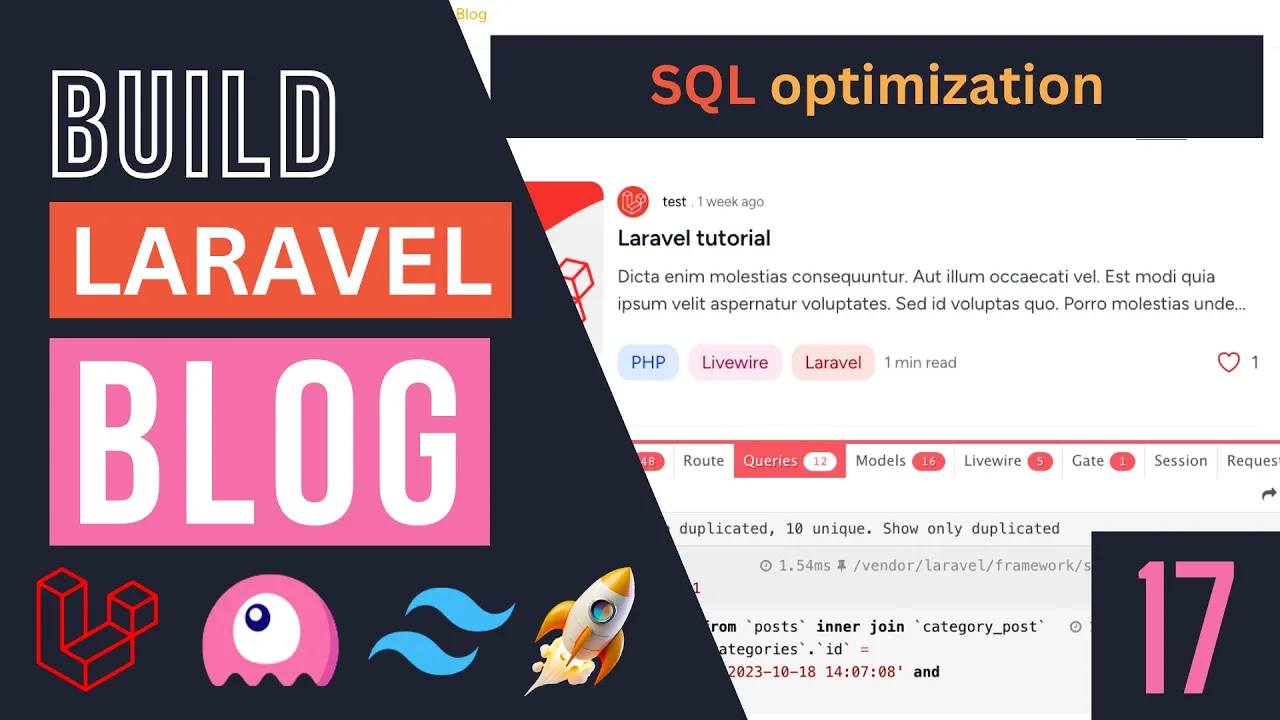
hey guys welcome back on today's episode we are going to work on optimizing our application using eager loading so let's get right into it so if you guys are not familiar with the concept of eager loading I do have a separate LEL video on it on my channel if you guys are interested you can check it out but basically it's a way for us to optimize our SQL query so we do we perform less SQL queries now I can kind of explain it to you guys in theory but I think the best way to see it is in action so if you're not familiar with it bear with me I'm going to show you guys what it is exactly in a visual way now in order to Vis visualize it for us we do need to go ahead and use a package here so there is a package for Lal called Lal debug bar and it gives us an easy way to view all the queries performed on our application so I do recommend you guys install it if you like or you can kind of skip the step it's not required to do it but I will be doing it so you guys can we can kind of see what happens before and after we do eager loading on on our application and that's why I didn't do it initially on the First episodes that we were writing our eloquent queries the reason was because it was hard to see its effect so I will have the link in description guys it's called Lal debug bar you can also search it on Google and if we scroll down there should be a composer command over here so we can go ahead and copy this I'm just going to copy it and then afterwards basically in order to install it just open up your terminal paste that in and hit enter and that's all we have to do okay so this will go ahead and install this Lal debug bar for us and it's also useful uh for kind of debugging your uh liver components so we might use that later on as well okay so that's it that's all we have to do and it will automatically go ahead and activate on local development so if you are using it on local development now you should see a lot of a logo at the bottom left and let me zoom in a little bit more so you guys can see and if you click on it you should get a bar like this and it has a bunch of different tabs I'm not going to be covering all all of them but it allows you to see your request duration the memory usage uh your PHP version and then uh the part we really care about is this queries section okay so right now we are performing 18 queries and let me reload yeah uh 18 queries just on our homepage alone okay so we can definitely do some work to improve that and then if I go on our Blog Page we are performing 20 queries and I'm just looking through this we are doing a few of these duplicate ones over here or category slug is called one so we need to see why this is happening and then optimize this and then we are for example performing this duplicate query one for user 119 another one for user with ID 119 right so these can be kind of removed right so we can remove a lot a bunch of these duplicate queries and that's the main purpose of today's video so let's go ahead and get on with that so the first part is actually I would like to fix this issue over here where uh we are loading I think this is the act active category this is what it's supposed to be let me click on one of these I think this is the active category when we don't have an active category selected it performs a bunch of duplicate queries okay now the reason this is happening uh let me show it to you guys uh by opening up our post list live component so The Way live wires computed properties work is it only caches the result so the way they work is basically it caches the result for the duration of a request however it only caches it if it's not null okay so in our case this category by default obviously does not exist right so once we call this first we actually is as if it is a null value okay and if it's receiving a null value Live Wire does not cash it so if it's not caching it uh we are calling it over here this. active category I think on our blade file we are calling it once over here and once over here right so that's all the three times and we if you look at the debug bar we are again performing that query a few other times okay so that's exactly matches with the number of use cases so there are a couple of different ways we could fix this I think one easy way is obviously if it's null we can use this null operator and maybe return false that's one way or uh we could alternatively I don't like the false method because potentially maybe uh you know I don't like to send mix types but you can definitely go ahead and do that I think this should fix the issue let's reload yeah it removed basically 12 of the queries right so now we only have 20 so that's one easy way alternatively we could just check if uh the category is null so if this. category is null or maybe if it's like an empty string uh we can kind of exit early so we can return early so let's just do that and then maybe uh you know return null okay in this case it doesn't really matter if you return null because we're not really performing any database queries okay so in this case we can't actually return n it won't cash it which is totally fine or we can we can still keep the false I'll keep it over here it does you you won't be able to just access it again it's a Boolean value so you do need to be careful when using it so if you guys don't like that definitely go ahead and get rid of this it's up to you for now get rid of it I don't think we need it but that's one extra option so I'll just add this check over here so we're not performing any database queries when the category value is basically not set so let's go back let's do a quick reload and now again we're down to uh 19 okay so again we are not even performing a query if the category is null right which is very nice okay so that's for the first one now let's look at some other ones we could optimize I'm just going to scroll down the next one I would like to show you guys how to optimize is this duplicate queries for the user okay so for example in this case we are getting the user with ID 119 and then there is another one for the exact same user 119 right so this is for our authors okay so basically the author of these post probably we have have a duplicate alter somewhere around here right so one way we can potentially remove or uh mitigate these is by using eager loading so the way eager loading is instead of manually loading these users one by one whenever we are displaying it we load all of them in one big query okay so that's how it works so let me show you guys what I mean by that so let's go back to our code base now in order to do eager loading in Lal you can do it on your eloquent models and basically you can go ahead and say with and this will go ahead and perform eager loading for you and then in this case you need to pass in the relationship you want to eager load so for us uh this has to match the name of the relationship you have defined on your model so I'm going to open up our post model so we have a bunch of relationships over here we have one for comments one for categories so I'm going to be using auor over here so I'll just copy this so now we are eager loading the author of the post so let's save this let's go back now I don't think this will improve it let's see just let do a quick reload now we have 177 statements and if I scroll down as you guys can see it now does this query over here okay so previously we were doing three separate queries one for user 119 one for user 162 and one for user 206 now we are performing that in one big query okay so we went from three queries down to one which is very nice okay so this is the power of eager loading uh it allows you to minimize the number of request now there is a drawback with eager loading and that is it will form it all the time okay so if I were to actually remove or hide my post auor it would still go ahead and perform this query okay so you do need to be careful with it and let me show it to you guys so you can see visually so I'm going to go ahead and open up post author uh sorry post item and I'll remove the author here this is the author over here x poost otter so we are no longer displaying it this should technically previously if you didn't have eager loading it wouldn't actually perform the query but if I reload now we are still performing this query okay so that's the thing with eager loading it performs the query even if you are not using it so you do need to be careful with how that works okay so if you don't need it don't activate eager loading so there is some drawbacks to it so let's open up and let's show the author again all right so that's it now can we do eager loading for anything else we probably can also do it for our categories as well so that's probably the next thing we can do so let's also enable a gear loading so we load all the categories for all the posts together so I'm just going to say categories as well so let's save that I'll do a Reload and now we are down to 15 statements okay which is very nice now is there something else we could do with this I'm just checking now we do have quite a few of these queries for uh the liked post now the way our like button works is it's a completely independent liver component and it loads the post again so this query that we have is checking if we have like the post and then this one is getting the number of counts now technically we could optimize this a little bit more but it requires a little bit of hack you know hacky or we need to change quite a bit of code on our Li component so I'm not going to be optimizing this today but if you guys are interested in doing that you can take a look at something called WID count and here we can pass in likes and this gives us basically an it will optimize our like count as well if you want okay but we do need to do quite a bit of changes on our liary component for to make this work and it also uh we do need to run the entire query again every time we like and unlike a single post so maybe at the end it w be as optimized but we will see but that is an option you guys may want to look at if you have some other projects but for now I'm not going to be doing it we're only going to be eager loading author and categories okay and I think that's all we have to do for now I think it it's much improved now and we went from I think 22 down to 15 okay now we can do the exact same thing on our homepage as well I go back to our homepage over here uh we are loading the categories multiple times as you guys can see okay so we can go ahead and eager load the categories on our homepage as well so I'm going to go ahead and do that I'll open up our homepage controller I think I already have it open actually yeah and we're going to do the exact same thing so first one we have our future post so let's go ahead and add the width so here we can say author as well as uh categories actually we don't need the author if I'm not mistaken so on the homepage we are not displaying the author right so adding the author will actually make it worse so I'll only add the categories and then we need to do the exact same thing for a latest post as well so let's go ahead and do that as well all right let's save it let's go back I'll do a quick reload and if we go back now we have 20 statements let's actually get rid of this for a second so we were 19 let's do one more I'll remove this as well so we have actually increased the number of queries we were doing so let's see why that is happening so let's take a look at our uh post card so this must be something we are doing in the postcard so the issue here is we are doing something like this so we are saying post.
categories. first so this is a big issue we are doing over here so this is kind of duplicating the number of queries we are doing uh we are eager loading and we are still performing the old previous code base okay so in order to fix this I'm still going to go ahead and add the eager loading okay but now we won't we no longer need to do post. categories.
first okay so what we can do is we can go ahead and say post.