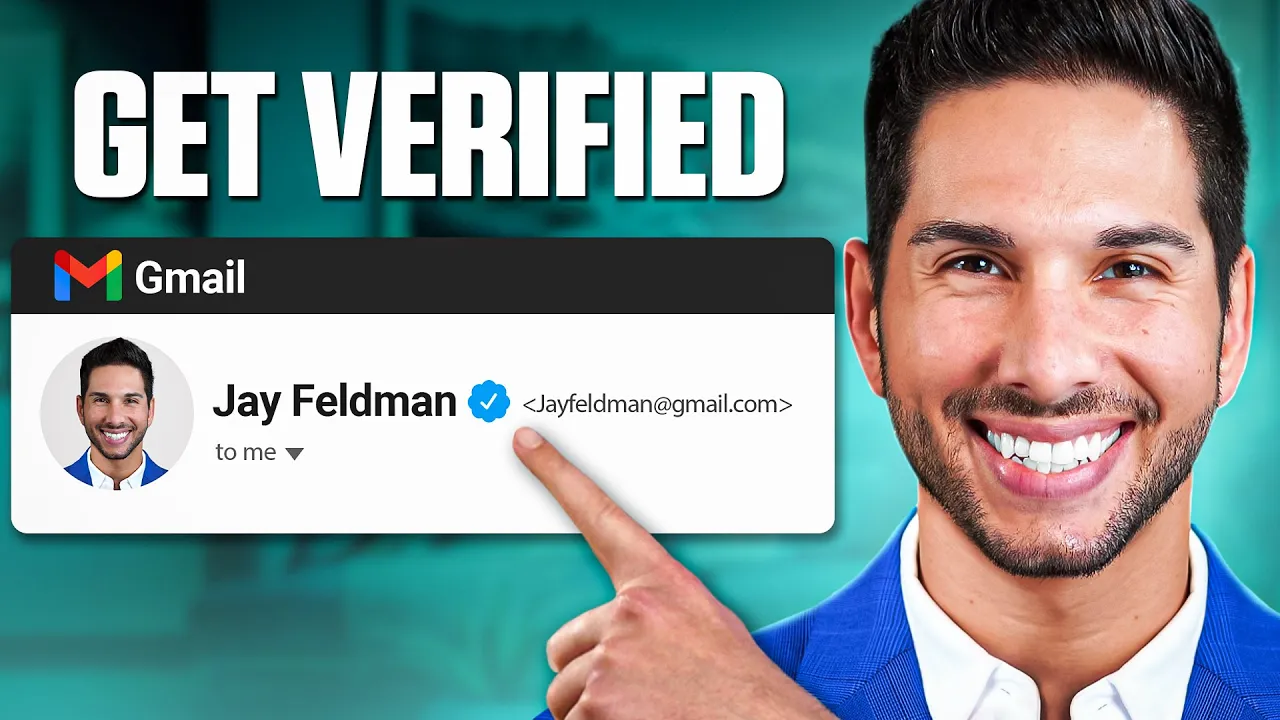
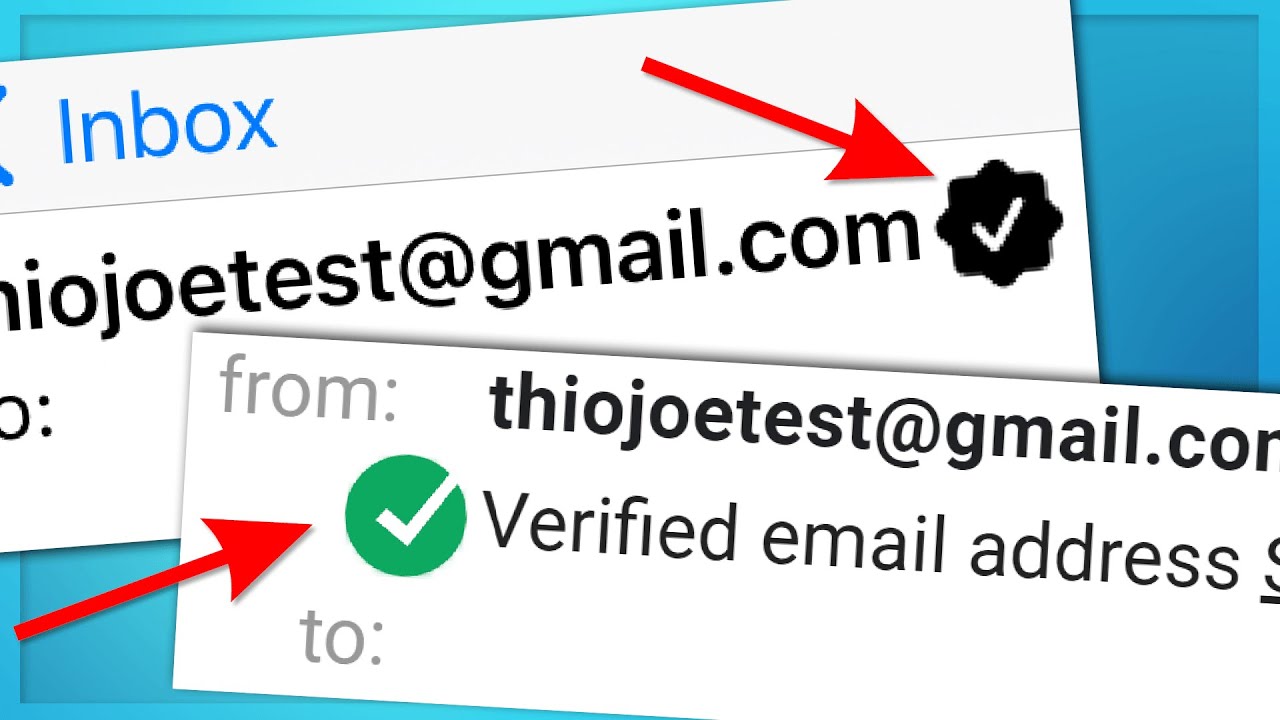
I just got a blue check for our entire organization on email now anytime that somebody receives an email from any member of our organization their name is going to have a blue check next to it and if you're looking at email on your mobile phone you'll probably see a whole bunch of circles with colors and a letter ours has our trademarked icon now in this video I'm going to be walking you through step by step how I did this and how you can do it yourself this is against the advice of my business partner he
thinks we should package this and sell it as an offer I'm like you know what I'm gonna teach this for free I'm going to show you exactly the tools that you're going to need to use and exactly the services that you're going to need to use to get that blue check to apply it to your email domain everything if you're new to the channel I'm lead Genji and if you want to work with us or get this done for you click the link down in the description now let's pull up the curtain and show you
exactly step by step what you need to do to get a blue check for your organization and I'll be frank with you there's a reason that not a lot of organizations have this blue check it's not free and it's not that easy to do I'm going to break this down into four steps step one and this is going to take the longest out of every single step and that's going to be get a trademark now this is actually simpler to do than you might expect so there's a couple ways to get a trademark you're going
to need to file an application for it you can do that using a service like Rocket Lawyer or you can do what I typically do and I go to Fiverr and I get a discount legal fee now the trademark that you're going to want to apply for is not the trademark on your business name it's your business stamp your icon or your logo that icon or logo that's going to show up in Gmail is what needs to be trademarked so that trademark application can take somewhere around six months so the sooner that you start that
the better if you already have a trademark on your business you can Skip To The Next Step so my advice for getting this trademark is going to be go to Fiverr talk to a couple people ideally they're in the United States that can look over your icon look over your logo and get that trademark for you you're going to have to have an incorporated business in order to do this and if you don't have an incorporated business that's the new step one go file an LLC open a business bank account get an EIN you can't
do any of the next steps until you have an incorporated business so awesome you've applied for your trademark you're working with an attorney to follow up on that and make sure that that gets approved you can start on step two three and four now and here's what they are so one of the things in the process of getting our blue check on email that gave me a crazy headache was actually getting the file down to the size and format that they needed in order for it to work so I tried everything with Photoshop a graphic
designer nobody could do it so what did I do I did my old trusty thing and I went over to Fiverr and I searched these exact Search terms and you can try this as well so you're gonna go to Fiverr and you're gonna search for this Bimi SVG so there's several providers on Fiverr that can take your logo ideally in an AI format because you had your logo designed by a graphic designer if you didn't I highly recommend having a graphic designer convert your logo or your icon in it to an AI or some kind
of format that can be vectorized made as big or as small as as you want once you do that go on Fiverr Bimi SVG have one of the providers on there convert your logo or icon into an SVG format that's compatible for Bimi you're going to need this when you go to step three and this can take a little while to do and you're going to need to choose which one you want to show up on the email whether that's going to be your full logo or your icon I personally recommend an icon for example
if you looked at linkedin's bimmy record so you look at Lincoln linkedin's blue check how their icon shows up it looks just like their app icons a little blue box with an N on it however if you look at Asana it's got the whole Asana in there and actually looks pretty small you can't really read the Asana so we went with our icon I recommend that you do the same and it's also important to note that you don't need to get the colors trademarked it's just the design now once you've got your SVG file from
Fiverr it's compatible it's ready to go let's move on to step three now for step three let's go over to my screen and I'm going to walk you through some steps now in order to get the blue check on email you're going to need to create a bimy record and to get a bimy record you need a verified Mark certificate vmc there's really two companies that provide this right now I have no association with either of them there is digisert and N trust there are different resellers but typically they're reselling a vmc certificates from one
of these two companies now we actually used ntrust it was is a little bit cheaper it's thirteen hundred dollars per year instead of fifteen hundred dollars per year now like I said this is not free but for organizations with multiple people working for them this is a no-brainer because your entire organization is going to get a blue check and you're going to stand out and build some trust and increase deliverability now we used and Trust because they're a little bit cheaper and they were recommended by a friend so this is entrust here's what you're going
to need to do you can purchase this here here are some of the qualifications here on the left hand side don't worry about these I'm going to be walking you through the details in just a second as you can see you're going to need a specific dmarc policy this is going to become important in step four you're going to need a registered trademark logo which is required now let's go into the back end and show you what this actually looks like once you pay come in to add to cart and purchase an entrust vmc certificate
so here's inside my account right now setting up the verified Mark here's the different steps that need to take place you need to submit your organization for verification you're going to answer some questions about your organization they need to make sure that you you are a real organization that has employees that has a business that has a website and you're not doing anything shady Next Step submit a domain for verification the bimy record the blue check only covers a single domain per bimy record if you want to add additional domains it costs more money we
only verified otterpr.com our main domain but if you do have multiple domains that you send from for example Apple has applecardmembers.com and all of those different domains are verified but you will have to submit your domain for verification and it will have to get approved next submit your EV information for verification EV stands for extended validation it's just a couple of questions that you're going to have to answer and upload a couple of documents from your company for example your EIN and some information about your company and Corporation status next it's time to submit your
trademark for verification assuming that your trademark went through and this is typically the longest step you're going to upload it here you're going to send it to their validation team to be validated and they will update all of your statuses right here in the dashboard I assume that it looks very similar inside of digisert if you choose to use their service instead next you'll be creating your certificate and this you'll need your SVG file for your bimy record once everything is approved you'll finally get your verified Mark certificate URL your logo URL and then they'll
go ahead and auto create this Bimi txt record for you that Bimi txt record is what signifies to Google to show that blue check and show your icon every time somebody receives an email from your domain so you're going to take this txt record and go into your DNS records and I'm going to show you exactly what to do next congratulations you've gotten through step one through three now's the easy part now you actually implement it and watch that blue check show up if you've gotten value so far and you can't believe that I'm even
sharing this with you and I'm not trying to sell this service to you go ahead and drop a like drop a comment if you have any questions about it but most of all if you're finding value please subscribe so that you see more value just like this delivered to your YouTube algorithm alright step four let's Implement your bimy record so that you can start sending with that blue check let's go into your DNS now we manage ours in cloudflare you might manage yours in GoDaddy or Google domains it doesn't matter the process is going to
be the same go into your DNS records and you're going to add a txt record just like this you're going to put the name default dot underscore bimy and it'll typically share with you what that is going to be and end trust or digisert will typically share what you need to put in for these records but default dot underscore bimy as the name the TTL is really not going to matter you can leave it at default or set it as low as possible for the content you're going to copy what you got from your digitalmark
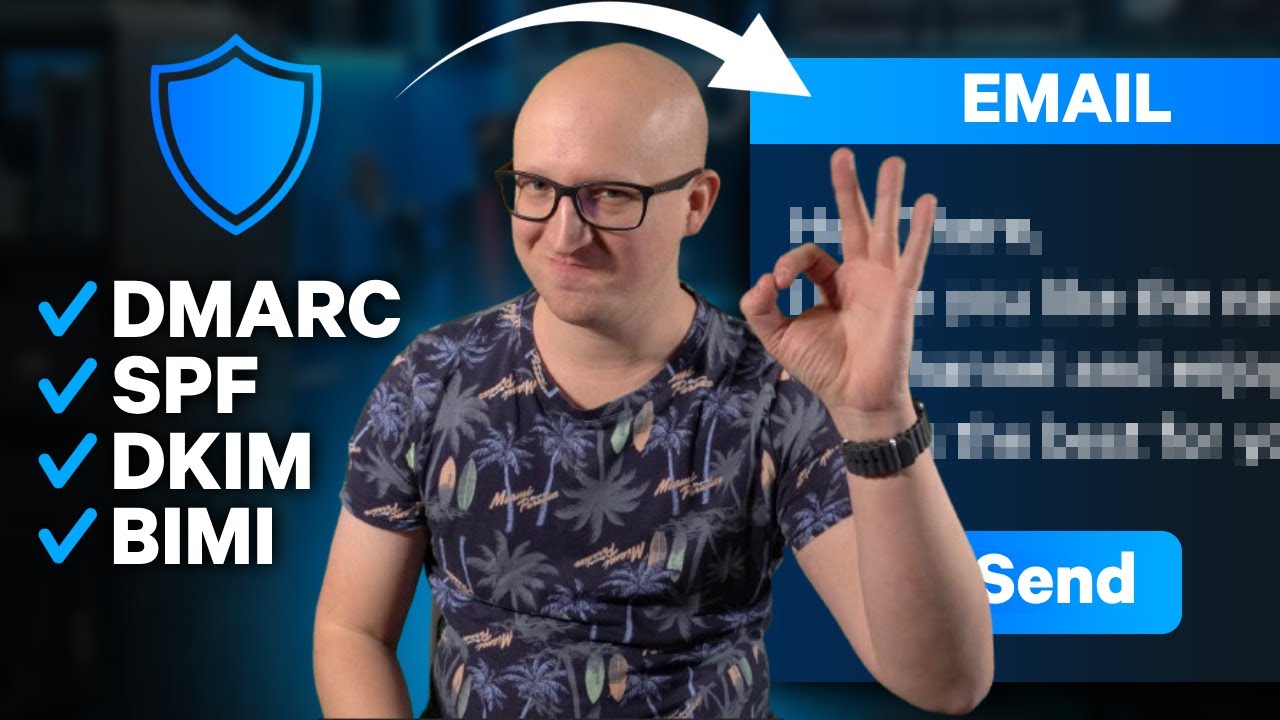
service provider whether that be end trust or digisert put it here in your content and save but you're not done yet there is another very important step now in order for your bimy record your blue check to start working you're going to need your dmarc to be set up correctly now the fastest way to make sure that it's set up correctly is to do a bimy record lookup using this following tool so the tool I like is easydmark.com in fact I use this to generate dmarc records as well so let's go ahead and look up
your domain where you've added that TX T record and it will analyze whether the record's been added and it's reading it and it'll also analyze your dmarc record to make sure that it's compatible now before your bimy record starts to show you're going to want to make sure that it's actually compatible with your dmarc record and compatible with your domain so you may have to change some things the first thing you're going to do is come to mxtoolbox.com find their bimy record lookup put your domain in here and then you will see what your icon
is you'll see the preview of what it's going to look like in Gmail and if you come down you'll see hopefully a bunch of green checks if not you'll be able to see exactly what's wrong what was wrong for us in our case was our dmarc record wasn't compatible specifically our dmarc policy in order for the bimy record to be compatible your dmarc record has to be set to quarantine or reject now I'll show you exactly what that means let's come back to cloudflare and look for my dmarc record I'm going to open up my
dmarc record here now as you can see there's a few different values that you can set within your dmarc record now for most cases p is set to none but for a Bimi to be compatible p he needs to be set to quarantine or reject I recommend using quarantine last but not least your SP also needs to be set to quarantine or reject if these two things are set to none or are not set bimy will not be compatible it will not work so make sure that you check this last thing before you see it
actually start to show up now here's what I've noticed in my organization since implementing the bimy record one there's a lot of confusion I told them all they had blue checks and everyone thinks their own blue check is missing it's not it will not show for you on the front end it will only show to users that are receiving emails from you but what we have noticed is a lot of responses from people asking how we got the blue check telling us how cool it was I've had a lot of feedback asking me how I
did it so which is why I'm creating this video but just some things that you can expect on your end once you're using this is one it does not work on Outlook yet hopefully they're going to implement something in the future to allow things like this because I think it is really valuable for verifying real organizations and real people and adding that level of trust and security and also Improv improving deliverability for real companies so as of 2023 Gmail accounts are about 28 percent of total email users however it's 61 of 18 to 29 year
old as and I'm sure you're aware your parents and your grandparents are probably using weird things like Outlook and ymail and Yahoo people our age are on Gmail it's the most commonly adopted email and most people unless they're major corporations are using Gmail so this is going to work for more than 60 percent of users that you're sending emails to and if you're an organization that does send notifications that sends sales follow-ups that sends reminders or that interacts with Partners or inter-organization on a daily basis this Mark is going to do so much for your
trust your Authority your open rates and it's going to make you look really cool so if you want to stand out from your competition stand out from everyone else who's in your inbox this is the way to do it now it's still a relatively new thing this has only been available for less than a year only major corporations have this so if you already have a trademark on your organization click the link down in the description and find a time to talk to me I will help you get that blue check on email I'll do
everything for you including filing for your vmc implementing this into your DNS records a lot of you don't want to deal with paying all this money for the record and then not being able to use it or not implementing it correctly if you have a large organization this is going to get blue checks for everybody it will pay for itself overnight if you love this video and you appreciate me doing this and giving back and sharing all of my knowledge like subscribe and watch some of these next videos I'll see you in the next one

![How to Build a Cold Email Machine for Beginners [2024]](https://img.youtube.com/vi/_WP5lzHyNRs/maxresdefault.jpg)