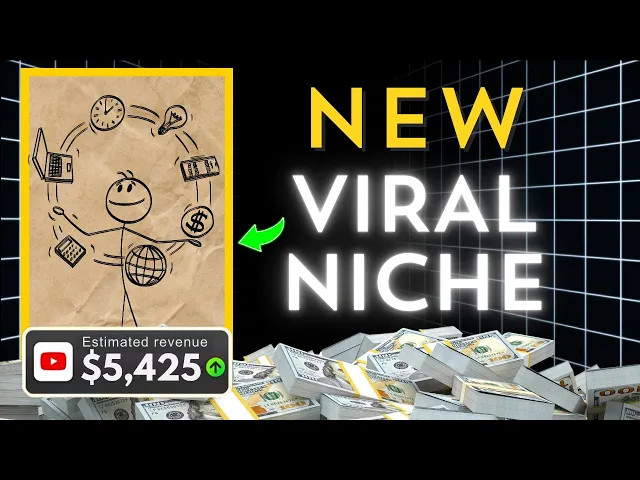
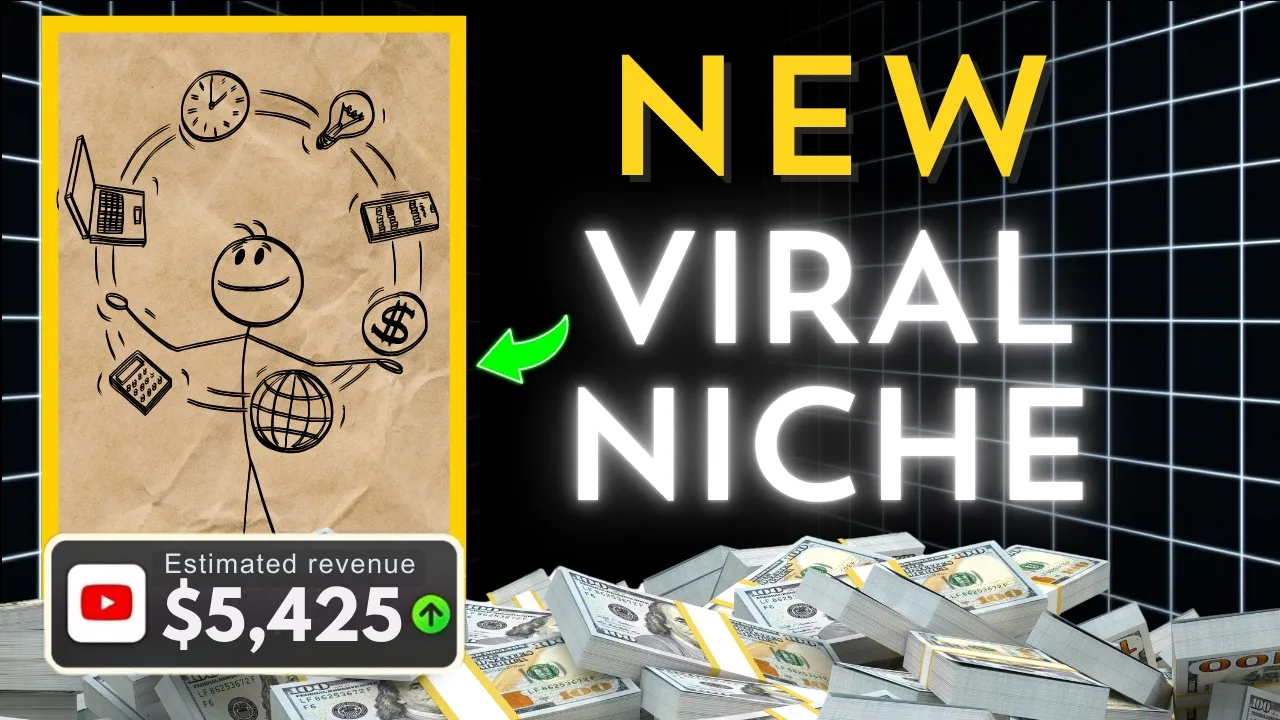
this faceless YouTube channel hit over 4.1 million views gains 140k subscribers and earns $2,000 to $55,000 per month with just 18 stick fig videos all while spending less than 2 hours daily one of their videos even got over 2 million views in a month this success isn't random it's a proven formula rooted in viral YouTube strategies and the process is simpler than you think in this video I'll show you exactly how to create highquality stick figure animations for YouTube step by step using free AI tools whether you're looking for a stick figure animation tutorial or
seeking AI content creation tips this guide has everything you need to launch your own profitable faceless YouTube channel stay until the end because as always I get straight to the point by watching the full video you'll learn all the crucial steps Plus One exclusive secret that no one else is sharing if you're ready to turn this into a money-making YouTube automation Channel smash that like button subscribe and let's dive in but wait before we begin many of you have asked me to review your Channel to help more creators succeed I've launched my first ever Channel
review session head to the link in the description to register and let's take your channel to the next level okay so for real this time let's Dive In Step One write a viral worthy script using AI the first step in mastering viral YouTube strategies is crafting a compelling script that instantly hooks viewers for this we'll use deep seek unlike other AI models deep seek excels at creating fresh creative scripts that feel personal and relatable but even with the right tool you need the right prompt The Prompt I'm about to share was crafted after hours of
testing and trust me it's the best one I've ever created for this channel you can use it on other AI models and still get amazing results here's how to do it head to deep seek Link in the description and log in copy and paste the exact prompt from the video description replace your chosen topic with your desired Niche for instance overcoming procrastination beating addiction finding success etc for this video I will be choosing the topic overcoming addiction hit generate and voila you have a professional grade script in seconds if you tried the prompt on chat
GPT drop a comment on how good the script you got is and give this video a like it means a lot to me step two generate voiceovers with your script ready it's time to bring it to life with a professional sounding voice over for this we'll use 11 Labs here's how go to 11 Labs Link in the description click on the text to speech feature and select a natural casual voice style avoid robotic or overly dramatic voices unless they fit your Niche copy and paste your script into the platform click generate and download the audio
file before moving forward many of you have wondered how my videos rank so high in Google searches over 50% of my videos dominate search rankings thanks to a proven SEO strategy want to unlock this secret join my live session via the link in the pinned comment or video description of course this is exclusive to my subscribers only so if you haven't already hit that subscribe button now okay so back to creating our stickman animation video step three create engaging animations with canva now comes the fun part animating your stick figures here's how log into canva
and create a new project set the dimensions to 1920 x 1080 pixels YouTube standard upload your voiceover files to canva and drag them into the timeline adjust the scenes to match the voice over use the elements tab to find clean minimal paper backgrounds for your animations Pro tip click on the lock icon to lock the background in place for a seamless edit next add stick figure Graphics search for stick figures in canvas elements tab there are plenty to choose from but if you need more you can upload designs from free resources like freepic match the
stick figures to your script for example all right if the script says let's talk about addiction use a stick figure eating pizza if the scene is about screen time add a stick figure watching TV or using a phone with a clock icon to emphasize the passage of time split scenes efficiently press s test to split into a new scene while keeping the same background delete the previous Stickman and replace it with one that aligns with the next part of the script I've animated the first 20 seconds now let's add text overlays to highlight key points
using playful fonts [Music] [Music] [Music] [Music] to keep viewers engaged apply these retention boosting techniques cinematic motion make stick figures wave jump or point at Key objects for added dynamism backround music enhance the mood with royalty-free tracks from YouTube's audio library sound effects if possible add small sound effects to enhance engagement once your video is complete export it as an mp4 file in 1080P resolution all right let's talk about addiction and no I'm not just talking about your obsession with binge watching cat videos at 2 a.m. though honestly same I'm talking about the stuff that's
holding you back whether it's scrolling Tik Tok for hours stress eating an entire pizza or something even bigger you're here because you're tired of feeling stuck right upload your Masterpiece to YouTube and optimize it with an eye-catching thumbnail an SEO friendly title want to learn how to optimize your video to reach millions of people join my free live session Link in the video description which Niche would you choose for your stick figure animation series drop a comment below before you go did you know creators are earning 5, ,000 plus per month from faceless YouTube channels
check out my previous video on untapped niches for inspiration