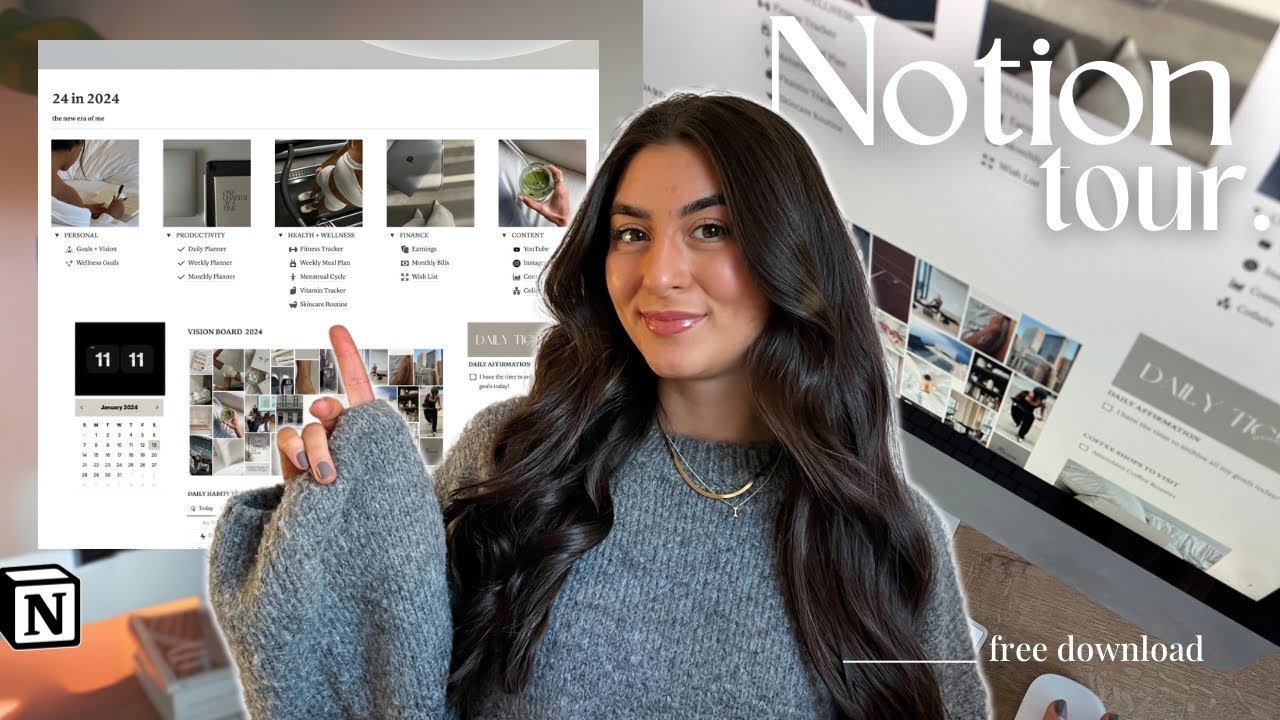
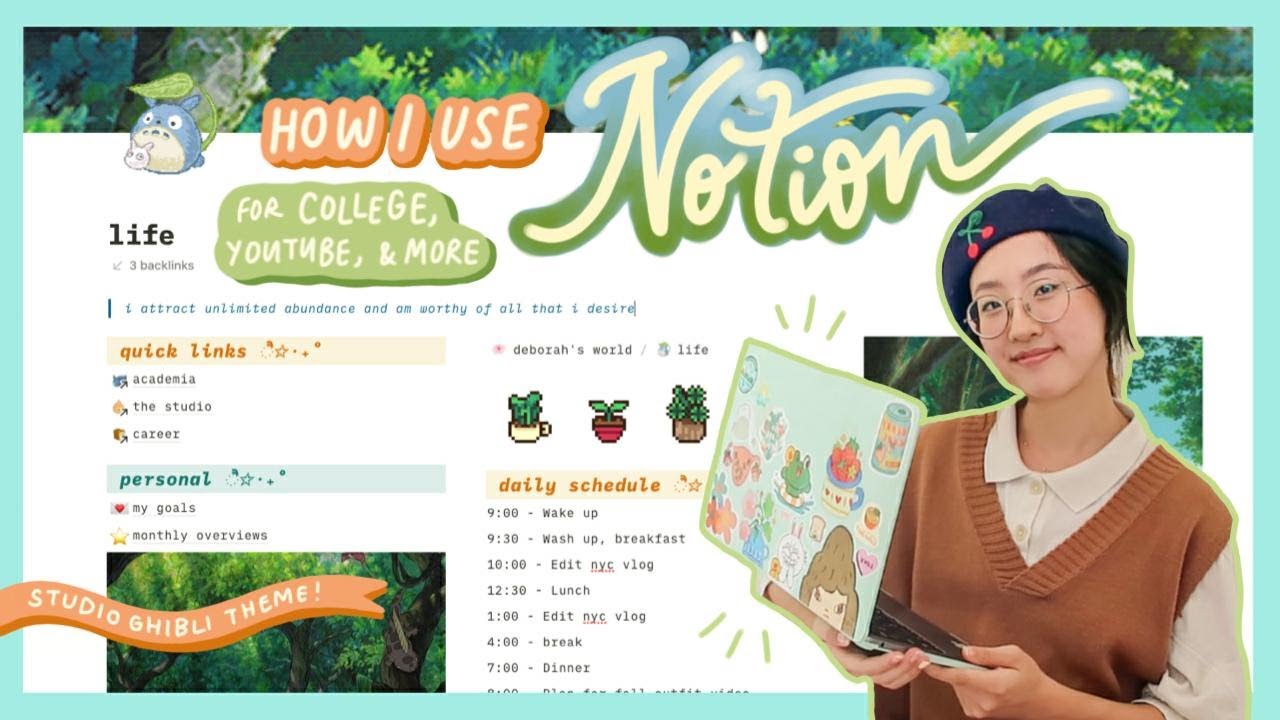
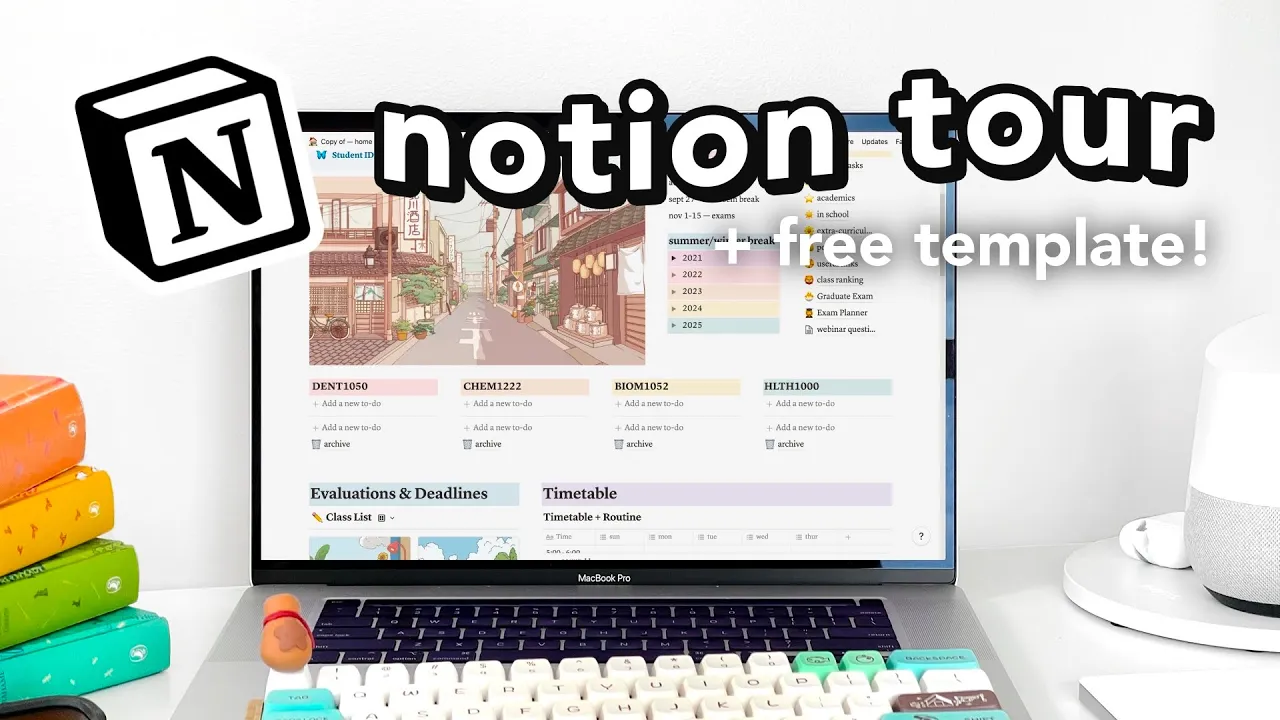
hey everyone and welcome to today's video which is my notion tour so i am so excited about this video mainly because i absolutely love notion i use it every single day of my life it's like the best app ever i've told literally every single person i know about this app it's so awesome it's basically an all-in-one workspace where you can take notes in it but also it organizes your life in like templates it's just it's like a real game changer this meme really explains it so in this video i'm gonna be giving you a notion
tour you can also find the template i have for my entire workspace in the link and you can also sign up for notion with the link below first up is a notion basics tour so if you've never used notion that's okay i'm just going to be giving you a short tour on how to use everything but if you've already used notion before and know all the basics and stuff you can definitely skip over that part into the notion tour it's time stamp so you can just go yeah anyway so let's get into the video guys
okay so let's get on with the simple tutorial i made it really easy to follow along if you've never tried out notion before when you first open up notion you're gonna be transported to this page and it's like blank and you're going to be really confused but anyway so on the top where it says untitled this is like the title and below it you can write anything and like like hello there but you notice here that says like slash for commands so if you type slash you're gonna get all these things now some of them
are just like pretty simple like text which is what we are doing to-do list it has a little thing on the side that tells you what it is it has like headings you can make a small heading you can make bullet points numbered lists quotes divides all these like fancy things if you like highlight it you can get like options like bold text italic all that stuff pretty simple some features i like first we have when we go like here you can have your to-do list have like headings so if you want to like split
up your content to make it more chunk chunkable number list this one's pretty simple afterwards toggle this is this is one of my favorite things when i discovered notion i was like very mind blown by this toggles so you can write hello and then underneath you go like toggles so you can put you go loop and it's like it's like you toggle it what i like having is like a bunch of text i have a bunch of these so next one and these are also really good for like flash cards if you want so you
can just like have a question up there and you can toggle it to unsee it very simple and very intuitive i really like that so this feature embed a sub page so we just put another page inside this you can have like infinite pages that just go on and on which is so amazing so you have your sub page here and in all pages you can customize like this emoji thing here are some recent ones so you want to put this one and you can add a cover and they have a bunch of different pictures
inside a page it has all these features right here so inside these features you can have like templates notion comes with a bunch of different pre-made templates but you can also make your own which is what i'm going to be giving you thesis planning cornell notes grade calculator all these different things it's like microsoft word on steroids that's how that's how i explain it to my friends when they're like what's notion so if you don't want to use that you can always make your own and now to make your own what one of the best
features in notion is databases databases are these things right here you'll see and so it's like a table so we have a table here we're going to call this like you can call it whatever you want money let's say we're going to make like a fake template so like our spending habits we bought clothing and you can have tags and all these other features right here so you can have tags let's say um what store did you shop it at walmart you can create a tag for walmart and then let's say you shop at another
store you can say i bought that target like that type of thing and what you can also do here is a column for text but you can also have different things for like dates so if you say i bought it this date or if you say i bought it i bought this bottle like so much better about this is you can transport it or like change it into all these different type of things for example okay we're going to change it into a calendar and it'll display your chart as like a calendar because we put
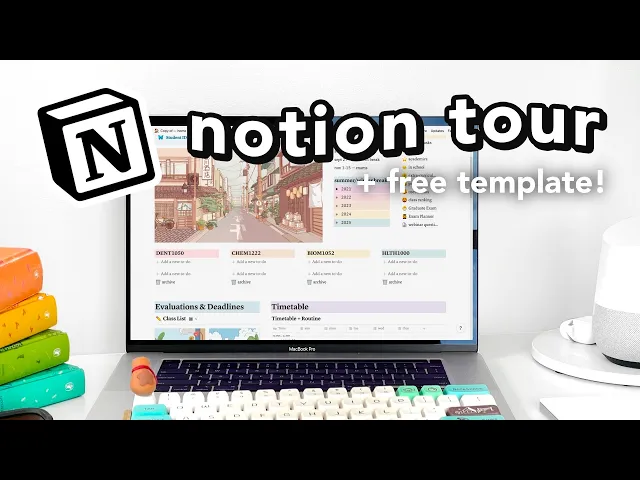
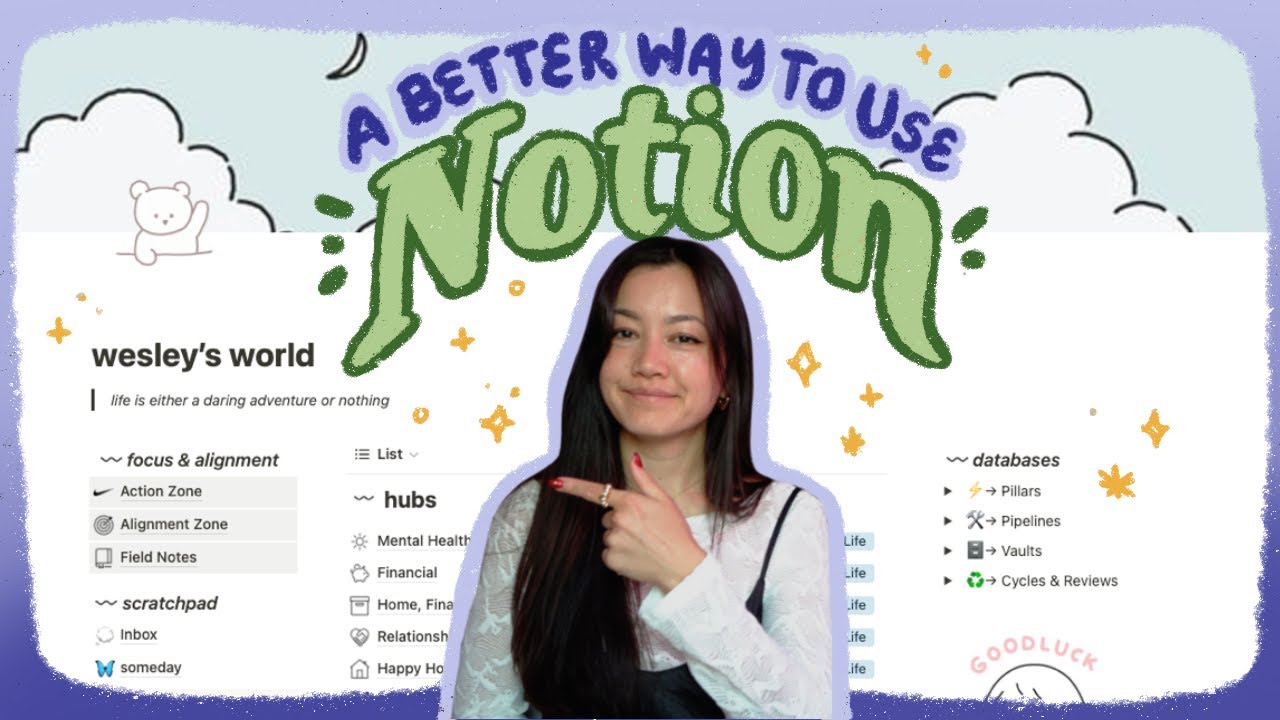
it as these dates which is really cool it's really helpful if you want to have like a list of things so that was like my little notion tutorial so notion to our time this is like my nice home template i dragged a lot of inspiration from different places i have like three different parts this is my dashboard academia this is like school of course and this is emily studying this is like my youtube stuff mostly mostly for youtube so my dashboard first off i have here and i have this cute little picture i got all
my pictures from pinterest so i have this like nice little pinterest board with nice pictures pinterest is really i vibe with them so here we have my goals these are my long-term rules i blurted some things out because they were a bit personal but everything else you guys can see i don't really turn back to my goals that often you know it's more like a thing like once in a while oh i reached that let's drag it over here oh so we can like go like here we have 20 21 goals adventure these are just
places i want to visit in like my city and like check out things so this one is my 10 year plan it's a bit personal so i'm also not gonna put that here are baby names um okay this is my comedy career it's dead i don't have one it's really bad and i just put jokes in there and the jokes aren't good next is my wish list i can show you guys this this is just things that i want to buy and where i put my coupon codes and gift cards i need to use sometimes
like coupon codes i'll put in here and then i'll put like used by this date before they expire and then like notes and then code and then the amount and these are just things that i want to buy keyboards i'm obsessed with mechanical keyboards it's like it's like an issue of mine here is this one is the current one i have it's attached to a cord so this is upside down but i'm using it it makes like really nice sounds like so nice it's like and i really want to build another one and then once
i purchase things i can be like here and to purchase and inside purchase is just like an archive of all the things i've bought here we have emailing this is a really stupid template i just had to have it you know when you like email people and you want to like sound professional and all that stuff but you don't want to use the same sign-offs and sign-ins at the same time here is things to check out these are just links that you might save for the future you're not you're not going to use it but
like you know maybe i might need that link six months from now and that's where i store all those links okay here is my index and this is just like lists of things like that i've seen that i've done so index of my daily routine this is like my ideal daily routine i don't follow it every day it's just what i want to do it doesn't mean it's happening next here we have concerts now i'm super proud of my concert planner a list of like all the artists the opener when the venue the city how
much it costs what i think of it and it just has like people i want to see and i'm very proud of this and then next we have reading shelf these are like books i want to read i read more books than this but i have to go add them and i have notes about them too and we have people now i'm not gonna go into this because it's just like it's like an index of of people it's an interesting page and i write like about different people i know we're not going into that this
is my fitness one i haven't used it this much because i just kind of like exercise freely and i'm like kind of chill with this and i tried tracking my exercises but it didn't really work out like you could rate it like if how good of a workout is what type you did i had to stop skipping roping because the neighbors were getting mad at me but you can write like notes about like your reps distance etc next is my recipes i really like this page one of my first pages i ever did in notion
and i'm sorry my food doesn't look as appetizing as it should be i'm not a food photographer it has all the recipes i want to try and then it has like recipes that i have tried but if i did take a picture i can put them right here and for example here's a pumpkin pie and i wrote like overcooked taste better yeah it's pretty simple you could also put like your entire recipe down here like this down below here i just put like a playlist to like these pictures to break things up because it's like
clumped together i guess so next here is my reflection it's like my timeline and in here i just wrote like a few monthly highlights of like good things that happen like yay this was fun you know just to remember it you know like five years from now you can like look back and say oh what was fun in january of 2021 next is diary and mood tracker now i don't use this one as much mainly because i like writing down my diary inside a physical journal because it's just like you know if the world ended
and there was like an apocalypse and they found my journal they could read it but like if there was an apocalypse i don't know if you'd be able to get my notion template to like read it so so that's why i write in a diary and plus when i'm like let's say really old and i want to look back what if like i'm really bad with technology and i can't access my notion page anywhere at least i have my diary to go along and plus it's just like nice to write things out but if i'm
like on vacation i don't want to bring my diary i use this more but i haven't gone on vacation you could also use my journal entry diary so this is like a template i made so it's like one sentence to describe my day and this is like this button right here is basically like a template maker so to do it the top here is what it's called what you see right there and then here is the template so if you want to edit the template you go click on it and then you can like change
it like add icons and then like blah blah blah whatever anyway you can add things and each time you copy it it'll like create this diary entry and you can just go drag and drop it on here and i don't know why it's weird and stressed but yeah sad happy yeah so it's it's pretty nifty and then here is journey this is it's a weird page and then next is life advice this is like life advice i've been given in life advice i'm gonna give i don't have any life advice to give it's just more
like podcasts i've listened to it okay next we're moving on to academia which is um like studying all that stuff okay so when you first come up here it's very nice i've been working on this template for a very long time the thing about notion is like you keep on working on templates forever and it's like you have to admit it's never going to be perfect everything is always changing you're always growing things happen so up here we have nice template and you can put your student digit i got rid of that for you know
obvious reasons um next here we have a timeline of like you can just write down dates quick jot down here i have this picture just to break things up you can take it out put a playlist anything you want but you know it's nice picture it makes things vibe okay so here i have my pre unique tasks and inside of here i just things i need to do before university yeah i'm gonna i uh blurted them some things out but yeah these are everything that i needed to take on my packing list next is housing
this is where i was like trying to figure out where to live it was complicated i think i'm going to live off campus so this is academics this is like my academic plan extracurriculars this is like all the list of like extracurriculars i wanted to sign up with and like cv resume type things to like you know boost my myself okay uh next is post grad like plans after graduation what do i want to do jobs all that stuff here is useful links it's just like schooling stats like oh i might need that okay here
is class ranking i'm not actually ranked in my class i just have a list of all the courses i took and i write them out like best to worst i don't want to show it because then yeah but it's like it's like oh this class was trashy this class was good so it's like an exam planner this one's really good i use it to like plan exams it's really nifty so i got this from my youtube channel because i can't do notion templates and like formulas it's too confusing but anyway so you type in something
you need to do like um review textbook questions and then we link it so we link it to here review so we linked them all together you just like search it up here and once you finish this it's going to say oh it's now 100 you finished all that you're done done your exam progress or here we click click click 100 we did all that 33 we only did one and it's just like so good and you can open up each and like what do you have to summarize i don't know okay i ain't gonna
use it that much this year because i discovered it like two days before my exam next time i am planning on using this and it's just helpful to like um write down everything you need to do here we have our to-do list now this is like the snazzy template duplicate button i was showing you earlier in the diary and this one create to-do list so like task one and then like here this right here see how it has this line this is like three things you need to do so these are like the three important
things you need to do for the day and then below here i have like less important things and you just go blue you know it's it's a nice checklist and it has like all your courses everything that needs to be done and the thing about these to-do lists is like how you get rid of them they don't automatically go away so you're going to need to like drag them and like put them into the archive this is like i love this section it's like so cute but it shows all all my classes so only for
semester two i had my semester one classes you could like filter it inside this like um this block let's just like click on one for example i could say the prof email i'm not going to show that the textbook link the course profile link all of that stuff so i have my space repetition now if you don't know what space repetition is it's basically you review something when you first learn it and then you have to like space the repetition so when the exam comes up you know what's going on let's say it's okay it's
july 21st so i reviewed it this is the day i learned it so we don't have to review it again the next day so july 22nd we're going to review it one day and i found that difficult so we do that let's say we learned this the next day it like it like goes multiple times so you have to like keep track we learned it and then it goes like this and let's say it becomes easy we don't have to review it anymore and you do this like week month and you like check back continually
at your template you can also store notes inside here i personally don't store notes in notion because i like handwriting things i'll show you an example of what it looked like on another class i didn't actually get to fill out my entire template i just got lazy in the middle of the semester because anki flash cards automatically does it for you they have like their own little space repetition and i'll show you when you review it so i was like why am i doing it in two places but if you don't use anki let's say
you use quizlet or you just use your notes to review you might want to use this because it does it for you but it didn't make sense for me doing it on anki and doing it on notion at the same time if you don't use anki this is the way to go and you can write down i wrote down my reps so when i did it and then i went like and this was easy you can like change it this was confident you know here it says timetable and routine this is like a notion table
but then i just kind of turned it into a timetable you can import your google calendar into it but it doesn't really match like the vibes i'm getting so i don't really like google calendar inside notions but you can embed it see here it has like oh i have a lecture i have a practical blah blah blah and if you want to like add something you can go blah and lecture ta-da it's really cute so if you're like oh do i have something to go yeah you can just go to it oh my god i'm
so proud of this entire thing it's like it's like beautiful okay so what is it um it's an evaluation and deadline thing so um before i would just like keep a mental note like i have something due next week i should do it but then my friend my awesome friend jocelyn gave me this template and that changed my life for the good it has like the course on the side so you just put the course code right here you have the name the name of like what it is it's a quiz and right here you
have the quiz exam module and you have the deadline when it's due these are the deadline how much time you have left what the weight is so like let's say it's worth one percent and any notes about it i can add um a number right here and i can add what mark i got just to keep track of things i did this last semester was pretty nice and then here are notes like sometimes things are pass fail so i'll just write pass fail um on the side or like was hard should review like that type
of thing and what i really love about this template is like as soon as you click status oh my god it says complete right there it's so nice and um it's because it's like this special formula don't touch it i'm if you touch it like i touched it and and i was like really stressed what's really nice let's say we have this deadline and it was here it'll say eight days past due and it'll keep on telling me but once i go like that it's complete but it's also okay let's say we don't have an
end date do today that's really cool i'll show you what my um previous one looked like see everything oh my god so satisfying it's like all complete beautiful but what's also really cool is like the add view function let's say for this course i wanted to see everything that's due i have all of these dates and to create a view you go like this table um we can make this one exam create and it'll show you all of the things but what you'll need to do is go into filter add a filter where we're gonna
say type is exam and it'll show you all the exams but now it's all out of order you're like i don't like that so you go into sort you add a sort and go into a deadline ascending you can see all of them in a nice row but you see oh these got cut off we don't like that so what you do is you wrap cells and it'll wrap around when you guys use this template you'll want to go like this let's say your course is called um physics and uh then you'll go into here
you'll create add a view and you'll call it physics whatever you want and you'll get everything and you won't like that so what you got to do is as i explained earlier is filter it add the filter course is physics so fancy so beautiful the last page is emily studying and this is my um youtube etsy you can see here all my stuff so we have youtube which is what you're watching now this is like my most complex one okay so right here are video ideas these are super rough drafts of ideas that like oh
i came across and i'm like yeah that would be like a decent video idea okay we could definitely do that in the future but actually below here i have a more detailed video plan so i have like two of them it might be confusing but it'll make sense okay and then here i have pages and these are for example ideas like around school and then here are tips and notes goals for my channel and then like companies i wanted to partner with notion was on that list so check that off okay so next we have
description copy pasta and that is just the thing that i paste into every single video color grading tips so recently i found out how to color grade i i didn't know the color grade for the longest time before that i was just like oh let's go brightness saturation and all that stuff here are affiliate codes i don't really keep track of them next here i have my checklist before publishing so i make sure i watch the video at least once in my olden days well my old videos i didn't watch everything so i'd see like
edit oh let's submit and then people would be like yo there's a mistake there next is blurring out addresses and personal details once i left my address in the video i'm not gonna talk about that video okay next check that all the links are working sometimes the links don't work have at least 10 titles um use relevant tags export video you know this is another interesting one people that sound like me on youtube somebody said are you this girl in the comments she sounds exactly like me and then someone said i sounded like this girl
i don't really feel it but you know if you do find someone that sounds like me yeah comment i i don't want to see it's interesting it's really weird so here in this this is just like video ideas just random ones i come across so for example um exam tips um it's not very good uh but i just have like rough ideas and it's probably not going to be posted for a long time but in here i have this is my video plan and these are all the videos that i'm planning i'm going to blur
some out because then you guys have nothing to look forward to i'll show you up to here so this is all the videos that i filmed that i have to film next day oh and it's really cool because it's like this nice grid thing so notion video we can say we're filming and once i finish this video i'll drag it into the filmed and this is like filmed in what i'm currently editing at the moment when i create a video i add a new video script and it's like this template and then you can drag
it down to here and rename it whatever you want i usually like putting a cover let's say we're doing a video about money i have video type so if it's one of these is it sponsored so if it's not sponsored i'll just leave it blank but if it is i will and what's the sponsor and title ideas i usually like to come up with like five to ten of them thumbnail ideas ideas for what i want to make the thumbnail about interesting shots to get and then my video plan so it's roughly following this point
for this notion video i didn't do that because i'm just talking and then once i'm finished with the video i will drop it into archive and it'll go away go on poof and then here are old video ideas that i'll never post it's just like stuff i came up with a long time ago and i realized i never wanted to post that this is every single video i've posted quite a bit of them uh let's say like this video oh i didn't even write a script for that sometimes i just like free free wing it
like oh let me just do it uh and i had like a table okay so once i finished like i like this idea let's put it into um scripting here is the video planner this one is so good let's go back in time so i'd put like film yes edit voice post film voice and it's really cool so last year wow i filmed a lot okay yeah um this was last year in 2020 you could see man this week i was really busy but i would put like post voice film edit all that stuff um
to make one i would just go here so let's say the video is about notion um i would put like if i have to shoot the thumbnail that day if i have to post it that day if i have to script it if i have to voice it edit film so i put film and then i'll put like sponsored just for sure and today i had to film my notion video and i probably have to edit it at the same time i keep on doing that and it's really good for organizing your timeline and making
sure everything's organized then below here i have a link and this is really cool because it shows now i have all of my classes i was talking about in my academic section and usually i use this within the school year i'm like i can't film a video because i have stuff due so i have this right here so if i have stuff due i can say oh i can't do that okay next here we have sponsorships i blurted out the price my etsy shop this one's not as much um i know like some people who
like do more advanced etsy things when they like actually ship things out i don't actually ship anything out um i just have all digital items but here are just like ideas i have and then if i've completed the thing and then here i have expenses i don't have many etsy expenses but i use this app called calligrapher to make my own fonts so like that's like the only expense i have skillshare i'm not going to go into that because i have like classes planned and i don't want to spoil them instagram i don't post much
on instagram so i guess um yeah i just have post ideas so apps i use this is freelance projects you know sometimes send me an email and be like we want you to do this i do it and this is under construction i really want a podcast it just it's kind of weird talking to yourself okay next is website i do want a website too email newsletter i also do one email newsletter and then i'm going to show you last but not least my to-do list so how i get things done in notion now generally
to-do lists are like a tricky thing because sometimes i'm like i like writing things out but then i also like typing things out because it's more efficient but then i like calendar blocking it's it's really confusing i learned you'll never get the perfect to-do list finished it's just so complicated i have this weekly planner so i just added instructions for you guys but you guys can get rid of that and to add a new weekly planner you just go like that and it'll come up here and this one's really good because it's like top priorities
um read book and the most important thing is quiz let's say and here we have like all our important to do's and it's very simple but very effective when you're done you just shove it in the archive archive getting things done and this is inspired by the book getting things done by this guy but he has this like matrix thing where you like split things up everything here this is book drive assist is a personal thing make etsy bundle is an etsy thing okay and then organize room and move out corner desk that's a room
thing and like i need to do it now i click asap um if it has a due date and here are just some notes so the cool thing about it is that i've like linked it this is my master to-do list it's linked to up here it basically files things down so all the asap is all circled right here school things this is also has the school tag all the school tag emily's stunning this has all the emily studying tags and the etsy it'll also disappear at the top so like that and let's say you
wanted to make a new tag so fix picture frame and this is not a room issue this is a home issue you create the tag home but since we don't have a home tag we go like this linked database and we're going to link it to master to-do list here and it's gonna link it but now we're gonna get every single thing and we don't like that so we're gonna go into here click filter add a filter where type contains home and things are going to get a bit messed up so you need to rearrange
things or you can duplicate this by going into here and duplicating it but we'll just do it this way for now this is how you basically create it and you can delete tags you can rename it so this is all filtered towards um room and where you put status is blank because if you put check then it'll only be things with um check so that's my getting things done to-do list it's highly effective and it's just like a really good template so that concludes my notion tour if you have any questions or if there's like
an issue in my notion template please comment down below i usually read most of the comments so i'll probably get to yours and see you guys later bye


![This Notion set-up took 5+ years to build - Notion 2024 tour [including FREE template]](https://img.youtube.com/vi/o5yB6yS9BVg/maxresdefault.jpg)