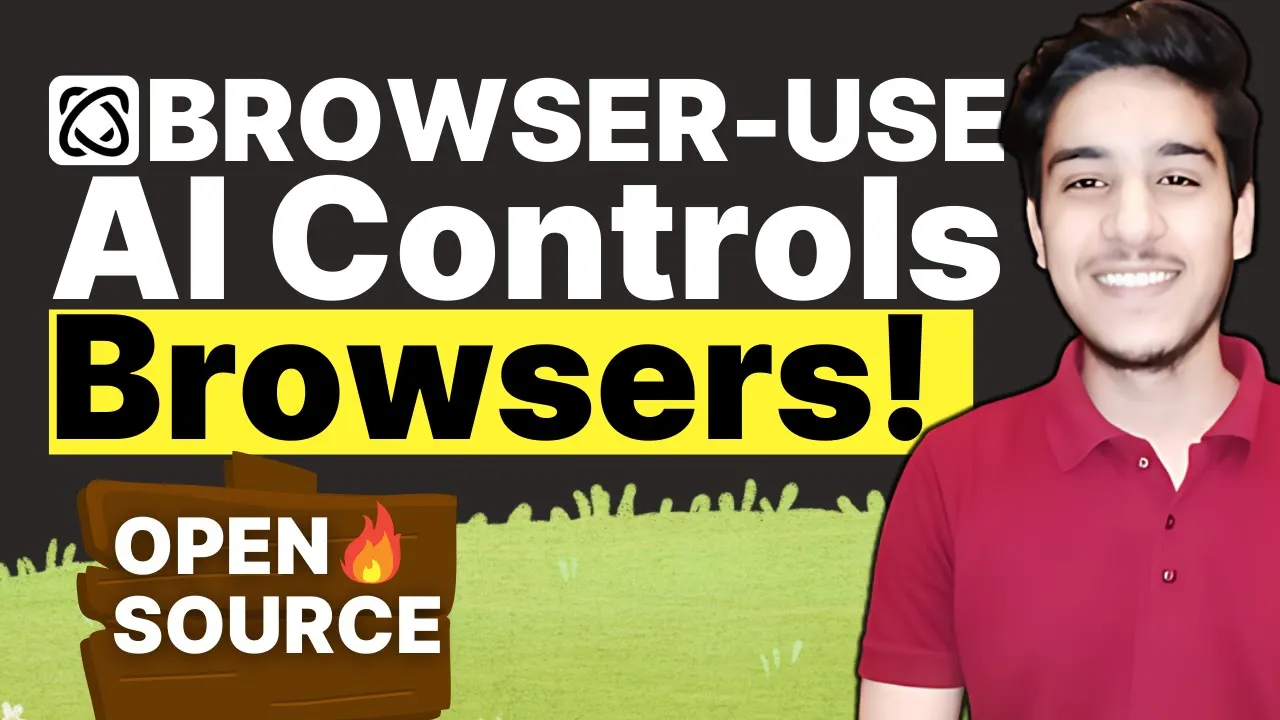
so last week openi just announced operator service in India as well as this service is already working in other countries like us Etc but uh last week they have opened this service in uh India as well so if you don't want don't know what is operator is it's an agent that can go to the web to perform task for you using its own browser it's like a automation kind of thing that we do in Python that selenium we do okay and so uh this operator service is going to do itself you just have to type prompt in English and it can do itself in their own browser so if you going to use it it going to cost you $200 because for Chad j Pro everyone have to pay $200 so you can't use so I just find out another uh alternative for this one that is a browser use that also do the same thing but if you see the accuracy it is more than chat jbt operator as well 87 89 is more than 87 so you don't have to uh worry about the accuracy that is browser user and it is 100% free for open source for individual it is free for uh for teams and Enterprises it can cost you something but for individual you can use it for free okay so I just have installed in my computer and I'm going to show you I'm going to show you first impression only and I'm not going to show you uh installation in this video later if you want I will make another video for installation so I just run that browser use in my terminal here you can see that it is is running on this port number uh here we have the port so I just uh this is my Local Host port and one of the most important thing you going to need API key for whatever the llm you want to use like you want to use open you going to have you want to you you need to have open key as well so it will cost you $200 but Google will give you free API so I'm going to use Google API here like Google and I'm going to select uh 2. 0 Flash and I'm going to give API key here and uh every other AI is going to cost you so don't use use only Google jam and if you I'm going to show you uh how I got the AP key how I installed that in my uh laptop everything in the next video but for this one uh we have only first impression and I will go show you later okay so keep browser open use own browser so otherwise they're going to face some errors L mod keep as it is and run agent let me uh go type okay so let use uh this prompt for this one and then we're going to edit this this prompt and then we're going to see other prompt as well so let's see what is going to be happen okay it is processing it it's first time it is second time okay as you can see that uh in 80 second it's launch the Chrome browser and here you going to see everything is going to happen itself okay google. com is loaded as you can see that it is observing every element in the uh UI and it is going to do as per their brain okay whatever the JY will to tell this uh this is going to based on that JY only okay okay so our first prompt work perfectly as we can see that go to go google.
com and type open Ai and click on search give me the first URL so it worked as per the uh prompt we have given so this prompt is by default they have seted this so if you're want to see the results here you're going to see videos as well the video recording and here is the final result so as prompt want the first URL so here is the first URL of openi and here you can see that is https // open. com okay so this is the first URL uh agent is returned and that's the exactly prompt that I want okay so give me the first URL okay so let's try the another prompt and give something tricky and give something that he can do okay so uh I will give you give this a task go to uh no. com and uh just try to try to log in using um random user name and password so I got some urgent call so I have to clear that as well so let's try this prompt now go to no.
com and just try to login using random username and password let's see but what this AI agent going to do and let me see a is there and it is going to for this time I'm going to uh uh disable this keep browser open because if everything is done so uh this need to be closed so let me see what is going to be happen okay here we can see processing here we can see the browser is open I don't know if you can see the seconds uh this is U uh below the video I don't know okay so it uh went to no. com and so I have not given anything related to login page anything you can see here I just give a prompt like tried to login using random username and password and uh this agent don't even know where is the login so uh agent is going to think uh itself and it is going to ask jamy and it is going to login itself just using random username and password I have not given anything so let's see what is uh agent going to think what is Agent going to think about username and password and let's see okay random user expected random password okay so browser is closed as you can see that uh this thing worked as expectedly like uh it went to no. com it just entered random username and password everything is worked expected here you can see so everything task is completed successfully okay so and if you're going to see the results also here you going to see uh here we have uh inv detail please email password okay so that is expected because that's a random username and password so it is expected please check email ID okay so if you're want to see the recording as well here we can see the recording so let's try different Pro different and last prompt for the day and after that I'm going to create a video related to how you can install this so you just have to subscribe this channel so get so let me try the third prom go to Google and search uh youtube.
com and open uh youtube.