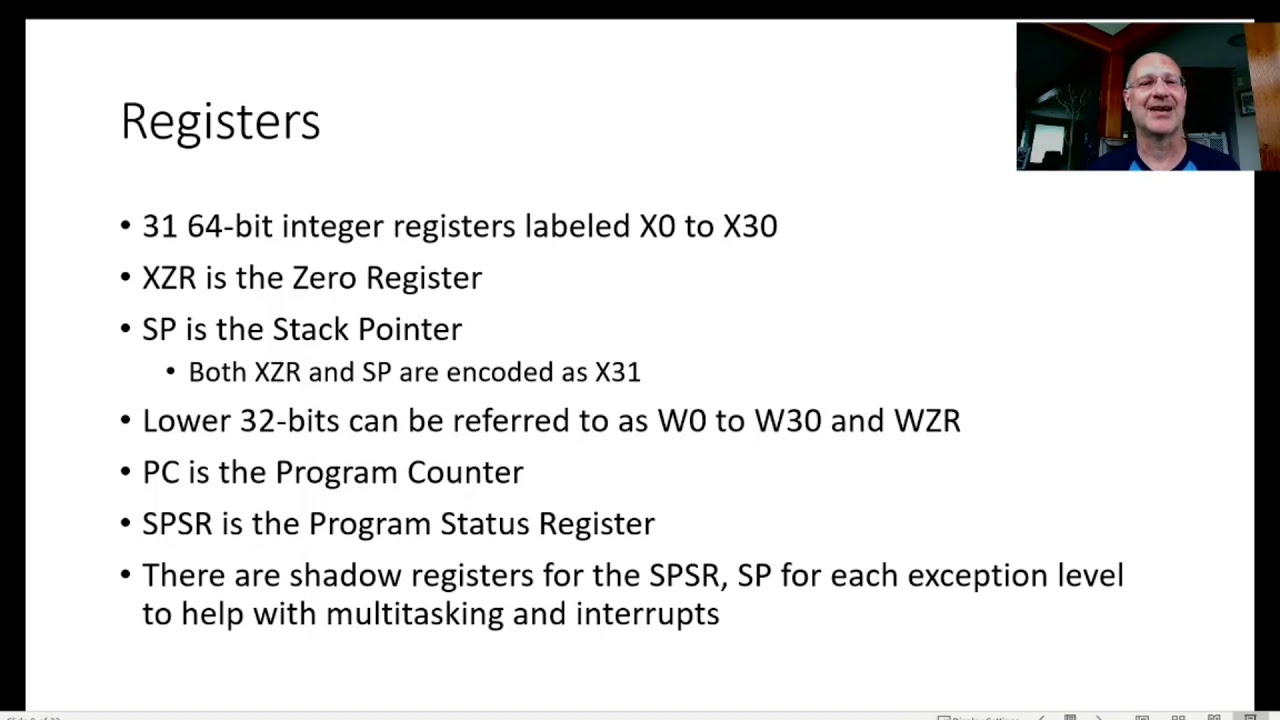
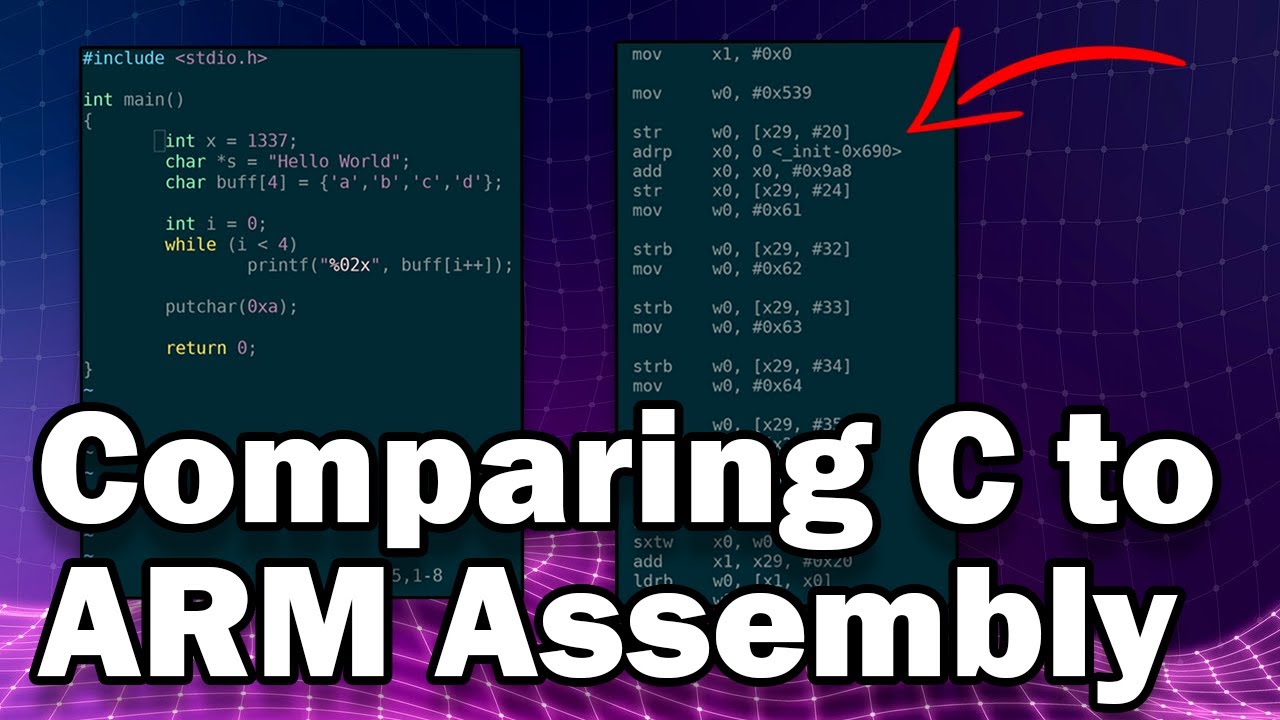
hey what's going on internet uh today we're gonna be talking about arm assembly we're gonna be doing a little bit of coding and by the end of this you should be able to write a hello world in arm assembly that will run on any vm that you have so let's uh let's dive into it so step one right what is assembly um assembly is code that is one layer above machine code so if you look at this example where you have a compiler that's you're writing c you're putting it in gcc gcc at first we'll actually put it into assembly language here and then it will rely upon an assembler here to bring it to machine code right so if you write assembly we're writing the instructions that our computer will run eventually in a human readable format and in this form it is not consumable by the computer but it will be at a certain point we're just we're not there yet at this point um so today like i said before we're gonna go over the arm architecture um it's a risk architecture so that's reduced instruction second piler which basically means it has very few instructions uh it's meant to be simple and easy to to work with arm in particular has become increasingly popular and embedded in iot so there's a pretty good chance that the router at your house is uh either arm or mips but mostly arm if it's newer um and in my opinion you know don't flame me for this but i think arm is way more consumable for the beginner over x86 you know intel architecture so arm consists of a set of registers right like any other processor would registers are physical hyper fast memory that live inside of the processor and you know the registers allow us to do quick math operations inside the processor arm is a byte addressable architecture which means that you can ask it to pull memory from any address it doesn't have to be four byte aligned like some architectures do like mips um and then arm operates in two modes you have arm mode which is the mode where instructions are four bytes long and every you know pc increment when you're executing uh increments the counter by four or you have thumb mode on some processors where you increment by two um this may be pretty deep for some people if it is don't worry about it we're gonna go into some basic assembly instructions right so arm instructions are written in the format an operator destination source operator destination immediate and immediate means like a number like four in this example um and if we get into memory operations which again not in this tutorial but just to kind of put it out there operator destination address so look at this example right really really easy move that's the operator it says to move a value into the destination r0 the number four right so at the end of this example you're gonna have the number four in register zero right cool i think this is pretty straightforward i hope you guys are sticking with me if i'm going too fast or whatever leave a comment and let me know but uh we're gonna get into some some coding right now so pull up your computer and step one if you haven't already please run this command this is going to get you the arm build chain for intel right i'm assuming that you guys are working on an intel vm like a regular vm on your computer um go ahead and run that i already have it you'll walk through the steps you'll hit yes and you'll install your your vm okay so then over here on the left we have our code uh so go ahead and type this out and i use vim you know whatever you know emacs i guess if you're one of those people that you want to use so let's walk through what we have here this is the beginning template for anyone writing assembly using gcc's build chain right so pound this is a comment doesn't really matter what that says global start so global start uh allows the variable start to be accessible outside of this file and makes it an exported symbol that the rest of the build chain can touch if that's too complicated don't worry about it all it means is that this start symbol is accessible all right we need to have that start for this code to be compilable next we have section text text is also referred to as code right so that means that anything south of this label is to be interpreted as code right and that makes sense because our start label where the code will start has to be in the text section and then finally section data anything that is to be interpreted as data that is not executable will live in this region right cool so now that we have that all written out let's let's write some code let's let's do some stuff let's try that uh that instruction we had before right so pretty straightforward we're gonna do move r0 boom comma pound four the pound in arm assembly means it's an immediate so if you did four by itself it would yell at you you need to do pound four um cool okay awesome so the way that we first save uh and the way that we compile this into an executable blob is by doing the following right so we need to run the assembler so that's going to be um gcc i'm sorry arm linux new avi and then we're going to do a s af is the assembler that is what's going to convert our machine code this code over here into sorry that turns our assembly over here into machine code so the syntax for this is going to be arm linux new api assembler we're going to consume what i called my 001. asm file that's our source code and we're going to output 001. 0 good no errors awesome so what is the dot o file the auto file is a relocatable object this is a intermediate object that gcc will later consume to produce an executable elf right again if that's too complicated don't worry about it not particularly important just something to be aware of um cool so now we have our assembly converted to machine code but it's not executable yet we just need to run it through a final pass of the linker by calling um gcc uh and then we'll get it to run so we're gonna take the object file we created and we're going to produce an elf damn it oh i forgot one critical piece you have to say no standard lib if we don't say no standard lib what will happen is the compiler is trying to include lib c in our program and we don't want it to happen because when you include lib c um this start gets redefined and tries to call main we haven't called me and it's a whole mess so no standard lib boom so if we run a file on um zero zero one dot elf we should get a full good-looking 32-bit least significant bit elf for arm with the build hash not stripped all that good stuff and then to run it if you haven't already kimo app install or sudo app install key move i already have it so i'm good and the way you run this in a non-arm you know build environment is kimu arm our elf interesting so we got a crash why did we get a crash the reason we got a crash is that the program went to run this instruction and then everything else that's beneath it now it may look like there's nothing beneath it but there is actually if you look at the elf file our instructions live somewhere in here this number four right it tried to execute all this crap beneath it and the reason is we didn't tell the program to properly exit so you may be asking right how do you how do you make a program exit in arm assembly well that's where the system call comes into play we'll talk about that right now so what is a system call when you're doing programming in user mode which is what's happening in your writing assembly right you're running a user app you're writing a user application you need to eventually ask the kernel for help because the processor or the the user mode process cannot end its own process so we call this thing called a software interrupt to ask the kernel to take some kind of action right and in arm architecture r7 register seven you know the value that is stored there determines what we do that's called the system call number and then r0 through r4 determines how we perform that action right so for example like we talked about before we wanted to perform an exit okay how do we perform an exit using this well what we're going to do is we're going to go back into our coding environment and we're going to google i already have it pulled up to show you guys how to get here right arm 32 system called table and then luckily chromium os has documented this for us you can find a whole bunch of these everywhere but you have this system call table for linux and you're going to want to go to the arm 32-bit version so we have all of the services the kernel is able to offer our program right so for this case we want to run the exit system call how do we do that well we put the number 1 into r7 the error code we want to return so our process will return this value into r0 and then we call the software interrupt instruction so let's do that so we said r7 had to have sorry what did i say r7 should have one yes r7 should have one and then in this case let's just return um let's return 13.
this is so this notation up here is hexadecimal this is decimal and then we do software interrupt zero we recompile our program so we assemble using a s our assembling to machine code then we compile into an elf using gcc and then we try to run it awesome so we ran the program it didn't crash and what was the return value 13 perfectly right so the program worked exactly as we expected um cool so what have we done we've we've written some arm assembly that did something we expected it to and then it didn't crash well i promise you guys by the end of this we'll be able to write a hello world so i'm gonna i'm gonna satisfy that promise there are a few more things we have to do first so how do you write to the screen okay we didn't exit before what is the right process okay well i said that the kernel probably has to take care of this using some kind of kernel service oh well there's a right okay how do we write to this screen in linux there are three system sorry three file descriptors by default they're standard in which is file descriptor zero standard out which is file descriptor one and standard error file descriptor two so what we're gonna end up doing is we are going to write a string to the standard out file descriptor okay and how do we do that well let's ask the system call table we need to set r7 to 4. we need to set r0 to the file descriptor we're going to write to which is one we're going to set r1 to the data we're going to write to the screen and then r2 to the length of that data we're adding a few more arguments now so instead of just the r0 before we have r0 r0 r1 and r2 a little more complicated really not that bad all right so what do we say we're going to do the system call is now system call for r0 is now the file descriptor file descriptor one uh we have to set r1 to something right okay what is that something that something is the data we're going to output to the screen let's define that data in the data section that makes a lot of sense right the message so this is a label we're calling the message we're going to write message and it is of type ascii and it's hello world with a new line at the end cool so what does that do we've told the assembler hey in your data section there is an ascii string of this value that we're going to refer to as message we're going to introduce a new instruction called load register and what this is doing is when you're dealing with memory operations and because we're loading the memory address of a location we have to use this syntax so we're saying load into register 1 the address of the message label pretty cool right and then finally we move into r2 the length of the string so how long is this we have 5 10 11 12 13. and then invoke the the interrupt okay great interesting so we assembled our assembly into machine code we compiled it to a runnable elf we ran the elf and we got our data but we got a crash why is that same problem as before we failed to exit so we're gonna rewrite the exit shell code and we'll return 65.