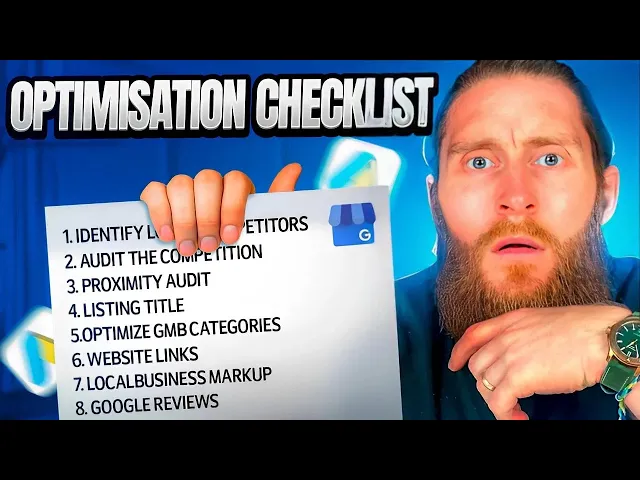
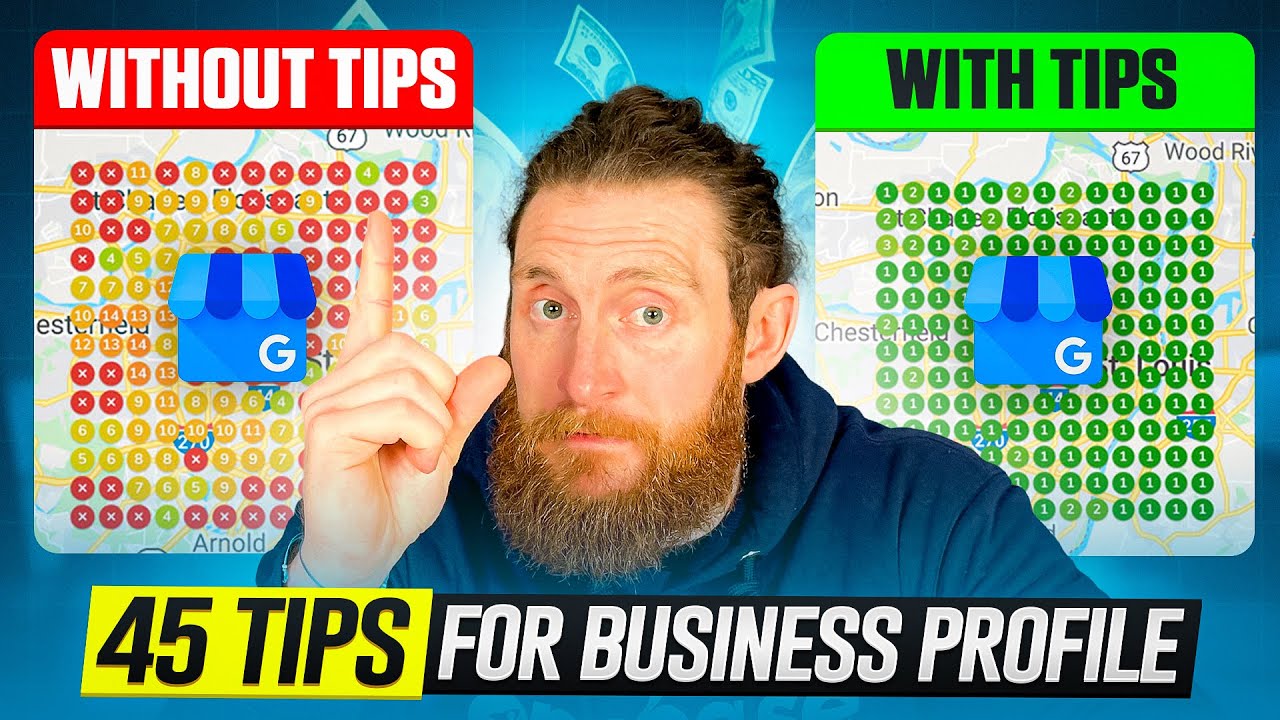
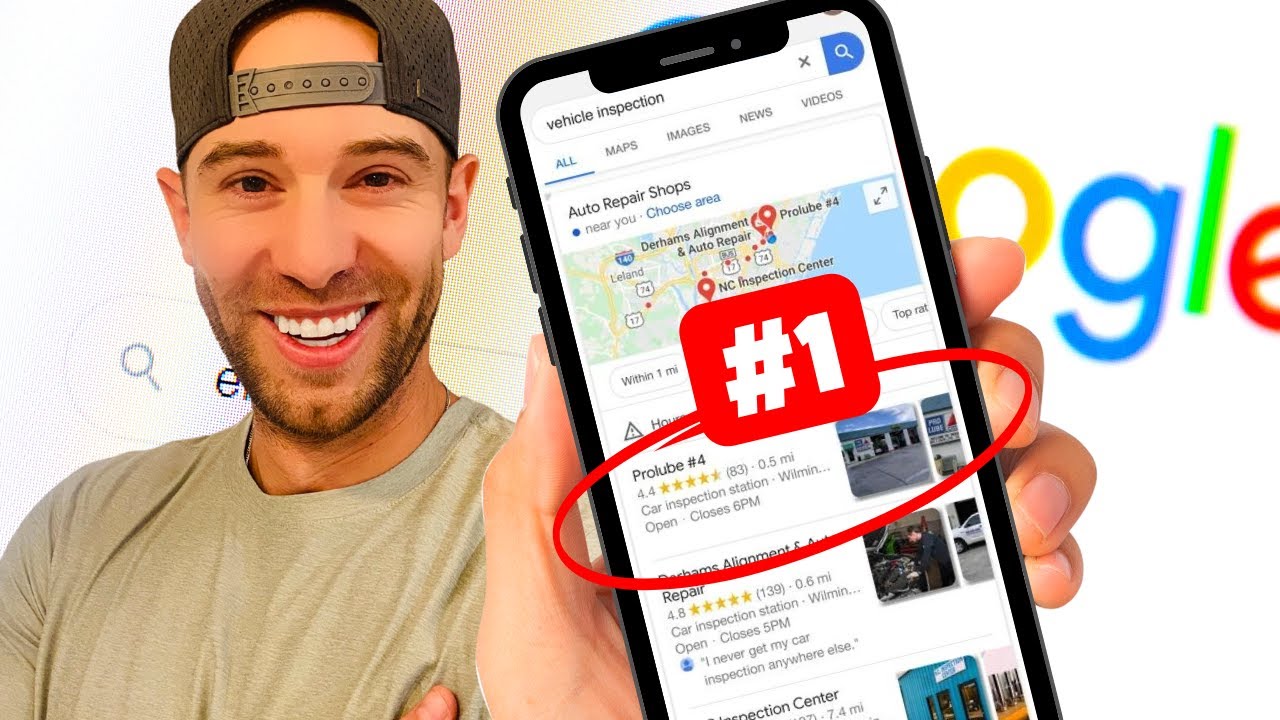
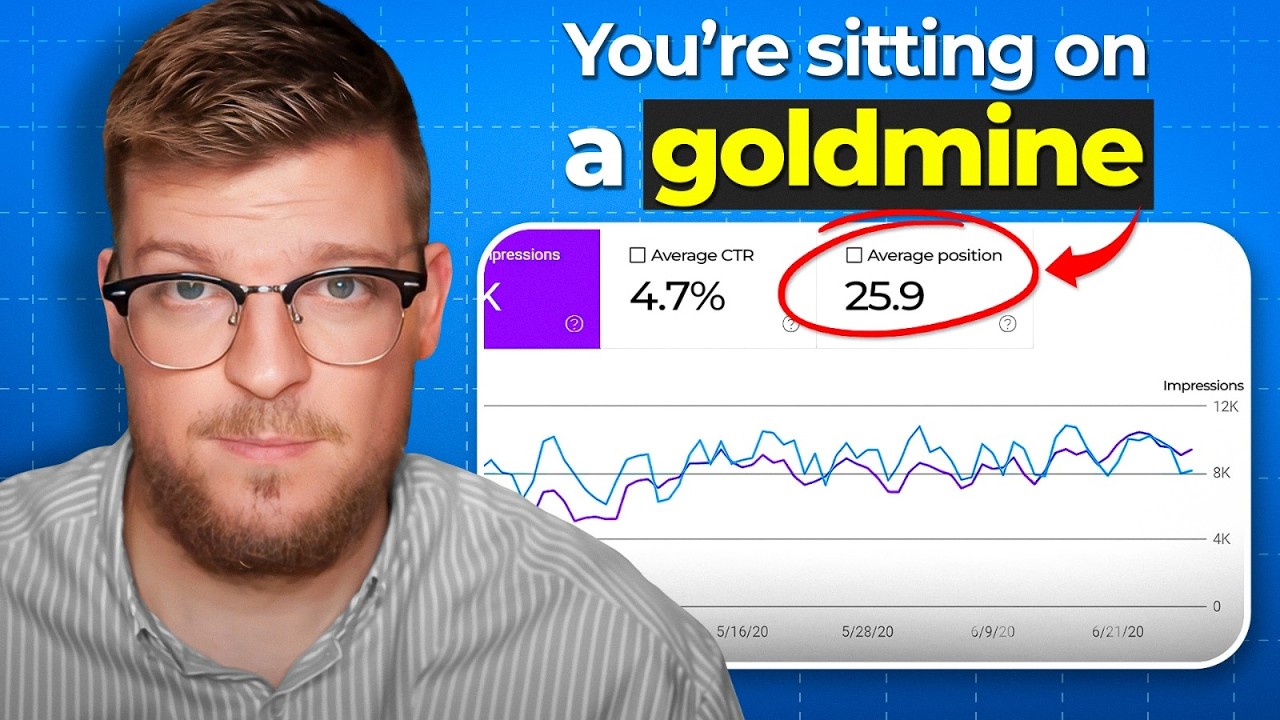
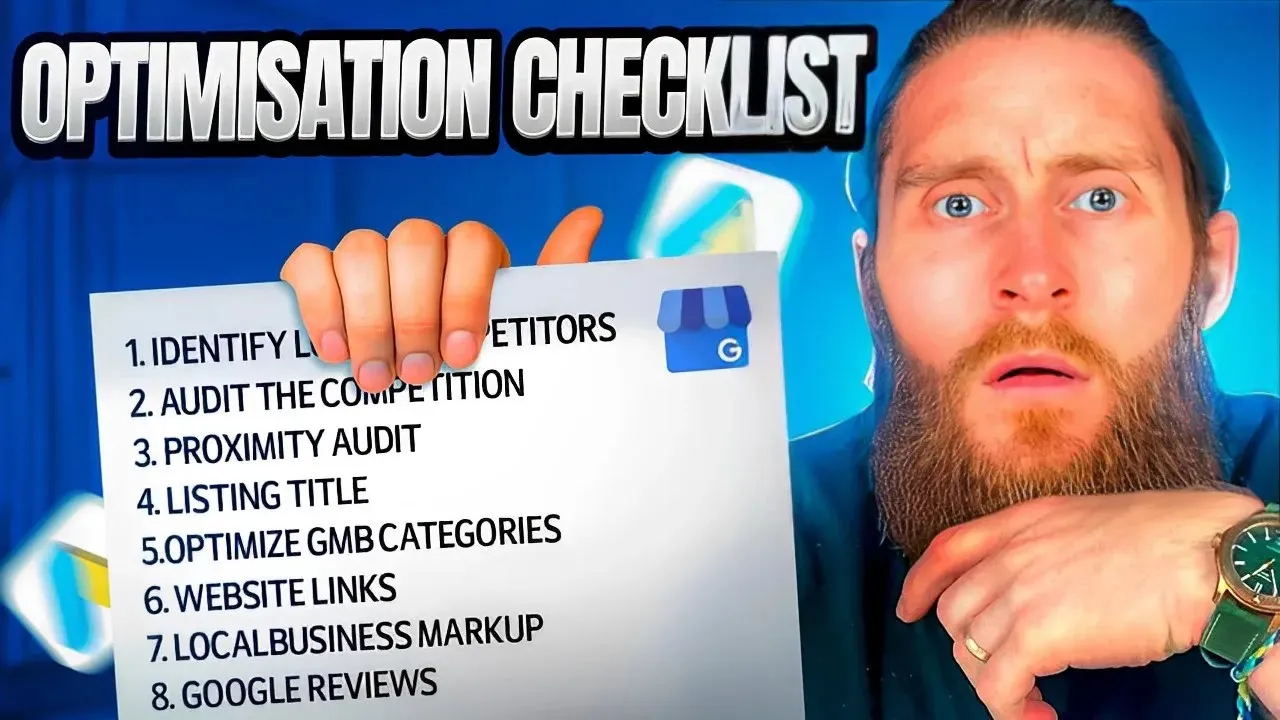
in today's video I'm going to show you how to fully optimize your Google my business listing a hundred percent if you don't know who I am or what we do I'm Kurt from one base media and we've helped hundreds of Trades people get better quality leads fill up their diary and grow their business with more profitable jobs okay now Google have done a lot of changes to the GMB recently more change so I'll go through all the changes and how to fully optimize so you can get more leads phone calls appointments or whichever you're looking
to get out of the listing over the last 10 years we've submitted and optimized well over 500 listings done countless tests to see what works and what doesn't and in this video I'll show you everything we've learned things to avoid tools you can use and a few tricks that will get you into the top three faster after the years of doing SEO pay-per-click advertising and website builds we'd confidently say that having a strong Google my business listing is one of the best Returns on investments it's free and all it takes is a bit of time
to fill in all the details now this is going to be an access to all areas video a wholly comprehensive look at every important step you need to take to fully optimize your profile for the best results well even though stone unturned so grab a drink get comfortable and get ready to learn every behind the scenes secret we've learned over the last decade so first of all Google have changed the dashboard you might remember you used to have a dashboard where you could edit all the details of your listing but now it's laid out like
this you can see it once you're logged into the Gmail account that's connected to the listing you just need to do a Google search for your company name then you will see these tiles you have edit profile read reviews messages add photos performance advertise products Services bookings q a add-in updates asking for reviews this one is for the review short code and then if we look at the listing you can click on edit information to fill out all of the business details this video will show you how to optimize everything displayed here first of all
let's run through the business information to start make sure your business name is correct now we know it's tempting to stuff this filler keywords and we've tested this and it does work but very temporarily let's say you're a plumber based in London you could put plumber London and then your business name in the title every time we've tested this the map might show higher but for a very short space of time Google eventually sees it and replaces the name without the keyword basically it's not worth it and has very little effect on the rankings it's
not worth it we found the best way to put the business name in is to use the same name you have on your website and every other directory you've submitted to online so if you have listings on Yelp or even other search engines like Bing make sure the company name is exactly the same on your GMB listing as it is on these directories doing this keeps everything uniform across your online presence and Google ranks you'll Google my business listing higher now for your categories Google lets you place up to 10. there's some evidence to suggest
that using just one has an impact on the rankings that we found using as many as you can makes more of an improvement and you will show in the top three of the map pack for more keywords make sure you definitely offer the service you are putting in a category though a great tool we use is GMB everywhere it's free and I've left the link in the description this tool will help you find all the categories related to your business first of all set up an account and download the free Chrome extension click on the
Chrome extension and it will up the map now search for your service in your location let's say plumbers in London again now next to every listing you're going to see the categories and the buttons saying find more click through to this and it will show every category they're using for their business plus a ton of other suggested categories get a list together that are relevant to your business and list them in the category section on your listing we've definitely seen a big increase in calls and website visits for adding more categories but only if they
are 100 accurate to what the business offers also it gives you an extra boost if the category is mentioned on your website this way Google will pick up the keywords from the website and you will rank higher once you've done the categories we want to move on to the company description there are two main issues we see when we optimize business listing descriptions they've even not been filled out at all or they are spammed with a ton of keywords the best way to optimize a listing is to use the full 750 words available and mention
a few of the keywords you would like to shout out for in there don't spam them just make sure they're in there in a natural way if writing business descriptions is not your strong point AI can definitely help with this you can get this done by heading over to chat GPT and get it to write it for you for this example let's say you're an electrical company based in London in this instance you could type something like this write me a 750 word business description from my electrical company we are based in London and cover
all the boroughs we are a family-run business and offer everything from small repairs to full rewiring installations we have also been established for over 20 years use the keywords electrical repairs and fault finding now watch chat GPT do its thing and write you a detailed company description go in and make any edits and then put this into your company description for your opening date we've seen a definite advantage to business profiles that are older so if you're just starting out your business will have a disadvantage to profiles that were created before yours you can edit
this but of course it's always best to put the truthful answer in there to how long your business has actually been running but be aware that you will have to work hard on the profile and you might have to wait a few years to start showing up in the top three if all your competitors listings are more established next your contact number this is the same as your business name we found the best number to use is your main office phone that's the same on all the other directory listings your website address this is where
you put a link to your main website one of the main issues we see with this is people using the non-https version of their website the best way to use the right URL is to just open up your website or Google your company name click on the website copy the URL and then use this this will always be the best version to use for the short name we've seen no benefit to spamming this with keywords so just use your company name business location make sure this matches the address on your website and other directories now
for service areas you can use postcodes or zip codes depending on where you're based but we have found you get the best response when you use towns or cities this will essentially cover all of the postcodes in the towns that you list now if your business business only covers one town then you can also add smaller postcodes as well that are listed in that town this way you have given Google more information of where you cover and you're more likely to show in the smaller areas opening hours just as the times are open and closed
easy one you can also add special hours for public holidays and any specific dates that you'll be closed we have to add in more hours you can add specific times that you'll be closed now on to the more section again we're going to suggest filling out all of this you want to fill in everything really to make the listing as complete as possible so accessibility amenities planning check all the boxes that are relevant and true for your business now your business description is complete so let's go through the rest of the tiles so with reviews
you want to respond to every review that comes through a great way to respond is to reply and mention the service that you provided so if you're a heating business reply with something like thank you for your review we were happy to help with your boiler repair this way you can get the keywords in response and we've seen significant improvements to the rankings of businesses that use keywords in their responses we're definitely not saying to spam the response with keywords but do use them where you can now for messages you can either turn this on
or off we'd recommend turning it on but if you do it's a good idea to download the app on your phone so they don't get missed and they will because you won't remember to log in probably quite obvious but this feature is where customers can message you directly through the listing it works great for local service businesses and retail shops for photos you have free options photos from inside the business your logo and the cover photo we would recommend updating all three for photos from inside the business add images of your team projects inside your
premises before and after photos of your work and anything that will build more trust with your potential customers you can also upload videos there as well for your logo make sure it's a nice clear high quality image we usually resize it to 450 by 450 pixels and for your cover photo have a nice Banner that shows all of your services or a picture of your premises or team now for the amount of images you upload we always aim for adding more than the closest competitor so do a Google search for your service in your town
and see who's at the top of the Map listing if they have 50 plus images we would recommend doing the same or even more a few optimization tricks is to name every image before uploading it so if you're a landscaper called an image something like Garden hyphen design.jpg or Landscaping The Hyphen london.jpg this is just giving Google more information on what the image is now another tool you can use is geoimager.com upload at least 10 of your images to this tool and type in the area it was taken the tool will now Geotech the image
with the longitude and latitude now download the page and upload to your profile this shows Google where the image was taken and it increases chances of your listing running locally now all of this is great for image optimization but we've found one of the best ways to get images optimized is by encouraging your customers to include images on their reviews get them to take pictures of the work you did and then when they review your business to also include a lot of images in the review this is Magic for your business listing and will really
help you get found for local keywords now onto performance this is another one that's changed quite a lot over the last few years but it shows you key metrics on what you're getting found for so that's things like how many visits phone calls and also a lot more so here you can take a look at how many people have viewed and what key words triggered the views and the interactions you can use this data later to optimize the listing further on the advertising tab this is for Google ads and if you're looking to run Google
ad campaign we have a full video on how to set up a campaign in the description for products this is an amazing way to get more keywords and services on your listing now if you're not selling specific products that are shipped out to the customer like shoes for example then your service is your product like this Loft conversion company we've updated their listing with house renovations Garden rooms house extensions so on the listing click on edit add a new product give it a name select category we don't usually put a price in here but you
can if you want to add a description and then put a link in here now whenever someone Googles your company name they can scroll through your products and when they click on them there will be a description and the link to the specific page on your website we've seen a definite Improvement to profile performance when adding products for services Google will automatically list time of keywords associated with the categories you've put in now it's very tempting to click on everything to try and get as much exposure as possible but do carefully think about everyone you
click on make sure they definitely match up with the services you provide or you'll get a ton of nuisance phone calls and also it's bad for your rankings as it will dilute the listing and Google will be a bit confused about what service you do actually provide onto bookings now this is a great way to talk about online bookings you can either link this to your contact page or if you have a calendly profile page you can use this so people can book directly into your diary next q a this is where customers can ask
you questions there is an option to ask yourself questions and answer them but we wouldn't suggest doing that on Google my business over time people start asking you questions on here so if you respond to them it will give your potential customers more information about your company now on to updates and posting updates already I should update this is one of the most powerful parts of having a GMB list in if you scroll under your business profile you can see where the posts are displayed we've seen a significant increase in calls for businesses that post
at least two times a week to post on here just click on ADD update and you have the option to add a generic update this can be something that's happening in a business an award you've won a new review just anything can be posted here if it's a new service or something you want to promote on your website you can also put a link in the post as well for offers you can add any upcoming offers you can put a start and end date on these offers add images put voucher codes and links and anything
like that this is a great way to promote an offer you're running and for events you can do the same and promote any events you have going on like we said it's good to post regularly on here and if you're already posted frequently on other social media channels then try using tools like buffer or HootSuite these allow you to link all your social media channels including your GMB listing so that when you post once it will post to all the channels and last but most definitely not least we have asked for reviews this is great
for getting the short code to your reviews simply copy the link send your customers and ask them if they'll be nice enough to leave a review this really does work well because if you ask a company to leave you a review a lot of the time that they don't know where to look or where to leave it so by sending this link it automatically opens up the reviews and makes it easier for them to leave one and we are done thank you for watching until the end I hope you got a lot out of the
video so our goal here is to help you generate the best quality leads so you can fill out your diary with more customers and grow your business and that's it from me and by the way if lead generation is a problem for you right now then there's a link in the description that will help you solve that problem in under three minutes I want to say a big thank you again for watching this video if you want to see more like this please like And subscribe and also leave a comment in the comments section letting
us know what you think of the latest GMB updates we read and respond to all the comments we get have a great day and I'll see you on the next one foreign