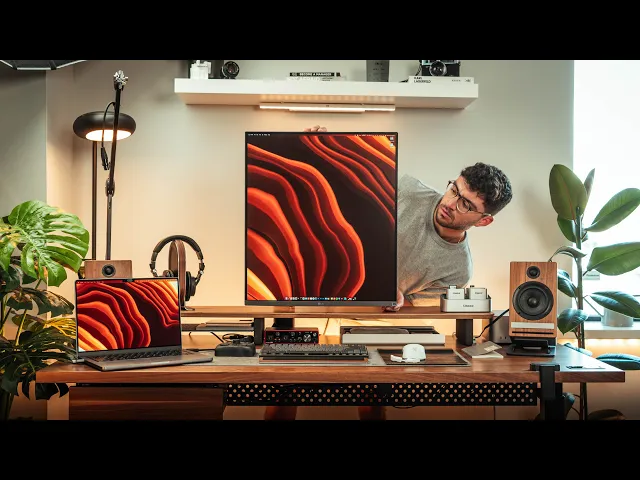
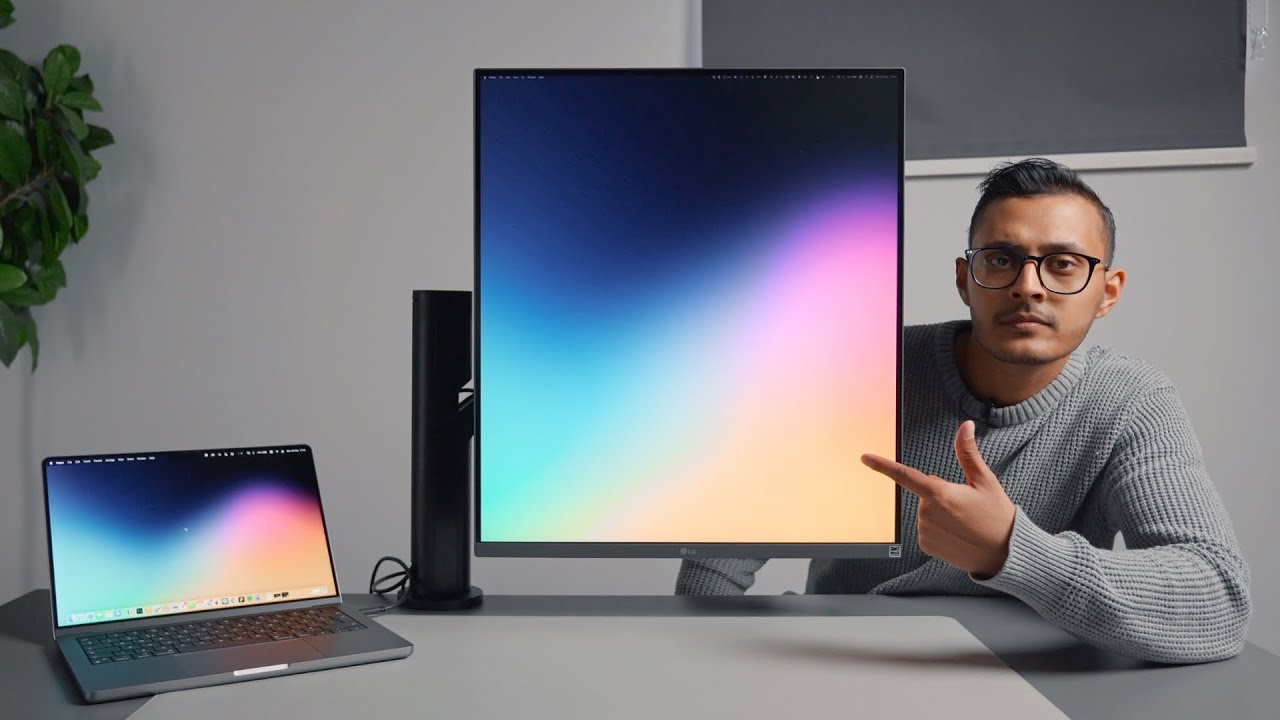
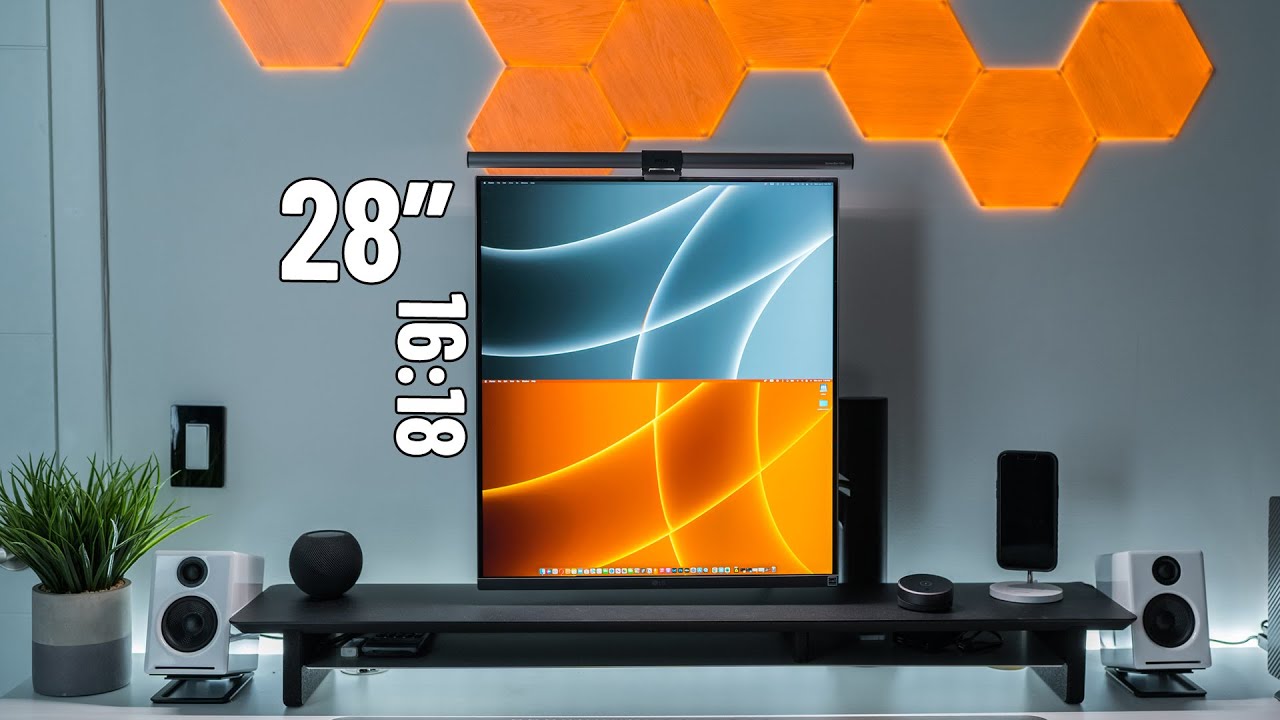
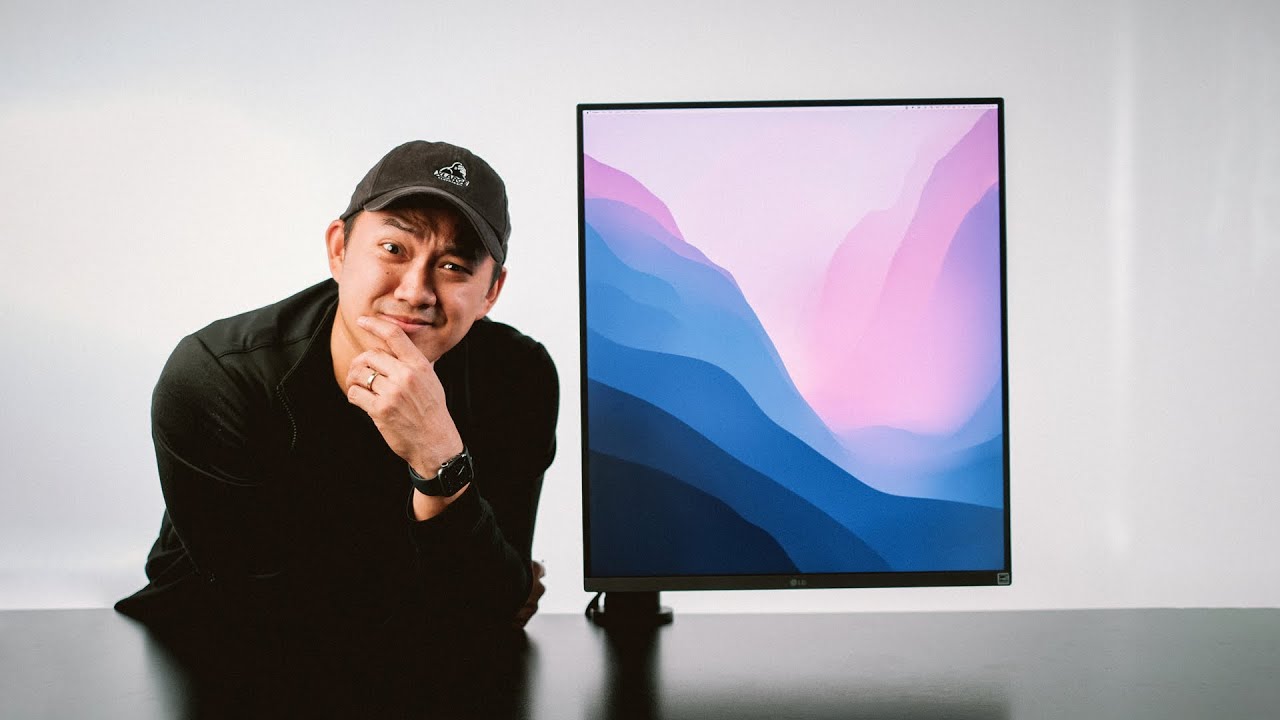
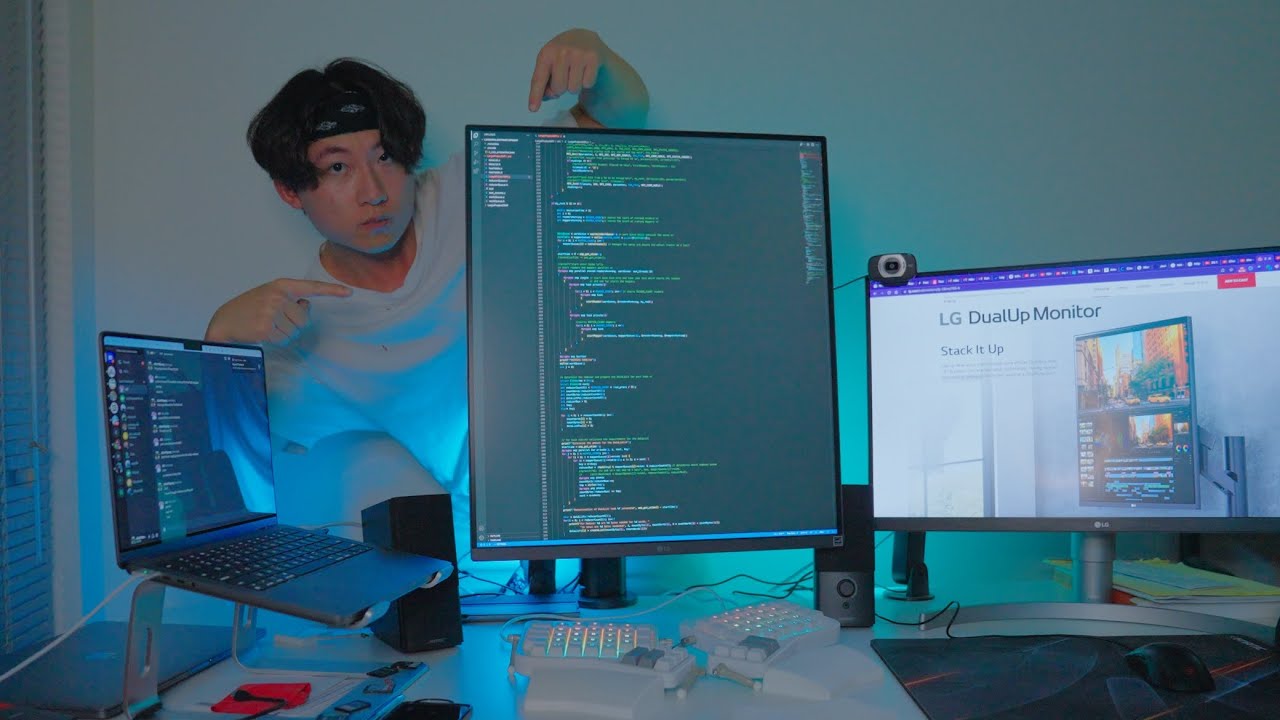
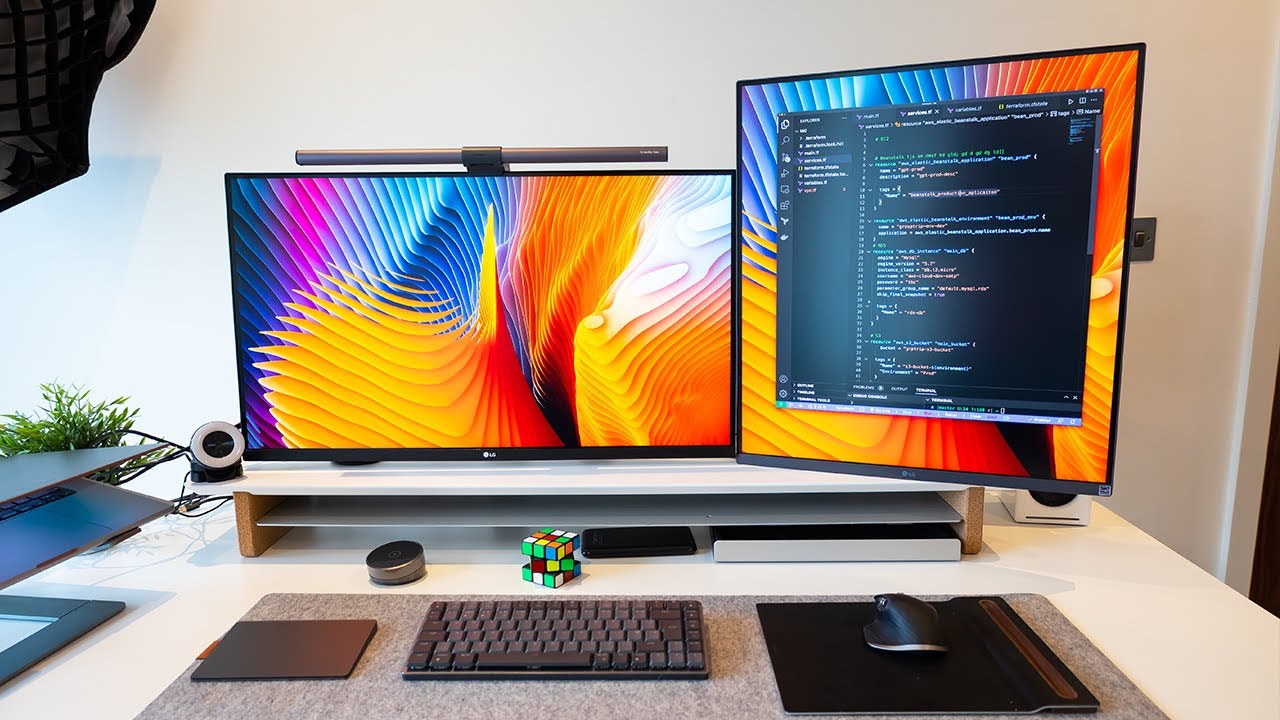
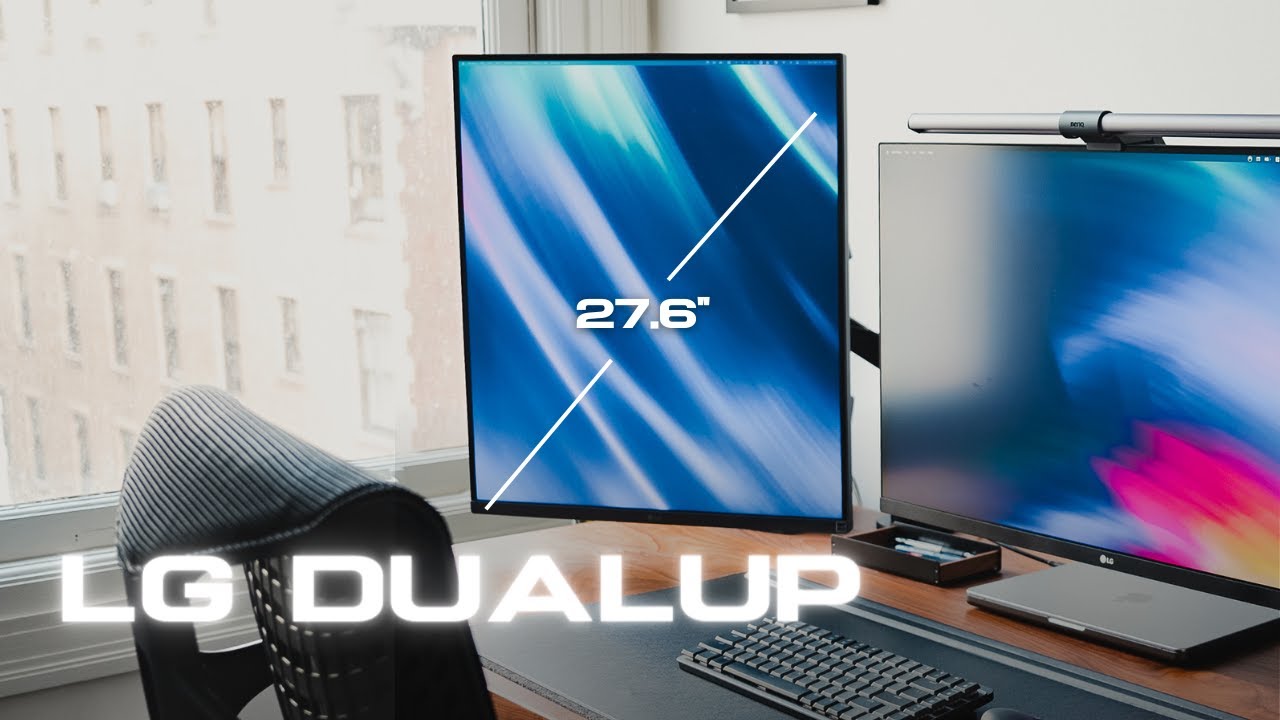
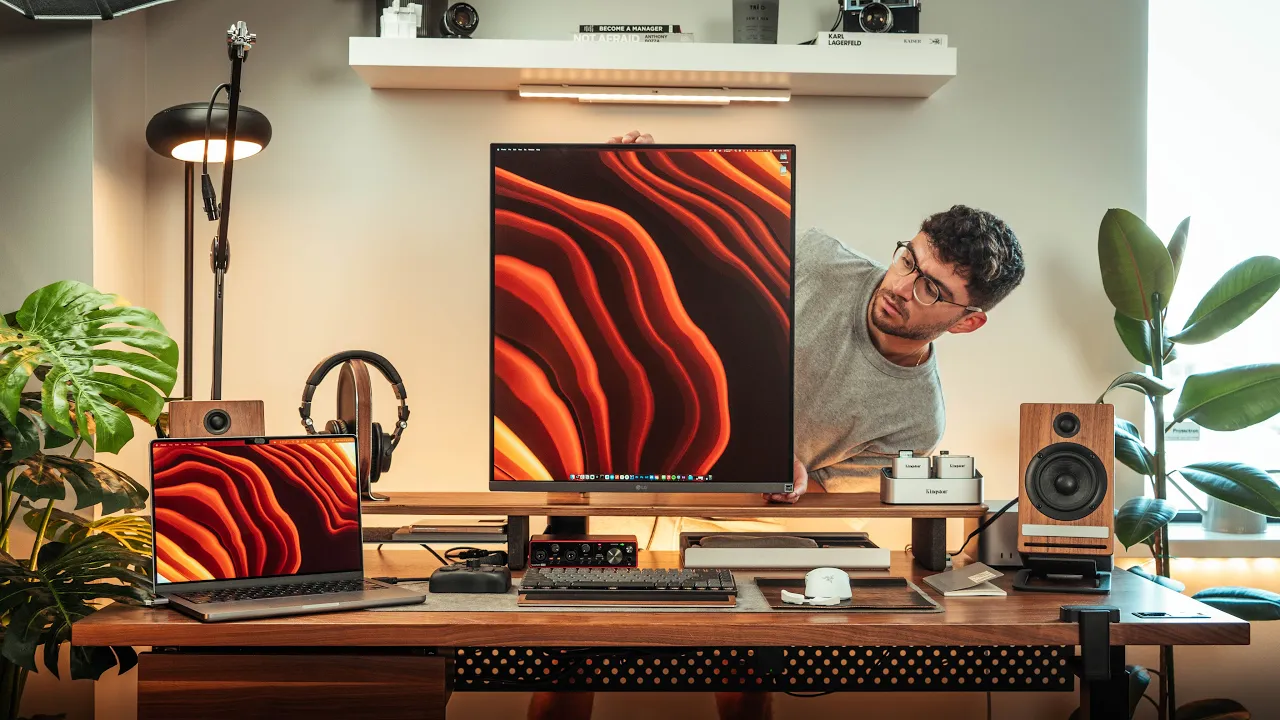
today's video is sponsored by karma [Music] [Applause] [Music] [Applause] [Music] so two weeks ago i got a new monitor and it's honestly nothing like you've ever seen before it is a 28 inch vertical monitor made by lg and i think this is actually such a perfect monitor for ui designers cat devs creators financial analysts it's just so clutch and today i'm going to be reviewing it basically i'll explain how this can be used and why i think it makes such a perfect addition to a dual monitor setup and as an ex software engineer i've never
been this excited about a product i think with the new macbooks it could be the perfect and most needed addition to your setup by the way if you enjoyed the production let me know with a hashtag lg okay so what's in the box cutting this open will reveal a few things i'm happy to say that this monitor does come with a good amount of accessories and cables this includes a body cap for cable management a usbc cable a usb b cable with a 1.4 meter dc extension cable an hdmi cable and of course the power
supply with the power cable themselves the only thing i was confused about was the allen key it came with but i'll explain that later on towards the top left of the package we do get the cover to hide the cable management within the ergo arm this comes with the ergo arm by the way was very well thought out this thing is massive and feels super sturdy i thought it was a full metal arm at first but it isn't some parts are made out of plastic and others out of aluminum the base is an example of
it and i think this is one of the best designs i've seen in a while honestly well done lg i was surprised to see how fluid everything seemed from the get-go the cable management cover that came in the box was super easy to install and the cable management hooks aren't too bad below of it all you will find the monitor itself and for a 28 inch panel this really isn't heavy for a second i had completely forgotten this was a vertical monitor and luckily this looks really good looking at this form factor is definitely something
that you might need to get used to but at first glance i thought lg did such a great job with it plus it's very much a thin monitor with plenty of ports if at some point you'd like to get this monitor and it's not in stock i recommend you check out an app called karma karma has been a long-term sponsor of ours because we use their chrome extension to shop all the time it is also an app and it ensures you never miss a price drop a coupon code or an item in stock when shopping
online it allows me to stay up to date with my tech and make sure i get the best prices for any holiday event it keeps allowing us to find cool accessories for our videos at fair prices when i shop for example on amazon by clicking on the link down below you can download karma for free and add it as your chrome extension with it you can visit your favorite stores find an item of your choice like an lg ultra fine 4k monitor and click on the button slider to save your item you can select when
you want to be notified and what list you want to add the item to i do get notifications via email or mobile push to know when my saved products go on sale or come back in stock i've personally been creating lists when it comes to buying products for the videos so i can organize all my tech for the videos and help my impulsive purchases at checkout it is able to automatically scan the web for coupon codes but know that this is a special feature only available on the computer and when shopping at select retail stores
karma gives cash back to you and a good cause you can download karma for free using the link in the description down below one thing to note is that when mounting this monitor you need to offset the arm to properly place it in the middle of the desk other than that the base makes it really easy to install and luckily it comes with a rubber pad to avoid damaging your desk the coolest thing about setting this up is how easy it is mainly because lg avoided having screw threads to vesa mounted and so all you
need to do is clamp the panel to the vesa plate it really is as simple as that also because the ports are on the back like such routing cables is easy thanks to the arm your cable management can be clean and will hide most of your mess within the frame tube all can be hidden with a cover and with a top cap luckily lg was smart enough to include a dc extension cable as well which gives your cable management a bit more flexibility this will allow you storing the power supply brick wherever you wish to
have it well thought out lg another thing worth mentioning is how good the arm feels there are a ton of movements this arm can deliver you can very much set it at any angle you please you can tilt it change its height swivel it pivot it extend it and of course retract it and i really like how this time around they've redesigned the height feature of the arm i'd love to understand how they made this it seems very interesting by the way the allen key this came with is used for this specific feature it tightens
the tension in case you want the height feature to be stiffer or looser so the ports we've got two hdmi ports one displayport a headphone output jack a usb upstream port couple with two usb downstream ports and the most important one usbc it's usbc with data transmission with 90 watts of power delivery from the display however sadly our monitor unit was faulty as it is an engineering sample so we needed to use hdmi but the monitor delivers an outstanding resolution of 2560 by 2880 pixels at 60 hertz it really is all the connectivity you need
for this specific monitor when everything works of course the bezels super small and thin i love how minimal they kept the bottom chin the whole monitor is super thin in my opinion it is very light and if you really are on a budget this whole chassis does have speakers next to these you will find a little power and control joystick exactly like my ultra wide monitor from lg and my ergo 4k display i'm a huge fan of how minimal they keep these input buttons on their panels mainly because everything you need is within their menu
system we've got quick shortcuts which include inputs pvp which is extremely useful and settings of course within settings you can do all sorts of things with this monitor you've got quick settings where you can change the brightness enable auto brightness play with the contrast adjust the volume play with the color temperature which by the way is nice there are a few settings in here you can play with also there's pvp which is the main feature for a panel like this and one that i very much like is usb selection because this has a built-in hub
you can choose the usb upstream cable connection port to use also the input menu delivers other settings one i like to leave on is the auto input switch so when changes are detected within the inputs the monitor will recognize them right away within picture you'll have the picture mode here you'll find a bunch of different picture modes we have custom vivid hdr effect reader cinema srgb dc ip3 fps rts and color weakness as you can see this is very much a productivity monitor and one that a designer can use there are so many different types
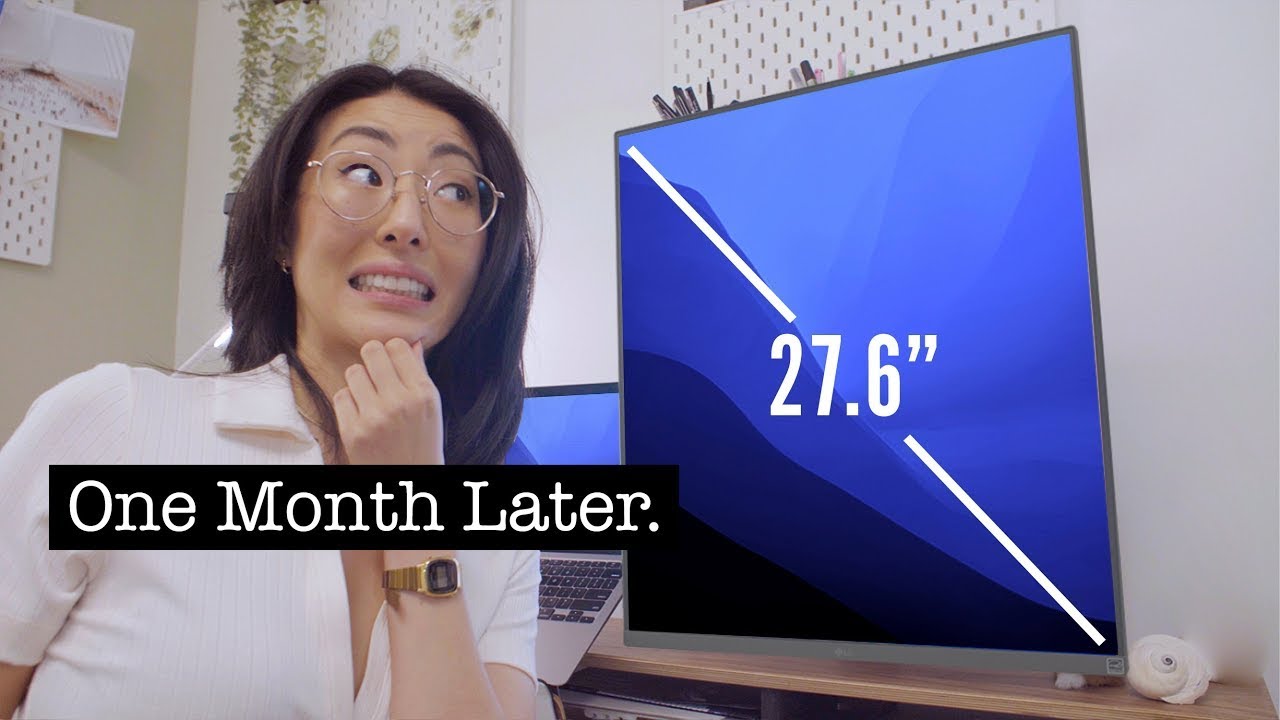
of picture adjustments you can make and this includes a feature called super resolution it's pretty freaking cool for gamers there's also a response time and a black stabilizer feature the rest of the picture mode menu starts to get a bit more complex if you really want to play with colors other than that the rest of the menu is simple you've got your sound settings and some general settings you can play with okay so this isn't a retina display of course but lg makes some of the best panels out there we've got a 27.6 inch ips
display with a 2560 by 2880 resolution outputting 60 hertz so it's mainly for those who want to work it is a 16 by 18 aspect ratio panel with 90 dc ip3 coverage hdr 10 300 nits of brightness and a 5 millisecond response time literally numbers for those who need a productivity monitor and this really doesn't give the full story when it comes to the quality of the image of course unlike the retina display you have on your macbook when it comes to text and so on things won't be as sharp as you would like them
to be so after spending numerous hours with it i'm not quite sure if it's the panel for color graders but it's a panel for video editors splitting sections of your editing workflow vertically is absolutely wonderful and for ui and ux design i think this is way more than enough the colors are very nice on this display and they are accurate it's not apple display accurate but they are still very nice and it is a monitor that comes at a third of the apple display price so a panel like this is very nice for coding excel
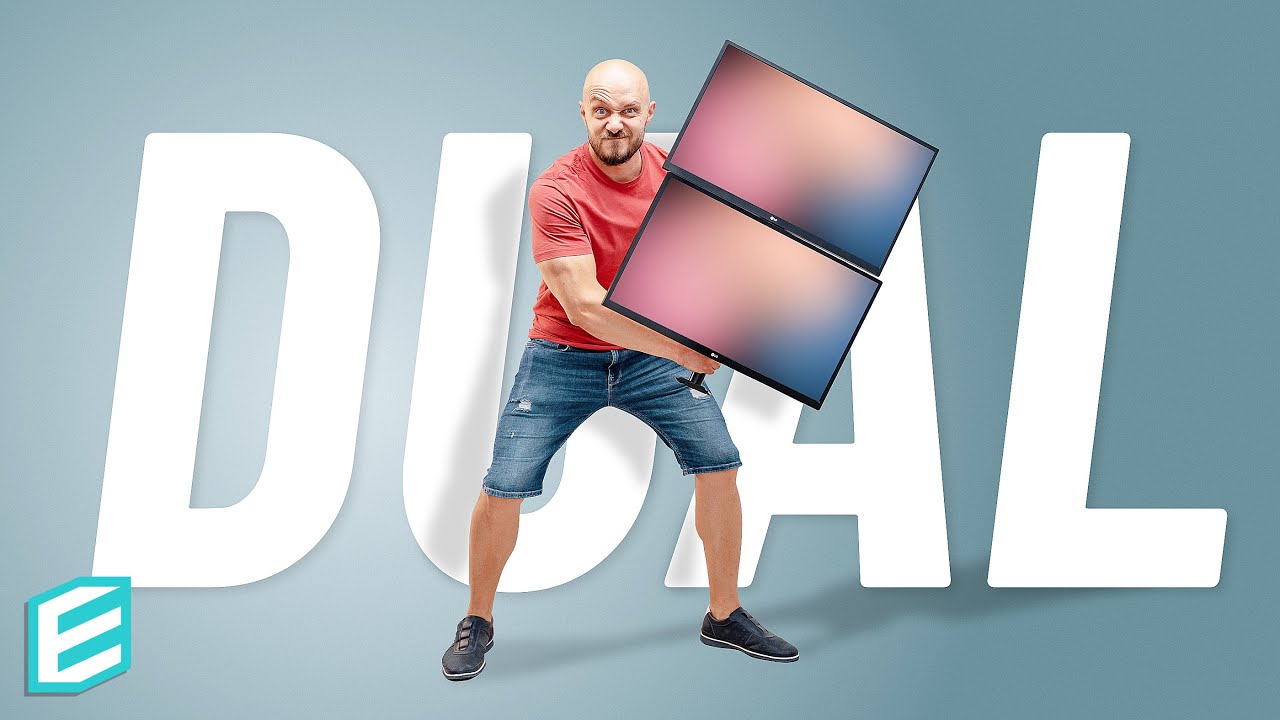
spreadsheet use messaging apps and timeline feeds even for cad design work it's actually excellent you can split sections of the screen horizontally and it works so well so blender people i think you are definitely going to love this and console gamers if you really don't mind the refresh rate on this pbp is a really cool feature for you guys to use you can split screens with your console or pc if you wish to have and have your macbook on top in case you're watching walkthroughs tutorials twitch streams and so on i think the colors this
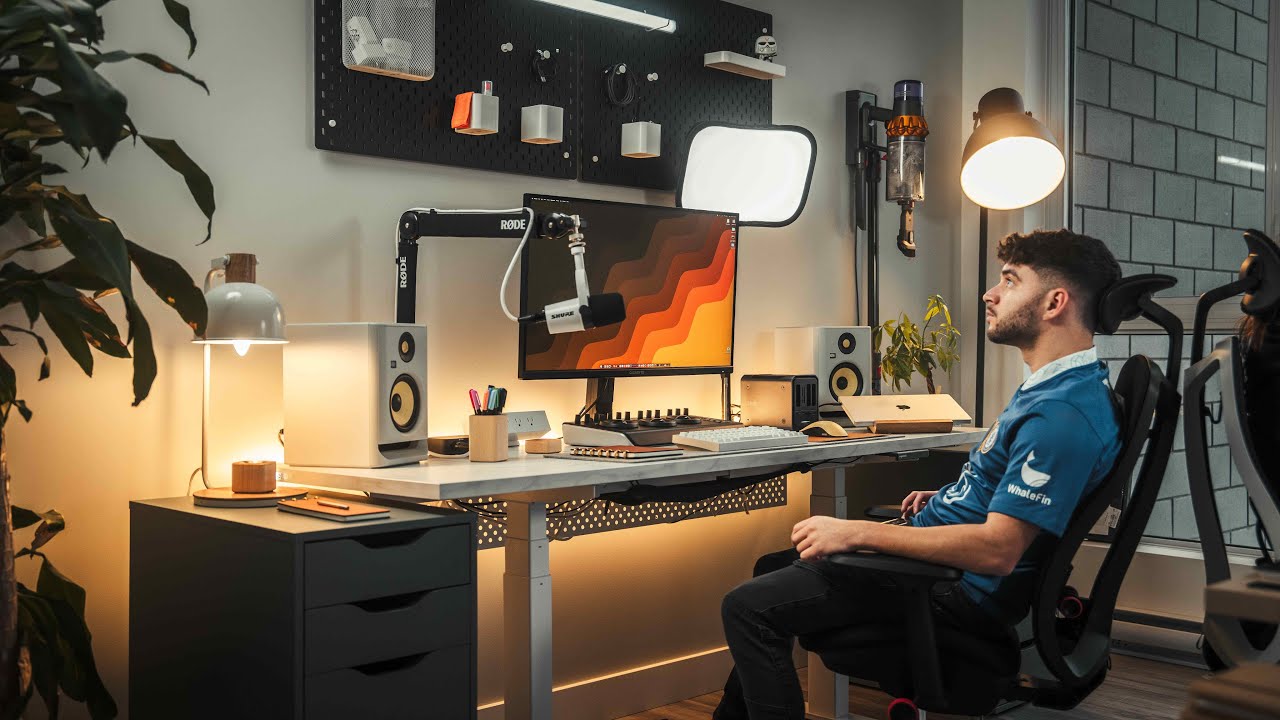
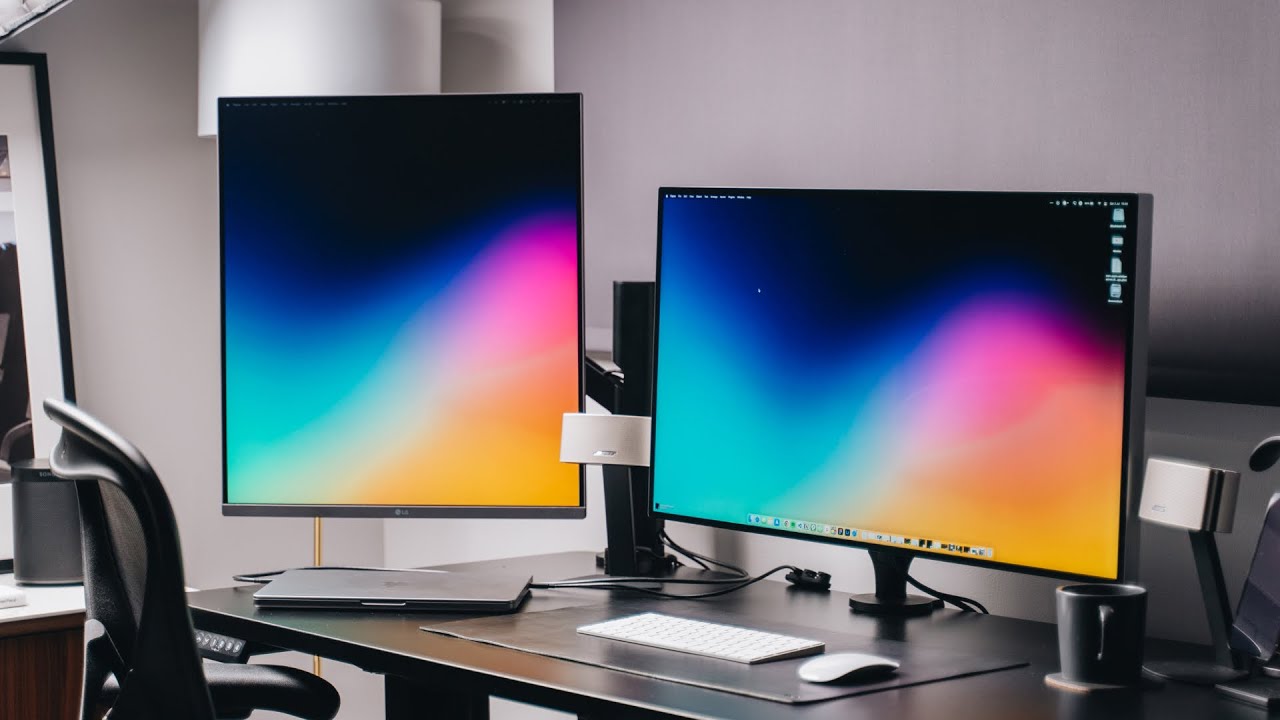
delivers for consoles are very very good personally i think the best use case for this monitor is to have it as a second panel i've been waiting for like two months already for this display and that's mainly because i wanted to pair it up with a 4k ergo display so for me i think rocking this as your second monitor is the best thing you can do the productivity you can get out of this thing is absolutely insane if you are a developer it doesn't get better than this having your code on the left and a
tutorial on the right is the perfect setup not only that but with your code editor on the left you have room on the right for things like postman compass docker your actual web app and more you can then split things on the dual up screen in a way that you'll still have enough vertical room for code and enough room for maybe a video on top or even stack overflow again it leaves room on your main monitor for a ui design and so on in my opinion this is very much a no-brainer at seven hundred dollars
for seven hundred dollars i definitely have no problem recommending this as your secondary panel there's still so much work that needs to be done horizontally so i think this makes a very awesome second monitor to have i'm just hoping lg doesn't ship other monitors with usbc issues let me know your thoughts on this monitor i'm actually intrigued about what you think about it hopefully this video was enough to maybe help you avoid it or purchase it i have a whole desk setup makeover episode coming soon for a software engineer who works at expedia stay tuned
for that see you all soon take care [Music]